GPT-Image-1.5: Production-Ready Text-to-Image Model
What is GPT-Image-1.5?
GPT-Image-1.5 is an advanced AI image generation model built for professional designers, content creators, and developers who need production-quality visuals with precise creative control. This model represents a significant leap forward in photorealism, accuracy, and editability compared to earlier iterations. It excels at generating images with natural lighting, accurate materials, and realistic textures while offering flexible quality-latency trade-offs for different workflow needs. Whether you're creating marketing assets, UI designs, or complex infographics, GPT-Image-1.5 delivers consistent, high-fidelity results that integrate seamlessly into professional pipelines.
Key Features
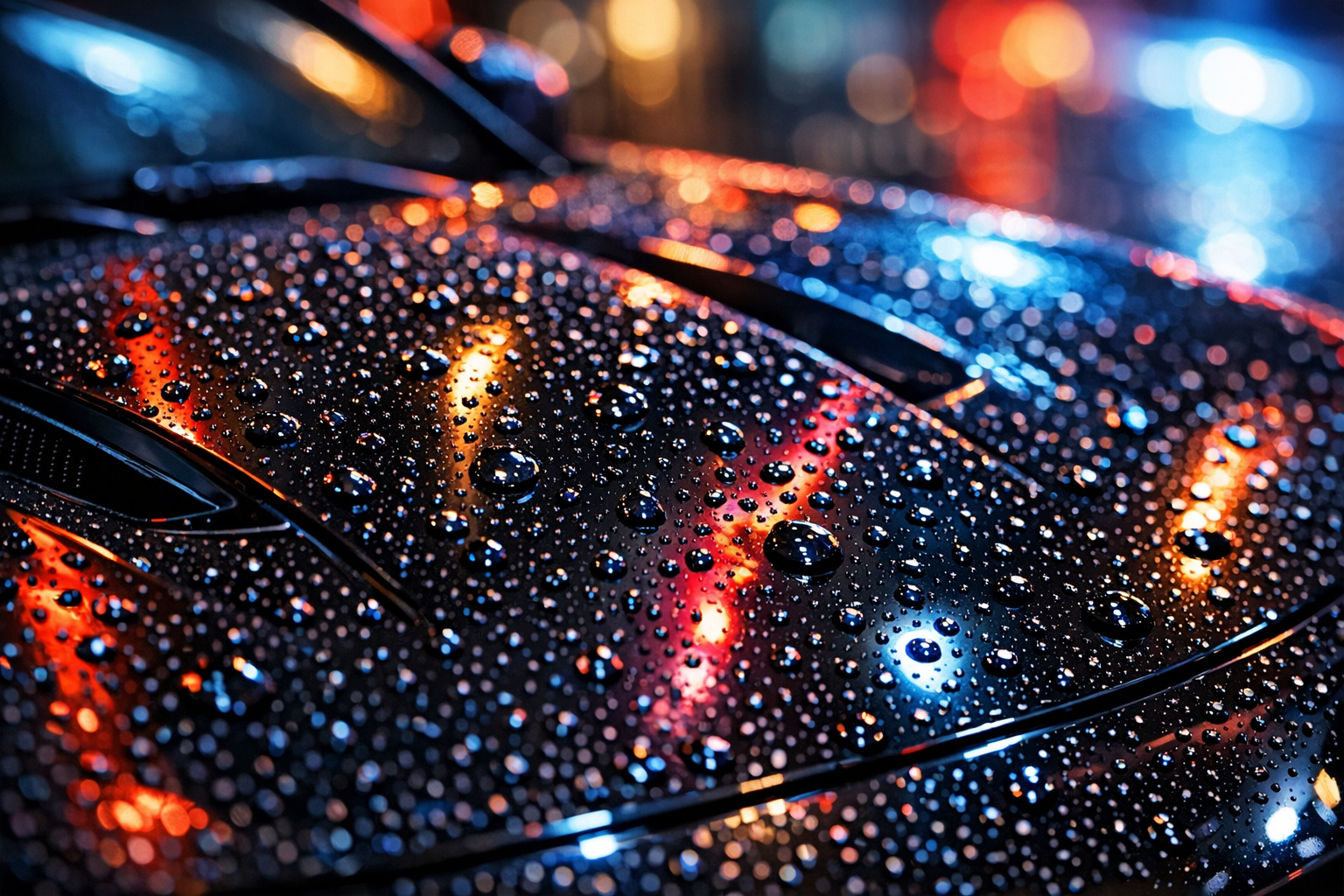
- Photorealistic rendering with natural lighting, accurate materials, and detailed textures
- Flexible quality settings that balance output fidelity with generation speed
- Robust facial identity preservation during edits and variations
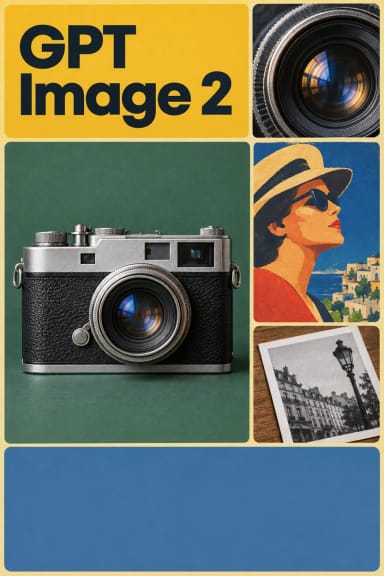
- Precise text rendering within images for marketing creatives and infographics
- Complex structured visuals including charts, diagrams, and technical illustrations
- Strong contextual awareness leveraging world knowledge for accurate scene generation
- Multiple output formats (PNG, JPEG, WebP) with adjustable compression
- Resolution options from 1024x1024 to 1536x1024, plus auto-sizing
- Transparent background support for design flexibility
Best Use Cases
GPT-Image-1.5 shines in professional workflows requiring precision and consistency:
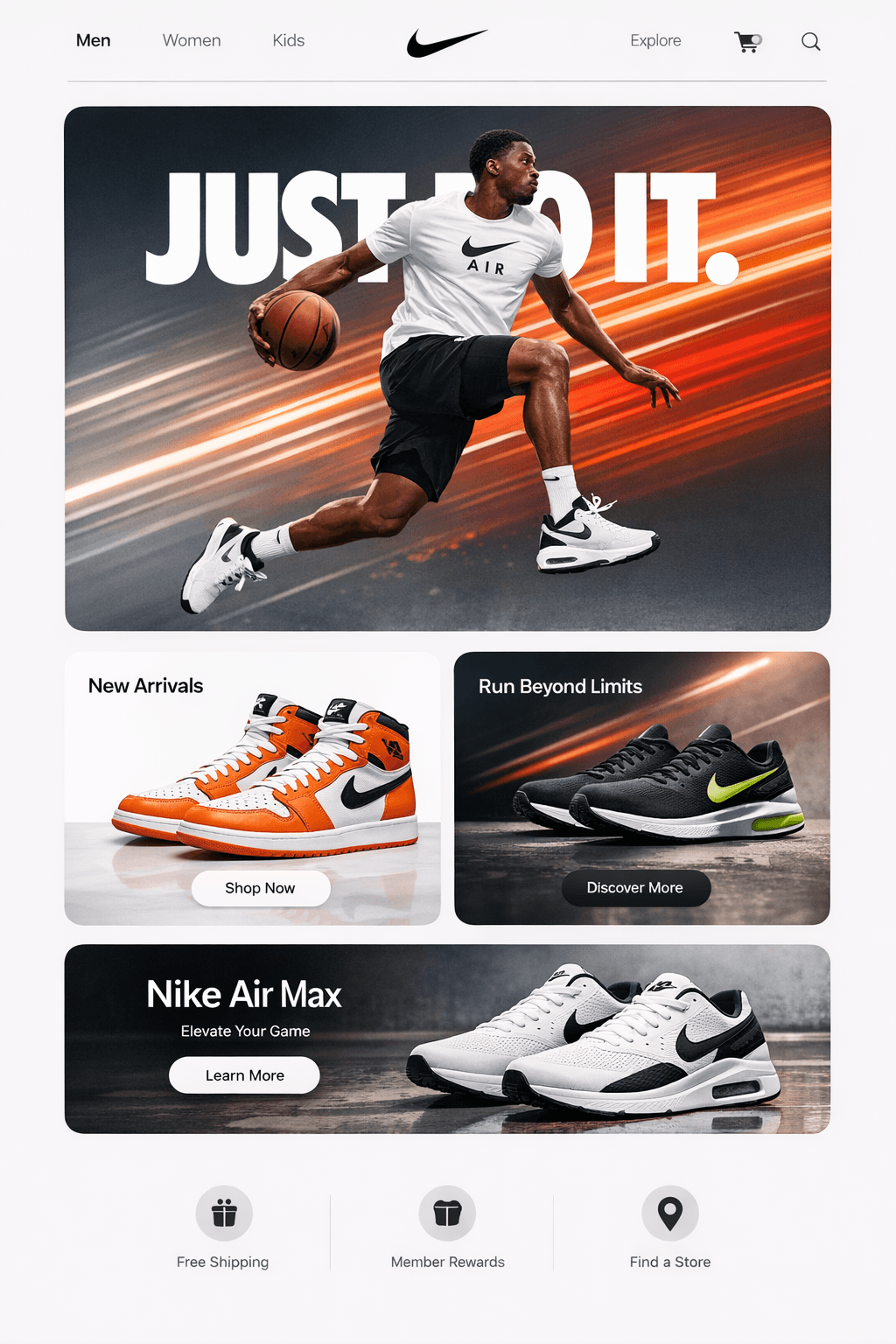
- Marketing and advertising: Generate product mockups, social media creatives, and campaign visuals with accurate embedded text
- Design and prototyping: Create UI mockups, logo concepts, and style explorations rapidly
- Content creation: Produce infographics, comic strips, holiday cards, and children's book illustrations with character consistency
- E-commerce: Generate product visualizations, virtual try-ons, and lifestyle imagery
- Architecture and interior design: Visualize spaces with lighting and weather variations
Prompt Tips and Output Quality
Effective prompting with GPT-Image-1.5 follows a structured approach:
Prompt structure: Specify scene → subject → style → composition → constraints. Example: "A modern kitchen with marble countertops, photorealistic style, golden hour lighting, 3/4 perspective view, no people."
Quality parameter impact:
- High quality: Use for final deliverables requiring maximum detail and richness
- Medium quality: Ideal for iterative drafts and concept exploration
- Low quality: Fast generation for rapid testing
Resolution selection:
- 1536x1024: Wide-format images for landscapes and banners
- 1024x1536: Portrait orientation for social media and mobile
- 1024x1024: Square format with fastest generation times
Iterative refinement: Start broad, then add specific details. Explicitly state preservation requirements to prevent unwanted drift during edits. For facial identity consistency, reference specific features and characteristics.
Format optimization: Use PNG with 100 compression for final assets, JPEG or WebP with lower compression for web-optimized delivery.