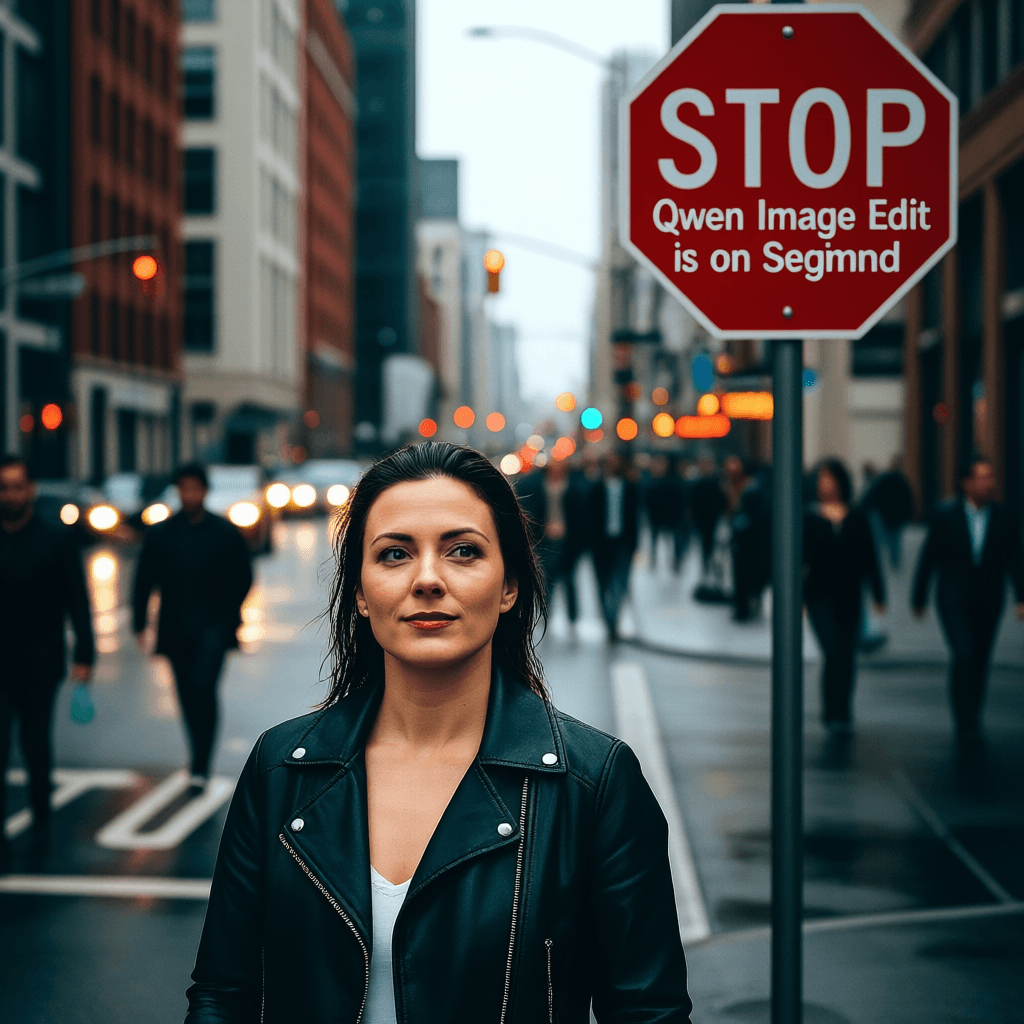
Qwen Image edit - The latest Image Editing Model
Last Updated 19 Aug 2025 By Segmind Team
What is Qwen-Image-Edit?
It is the latest image editing model, built upon the original image generation of Qwen Image , this extends all the capabilities of the original model including high quality text rendering to editing related tasks with precise control even over text elements. It can be used for a range of use cases including adding, removing or changing existing elements of an image while maintaining consistency. This model can also be used to swap styles and update on-image text. Qwen Image Edit handles both high-level semantic transformations and pixel-perfect local tweaks.
Key Features
- •Text Editing: Edit text (supports English and Chinese) in images; maintains original font, size, and style.
- •Semantic Editing: Modify objects or image context. Example: change weather, swap art styles, reposition elements.
- •Appearance Editing: Precisely adjust local pixels (color, texture, shape) without altering the rest of the scene.
Best Use Cases
- •UI/UX Mockups: Update on-screen text, switch languages, refine interface elements.
- •E-commerce & Packaging: Swap product labels, rotate packaging, adapt promotional banners for different markets.
- •Creative IP Generation: Generate brand-consistent assets by transferring painting or photography styles.
Prompt Tips and Output Quality
- •Clear Semantic Prompts
E.g., “Rotate the car 30° clockwise,” or “Change background to night sky.” - •Negative Prompting
Usenegative_prompt="low quality, noise, extra elements"to suppress unwanted artifacts. - •Adjust Steps
Defaultsteps=40; increase to 70 for ultra-detailed results, or lower for faster iterations. - •Tweak Guidance Scale
Defaultguidance_scale=4; raise to 8 for stronger adherence to the prompt. - •Set Seed
Useseed=760941192for reproducible outputs, orseed=-1for full randomness. - •High-Resolution Inputs
Supply images ≥512×512 px to maximize detail and minimize artifacts.