Brief me like you'd brief a studio: the scene, the campaign, the launch film. I'll show you the plan, the models and the price, then make it with everything on Segmind.
Product film
Night driveReshootOpening shot
Brief it. Get this.
Films and campaigns first, then everything after. Each one starts the same way: a few words and the files you already have.
Four worlds, one teaser.
you
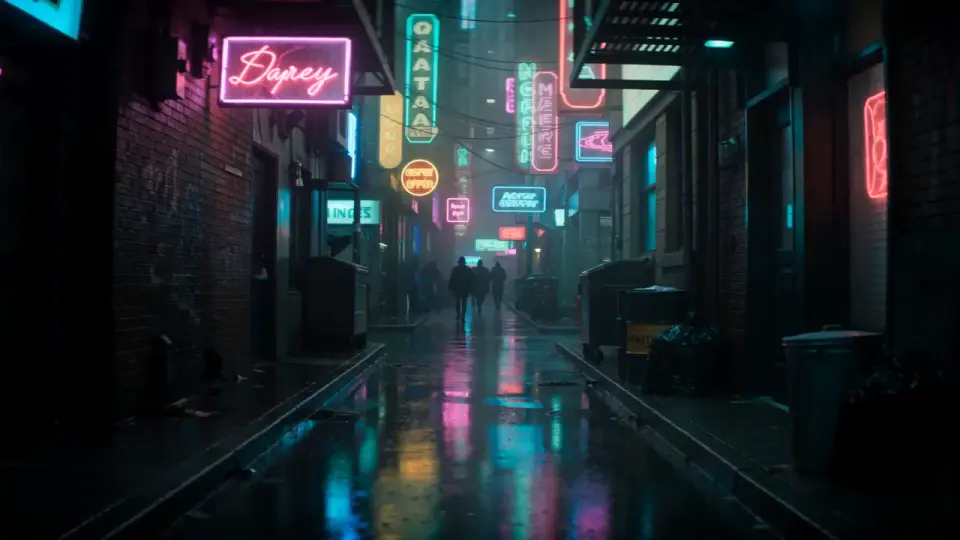
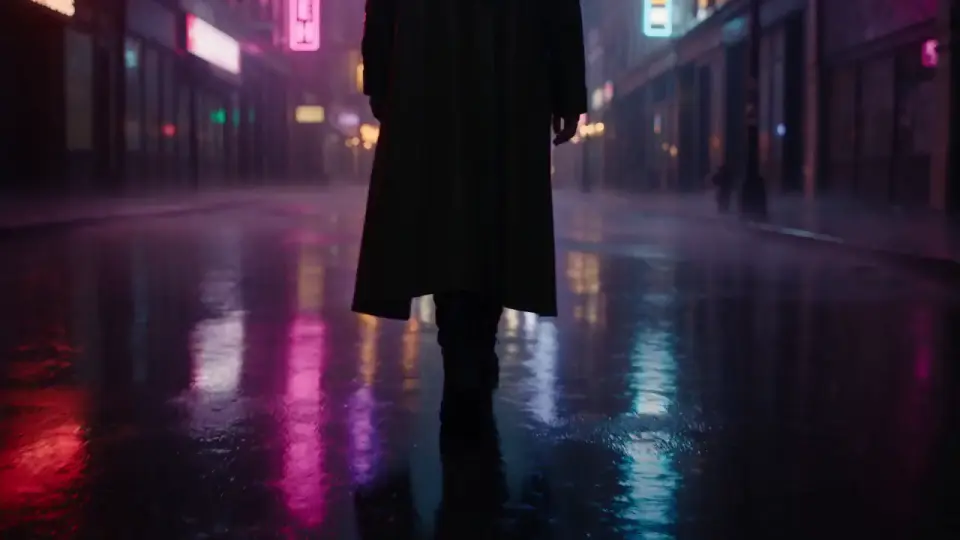
Teaser for our anthology series: open on a jungle waterfall at dawn, then a neon alley in the rain, a figure in a long coat walking away, and a red convertible at night.
I'll give each world its own look and light, and keep the cuts on the beat.
OpeningAlley
Walk awayNight drive
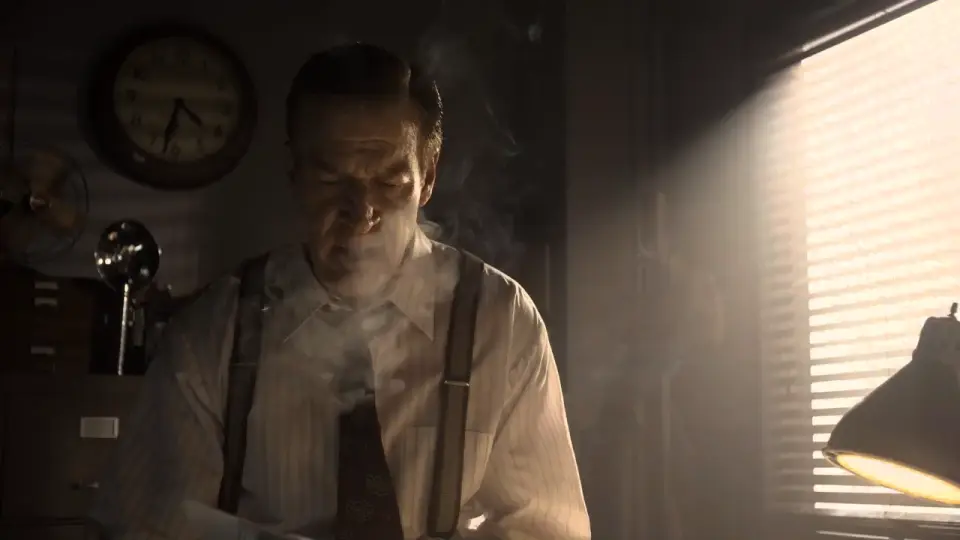
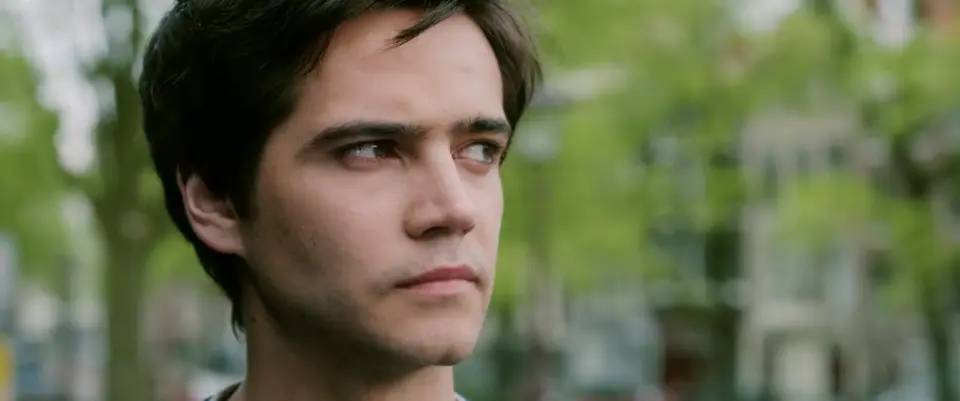
Reshoot the take, keep the actor.
you
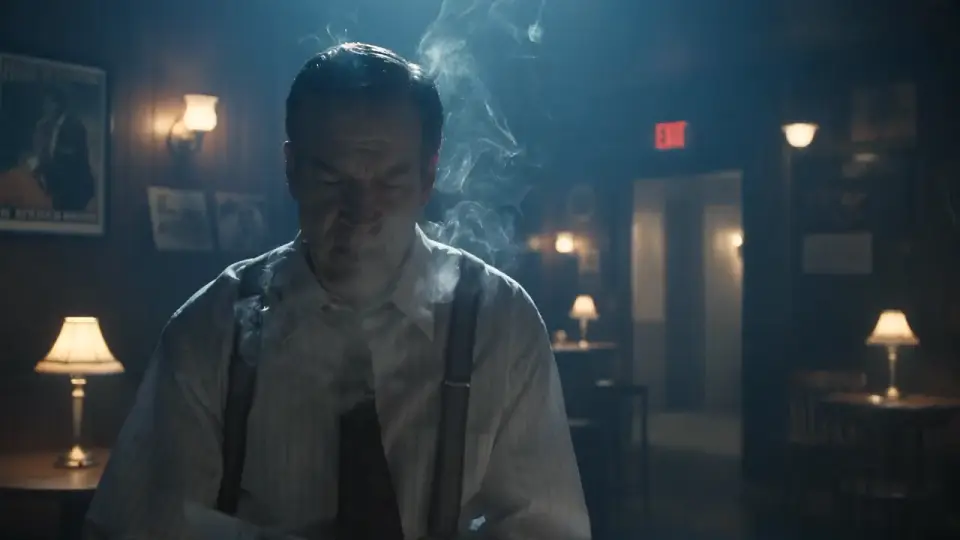
Same take, but at night in a smoky bar under warm lamps. Keep him, his performance and the camera move.
take-04.mp4
I'll rebuild the room and the light around him, and keep every frame of his performance.
BeforeAfter
Anyone, cast into the scene.
you
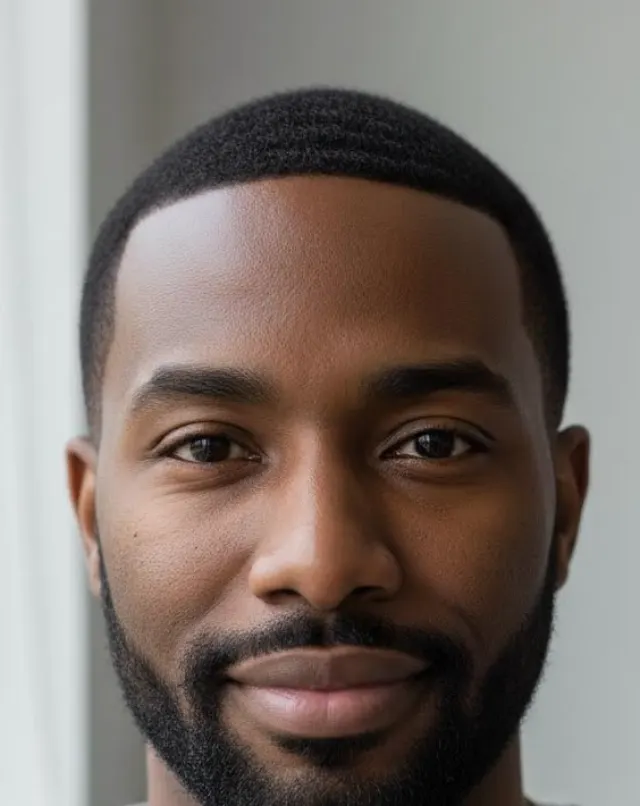
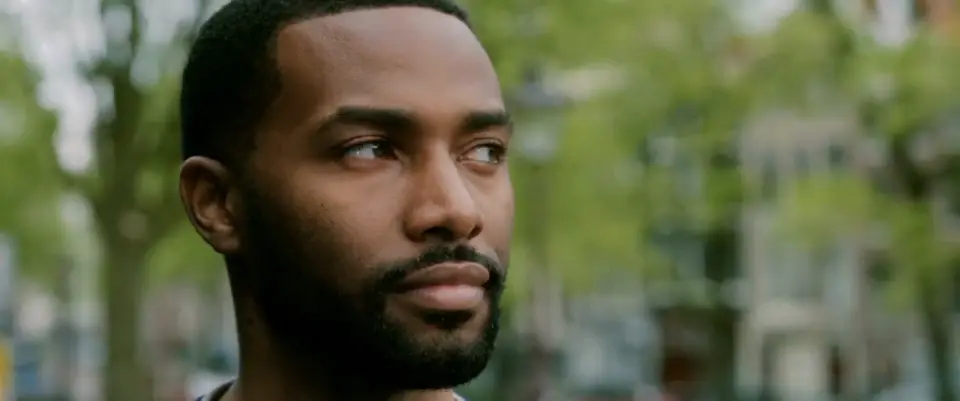
Put our lead from this photo into the bridge scene. Keep the dialogue, every move and the camera.
scene-12.mp4
lead.jpg
I'll recast the scene with him and keep the lines, the timing and the lens.
Before
After
One line of script to a finished shot.
you
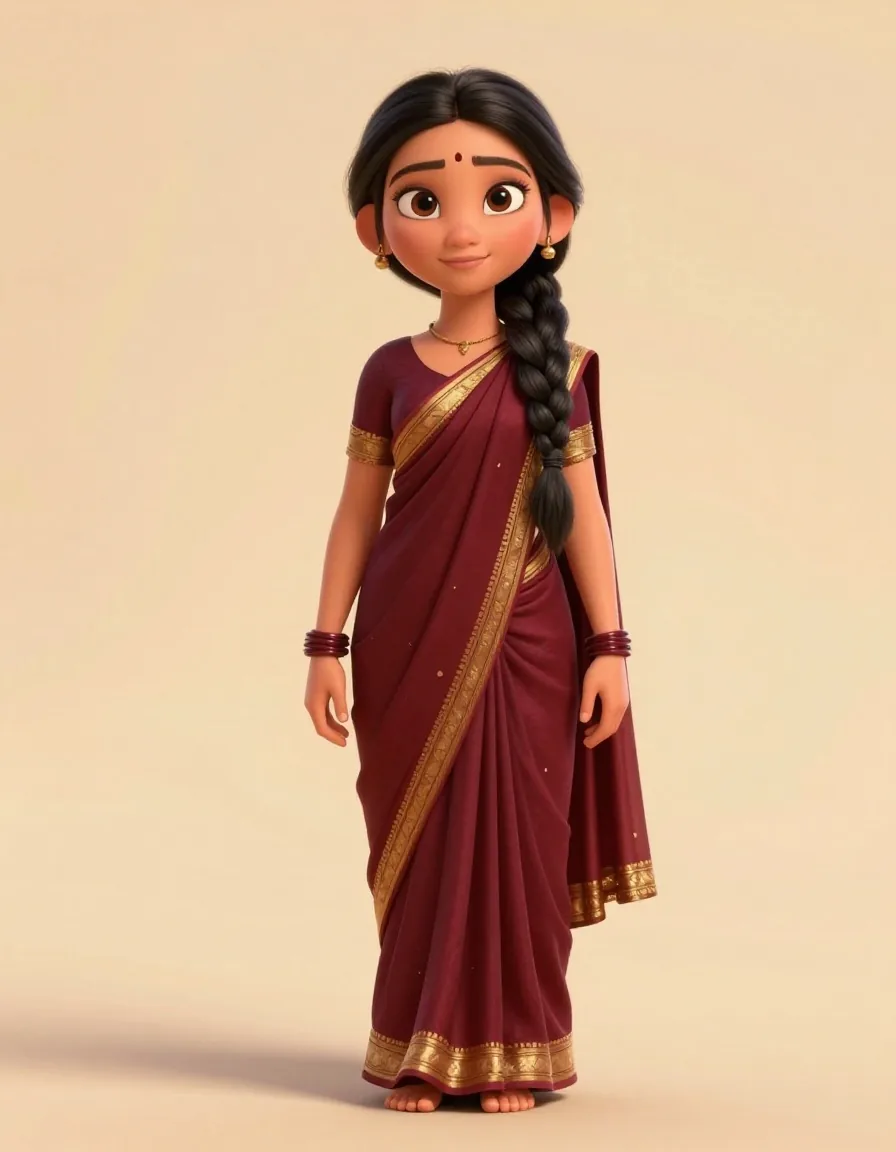
Scene 12. Temple courtyard, dawn. Meera lifts the lamp and the bells answer. Keep Meera exactly as she is on her sheet.
meera.png
I'll frame the courtyard and the close-up with Meera from her sheet, then animate the lamp.
Wide
Close-upShot
Product films people stop for.
you
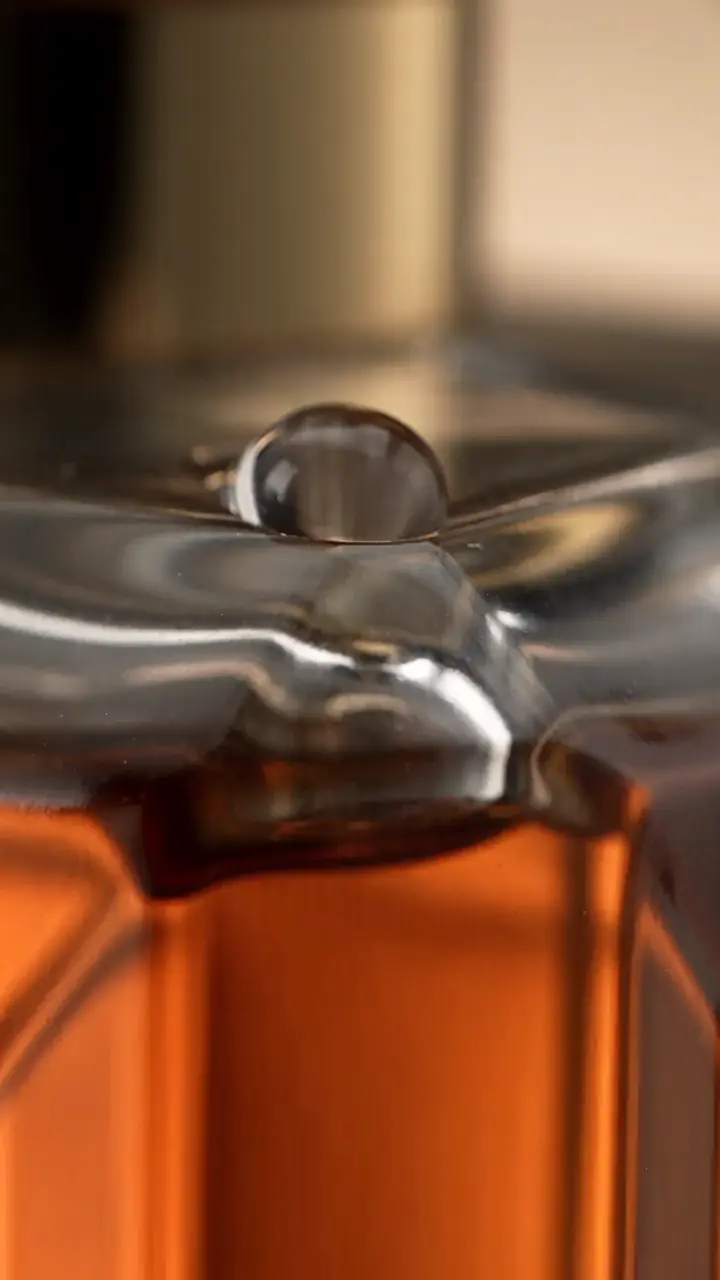
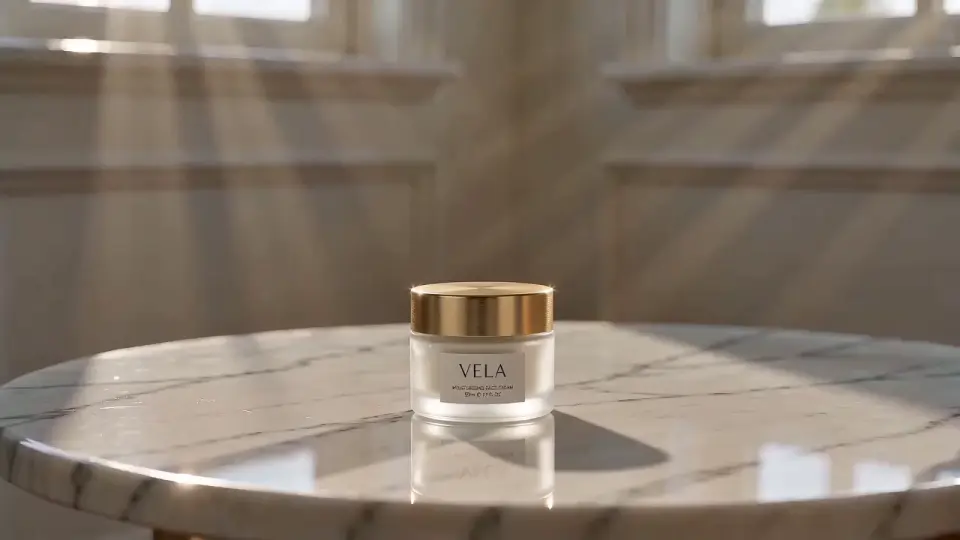
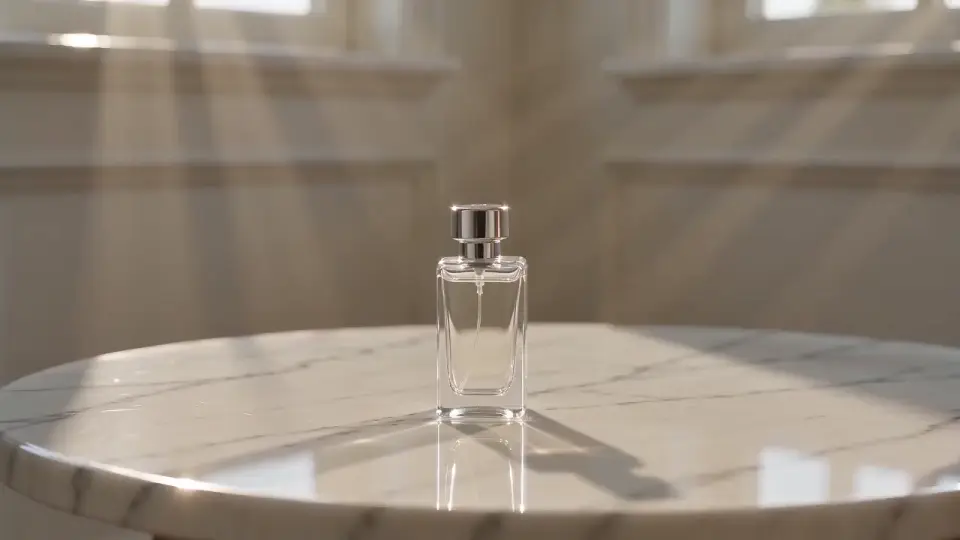
Four launch films: our cold brew poured over ice, a slow honey drip, the VELA cream lifted into the light, and the perfume picked up off marble.
I'll light each one like a commercial and slow the moment down.
Cold brewHoney
SkincareFragrance
One key visual, every placement.
you
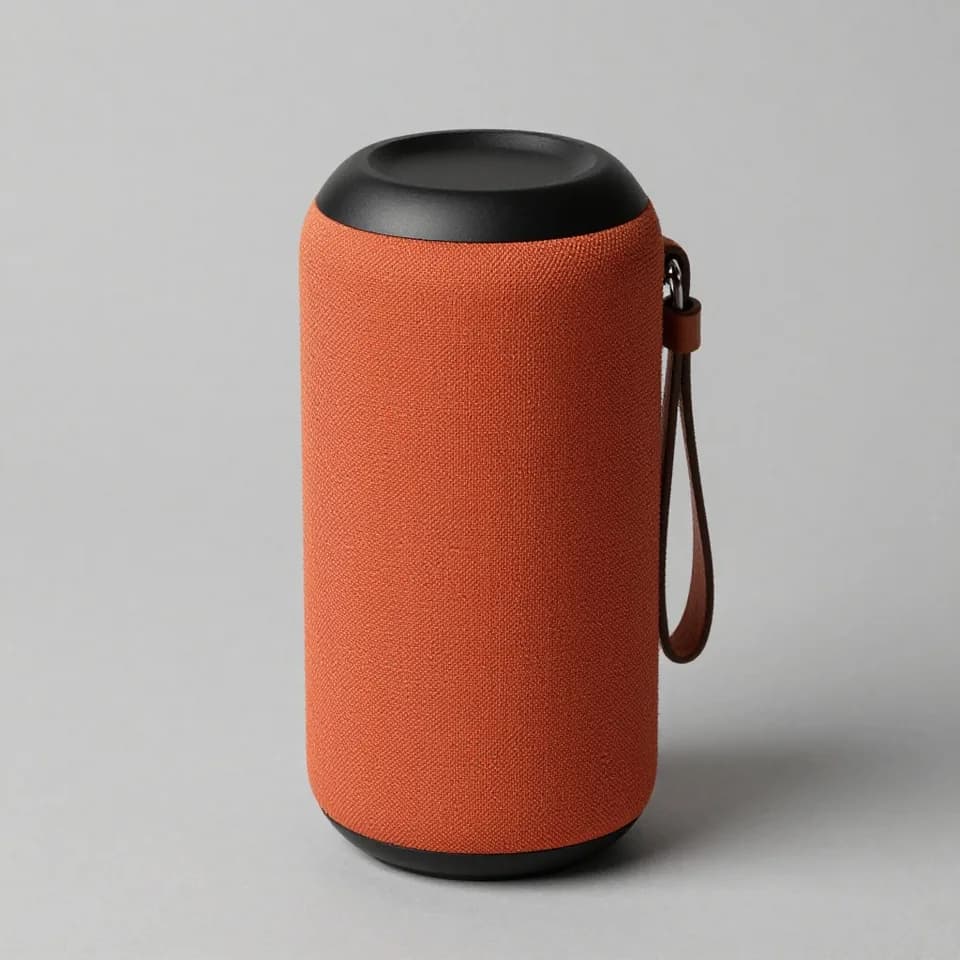
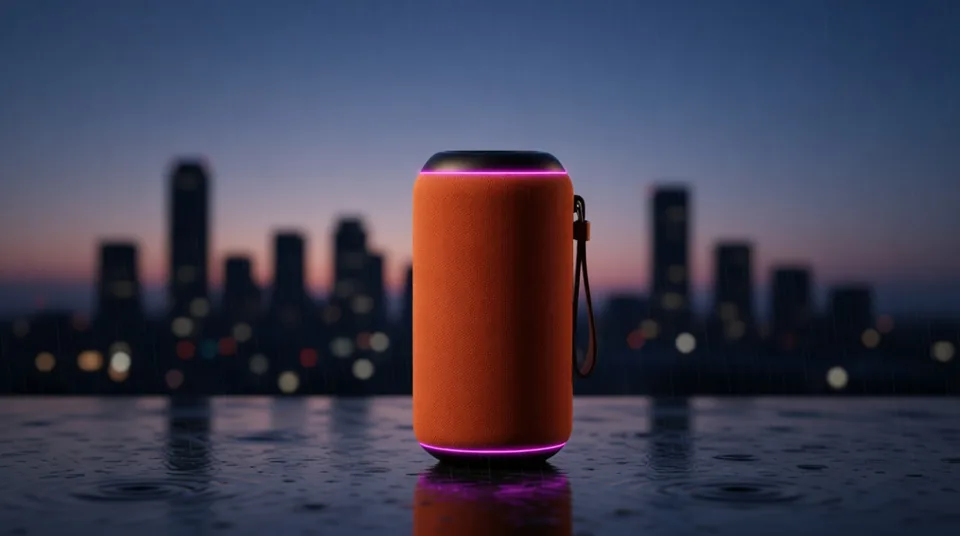
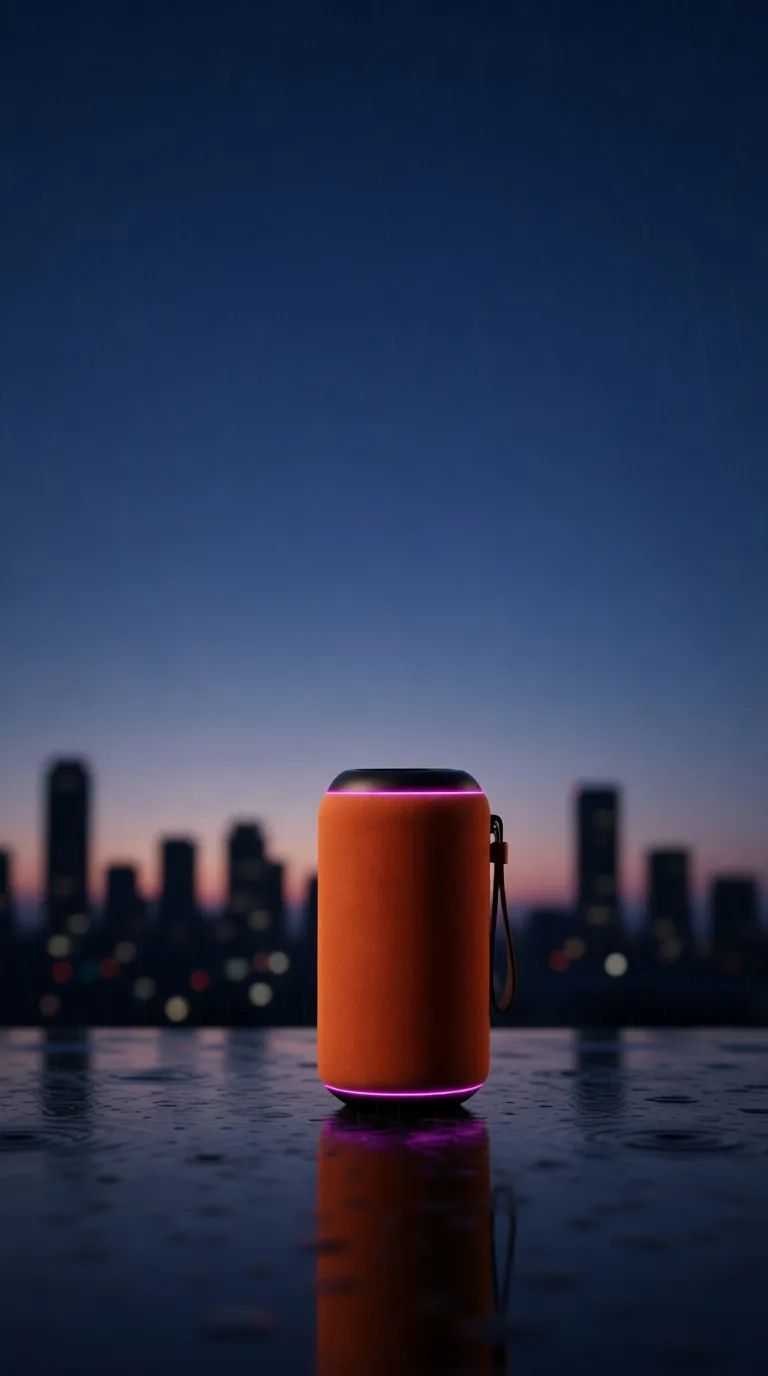
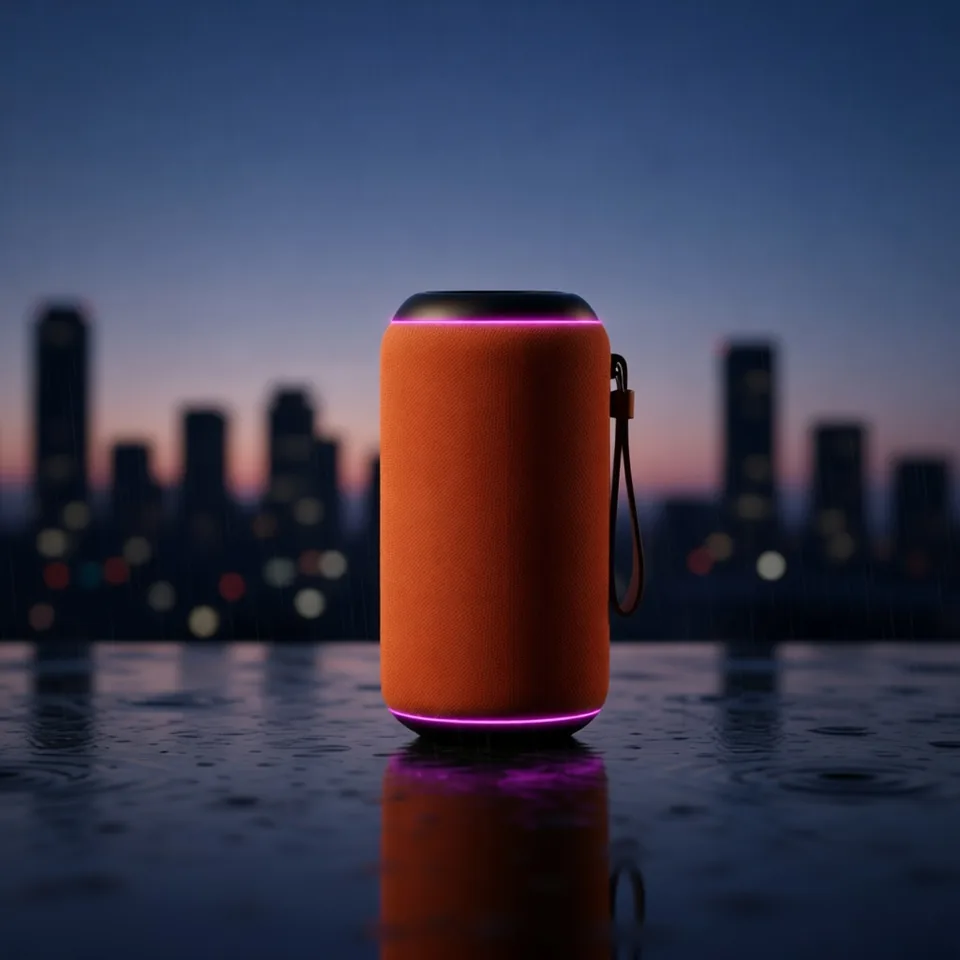
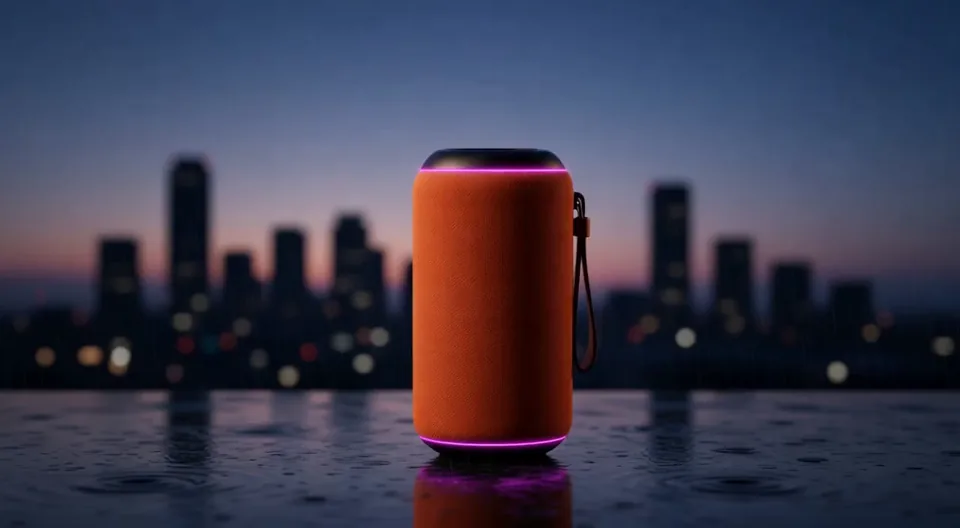
Launch visual for our speaker: dusk city, rain, warm key light, room for the headline. Then a story, a feed post and a moving billboard.
speaker.jpg
I'll make the key visual first, so every format matches it, then recompose it for each placement.
Key visualStory
Feed postBillboard
One flat-lay, a whole product page.
you
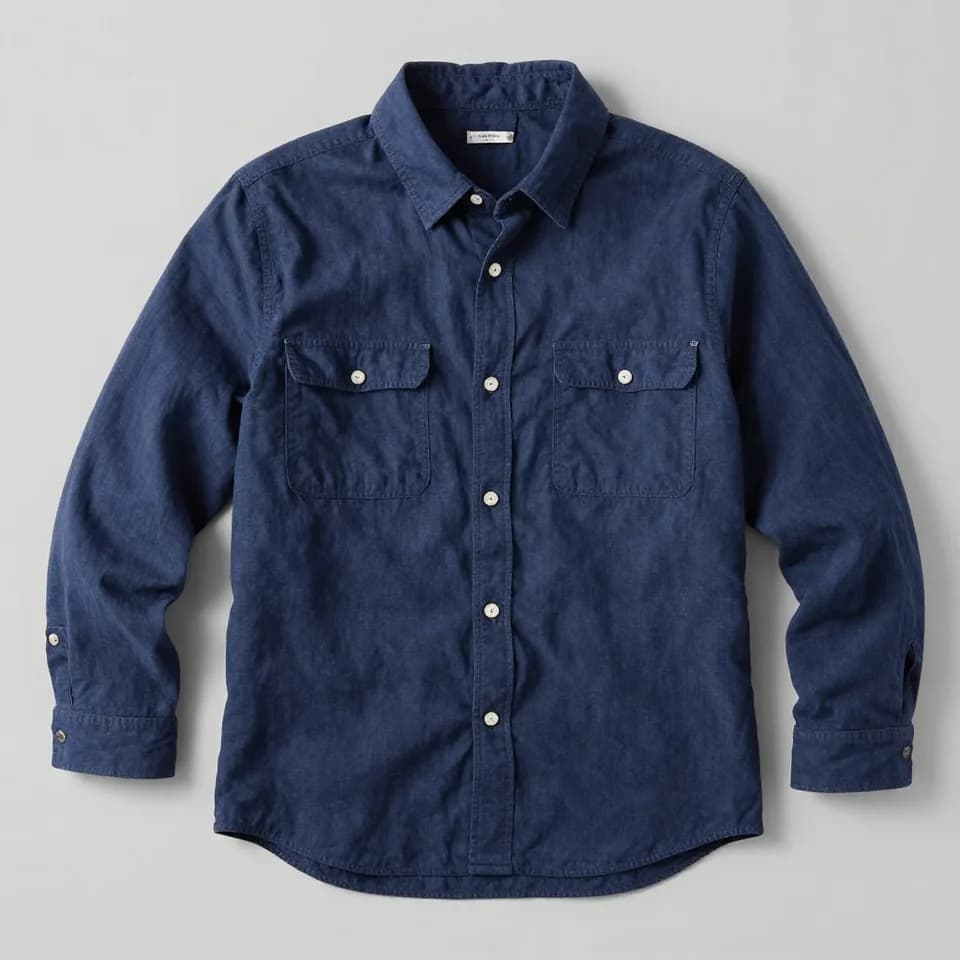
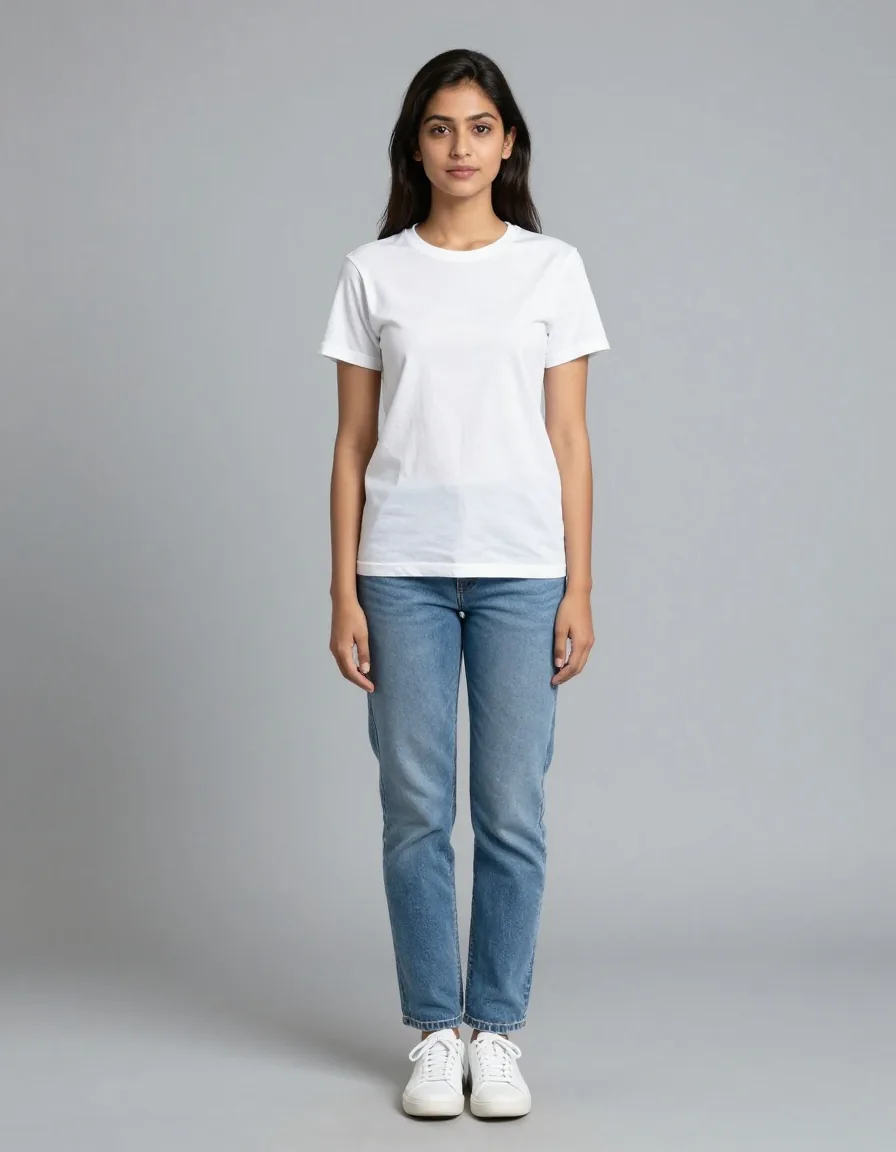
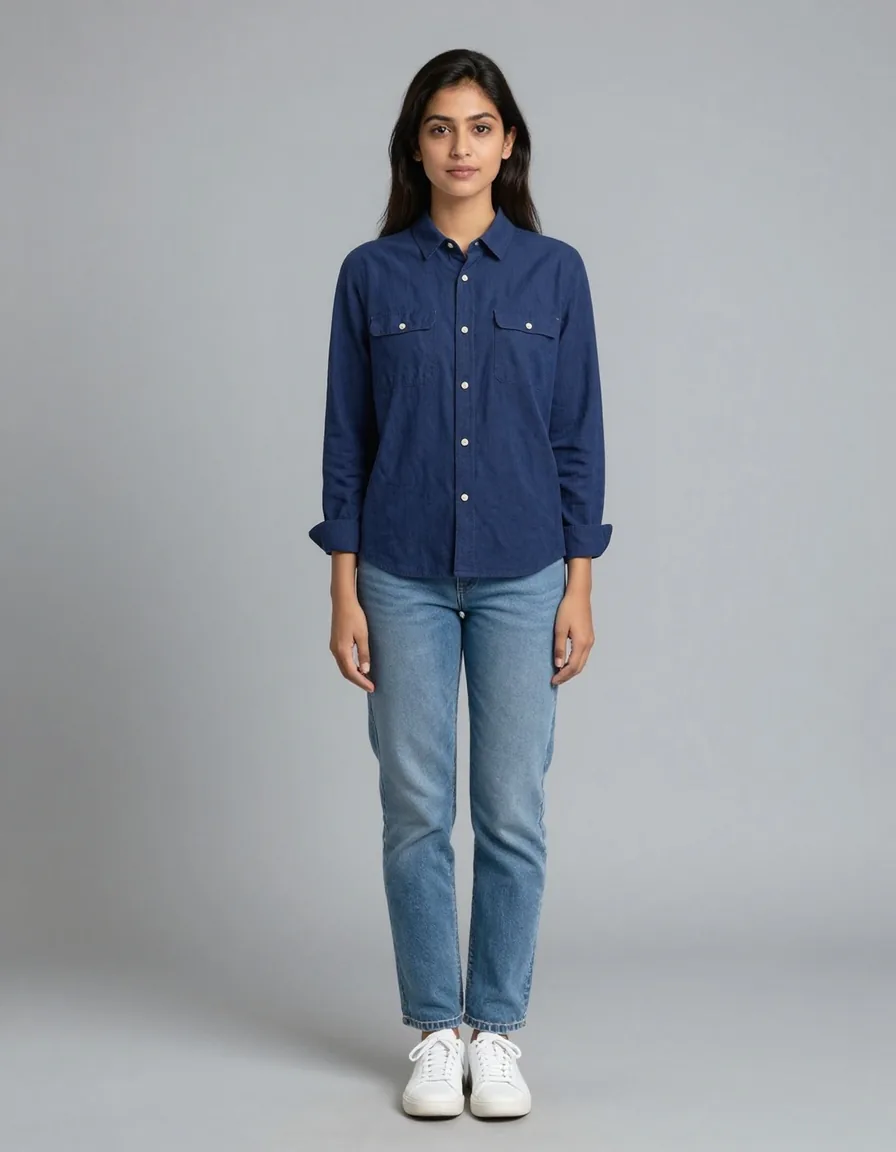
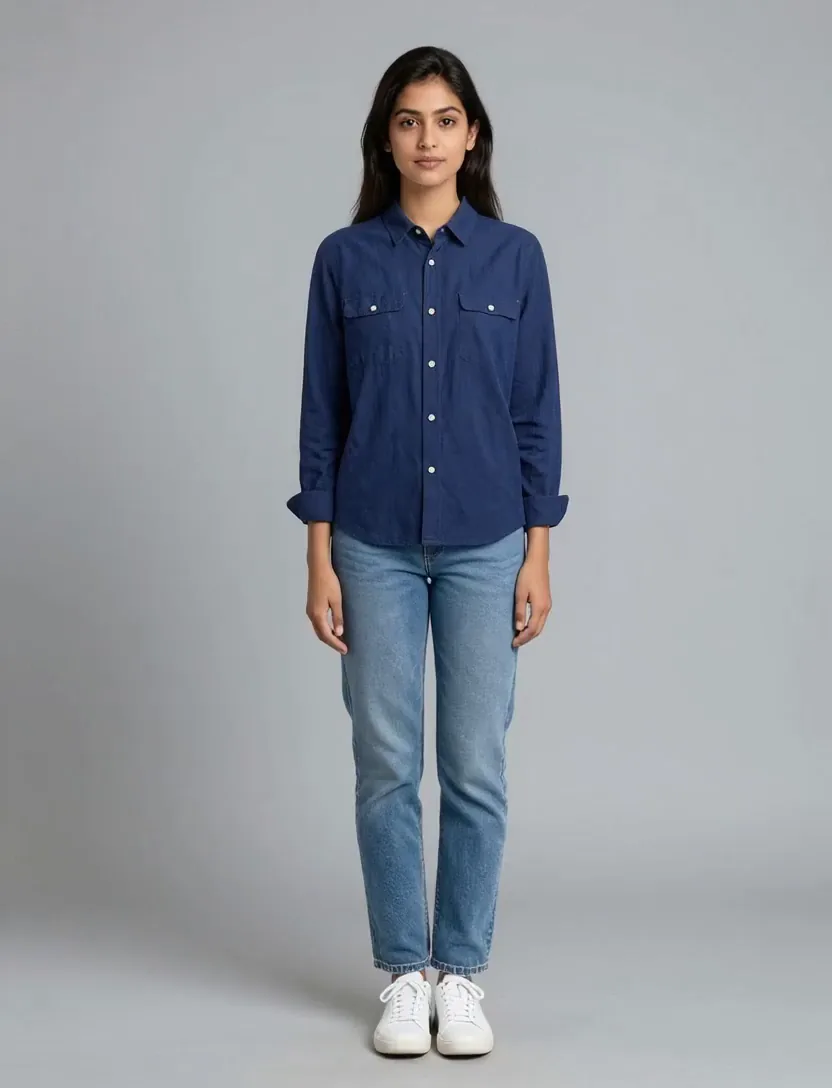
Here is our navy overshirt as a flat-lay. Put it on our model, then give me a turn video for the product page.
overshirt.jpg
model-04.jpg
I'll dress your model in it first, then film a slow turn from that shot.
On modelTurn video
One ad, every language.
you
Our presenter reads this line in Hindi and in Spanish: "Your money, now moving at your pace."
talent.jpg
I'll translate the line, voice it in both languages and sync it to your presenter.
HindiSpanish
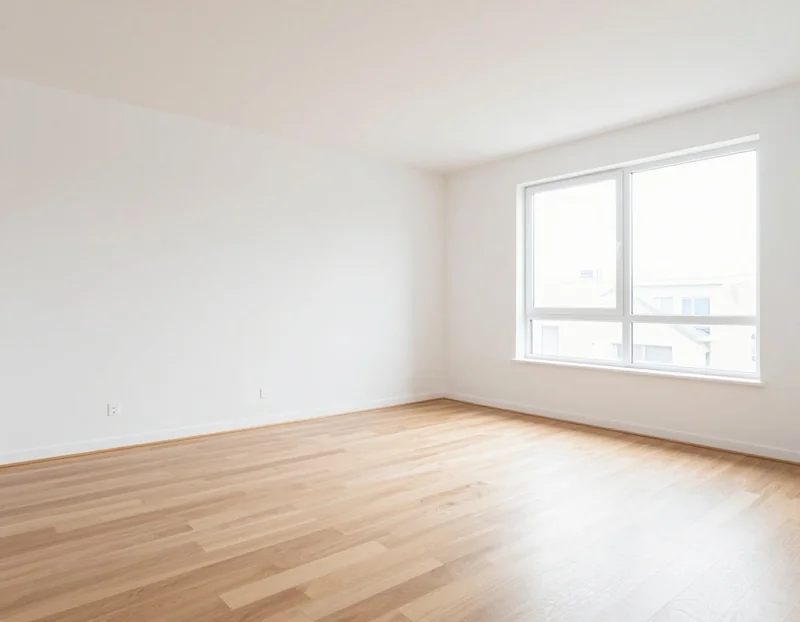
Empty rooms, ready to list.
you
Stage this empty living room: warm Scandinavian, a sofa, a rug and a plant. Then a slow walkthrough for the listing.
living-room.jpg
I'll furnish it and keep the windows and the floor as they are, then move the camera through.
StagedWalkthrough
Example briefs. The work shown was made with models on Segmind. The casting scene is from Tears of Steel (CC BY 3.0, Blender Foundation).
Everything on Segmind, in one chat.
I don't stop at one model. I reach for whatever the work needs: 550+ models, the tools that finish the job, and your team's own files and workflows.
An example run: Pixi making a launch film with a skill, your assets, a video model, a utility, a GPU and a saved Pixelflow
Pixiworkingexample run
youA 15 second launch film for our cold brew. Vertical, our logo at the end.
skilllaunch-video
assetlogo.svg, can.png
modelseedance-2.5 · 15 s · 9:16
utilvideo-audio-merge
gpuretime to 60 fps
flowsaved as "Launch film"
Done. It's in your assets, and I've noted the end card for next time.
The largest skill library
Tested playbooks for launch films, ad sets, product shots and explainers. I start from what already works.
Your assets
Your team's logos, products and past work. I pull what I need, and save what I make back.
550+
Every model on Segmind
Image, video, audio and voice from every major lab. I pick the right one for each step.
Utility functions
Upscale, cut out, resize, trim, lay sound on picture. The finishing work, done.
GPU compute, when needed
Heavy video work like smooth retiming, grain matching and compositing runs on GPUs I bring in.
Pixelflows
I run your saved workflows, and turn a job you'll repeat into a new one.
I learn your team.
Your brand guidelines, style references and themes live in a memory your whole team shares, and each person's taste in one of their own. The more you and your team brief me, the less you need to say.
What I remember, for example
teamBrand guidelines: brand-book.pdf, logo bottom right
teamStyle reference: warm 35mm grade, soft grain
teamBrand red is #E8452C, never behind the logo
youVertical first, then widen for YouTube
youNo stock music, voiceover only
Pixi is Segmind's creative agent for studio work: film shots, trailers, fashion films, ad campaigns and product commercials. Brief it in plain words with your reference files. It plans across 500+ models, utility functions, a skill library, your assets and Pixelflows, and shows the models and price before anything runs. It remembers your brand and each person's taste, so it improves as your team uses it.
See the plan, then the pixels.
Every run opens with my plan: the model for each step, the ratio, the seconds and the price. Change anything you like. Nothing runs and no credits are spent until you approve it.
An example plan from Pixi for a short coffee ad
Pixiplanningexample
youA 15 second ad for our cold brew. Vertical for Reels, then 16:9 for YouTube.
pixiHere's my plan. I'll nail the pour in vertical first, then widen it for YouTube.
1nano-banana-24 keyframes9:16
2seedance-2.515 s, with sound9:16
3seedance-2.515 s, widened16:9
The real plan lists the price and time here, before anything runs.
Approve plan
Key facts
Made by
Segmind
What it makes
Film trailers, reshoots, casting, animation and product films, plus ad campaigns, product pages and listings
What it can use
Every model on Segmind (500+), utilities, GPU compute when needed, skills, your assets and Pixelflows
Memory
A brand memory your team shares and one for each person, so it learns how your team works
Before it runs
A plan with each model, ratio, duration and the price; nothing runs until you approve
Pricing
Free to join; runs bill your Segmind credits for the models used and Pixi's planning
Spend control
A spend limit on every session
Access
Register interest with your Segmind account; you're let in within 24 hours
Invites
A friend who registers with your link skips the wait, and so do you if you're still waiting
Where it runs
In the browser at platform.segmind.com/agent
Frequently asked questions
What is Pixi?
Pixi is Segmind's creative agent. You brief it in plain words, with reference files if you have them. It plans the work, picks image, video and audio models from Segmind's catalog, shows you the price and time, and makes it once you approve.
How much does Pixi cost?
Joining is free. When Pixi works, it bills your Segmind credits for the models it runs and for its own planning. Every plan shows the price before anything runs, and each session has a spend limit.
When do I get access to Pixi?
Within 24 hours of registering your interest. Pixi emails you when your spot opens, and then opens for you at platform.segmind.com/agent.
How do Pixi invites work?
Once you have registered, or once you are in, you get your own invite link. A friend who registers with it gets in straight away, and if you are still waiting, so do you.
Do I need a Segmind account to use Pixi?
Yes. Registering interest takes one click once you are signed in, and Pixi runs on your Segmind account and credits. If you don't have an account yet, signing up with Google, Microsoft or Discord takes a minute.
What can Pixi make?
Studio work first: film trailers, reshoots that keep the actor, recasting a scene from one photo, animation with a consistent character, and product films. Also ad campaigns in every placement, product pages, presenter videos in other languages and staged rooms for listings. It picks the model for each step and tells you why.
What tools can Pixi use?
Everything on Segmind: every model in the catalog, utility functions such as upscaling, cut-outs, resizing and laying sound on picture, GPU compute for heavy video work such as smooth retiming, grain matching and compositing, Segmind's skill library of tested playbooks, your team's assets and your saved Pixelflows. It can also save a job you repeat as a new Pixelflow.
Does Pixi learn how my team works?
Yes. Pixi keeps a memory your whole team shares, with your brand guidelines, style references and themes, and a memory of each person's own preferences. The more you and your team brief it, the less you need to explain.
Brief Pixi.
Register in one click and I'll be ready for your first brief within 24 hours.