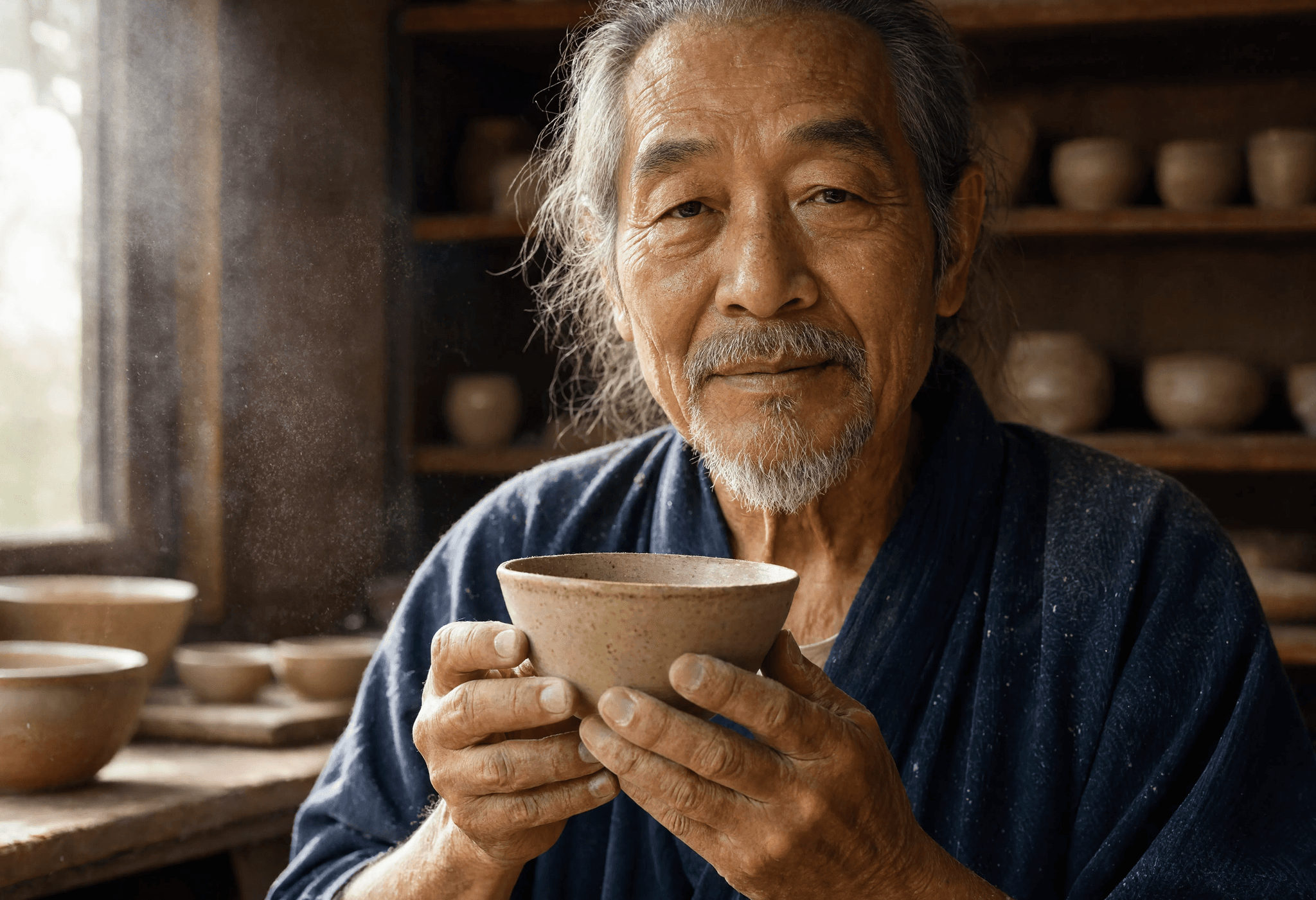
Reve 2 — Text-to-Image Generation & Editing
What is Reve 2?
Reve 2 is a high-resolution text-to-image model that generates, edits, and remixes images from a single prompt. Built on Reve AI's layout-first architecture, it plans the composition — objects, positions, and text regions — before rendering pixels, so results are controllable rather than one-shot guesses. On Segmind, Reve 2 exposes one unified endpoint: send a prompt on its own for pure text-to-image, or pass reference images in image_urls and point to them inline with <frame>N</frame> tags to edit or combine them. Output lands at roughly 4096px with strong prompt adherence and clean in-image text.
Key Features
- •Native high-resolution output around 4096px, ideal for posters, print concepts, and detail-critical work.
- •Unified create, edit, and remix workflow through a single prompt plus optional reference images.
- •Reference up to 8 images via
image_urls, addressed inline with<frame>0</frame>,<frame>1</frame>, and so on. - •Dedicated typography rendering for legible headlines, labels, and packaging copy.
- •Flexible
aspect_ratiocontrol from 1:1 to 21:9, plusautofor prompt-driven framing. - •One-click
remove_backgroundfor transparent-PNG cutouts.
Best Use Cases
Reve 2 shines when placement and text matter: event posters, product packaging mockups, ad creatives, app UI screens, and typographic art. Its multi-reference remixing carries a character, product, or material across a full asset set so a campaign looks like one shoot. Because text rendering is a first-class pass, it reliably produces legible signage and multilingual labels that older diffusion models garble.
Prompt Tips and Output Quality
Treat the prompt as layout instructions, not just style words: name the subject, the placement, and any exact text in quotes. For editing, keep the instruction scoped — for example, "Remove the people in the background of <frame>0</frame>" or "put the hat from <frame>1</frame> onto <frame>0</frame>." Reviewers note Reve 2 leads on large signage and layout control but can drop an element in crowded prompts and garble tiny or very long text, so proofread commercial copy before shipping.
FAQs
Is Reve 2 text-to-image or image editing? Both — omit image_urls for text-to-image, or include reference images to edit and remix.
How do I reference an input image in the prompt? Use <frame>N</frame>, where N is the 0-based position in image_urls.
What resolution does Reve 2 produce? Around 4096px, suitable for print and large-format use without a separate upscale.
Can I get a transparent background? Yes — enable remove_background to return a transparent PNG.
How many reference images can I pass? Up to 8 public image URLs in image_urls.
What aspect ratios are supported? From 1:1 to 21:9 and portrait ratios, or auto to let Reve pick the best fit.