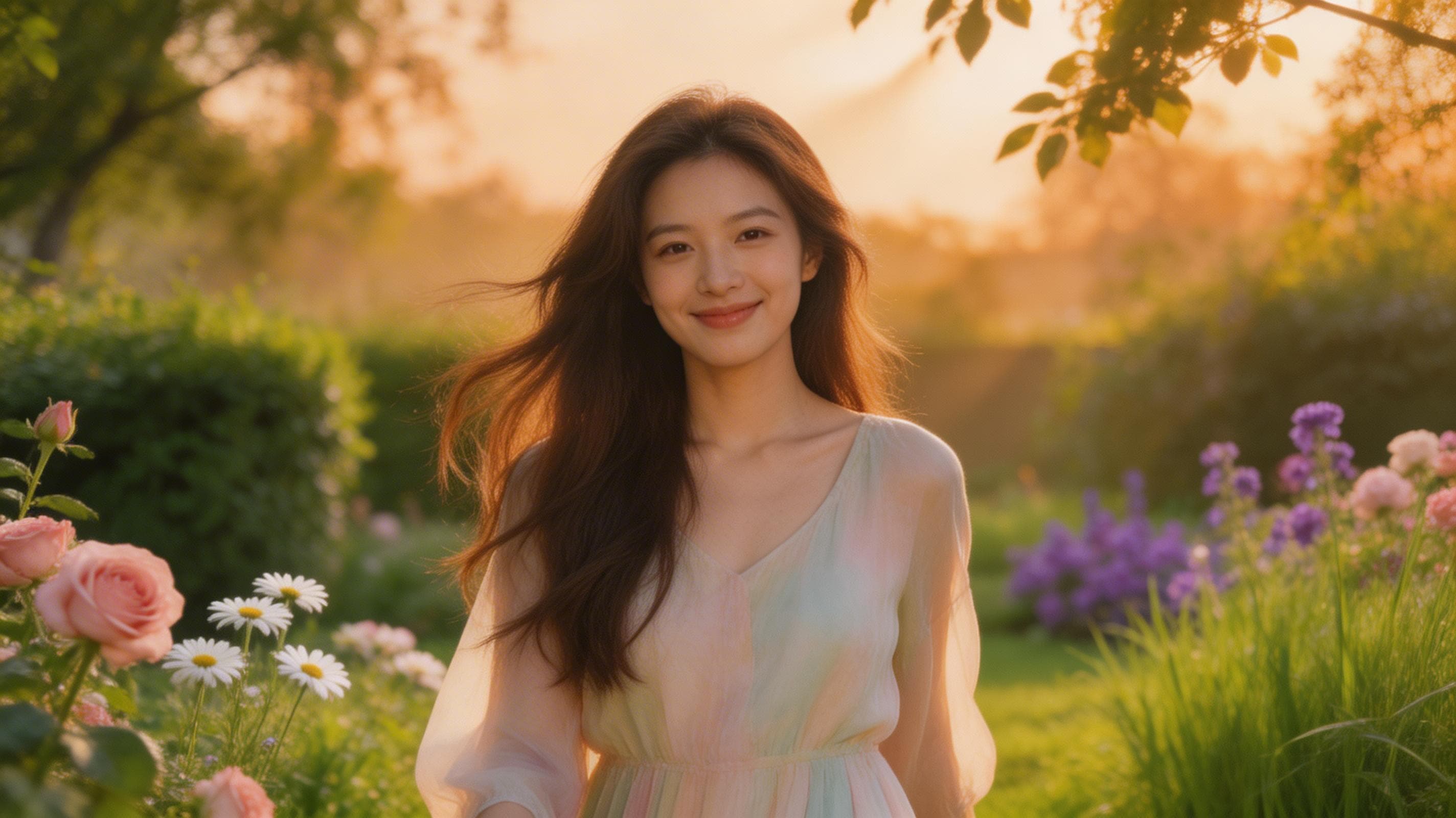
Wan 2.7 Reference to Video — AI Character Video Generation API
What is Wan 2.7 Reference to Video?
Wan 2.7 Reference to Video (R2V) is Alibaba's character-consistent video generation model, built for developers and creators who need to produce videos featuring specific people, personas, or subjects. Unlike standard text-to-video models that generate new characters from scratch, Wan 2.7 R2V anchors your output to reference images or videos — preserving identity, appearance, and voice across every generated clip.
The model accepts up to five reference inputs simultaneously, meaning you can produce multi-character scenes where each person's likeness is independently controlled. Characters are referenced in the prompt using simple identifiers (Image1, Image2, Video1), making it easy to build scenes with precise subject placement. Voice timbre cloning is also supported: provide a 1–10 second audio clip, and the generated video's character speech will match the source speaker's vocal characteristics.
This makes Wan 2.7 R2V a strong fit for localization pipelines, creator content workflows, and any production environment where character consistency across takes is non-negotiable.
Key Features
- •Multi-character reference — Provide up to five reference images or videos, each independently mapped to named character slots (Image1–Image5, Video1–Video5) in your prompt
- •Voice timbre cloning — Attach a short reference audio file; the model replicates the speaker's vocal timbre in the generated video
- •Up to 1080P output — Choose 720P for fast iteration or 1080P for final-quality deliverables
- •Flexible duration — Generate clips from 2 to 15 seconds to match your content format
- •Image and video references — Mix static portraits and short video clips as character anchors in the same generation request
- •Negative prompt control — Suppress unwanted visual artifacts or styles during generation
- •Reproducible outputs — Set a seed to regenerate identical results while iterating on the prompt
Best Use Cases
Content production and social video — Generate branded video content featuring specific people without a film crew. Ideal for agencies producing personalized campaigns, product demos, or localized content at scale.
Video dubbing and localization — Pair the voice cloning capability with translated scripts to produce dubbed video in a target language while preserving the original speaker's vocal characteristics.
Multi-character narrative scenes — Produce dialogue scenes, interviews, or interaction-based clips where two or more real-world subjects need to appear together in generated footage.
Character-driven ad creative — Create variations of advertising content featuring different characters or spokespersons from a single production run.
Virtual influencer and creator workflows — Give digital personas a consistent visual identity across video formats by using reference images as persistent character anchors.
Prompt Tips and Output Quality
Wan 2.7 R2V rewards structured prompting. Each reference input must be explicitly addressed in the prompt using its assigned identifier. For a single character, simply write what they're doing: Image1 walks down a city street at dusk. For multi-character scenes, assign actions to each identifier: Image1 and Image2 sit across from each other at a conference table; Image1 speaks while Image2 listens.
Reference image quality directly impacts consistency — use clear, well-lit, front-facing portraits with minimal background clutter. For voice cloning, provide clean audio without background noise; 3–5 second clips of natural speech work reliably.
At 720P, the model is fast enough for iterative prompt testing. Switch to 1080P only for approved outputs. Keep duration between 3–7 seconds for most use cases; longer clips (10–15s) are suitable for narrative segments but take longer to generate.
FAQs
How many characters can I use in a single generation? The model supports up to five reference inputs (images or videos), each independently mapped. You can mix image and video references in the same request.
Does the model work with non-human characters? Yes. The reference system works with any subject type — it is not limited to human faces. Consistency quality depends on the clarity and distinctness of the reference.
What format should reference images be in? Pass a JSON array of publicly accessible URLs. Each URL should point to a single image or video containing one character. HTTPS URLs are required.
Is voice cloning always applied? No. The reference_voice parameter is optional. If omitted, no voice is generated in the output video.
What happens if I use a vague prompt? Character placement and scene quality degrade significantly with under-specified prompts. Explicitly describe what each referenced character is doing and where they are in the scene.
How do I get reproducible outputs? Set the seed parameter to any integer. Reuse the same seed with a modified prompt to iterate on the scene while keeping the generation stable.