Seedream 5.0 Lite: Image-to-Image Generation Model
What is Seedream 5.0 Lite?
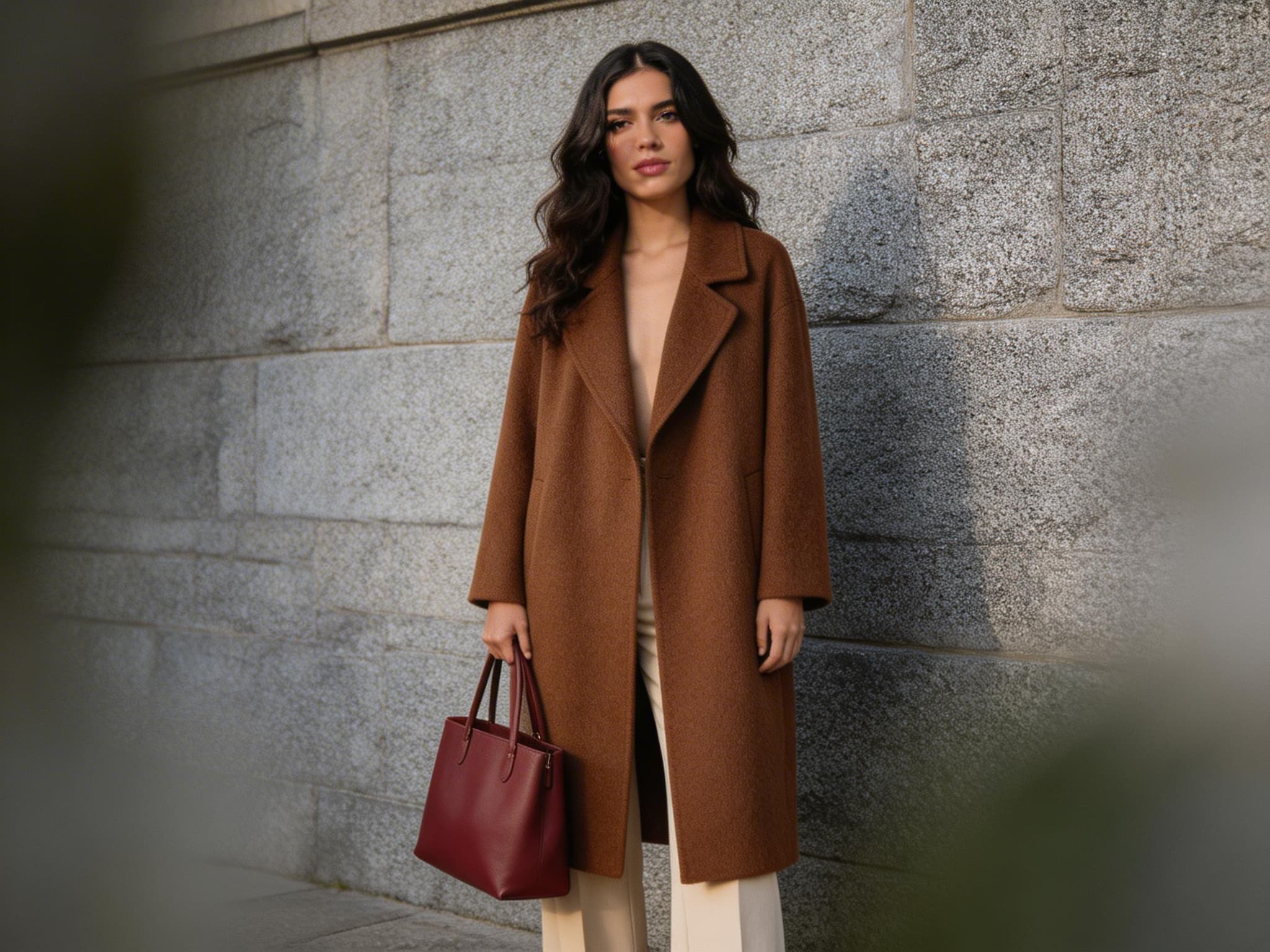
Seedream 5.0 Lite is a unified multimodal model designed for image generation via image transformation (image-to-image). You provide one or more reference images plus a text prompt describing the change, and the model produces new images that preserve key structure while applying your requested edits—style transfer, layout changes, re-lighting, creative re-renders, and more.
It’s built for strong prompt following, robust visual understanding, and precise control over style and composition. If you’re searching for an “AI image editing model,” “image-to-image diffusion alternative,” or “prompt-following image transformer,” Seedream 5.0 Lite is optimized for those workflows.
Key Features
- •Image-to-image transformations from URLs or base64 inputs (
image_input) - •High prompt alignment for complex instructions (style + layout + constraints)
- •Multi-image variation generation via
max_images(up to 15) - •Resolution control with
size(2K or 3K) for sharper details - •Aspect ratio selection for product, social, and cinematic outputs (
aspect_ratio) - •Prompt optimization modes:
fastfor speed,standardfor richer transformations
Best Use Cases
- •Creative design & marketing: campaign variants, banner refreshes, seasonal redesigns
- •Content repurposing: convert a single visual into multiple styles (watercolor, 3D, anime, editorial)
- •Product visualization: re-render packaging, mockups, lifestyle scene edits
- •Social media & creators: vertical (9:16) reels covers, square (1:1) posts, story variants
- •Real-time visual iteration: rapid A/B image variants for teams and workflows
Prompt Tips and Output Quality
- •Describe the transformation explicitly: “keep composition, change style,” “preserve face identity,” “replace background with…”.
- •Use structured prompts: Subject → Environment → Style → Lighting → Constraints.
- •For more faithful, nuanced edits, set
optimize_prompt: "standard". Use"fast"when iterating. - •Choose
size: "3K"for textural detail (fabric, hair, materials); use"2K"for quicker drafts. - •Use
max_images: 3–6for exploration; set1for deterministic pipelines.