Bria FIBO 2.0: photorealistic images with reproducible JSON prompt control
Bria FIBO 2.0 turns text prompts into photorealistic images with reproducible, JSON-structured control, and returns the structured prompt and seed behind every result so you can recreate or refine it.
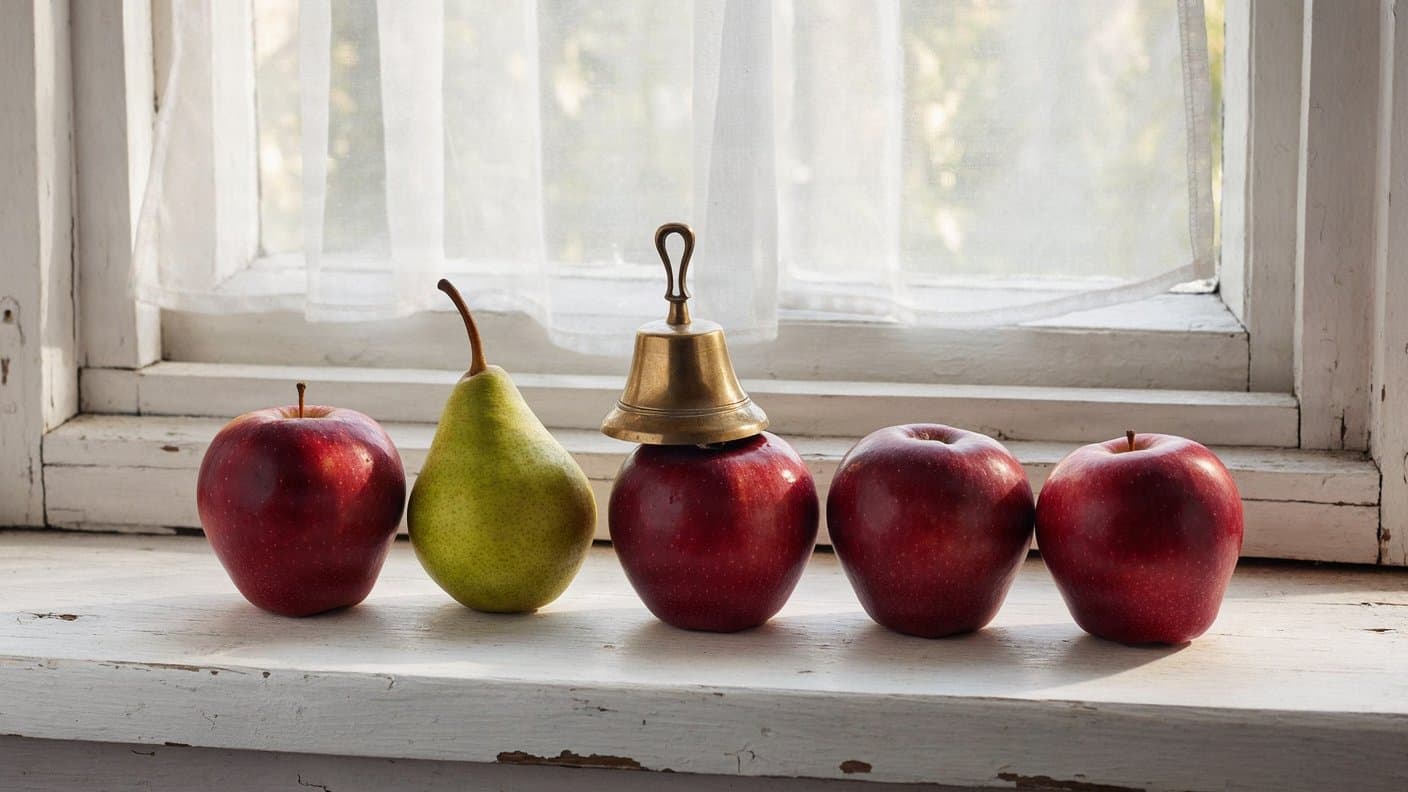
Bria FIBO 2.0 is a text-to-image model from Bria that renders photorealistic images and returns the structured JSON prompt and seed behind each one. You write a short description, FIBO expands it into a detailed structured prompt, then renders from that. Because every response includes the structured prompt and the seed, you can recreate a shot exactly or change one attribute at a time. Bria trained it on licensed data.
 ModelBria FIBO 2.0Generate photorealistic images with structured JSON prompt control.
What it does well
Photorealistic detail at 4MP
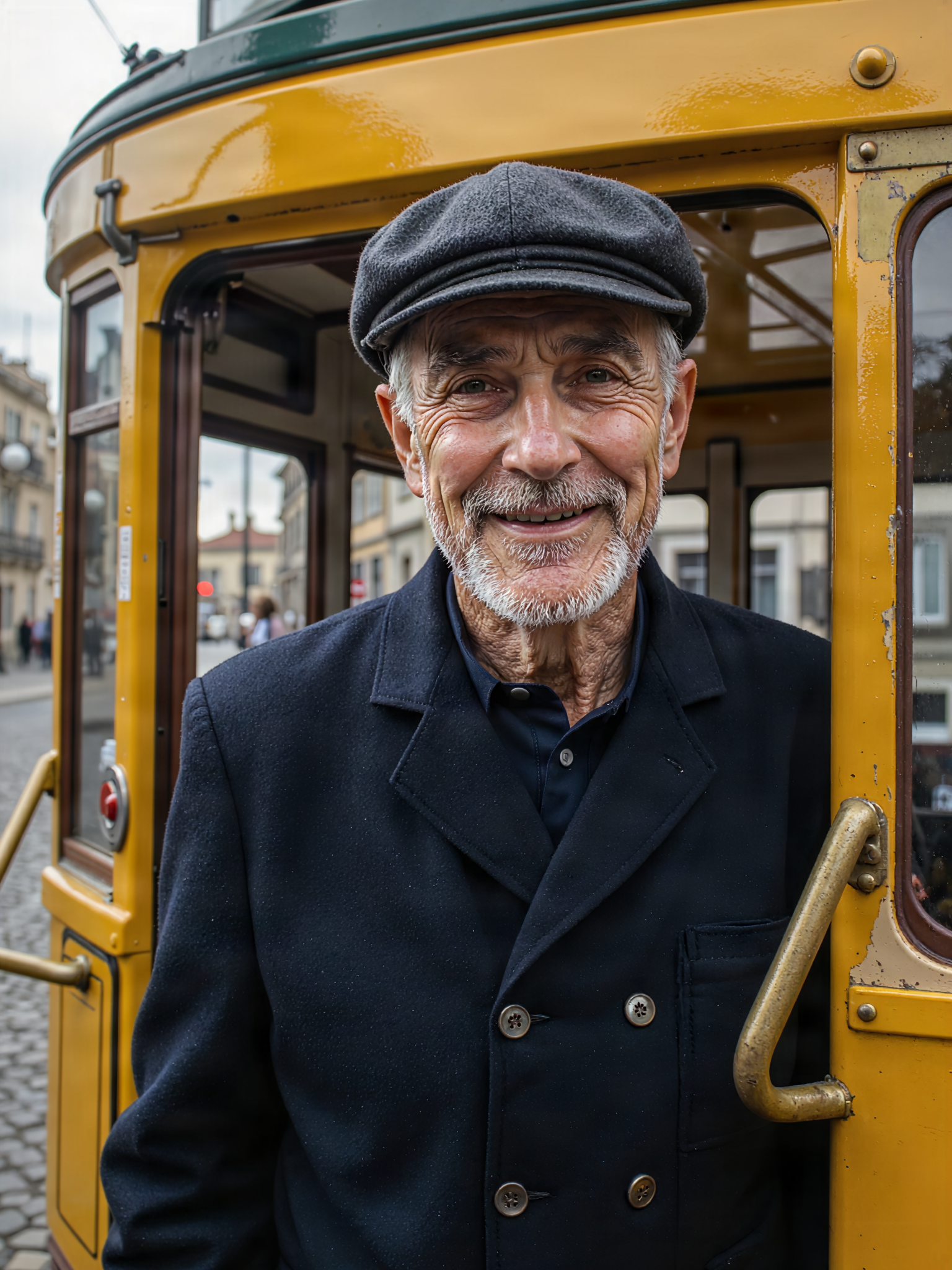
Switch resolution to 4MP when you need fine photoreal detail. In testing, this portrait held skin pores, deep smile lines, and individual grey beard hairs, with catchlights in the eyes and clean background bokeh. The 4MP tier adds about 30 seconds over 1MP. Use a 3:4 or 4:5 frame for head-and-shoulders shots.
A close-up head-and-shoulders portrait of an older Lisbon tram conductor in a dark uniform and flat cap, grey stubble and deep smile lines, standing in the open doorway of a bright yellow tram, 85mm lens, shallow depth of field, overcast daylight
Reproducible, structured control
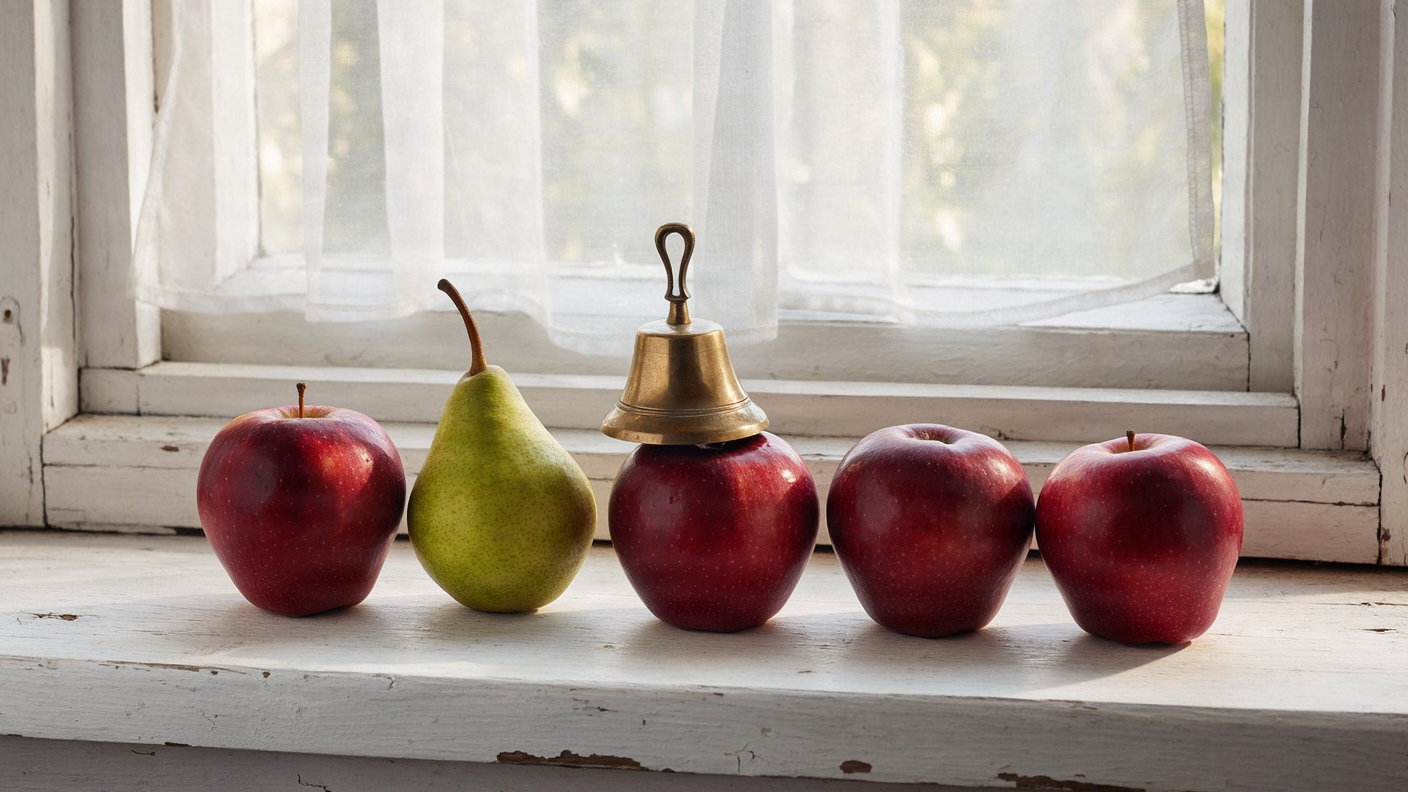
FIBO expands your prompt into a structured JSON prompt, then renders from it. Every response returns that structured prompt and the seed, so you can recreate a shot or change one attribute at a time. State object counts and positions explicitly and FIBO writes them into the structure. This prompt placed four red apples, one green pear second from the left, and a brass bell on the middle apple, in order.
A white wooden windowsill in soft daylight with five red apples in a row; the second apple from the left is replaced by a single green pear; a small brass bell sits on top of the third apple from the right; sheer curtain behind, shallow depth of field
Readable text in the image
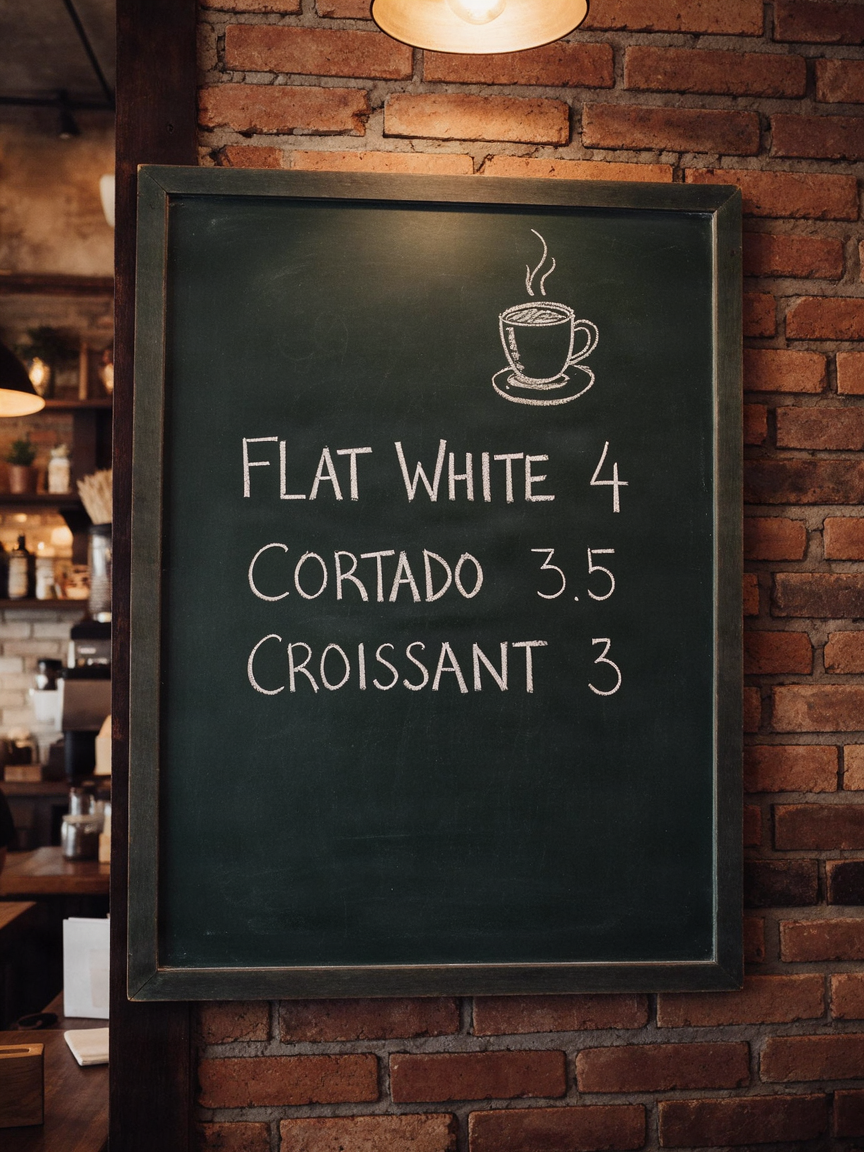
FIBO can render short text inside a scene. All three menu lines here spell correctly in clean chalk, next to a small coffee-cup sketch. Put the exact words in quotation marks and keep each line short. A 3:4 or 4:5 frame gives signage room to stay legible.
A wall-mounted chalkboard cafe menu with neat white chalk lettering reading "FLAT WHITE 4", "CORTADO 3.5" and "CROISSANT 3" on three lines, a small chalk drawing of a coffee cup, warm pendant light, slight film grain
Guide a look from a reference image
Pass a single reference image through image_urls and FIBO draws on its look, a mode Bria calls Inspire. Here the frosted-glass bottle and brushed-gold cap carry into a new scene — volcanic rock, drifting mist, and a rim-lit dark background — without redrawing the product. Let the reference fix the object and let the prompt describe only how the scene should change. A reference image cannot be combined with a structured prompt.
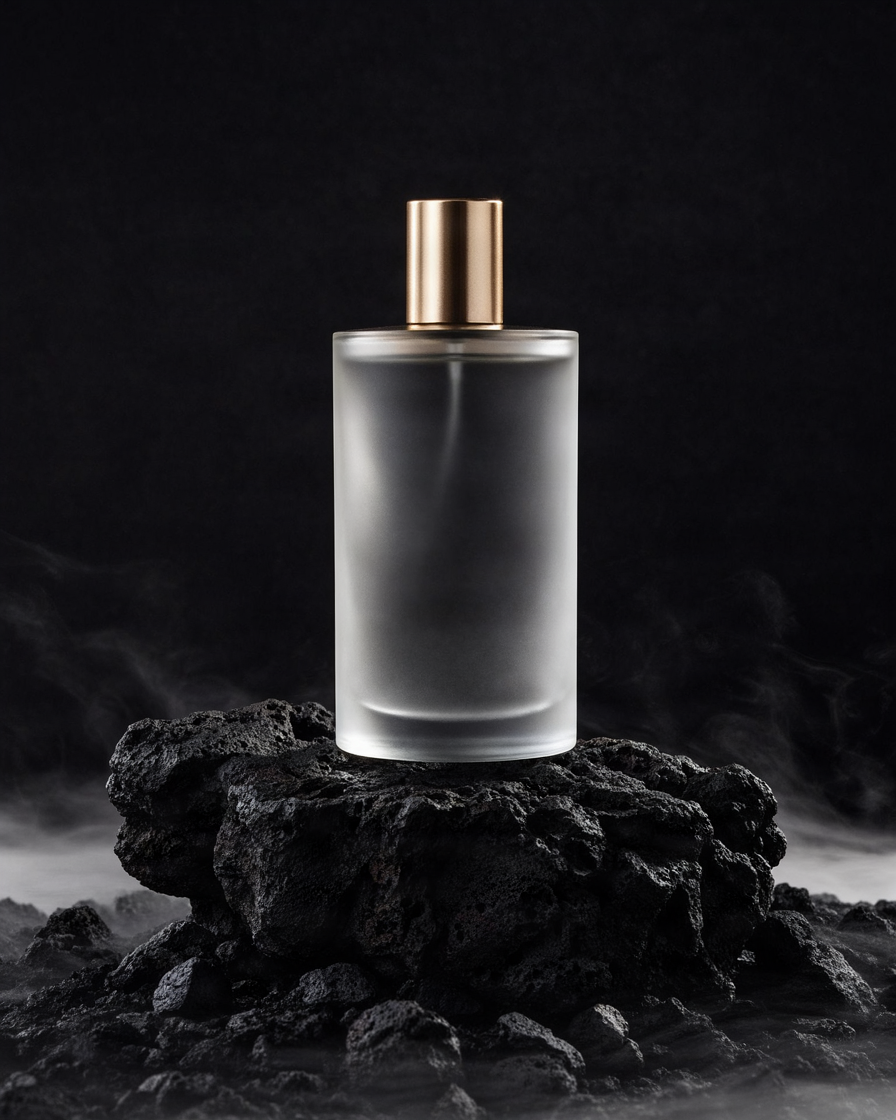
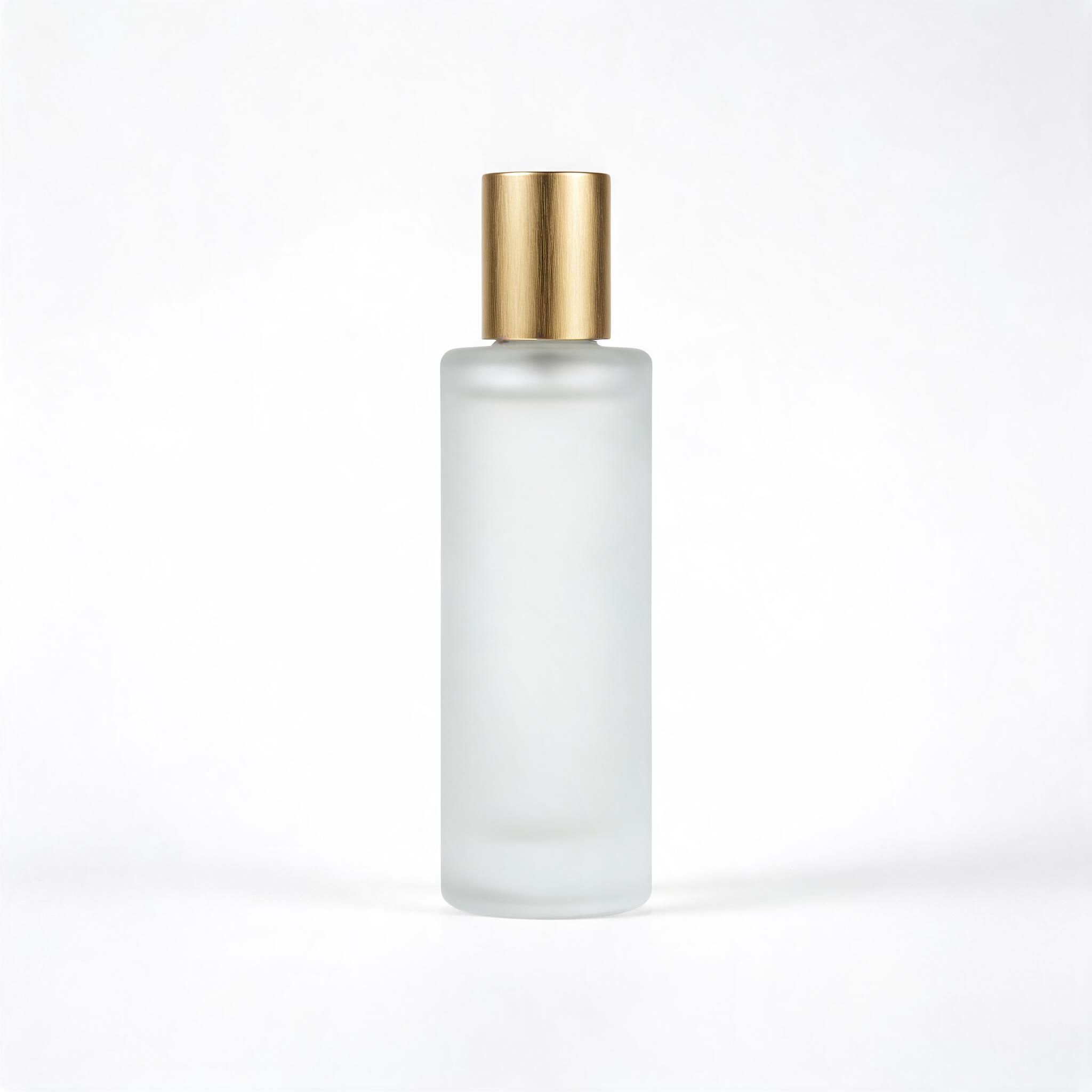 InputOutput
Examples to try
Each example below ran through FIBO at the settings shown on its card. Keep the returned seed and structured prompt to reproduce or refine any of them.
Extreme macro photograph of a brushed titanium dive watch resting on wet dark slate, water beads on the sapphire crystal, visible machining marks on the bezel, hard directional light, 100mm macro
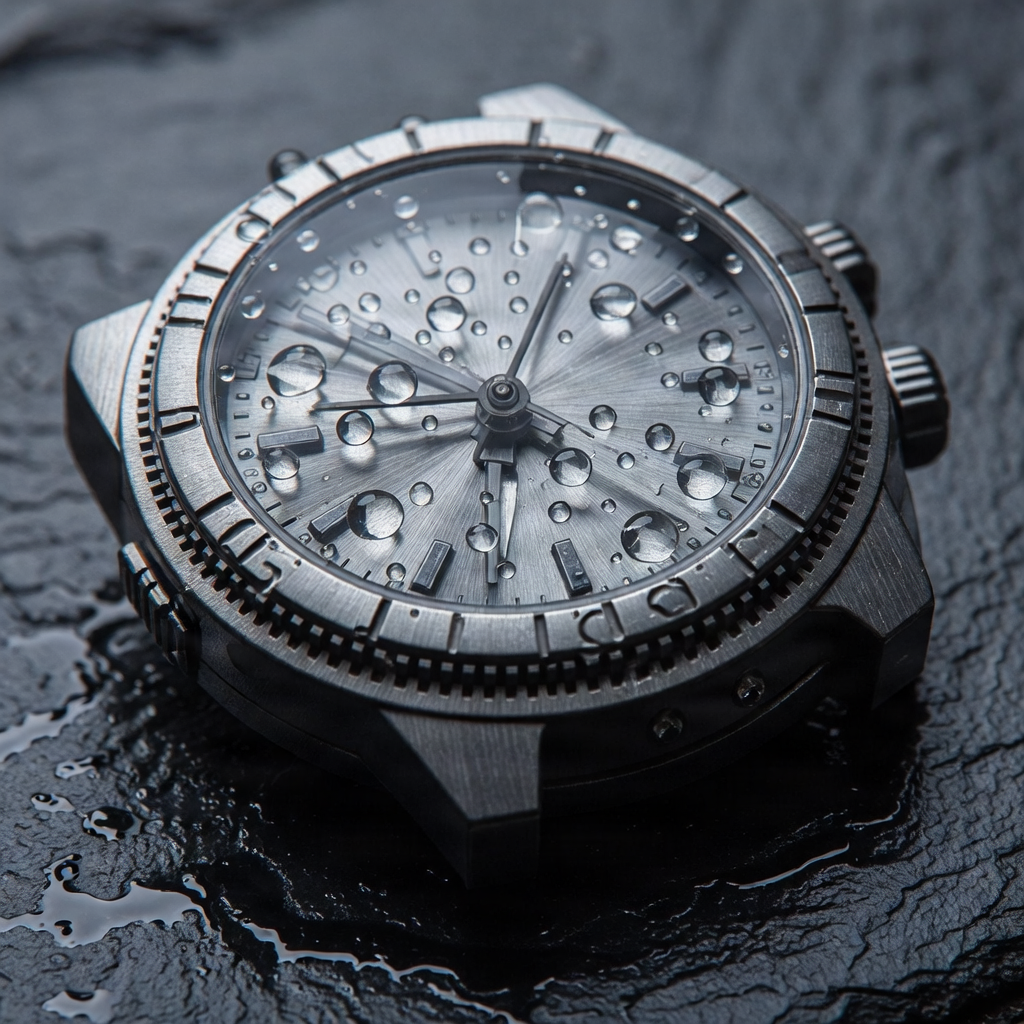
Name the material and the lens — "brushed titanium", "100mm macro" — and set style_id to photoreal for product-grade realism.
A potter's hands shaping a spinning clay bowl on a wheel, wet clay slip on the fingers, clear knuckles and fingernails, side window light, 50mm, shallow depth of field
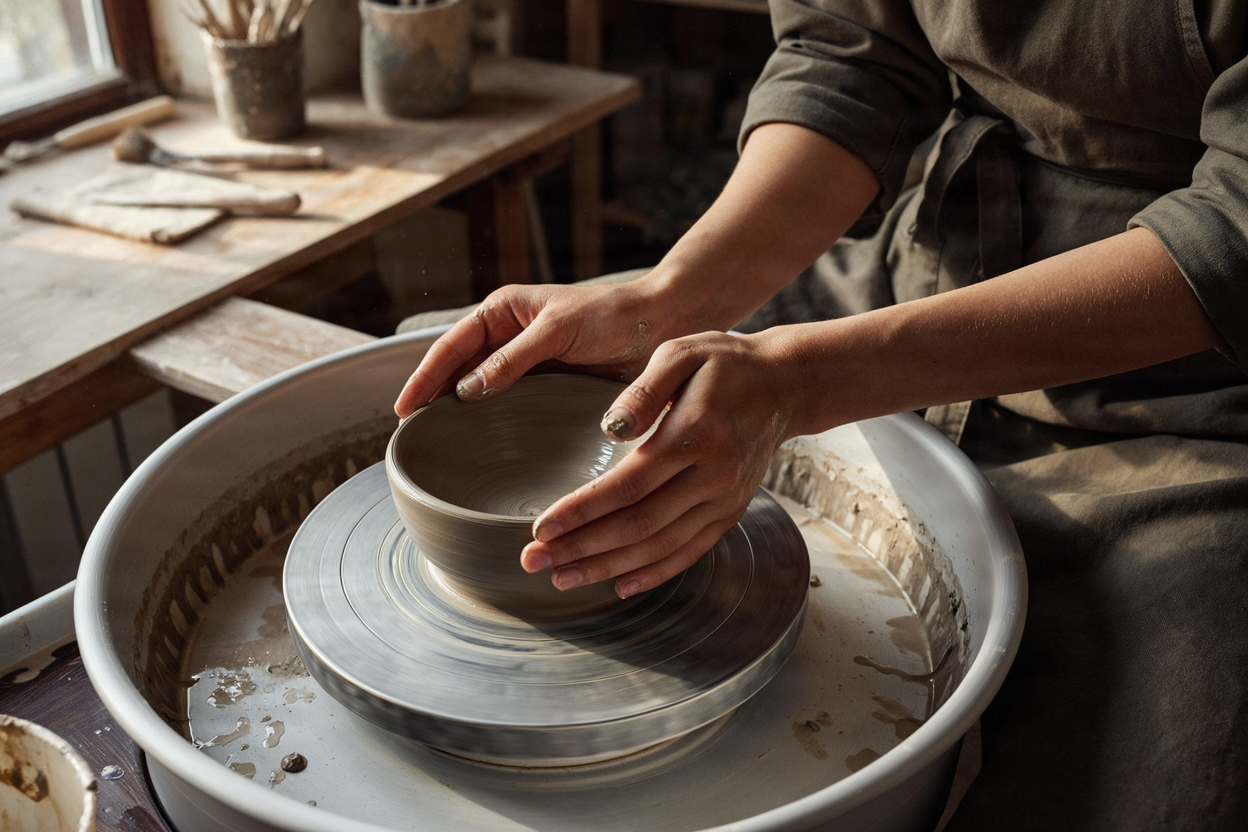
When hands matter, describe what they are doing, call out knuckles and fingernails, and keep the subject mid-frame so the model has room to resolve them.
Recommended settings
| Setting | Value | When |
|---|---|---|
| resolution | 4MP | Fine photoreal detail; adds about 30s. Use 1MP for fast drafts. |
| aspect_ratio | 3:4 or 4:5 | Portraits and signage. Use 16:9 for wide scenes. |
| style_id | photoreal | Product-grade realism; prompt-based generation only. |
| seed | 0–2147483647 | Fix it to reproduce a shot; pair it with the structured prompt. |
| output_type | png | Highest quality. Use jpeg for smaller files. |
Good to know
- A structured prompt and a reference image cannot be used together — send one or the other per request.
style_idhas a single option, photoreal, and it applies to prompt-based generation only.- The 4MP tier improves fine detail but adds about 30 seconds over 1MP.
- Inspire takes a single reference image (JPEG, PNG, or WEBP) through
image_urls.
Use it from the API
Send a prompt and read back both the image and the structured_prompt. This is the default example's exact input.
# pip install "segmind>=1.1.0"
# export SEGMIND_API_KEY="YOUR_API_KEY"
import segmind

result = segmind.run(
    "bria-fibo-generate",
    prompt="A white wooden windowsill in soft daylight with five red apples in a row; the second apple from the left is replaced by a single green pear; a small brass bell sits on top of the third apple from the right; sheer curtain behind, shallow depth of field",
    resolution="1MP",
    aspect_ratio="16:9",
    seed=2020,
    output_type="png",
)
print(result.get("output"))
# 1. Submit the request; the reply carries its request_id
REQUEST_ID=$(curl -s -X POST "https://api.segmind.com/v2/bria-fibo-generate" \
-H "x-api-key: YOUR_API_KEY" \
-H "Content-Type: application/json" \
-d '{
"prompt": "A white wooden windowsill in soft daylight with five red apples in a row; the second apple from the left is replaced by a single green pear; a small brass bell sits on top of the third apple from the right; sheer curtain behind, shallow depth of field",
"resolution": "1MP",
"aspect_ratio": "16:9",
"seed": 2020,
"output_type": "png"
}' | jq -r .request_id)
# 2. Check its status until it is COMPLETED
curl -s "https://api.segmind.com/v2/requests/$REQUEST_ID/status" \
-H "x-api-key: YOUR_API_KEY"
# 3. Fetch the result
curl -s "https://api.segmind.com/v2/requests/$REQUEST_ID" \
-H "x-api-key: YOUR_API_KEY"- #text-to-image
- #bria
- #model-launch
- #photorealistic
- #structured-prompts