Seedream 5.5 on Segmind: text-to-image, editing and layer decomposition
ByteDance's Seedream 5.5 generates and edits photoreal images from text and up to ten references, with transparent backgrounds and accurate multilingual text — plus layer decomposition that splits one image into a clean base and named, transparent PNG layers.
Seedream 5.5 is ByteDance's image model family, and it comes to Segmind as two modalities. Text to image and editing writes a photoreal image from a prompt, or edits one with up to ten reference images for identity, layout, palette or texture. Layer decomposition runs the opposite way: it splits one finished image into a clean base plus named, transparent PNG layers. Both render native RGBA transparency with clean alpha edges, and both carry the realism upgrade of this release — lifelike lighting, material textures and fine detail.
Text to image and editing
Seedream 5.5 turns a text prompt into one image, or edits an existing one when you attach up to ten reference images. Pick a detail tier (1K, 1.5K or 2K), a shape from 1:1 to 21:9, and a background that is opaque, transparent, or chosen from the prompt. Its strength is realism: rim light, material textures and skin detail that hold up at full size. Put any text you want rendered in quotes, and it keeps small, dense and multilingual type legible.
 ModelSeedream 5.5Generate and edit images with transparent backgrounds and legible text.
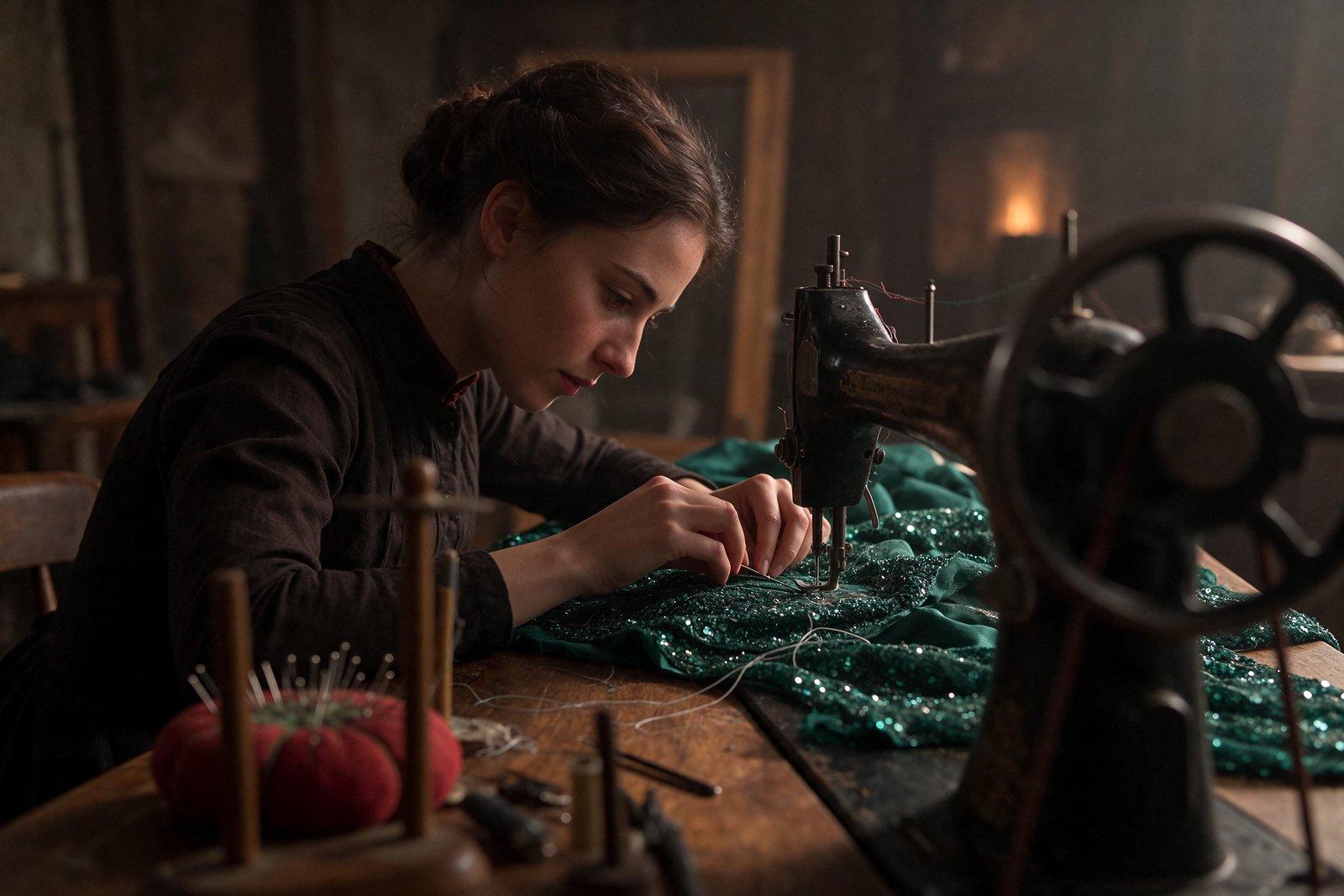
A seamstress guides an emerald sequined evening gown under the needle of a black cast-iron sewing machine, pinning a dart while loose silver threads trail across the oak worktable; rim light rakes along her dark hair, cheekbone and the sequins, a red felt pincushion bristling with pins beside a tall wooden spool rack.
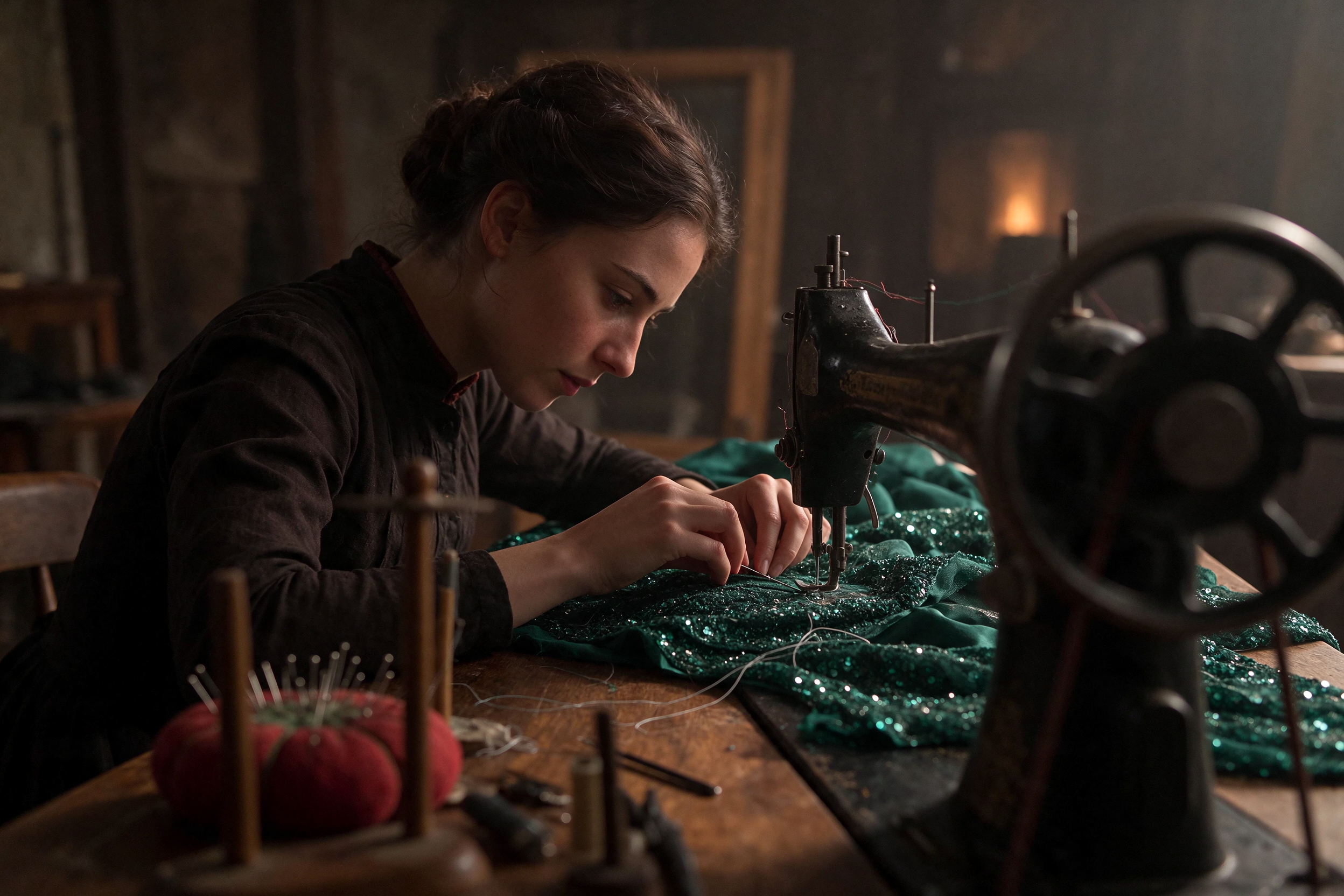
A rim-lit seamstress scene renders believable sequin, oak and felt textures from the prompt alone — name the materials and one light direction, and keep 2K for finished texture.
A brass-and-copper clockwork owl automaton perched on a riveted gear, wings half-spread, exposed brass cogs turning behind an open chest panel, enamel feathers in teal and bronze, a glass monocle lens over one eye; rim light along the brass edges, isolated on a fully transparent background with clean cut-out edges.

The brass clockwork owl comes back as a true alpha cut-out with clean edges, ready to composite — set the background to transparent and keep PNG, since JPEG cannot hold alpha.
A clean flat infographic on a cream background titled 「ラーメンの構造」 with the English subtitle "Anatomy of a Shoyu Ramen Bowl". A top-down bowl of shoyu ramen sits at the center with four thin callout lines pointing to neat labels reading "Chashu pork", "Ajitama egg", "Nori sheet" and "Menma"; a small two-line note in the lower corner reads "Serve at 75°C" and 「一杯入魂」. Thin modern sans-serif type with even letter spacing and a clear size hierarchy.
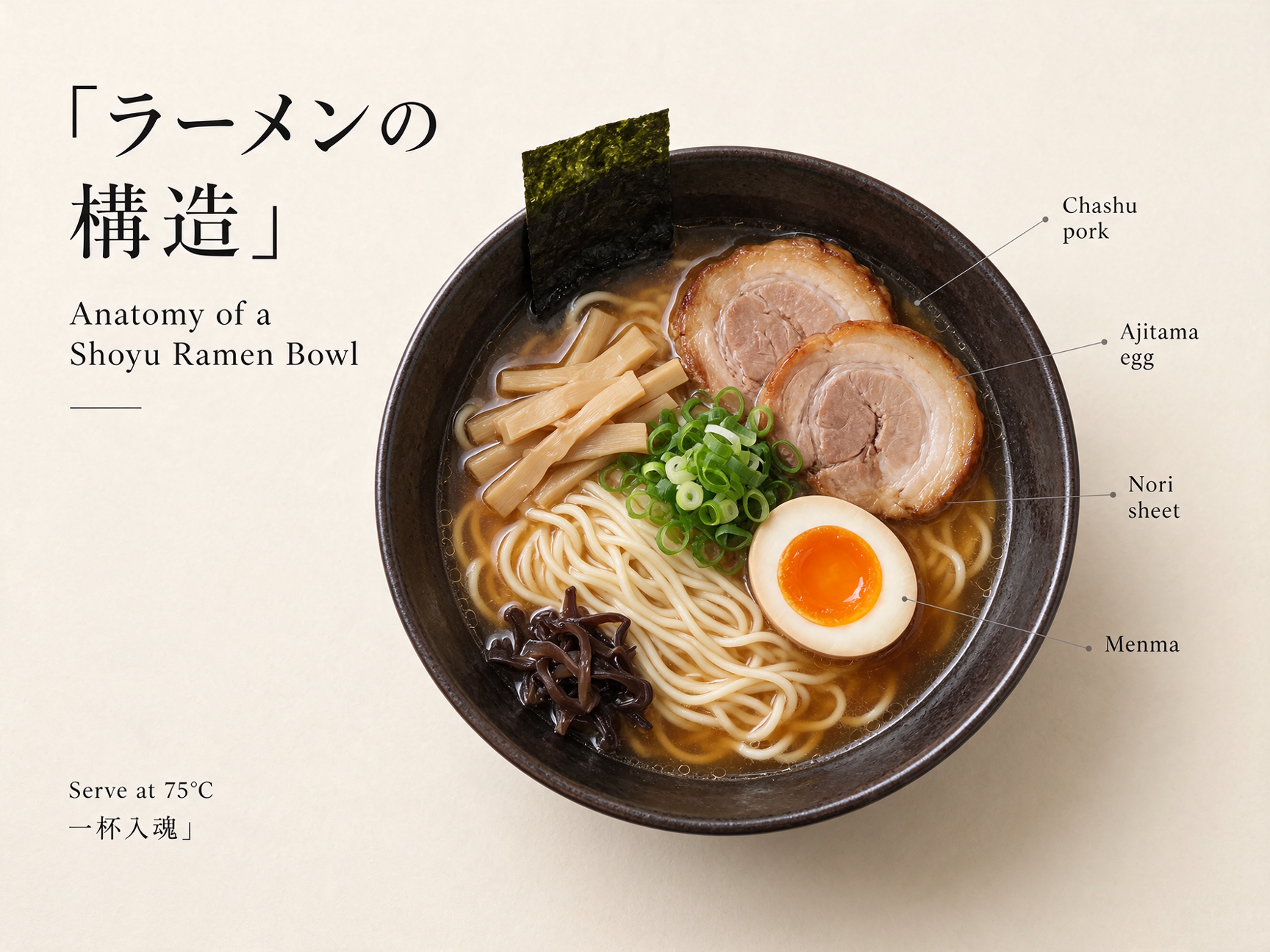
The Japanese headline, English subtitle and four callout labels all render cleanly with a clear size hierarchy — quote each string and keep the layout simple so dense type stays legible.
Use text to image from the API
Send a prompt and the settings you want; the post renders the Python and cURL for you.
# pip install "segmind>=1.1.0"
# export SEGMIND_API_KEY="YOUR_API_KEY"
import segmind

result = segmind.run(
    "seedream-5.5",
    prompt="A seamstress guides an emerald sequined evening gown under the needle of a black cast-iron sewing machine, pinning a dart while loose silver threads trail across the oak worktable; rim light rakes along her dark hair, cheekbone and the sequins, a red felt pincushion bristling with pins beside a tall wooden spool rack.",
    reference_images=[],
    size="2K",
    aspect_ratio="3:2",
    background="opaque",
    output_format="png",
    watermark=False,
)
print(result.get("output"))
# 1. Submit the request; the reply carries its request_id
REQUEST_ID=$(curl -s -X POST "https://api.segmind.com/v2/seedream-5.5" \
-H "x-api-key: YOUR_API_KEY" \
-H "Content-Type: application/json" \
-d '{
"prompt": "A seamstress guides an emerald sequined evening gown under the needle of a black cast-iron sewing machine, pinning a dart while loose silver threads trail across the oak worktable; rim light rakes along her dark hair, cheekbone and the sequins, a red felt pincushion bristling with pins beside a tall wooden spool rack.",
"reference_images": [],
"size": "2K",
"aspect_ratio": "3:2",
"background": "opaque",
"output_format": "png",
"watermark": false
}' | jq -r .request_id)
# 2. Check its status until it is COMPLETED
curl -s "https://api.segmind.com/v2/requests/$REQUEST_ID/status" \
-H "x-api-key: YOUR_API_KEY"
# 3. Fetch the result
curl -s "https://api.segmind.com/v2/requests/$REQUEST_ID" \
-H "x-api-key: YOUR_API_KEY"Layer decomposition
Layer decomposition takes exactly one finished image and returns a clean base layer (z-index 0), plus each element as its own named, transparent PNG with a bounding box. Leave the prompt empty to find every major element, or name elements to target specific layers. Cap the count with max_images, follow the input with size auto, and turn on text_recognition for structured text. A flat picture becomes a set of editable, re-composable assets, no manual masking.
 ModelSeedream 5.5 Layer DecompositionSplit one image into named, transparent PNG layers.
Input 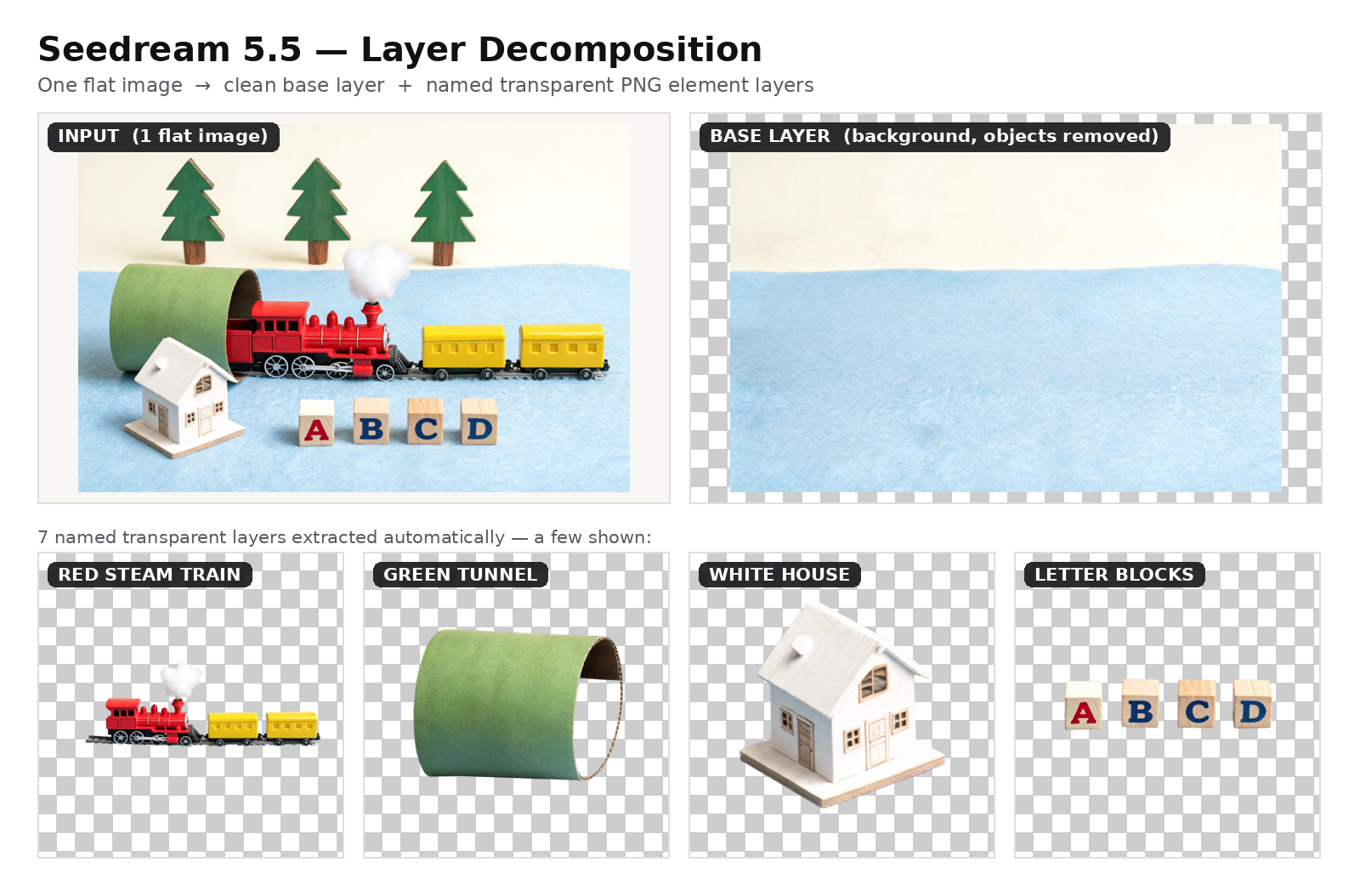
Decomposed
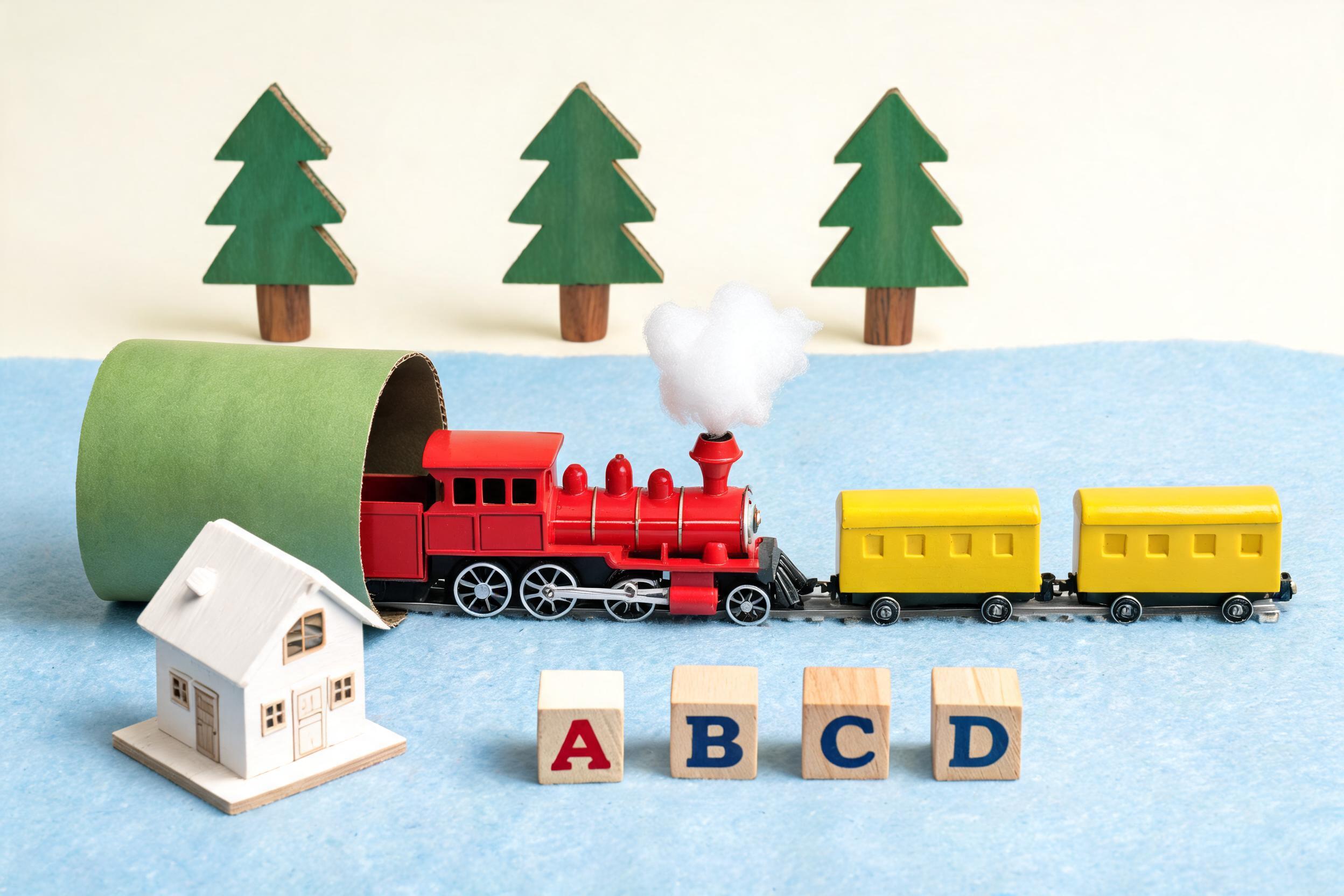
One flat toy-train photo returns a clean inpainted base plus seven named transparent layers: the train, tunnel, house, trees and letter blocks. An empty prompt with a modest max_images keeps the split to the main elements.
Input 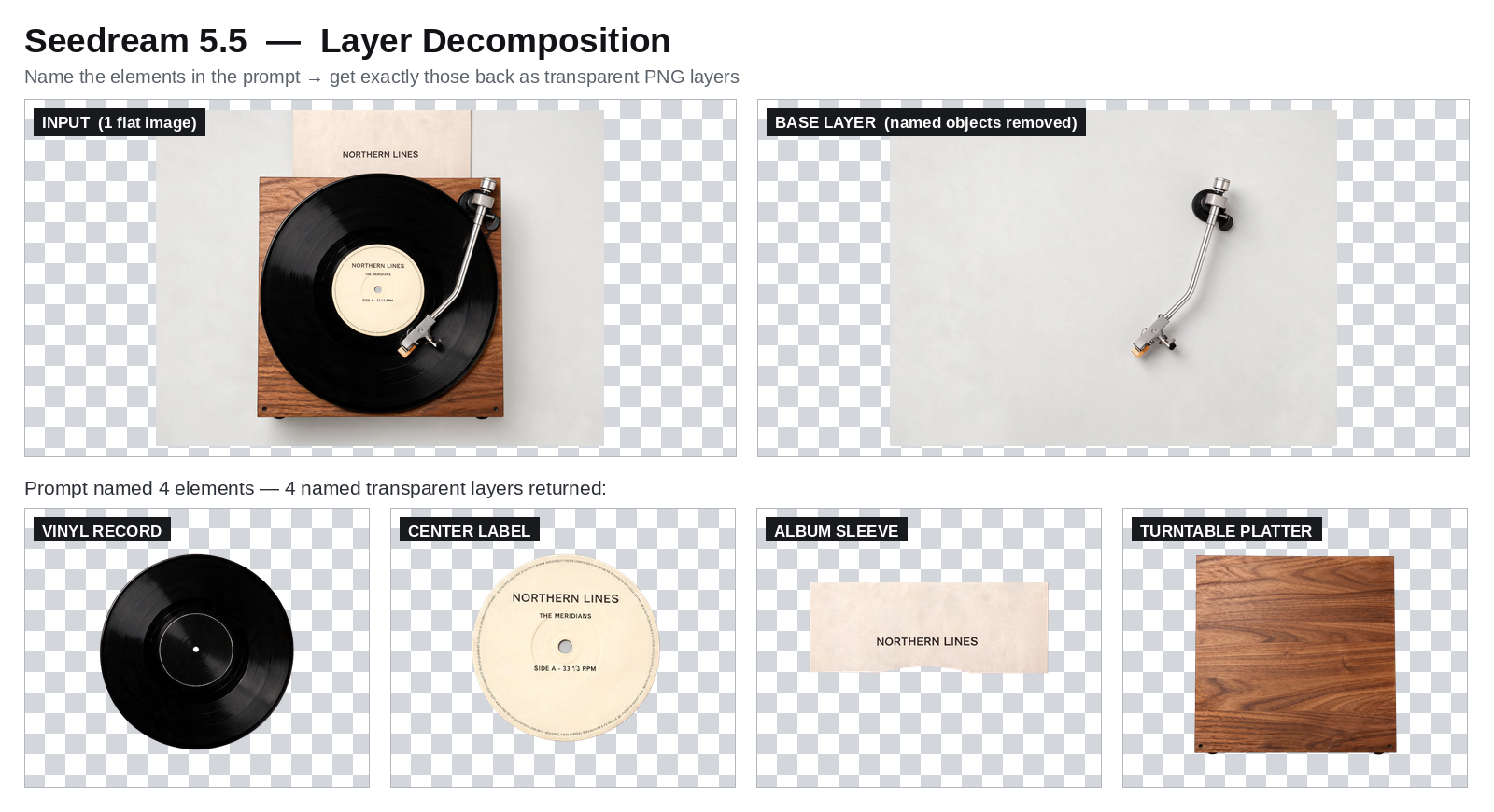
Decomposed
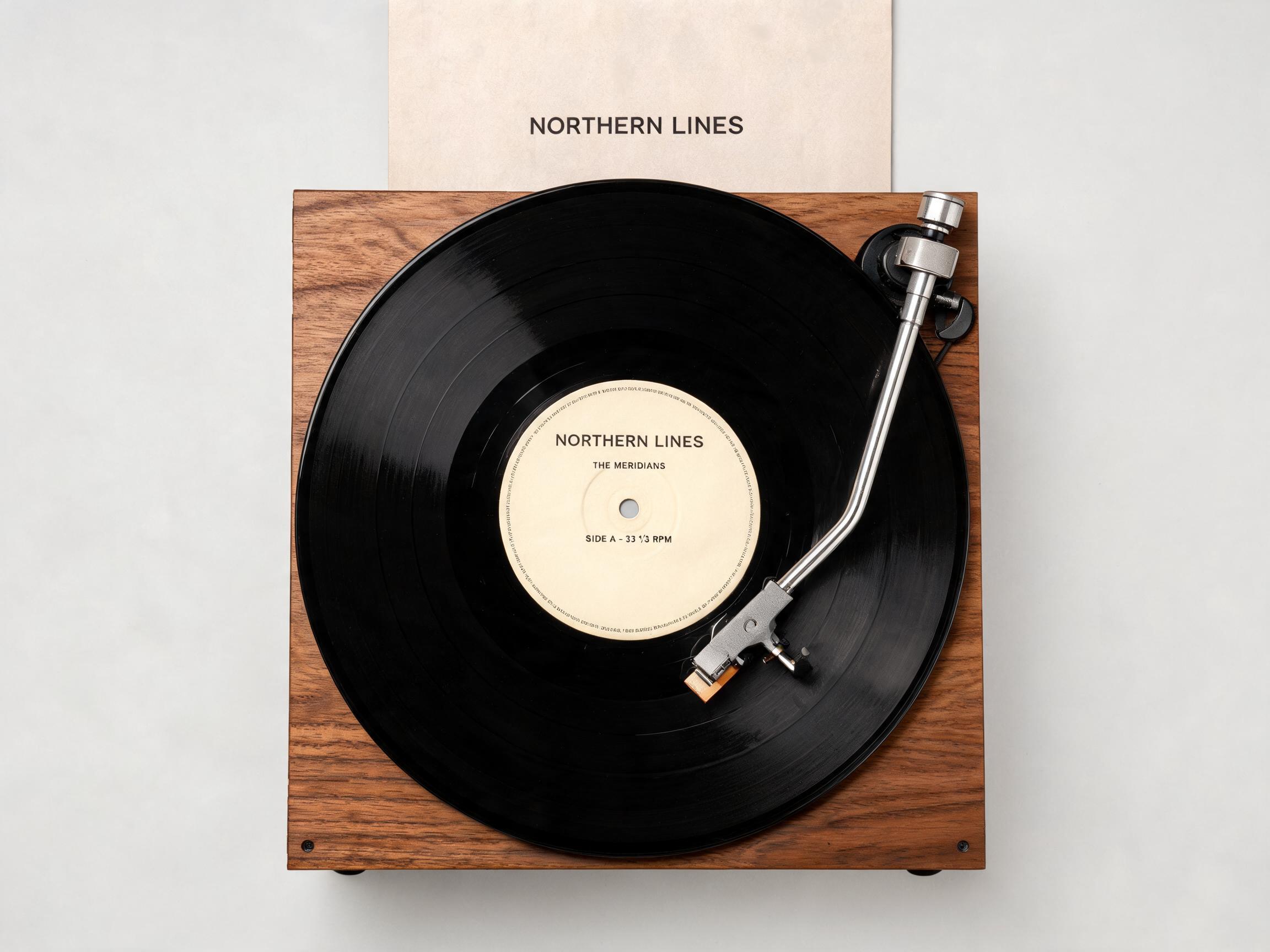
Here the prompt named four elements: the vinyl record, its printed centre label, the album sleeve and the turntable platter. The model returned exactly those four, each with its own name and bounding box, and left the rest in the base.
Input 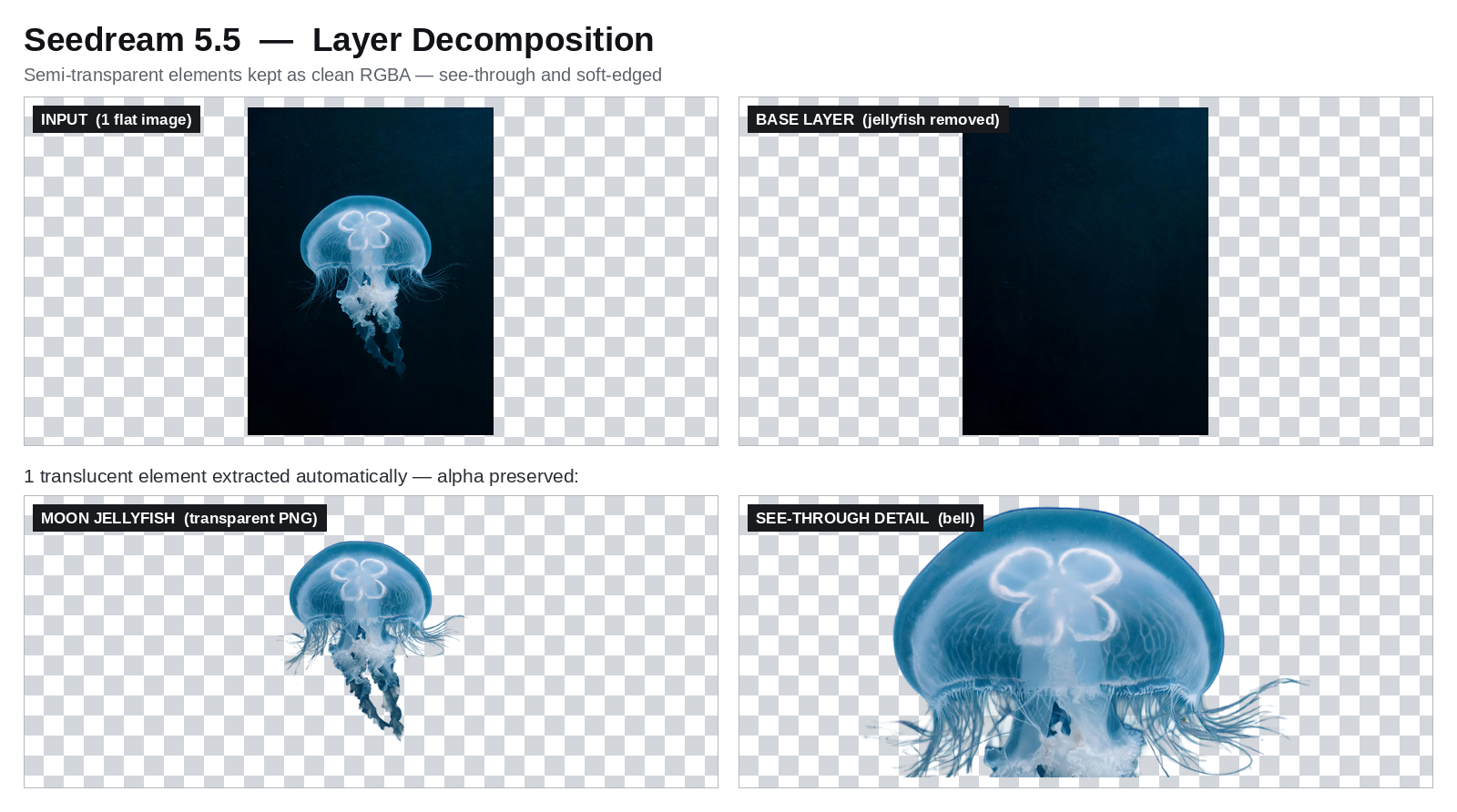
Decomposed
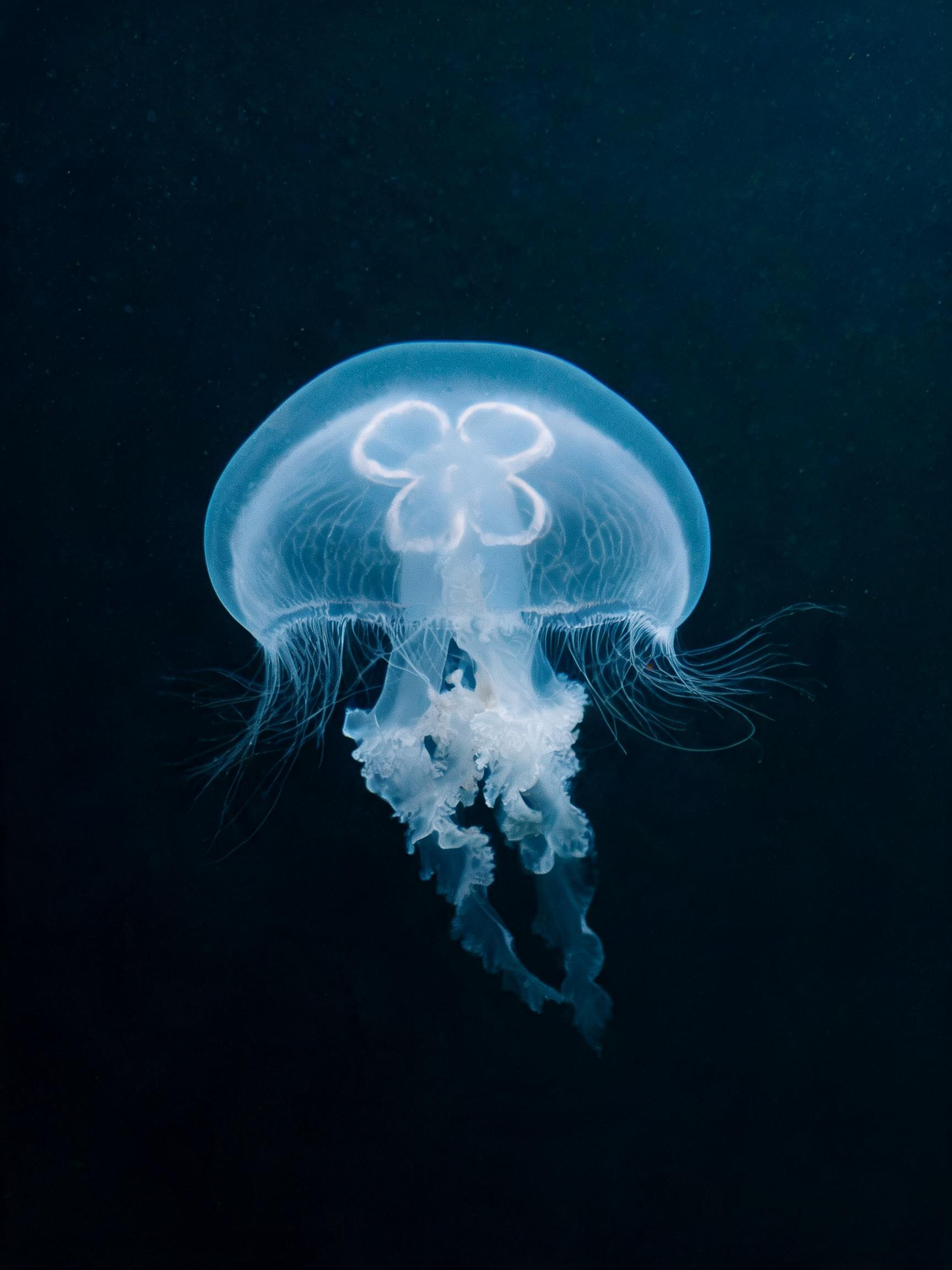
The translucent jellyfish lifts off the dark water as one clean RGBA layer, its bell see-through and its tentacle edges soft. Transparent output is always PNG, so you can drop the layer straight onto a new background.
Use layer decomposition from the API
Pass one image URL and, optionally, the elements to isolate.
# pip install "segmind>=1.1.0"
# export SEGMIND_API_KEY="YOUR_API_KEY"
import segmind

result = segmind.run(
    "seedream-5.5-layer-decomposition",
    image="https://segmind-resources.s3.amazonaws.com/input/seedream-5.5-layer-decomposition-input-83de5eae.jpg",
    prompt="",
    max_images=10,
    text_recognition=False,
    size="auto",
    output_format="png",
    watermark=False,
)
print(result.get("output"))
# 1. Submit the request; the reply carries its request_id
REQUEST_ID=$(curl -s -X POST "https://api.segmind.com/v2/seedream-5.5-layer-decomposition" \
-H "x-api-key: YOUR_API_KEY" \
-H "Content-Type: application/json" \
-d '{
"image": "https://segmind-resources.s3.amazonaws.com/input/seedream-5.5-layer-decomposition-input-83de5eae.jpg",
"prompt": "",
"max_images": 10,
"text_recognition": false,
"size": "auto",
"output_format": "png",
"watermark": false
}' | jq -r .request_id)
# 2. Check its status until it is COMPLETED
curl -s "https://api.segmind.com/v2/requests/$REQUEST_ID/status" \
-H "x-api-key: YOUR_API_KEY"
# 3. Fetch the result
curl -s "https://api.segmind.com/v2/requests/$REQUEST_ID" \
-H "x-api-key: YOUR_API_KEY"Shared settings
| Setting | Value | Members | When to use it |
|---|---|---|---|
| size | 1K · 1.5K · 2K (layer decomposition adds auto) | Both | Higher tiers for finer detail; auto follows the input |
| aspect_ratio | auto, or a fixed ratio from 1:1 to 21:9 | Text to image | Fix a shape for predictable framing; auto lets the model choose |
| background | auto · transparent · opaque | Text to image | transparent returns an alpha cut-out and needs PNG |
| reference_images | Up to 10 image URLs | Text to image | Edit by identity, layout, palette or texture |
| max_images | 2–100, default 30 | Layer decomposition | Cap the layers returned; keep it modest for the main elements |
| text_recognition | on · off, default off | Layer decomposition | Read structured text from formatted-text layers |
| output_format | png · jpeg | Both | png keeps transparency; on layer decomposition it sets the base image only |
Good to know
- Generation returns one image per request — no multi-image groups and no web search.
- Transparent output always comes back as PNG; JPEG cannot hold an alpha channel.
- Layer decomposition reads structured text only from layers it classifies as formatted text — one of four on ByteDance's own sample, and none on a stylised outlined headline — so don't count on OCR for every text layer.
- Layer names and descriptions follow the language of the image's text, so a Chinese poster returns Chinese layer names.
Resources
- #seedream-5-5
- #bytedance
- #model-launch
- #image-generation
- #transparency