Seedream 5.5 Layer Decomposition (Image-to-Image)
What is Seedream 5.5 Layer Decomposition?
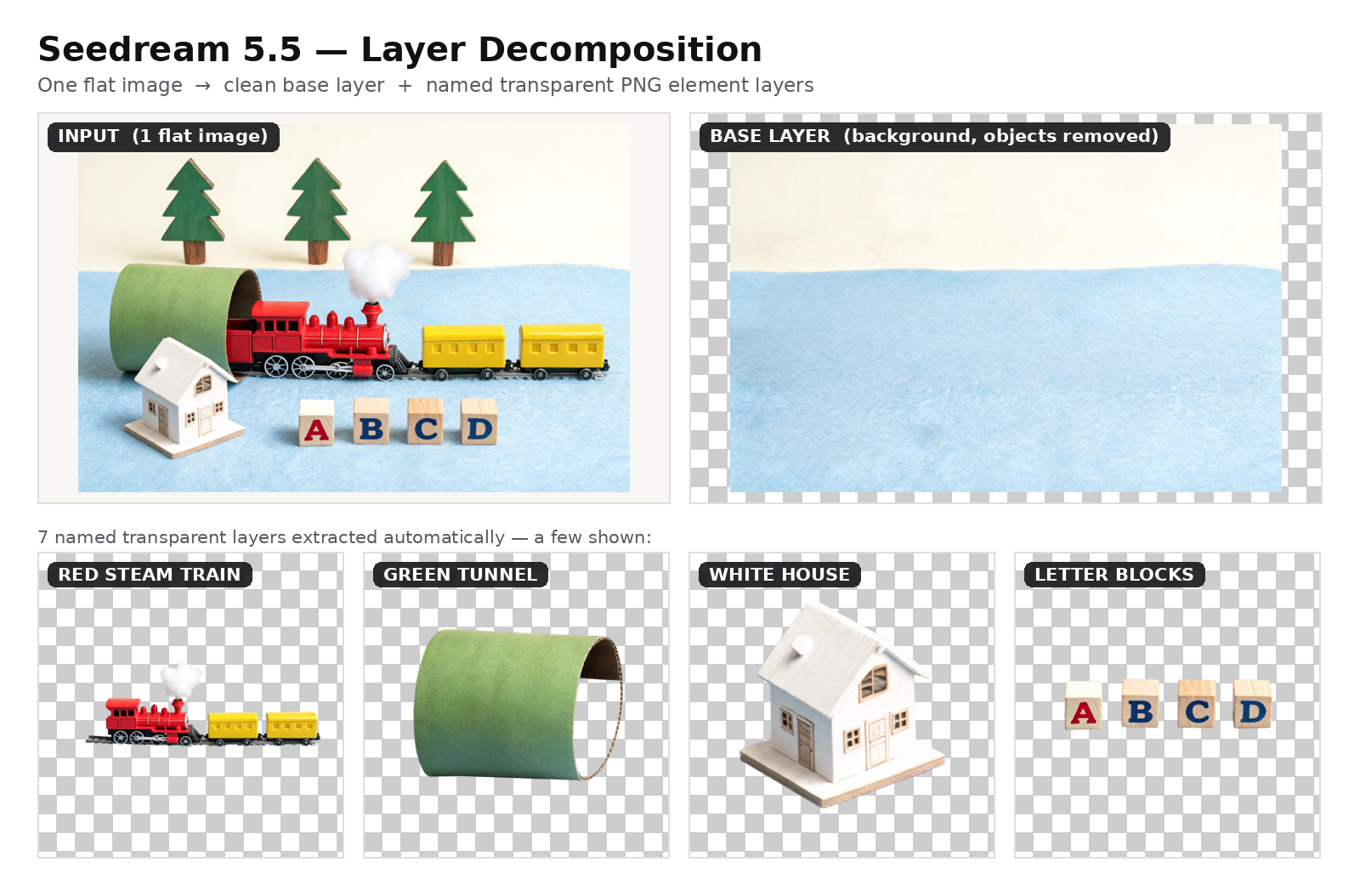
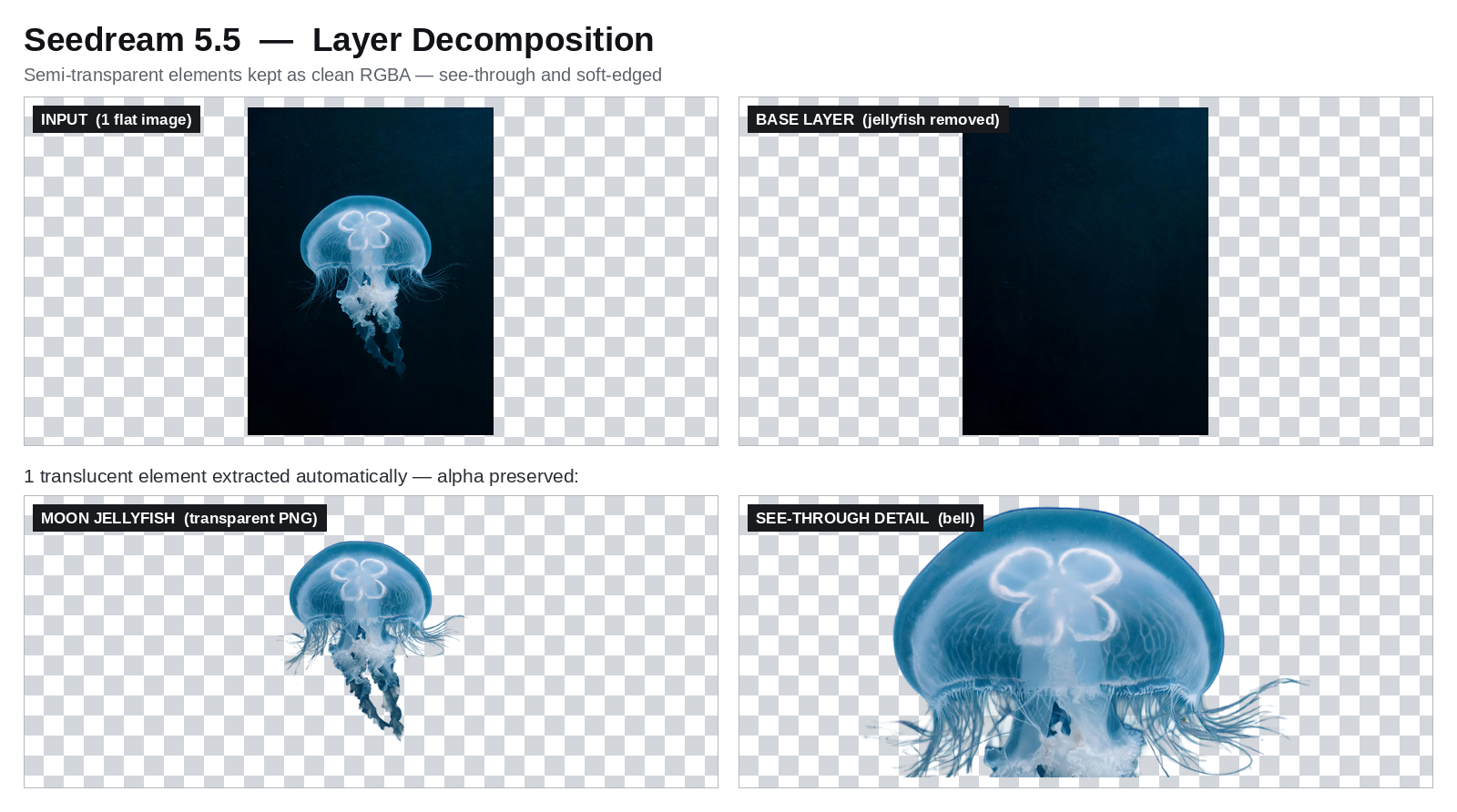
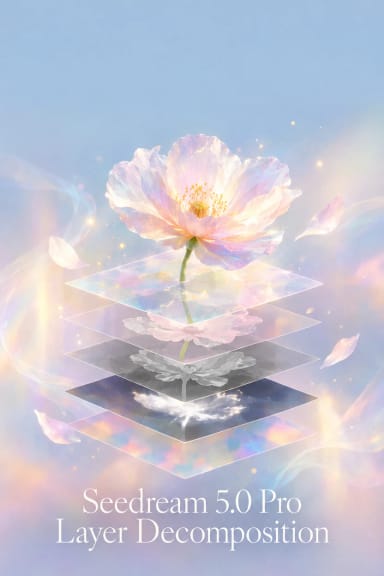
Seedream 5.5 Layer Decomposition is ByteDance's image-to-image model that takes one finished image and splits it into a clean base layer plus a stack of named, transparent PNG layers — backgrounds, objects, text and semi-transparent elements — with no manual masking. Every returned layer carries a name, a short description and a bounding box (absolute pixels and normalized 0–1000), so a single flat picture becomes a set of editable, re-composable assets.
Key Features
- Automatic separation into up to 100 layers, base image included, or fewer when you cap max_images.
- Native RGBA transparency: each element returns as a transparent PNG with clean alpha edges, ready to recomposite.
- Named, positioned layers: every layer comes back with a name, a description and a bounding box.
- Optional text recognition: layers classified as formatted text can return their text with font family, size and colour.
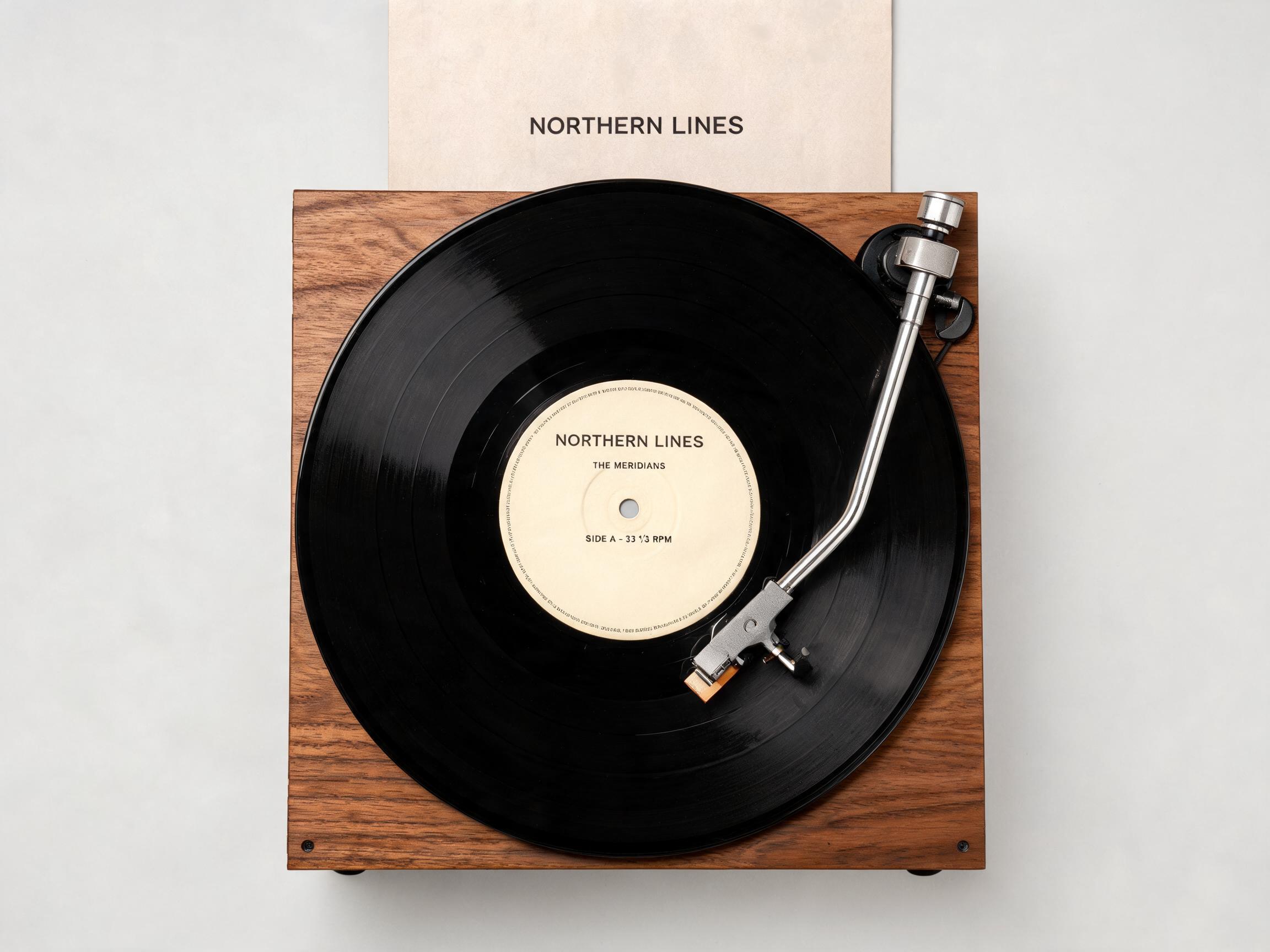
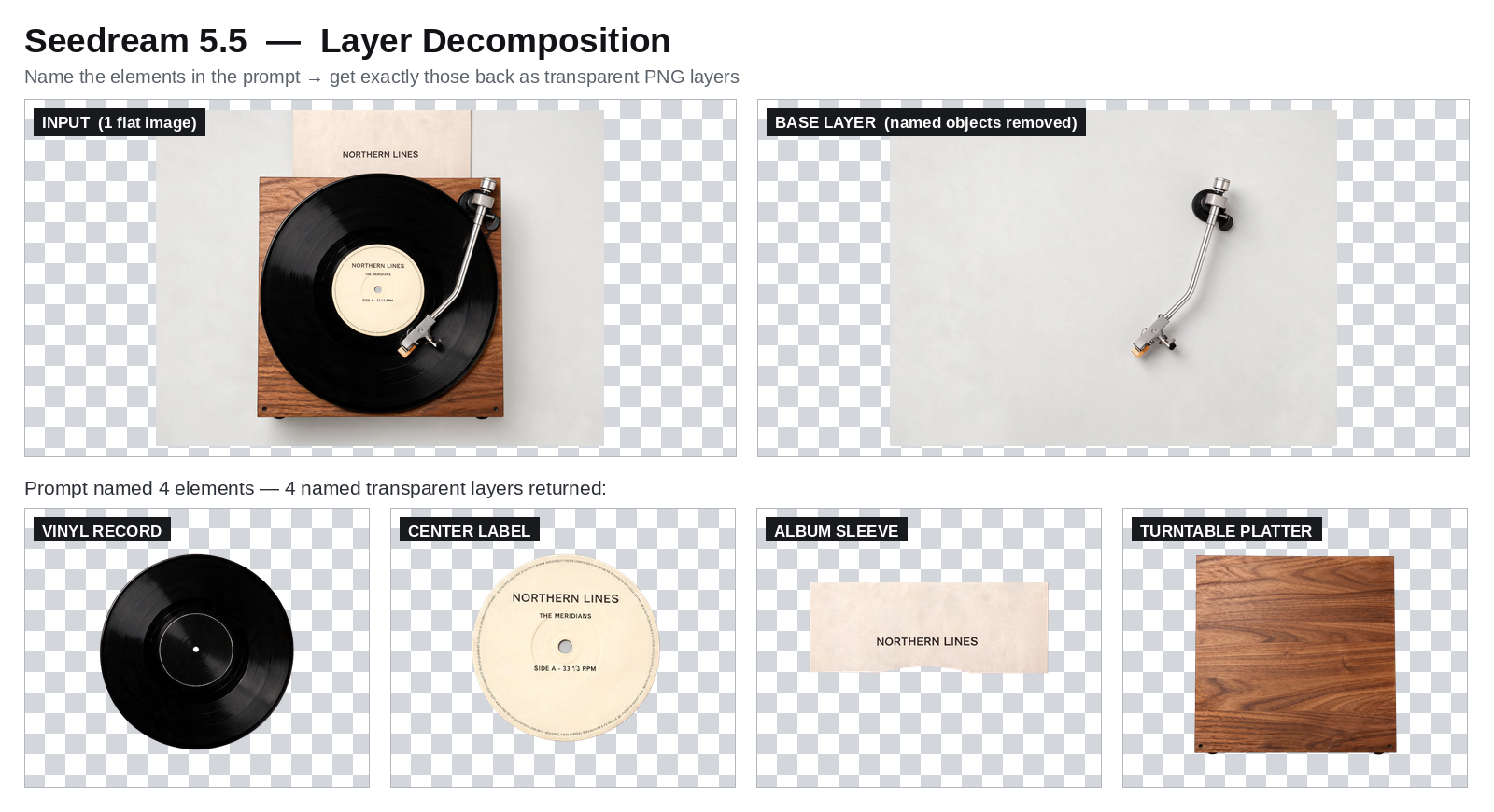
- Prompt-guided or automatic: leave the prompt empty to find every major element, or name elements to target specific layers.
- Resolution control: auto to follow the input, or 1K, 1.5K and 2K.
Best Use Cases
- Game and motion design: turn a flat illustration into reusable 2.5D layers for parallax and depth.
- Marketing and re-layout: pull a poster apart into background, product and text layers, then rebuild it for a new aspect ratio.
- E-commerce: isolate products and backgrounds for colour, material and scene variations.
- Design hand-off: deliver editable transparent assets instead of one flattened render.
Prompt Tips and Output Quality
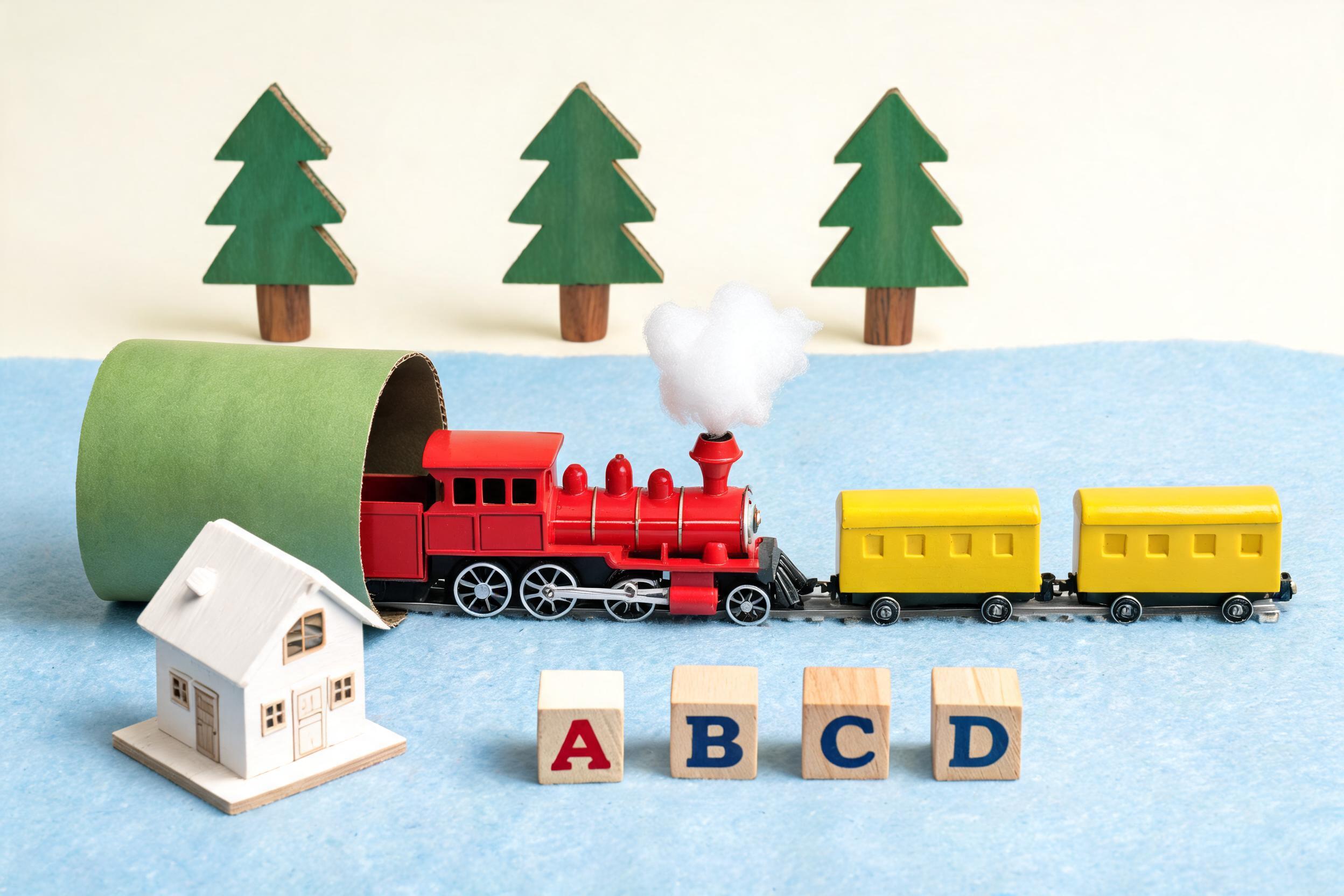
Feed a clean, well-lit composite with distinct, separable elements and space around each object; crowded or low-contrast scenes separate less cleanly. Leave the prompt empty for a full automatic split, or name the elements (for example, "the locomotive, the tunnel, the blocks") to control which layers return. In testing, one toy-train scene returned a clean inpainted base plus seven crisp, correctly named transparent layers — including see-through tunnel interiors and gaps between letter blocks — with no artifacts.