Gemini Omni 1.2 Flash Image to Video
What is Gemini Omni 1.2 Flash Image to Video?
Gemini Omni 1.2 Flash Image to Video, from Google, animates a single starting image into a 3-15 second clip with native, synchronized audio generated in the same pass. Supply a first frame — and an optional last frame when the ending matters — describe what should move and how it should sound, and Gemini Omni 1.2 Flash brings the still to life. It is the fast member of the Gemini Omni family, built for quick iteration from a static frame.
Key Features
- First-frame animation, with an optional last frame (both frames cap the clip at 10 seconds)
- Native synchronized audio on every clip — motion and sound in one pass
- Legible on-screen text: titles, labels and numbers spelled as written
- Timed, ordered beats from plain language or a timecode syntax
- 360p, 720p, 1080p and 4K output in 16:9 or 9:16, with a 360p draft-and-upscale workflow
- Strong on stylised, non-photoreal looks: motion-graphics, claymation, low-poly and 3D
- SynthID watermarking and C2PA Content Credentials for provenance
Best Use Cases
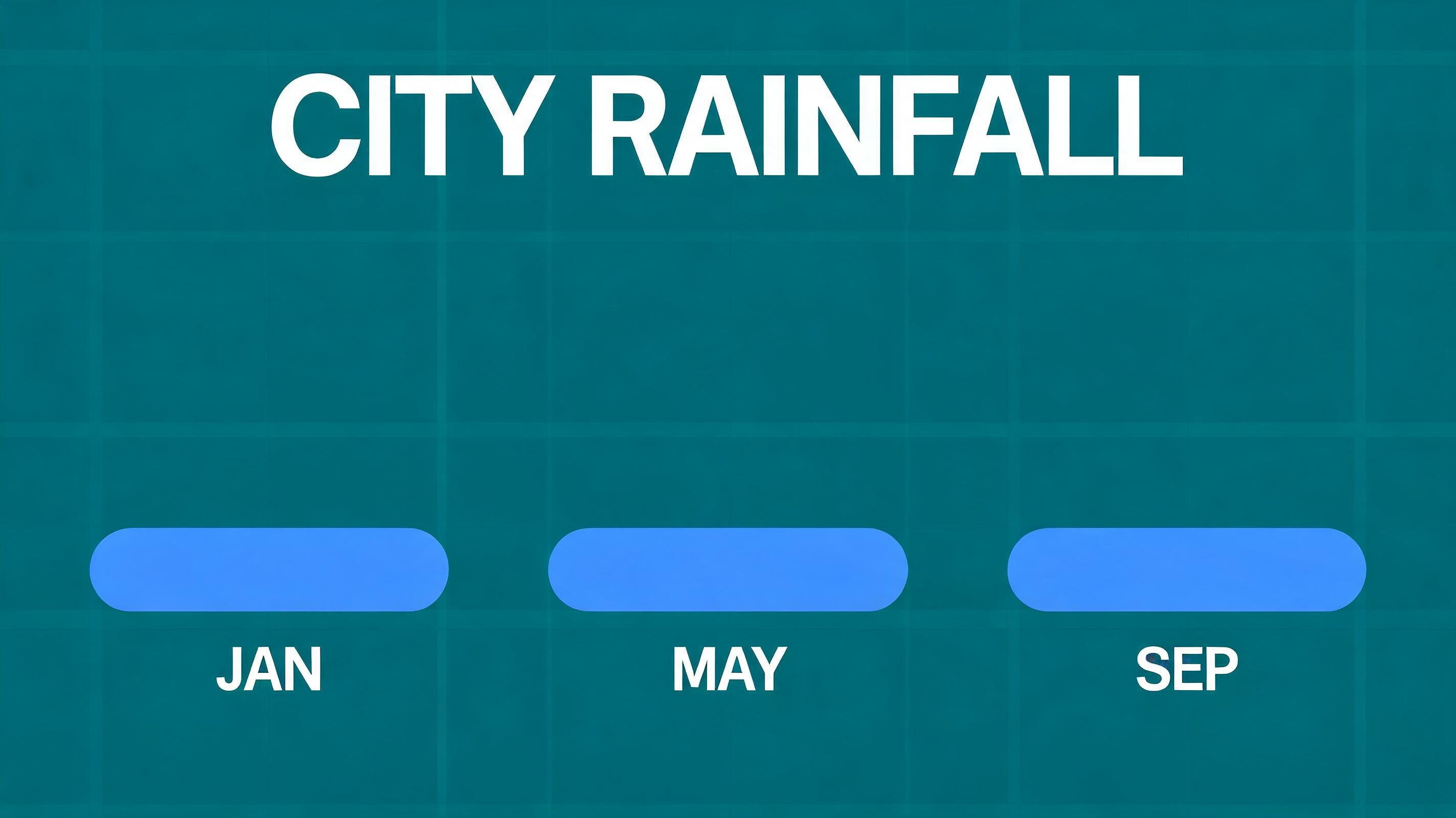
Gemini Omni 1.2 Flash is strongest on work that does not rely on photoreal people: animating infographics and data charts, adding motion and callouts to product shots, and stylised pieces in claymation, doodle, low-poly or 3D. The tested default example animates a flat "CITY RAINFALL" infographic — three bars grow in order to different heights and a summary tag slides in, each beat landing with its own sound. Draft at 360p, check the frames, then upscale the winner to 4K.
Prompt Tips and Output Quality
- Pin the look in the first frame and describe only what should move.
- Quote every on-screen word in single quotes and end with "every word spelled exactly as given, no other text".
- Give beats in order (first, then, finally) or with a timecode, and write one sound per beat.
- Use a locked-off camera and list what must stay still for clean layouts.
- Supply a last frame when the ending matters, and check frames before upscaling.