GPT Image 1 Mini: Text-to-Image Generation Model
Edited by Segmind Team on October 13, 2025.
What is GPT Image 1 Mini?
GPT Image 1 Mini is an intuitive AI model that seamlessly processes text and image inputs together, generating the finest quality images. In addition to it, it is also integrated with 'inpainting', a versatile editing feature, enabling users to fine-tune their images as per their requirements. GPT Image 1 Mini's creative power and smooth performance make this multimodal tool a trusted option for developers and teams aiming to produce impressive images at scale.
Key Features of GPT Image 1 Mini
- •Multimodal processing that processes text and image inputs simultaneously
- •Flexible resolution can support options up to 1536×1024
- •Advanced inpainting offers precise image editing
- •Customizable output option that includes quality levels and image formats
- •Transparent backgrounds for enhanced image quality
- •Multiple output format that supports multiple options: PNG, JPEG, and WebP
- •Adjustable moderation controls for content generation to further fine-tune the images
Best Use Cases
- •Product visualization and e-commerce imagery
- •Digital content creation and marketing assets
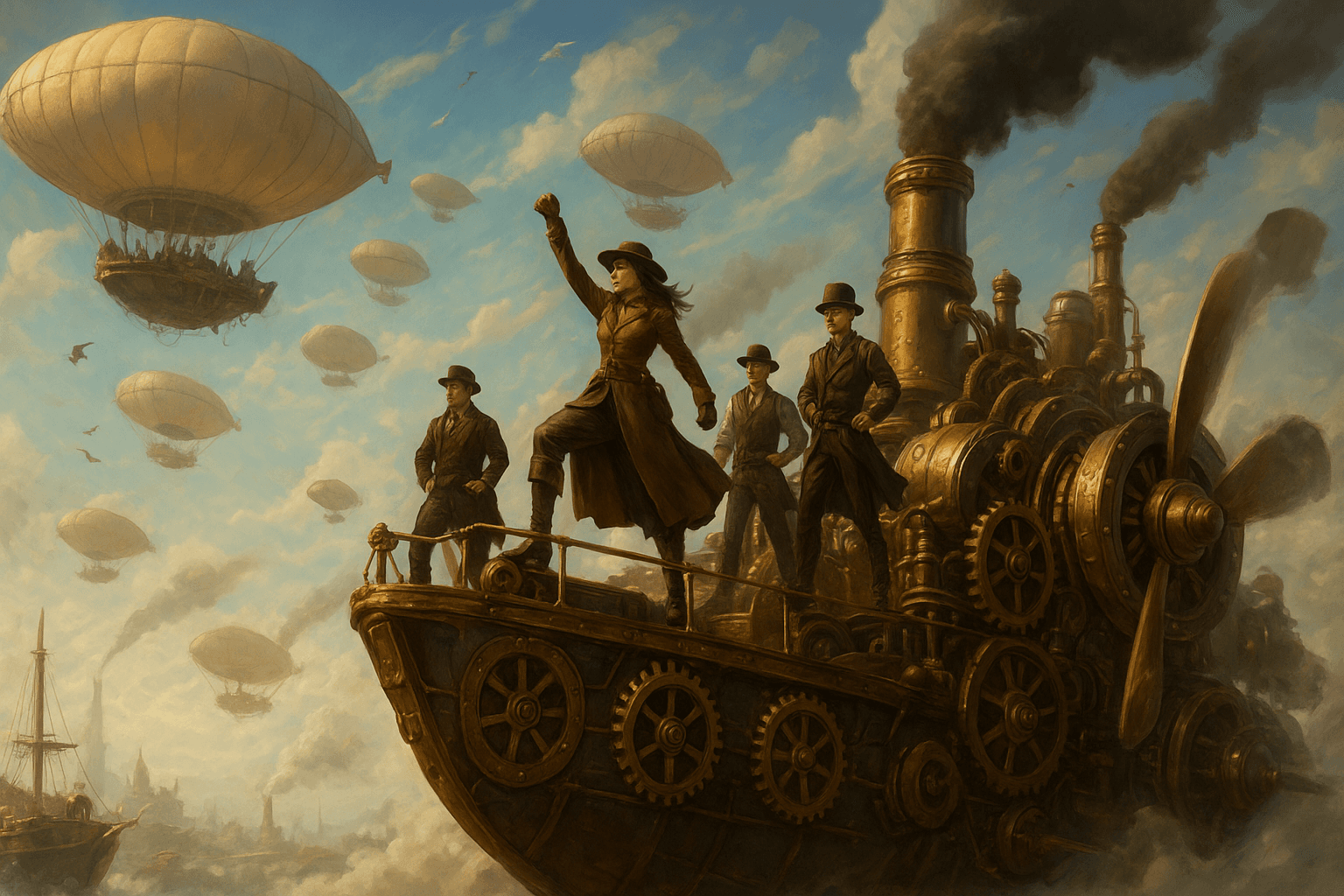
- •Character design and concept art development
- •Bulk image generation for web applications
- •Professional editing and image manipulation
- •UI/UX design mockups and prototypes
- •Educational content and visual aids
Prompt Tips and Output Quality
- •Provide precise descriptions: Especially when you need to focus on clothing, accessories, and environmental details in the image
- •Utilize size parameters strategically: Go for 1024x1024 for faster generation and 1536x1024 for higher detail
- •Set quality to "high": To get the best results when there are intricate details in the image or you need professional-level quality
- •Use transparent background: When the image has standalone objects
- •Consider compression levels: Depending on the use case, select 100 for maximum quality, or a lower value for optimization
- •Choose output formats: Depending on the desired output, opt for: **PNG **for transparency, JPEG for smaller files, or WebP for web optimization