HeyGen Avatar 6 Reference to Video
What is HeyGen Avatar 6 Reference to Video?
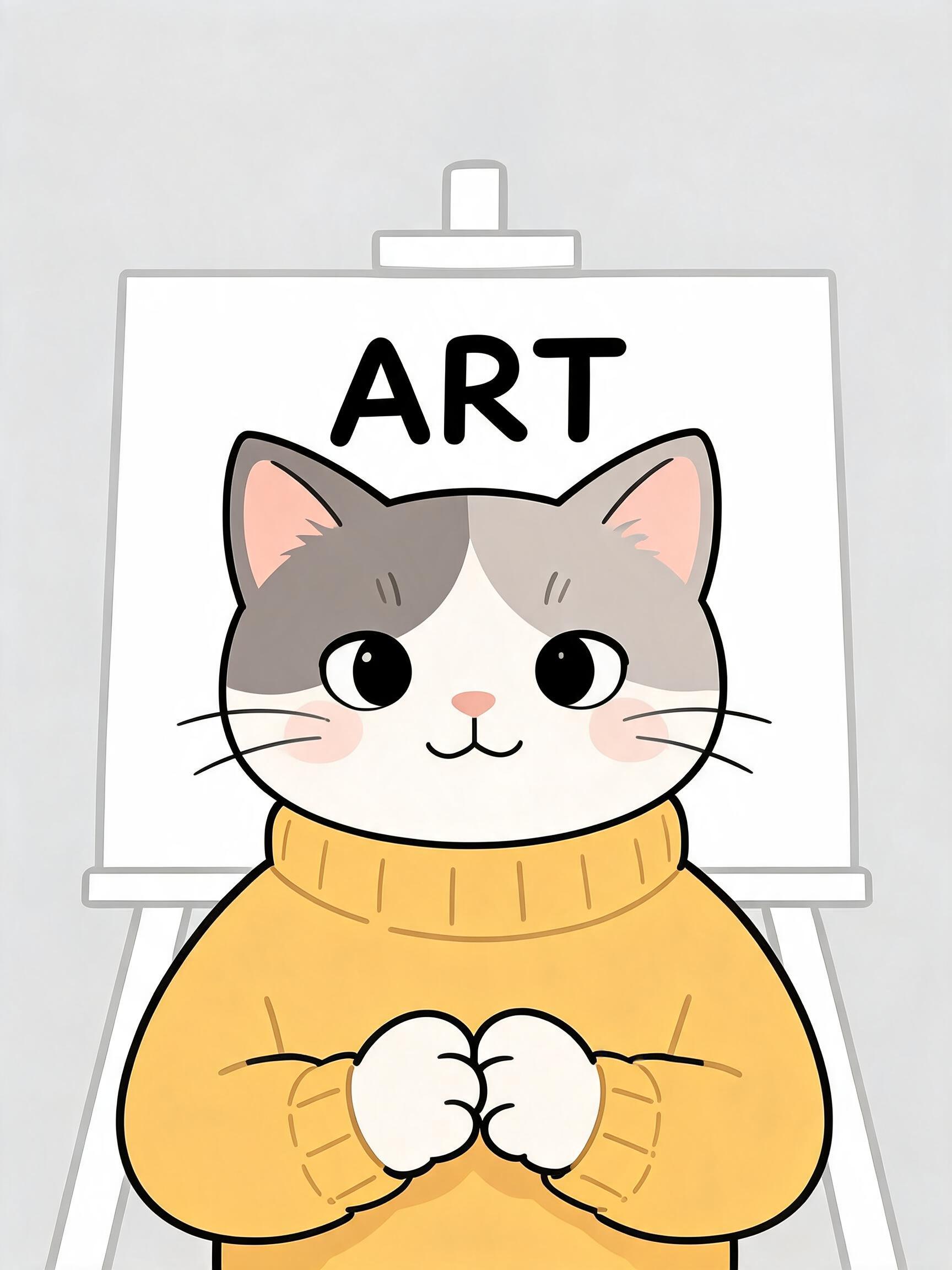
HeyGen Avatar 6 Reference to Video turns a short clip of an animated or illustrated character into a talking performance. Give it a reference video of a cartoon, 3D, illustrated or mascot character — at least two seconds — and it learns how the character looks and moves, then lip-syncs it to either your own audio or a script read in a HeyGen stock voice. An optional reference image keeps the character on-model. Because Avatar 6 is context-aware, it reads the script and generates gestures to match — pointing, counting and moving the way the words suggest. This modality is for animated and illustrated characters; videos of real people are not accepted.
Key Features
- Learns a character's look and motion from a short reference clip
- Accurate lip-sync to a script or your own audio
- Context-aware gestures that match the words
- Optional reference image to keep the character on-model
- motion_prompt control over gesture, expression and posture
- Standard and turbo tiers, 1080p or native 2K output
Best Use Cases
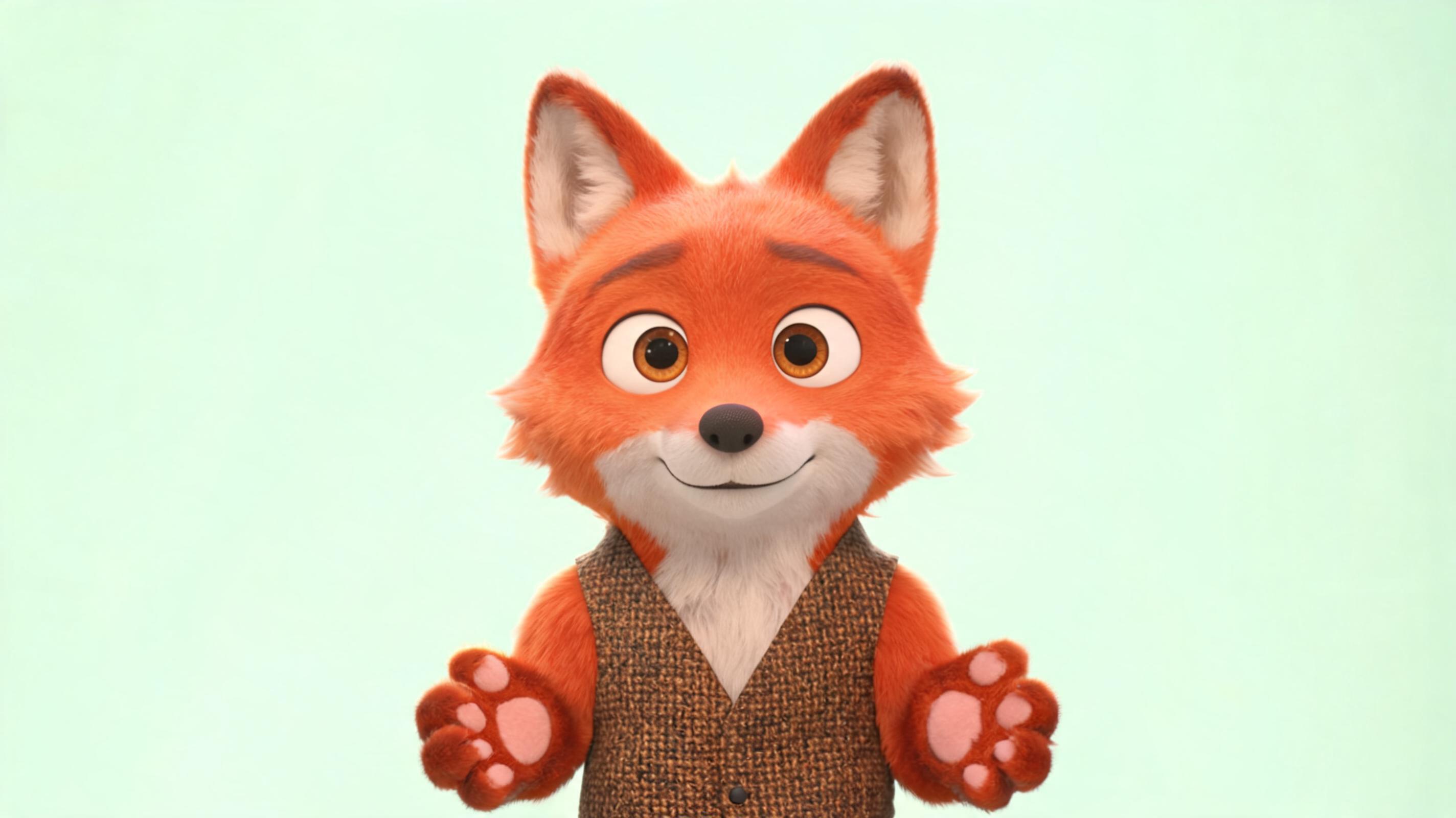
Use it for brand mascots delivering a scripted message, cartoon hosts and illustrated presenters, educational characters that count and point along with a lesson, animated social clips, and localized talking videos re-voiced in another language. In testing, a 3D cartoon fox host stayed on-model while lip-syncing a script and gesturing on cue.
Prompt Tips and Output Quality
Start from a clear, mostly front-facing character whose mouth is visible; occluded mouths and extreme angles reduce lip-sync quality. Choose one source of speech — a script with a stock voice_id, or an audio file — never both. Write a motion_prompt that ties gestures to words, such as a wave on the greeting. Keep standard tier and 1080p for natural results, and switch to 2K for hero placements.