HeyGen Generate Look — AI Avatar Look Generator (Image-to-Image)
What is HeyGen Generate Look?
HeyGen Generate Look turns a trained photo avatar into fresh, identity-consistent images with a single text prompt. Instead of reshooting, you describe a new outfit, background, or pose and the model renders your avatar in that scene while keeping the same face and likeness. It follows HeyGen's Photo Avatar Looks workflow: first you build a reusable avatar identity from photos, then you generate unlimited variations of that person on demand.
The model works in two stages. Provide clear photos of a person to create and train a new identity, which returns a reusable group_id. Once trained, pass that group_id with a prompt to generate new looks instantly, with no retraining. Each generation returns a primary look image plus additional variants you can pick from.
Key Features
- •Identity-consistent generation: the same person appears across every new outfit, setting, and style.
- •Prompt-driven wardrobe and scenes: describe business, casual, themed, or seasonal looks in plain text.
- •Reusable avatar groups: train once, then generate many looks from a single
group_id. - •Framing controls:
orientation(square, horizontal, vertical),pose(half_body, close_up, full_body), andstyle(Realistic, Pixar, Cinematic, Vintage, Noir, Cyberpunk). - •Video-ready output: feed a generated look into HeyGen Avatar IV to produce a talking video.
Best Use Cases
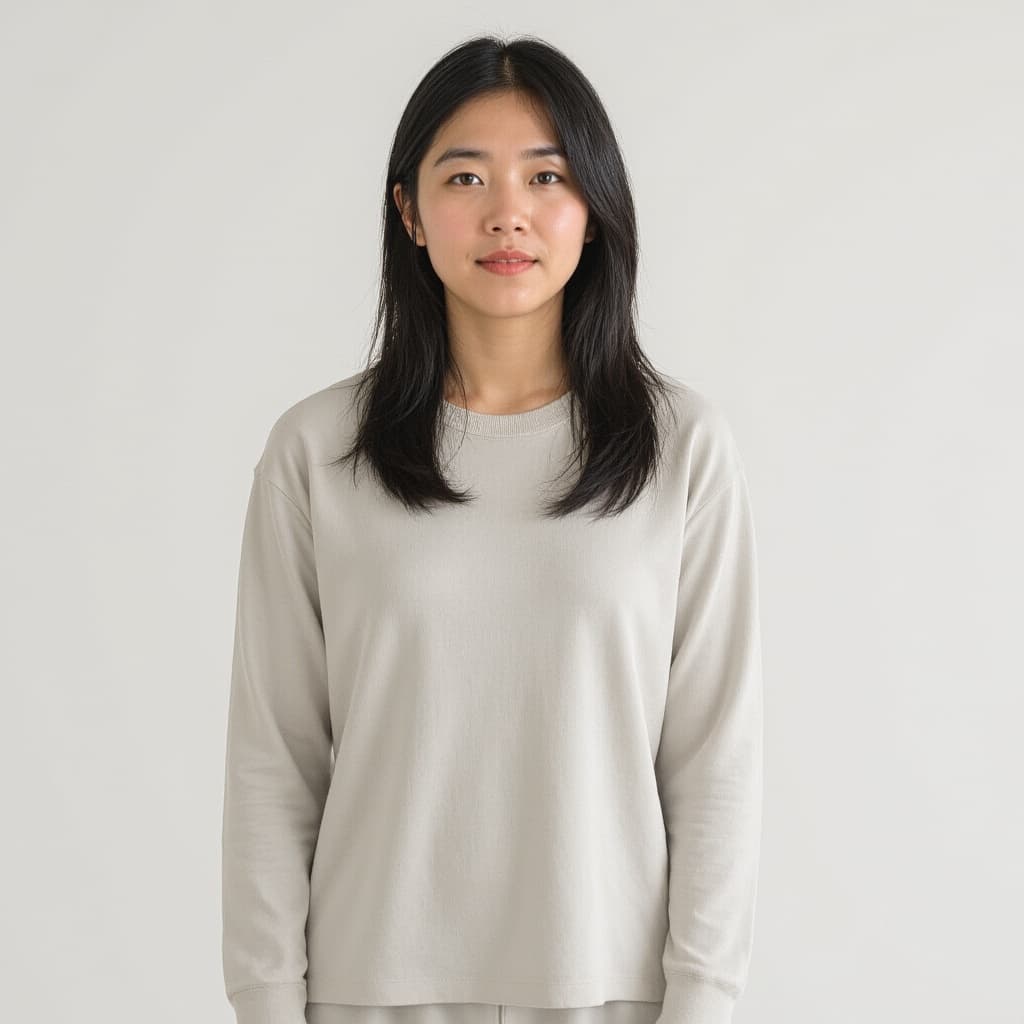
Generate Look is ideal for creators and teams that need a consistent on-camera presence at scale. Marketers build a library of branded looks for ads and social posts; educators and L&D teams keep one presenter across course modules; sales and support teams create personalized, professional headshots. Because looks share one identity, you get variety for UGC, reels, and thumbnails without hiring talent or scheduling shoots. In testing, the fast look path reliably preserved identity while changing outfit and environment, producing clean square portraits with no visible artifacts.
Prompt Tips and Output Quality
Write prompts that name the outfit, the environment, and optionally the pose, for example a navy blazer in a bright modern studio. Keep style on Realistic for professional results and switch to Cinematic or Noir for creative themes. Use half_body for general use and full_body when the outfit matters. For a new identity, upload at least 10 high-resolution photos with varied angles, expressions, and outfits, and avoid group shots, hats, sunglasses, or heavy filters.