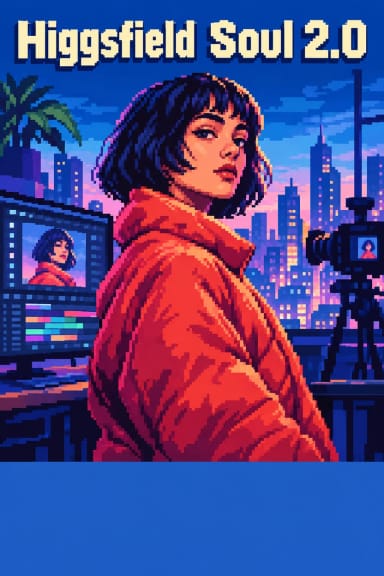
SOUL AI: Text-to-Image Generation Model
Edited by Segmind Team on September 3, 2025.
What is SOUL AI?
SOUL AI is the latest text-to-image generation model that utilizes the well-known Higgsfield API to create excellent-quality images from text prompts. It outperforms other similar models when it comes to rendering highly detailed images, thanks to its configurable options and settings for precision in visuals and style. It is a go-to model for creators who need detail-oriented results in their creations, owing to its remarkable image synthesis and a huge style catalogue.
Key Features of SOUL AI
- It includes 70+ pre-defined styles and a wide range of options from "Realistic" to "Medieval"
- It supports flexible resolution options - up to 2048x1536 output sizes
- It provides higher accuracy by utilizing an advanced prompt enhancement system
- It gives the option to customize reference handling with adjustable strength controls
- It handles real-time webhook integration for seamless workflow automation
- It integrates multiple quality presets (720p and 1080p) for different use cases
- It is capable of precise style strength adjustment (0-1 range)
Best Use Cases
- Creative agencies use it to create consistent branded visuals
- Digital artists use it for reference to get inspired or use its base images
- Content creators can design custom illustrations for their projects
- E-commerce platforms can render product visualizations for their customers
- Game developers can boost their games' vision and visuals by creating concept art
- Fashion designers utilize it to experiment with their style variations
- Social media content creation to produce a large volume of high-quality and engaging posts
Prompt Tips and Output Quality
- To generate a precise and desired outcome, always provide clear prompts with detailed descriptions to include essential visual elements
- The enhance_prompt feature is perfect for creating images with complex scenes or that need detailed elements
- Achieve desired results by adjusting style_strength between 0.5 (subtle) and 1.0 (bold)
- Get maximum details in the generated image by combining 1080p quality setting with larger resolution options
- Using custom_reference_id will ensure consistency across multiple image creations
- The precise tone and visualization for the project can be achieved by experimenting with different style presets