Kandinsky 6.0 VSR — Video Super-Resolution (Video-to-Video)
What is Kandinsky 6.0 VSR?
Kandinsky 6.0 VSR is a prompt-free video super-resolution model that upscales and restores short clips, recovering fine detail and textures while keeping frames temporally consistent. Part of Sber's open Kandinsky 6.0 Video family, it takes a soft, low-resolution clip — up to 121 frames (about five seconds at 24 fps) — and rebuilds it at 2x, 2.25x or 4x, so a 480p source becomes a clean 1080p result. It encodes the source, upscales in latent space, denoises overlapping tiles and blends them back together, which is why recovered detail stays stable frame to frame instead of shimmering. It works on both AI-generated drafts and real camera footage.
Key Features
- •Fine-detail and texture recovery: feather barbs, fabric weave, foliage, skin and other high-frequency detail that turns mushy at low resolution resolves cleanly after upscaling.
- •Flicker-free temporal consistency: detail is reconstructed across overlapping tiles so moving subjects stay stable, with no boiling or shimmer.
- •2x, 2.25x and 4x upscaling: 2.25x handles any input size (480p to 1080p); 2x and 4x need width and height that are multiples of 16.
- •Pro and Lite modes: Pro (5 steps) restores the most detail; Lite (2 steps) is faster and cheaper with comparable results.
Best Use Cases
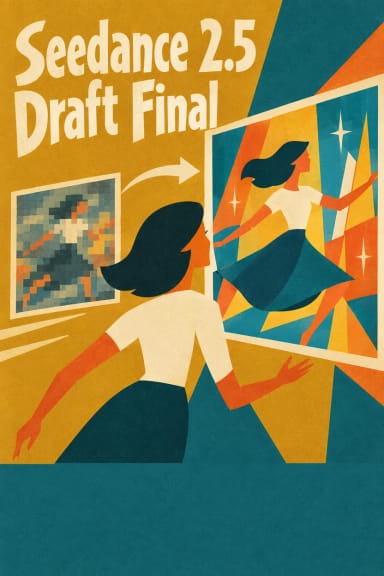
Kandinsky 6.0 VSR is built to be a finishing stage. Use it to take AI-generated video drafts — including Kandinsky 6.0 Video Lite and Pro output, which generates at SD resolution — up to Full HD. It also restores and sharpens short real-world clips: wildlife and nature macro, product shots, textiles and craft close-ups, archival footage, and social clips that need to read crisply at 1080p. In testing, a soft 848x480 wildlife clip upscaled to 1920x1088 in Pro mode rebuilt feather and beak texture without flicker across the motion, and Lite mode produced a near-identical restore at lower cost.
Input Tips and Output Quality
Trim sources to 121 frames or fewer before sending; longer clips are rejected. Choose 2.25x for any-size 480p-to-1080p work; switch to 2x or 4x only when your dimensions are multiples of 16. Cleaner sources upscale better — heavy compression and noise limit what any VSR can recover. Start in Lite for drafts and batches, move to Pro for finals. Because the model restores rather than invents, framing and motion from the source carry through unchanged.