How to use Kling 4.0 Reference to Video
Kling 4.0 Reference to Video turns a text prompt plus reference assets into a new clip that keeps your subjects consistent. Start with a required prompt, then add the references the scene needs — up to 10 images and 5 videos — and give each one a clear role.
Build the reference set
Use separate references for separate jobs: one image for a character, another for the setting or a product, a video for motion or pacing. Give each a short, unique name and refer to it in the prompt as @Image1, @Image2 or @Video1. A compact, clean reference set is easier for the model to hold than a crowded one, and at least one reference is required.
Write the prompt
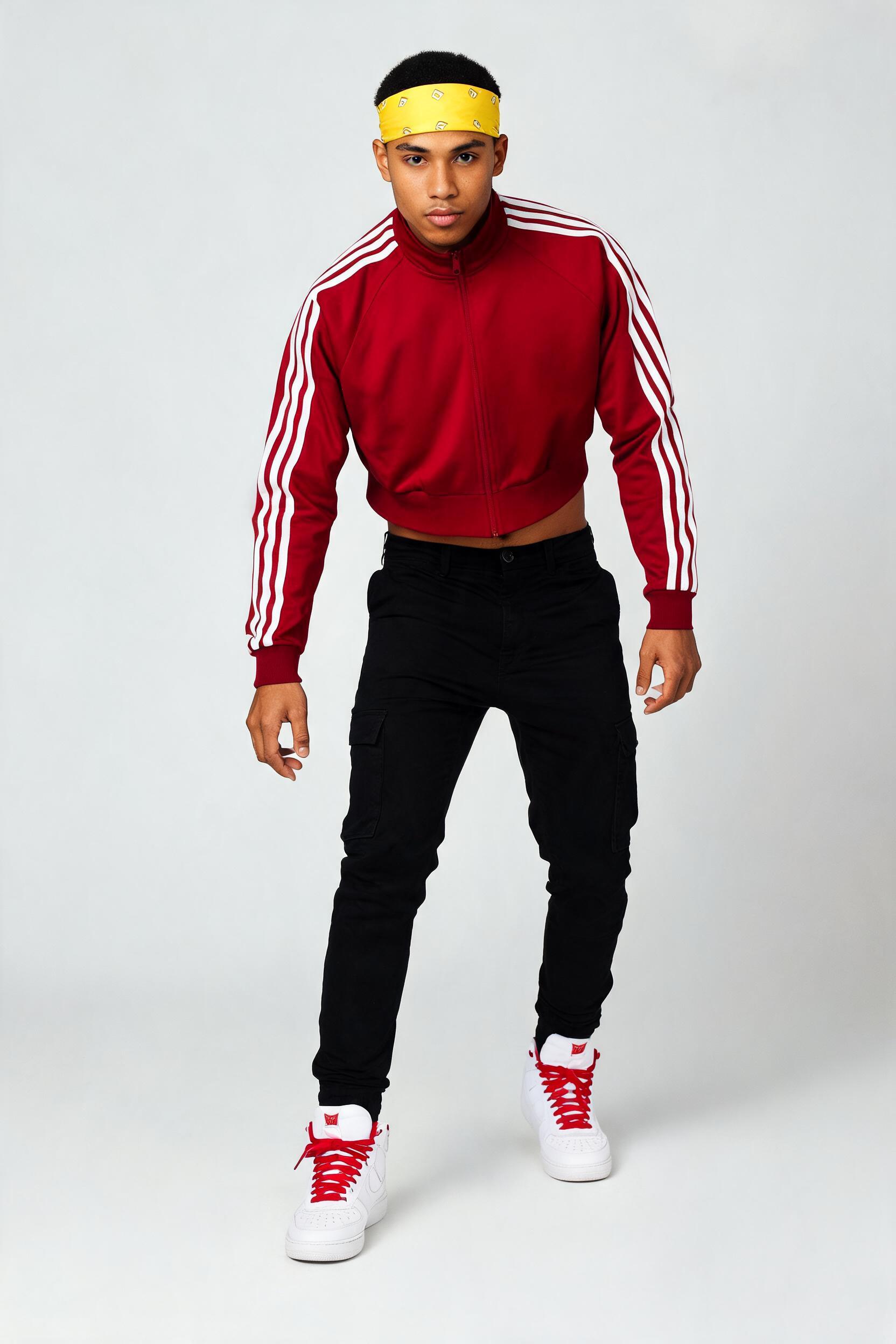
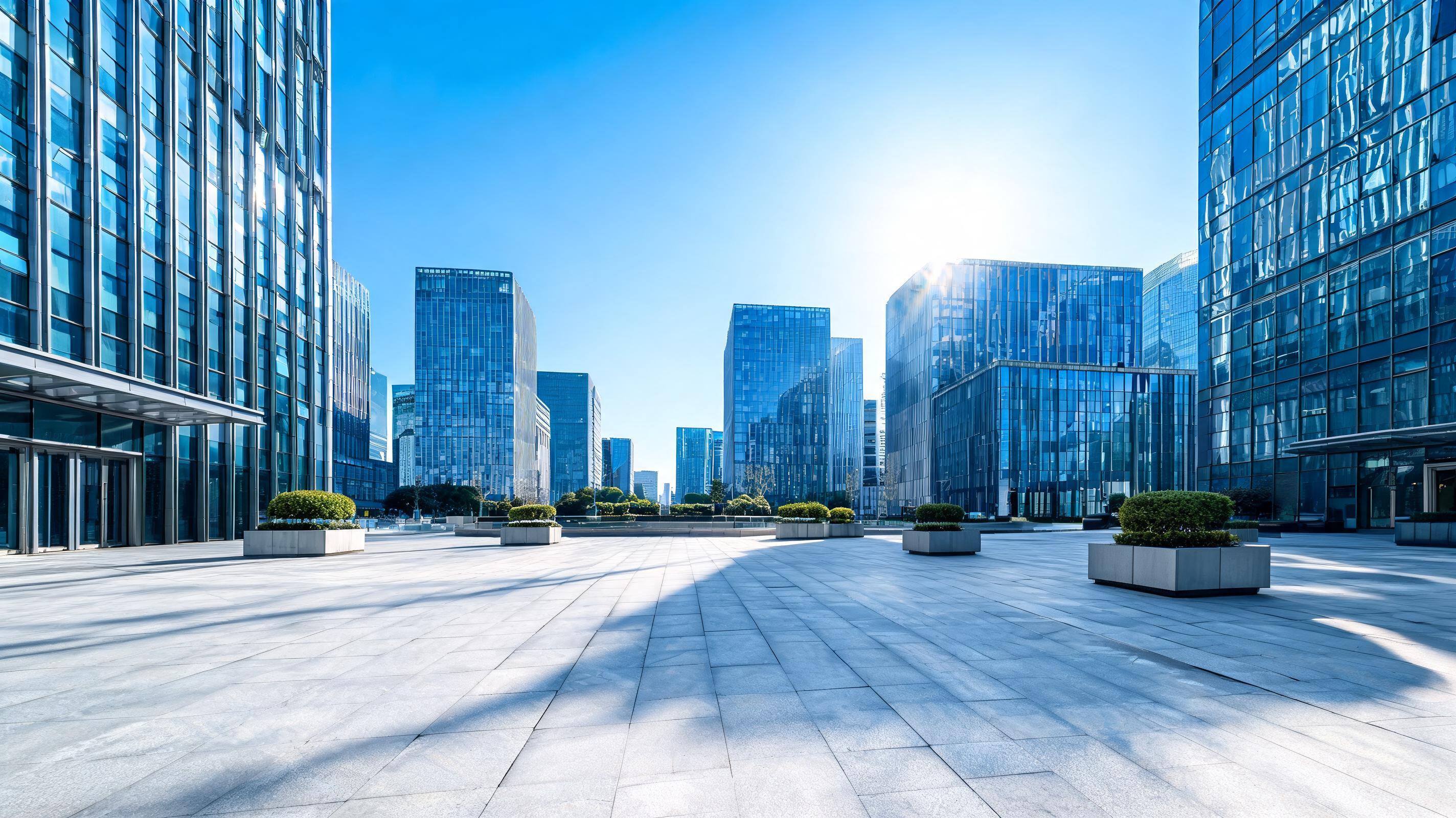
Name each reference and state its role, then describe the action and the camera: "@Image1 performs a windmill on the plaza of @Image2, camera orbiting low." Say explicitly what must stay the same — "keep his outfit, keep the plaza buildings" — and what should change. Exclude unwanted additions such as extra people, captions or logos. Keep subject, setting and motion instructions separate so no two references are asked to define the same detail.
Recommended Settings
- •reference_images: the subject and the setting as two separate stills, named @Image1 and @Image2.
- •prompt: a role for each reference, one clear action, and a camera move.
- •duration: 5 seconds for a single move; up to 30 for multi-beat sequences.
- •resolution: 1080p for hero or client work, 720p for quick drafts.
- •aspect_ratio: 16:9 for landscape action, 9:16 for social, adaptive to follow your references.
In testing, this setup — two reference stills, a windmill prompt, 1080p, 16:9, 5 seconds — produced a clean 1920x1080 clip with native audio in which the referenced dancer and plaza both stayed consistent through the spin.
Avoid drift
Change one variable at a time, and split heavy action across clips rather than packing it into a single shot.
Examples to try
Each example ran end to end through Reference to Video at the settings shown and came back as a finished clip with native audio; clicking a card drops its prompt and reference assets back into the form. Every reference is named in the prompt (@Image1, @Video1 …) and keeps its role — a face, a product, a setting or a camera move — across the whole clip.
- •Omni Reference: two stills composed into one shot (the default; 1080p, 16:9). Prompt: "@Image1 is the breakdancer: keep his face, crimson track jacket … @Image2 is the setting: keep this sunlit plaza of blue-glass office towers … performs a fast windmill: his body spins flat and continuous over the stone … The camera orbits low around him, the glass towers held steady behind … Sound: open-air city ambience with the scuff and whoosh of his spin" The referenced dancer and the glass-tower plaza both hold through the windmill as the camera orbits. Tip: keep the subject and the setting on separate images and give each one a role.
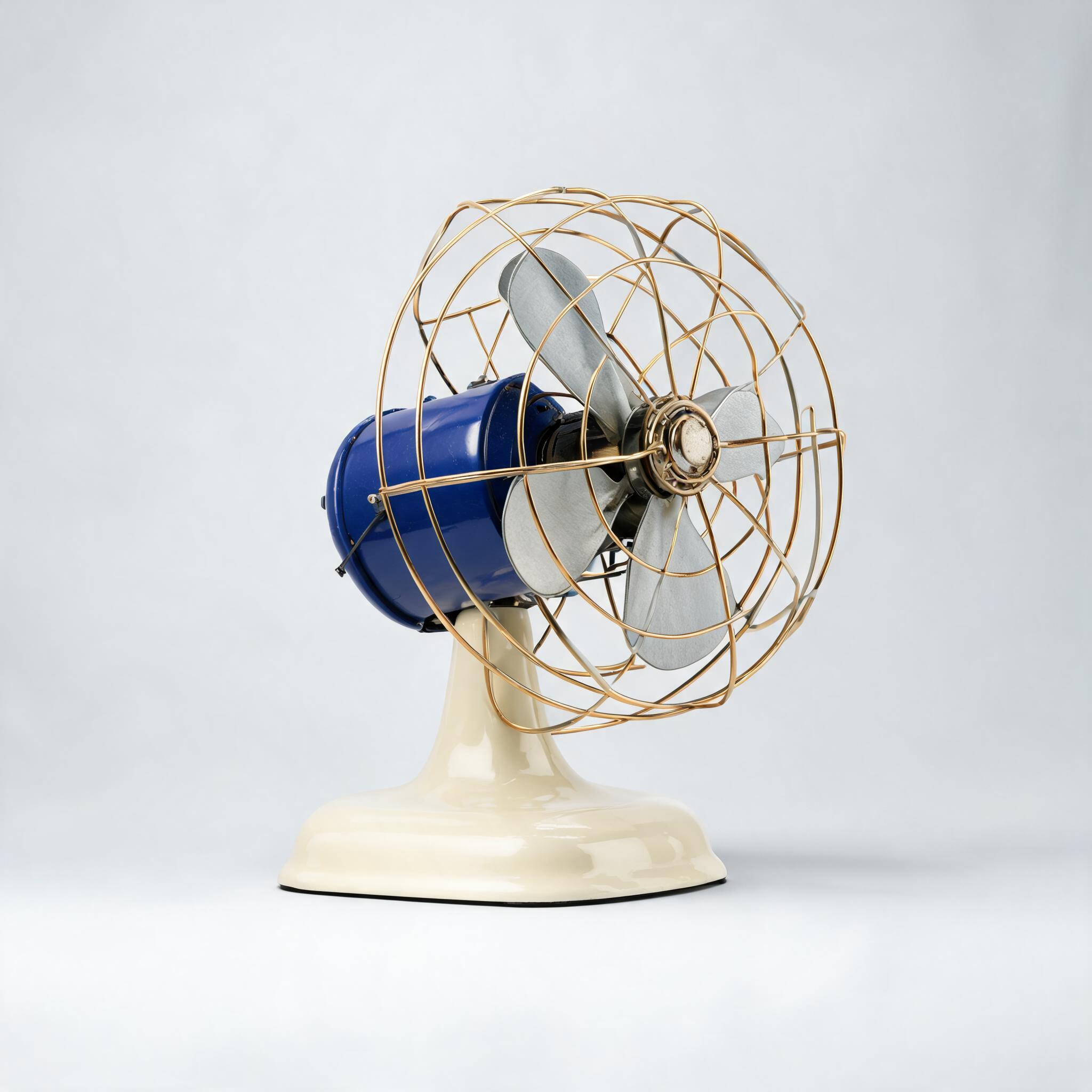
- •A reference video drives the camera (1 image + 1 video, 1080p, 16:9). Prompt: "Reference the camera path and pacing of @Video1 — a steady orbit around a central object … @Image1 defines the desk fan; preserve its exact shape, cobalt-blue blades, brass cage and cream enamel base … The camera orbits the fan exactly as in @Video1 while the fan's blades spin" The desk fan keeps its exact look while the camera borrows the clip's orbit and the blades spin. Tip: give @Video1 only the camera move and @Image1 the product to hold.
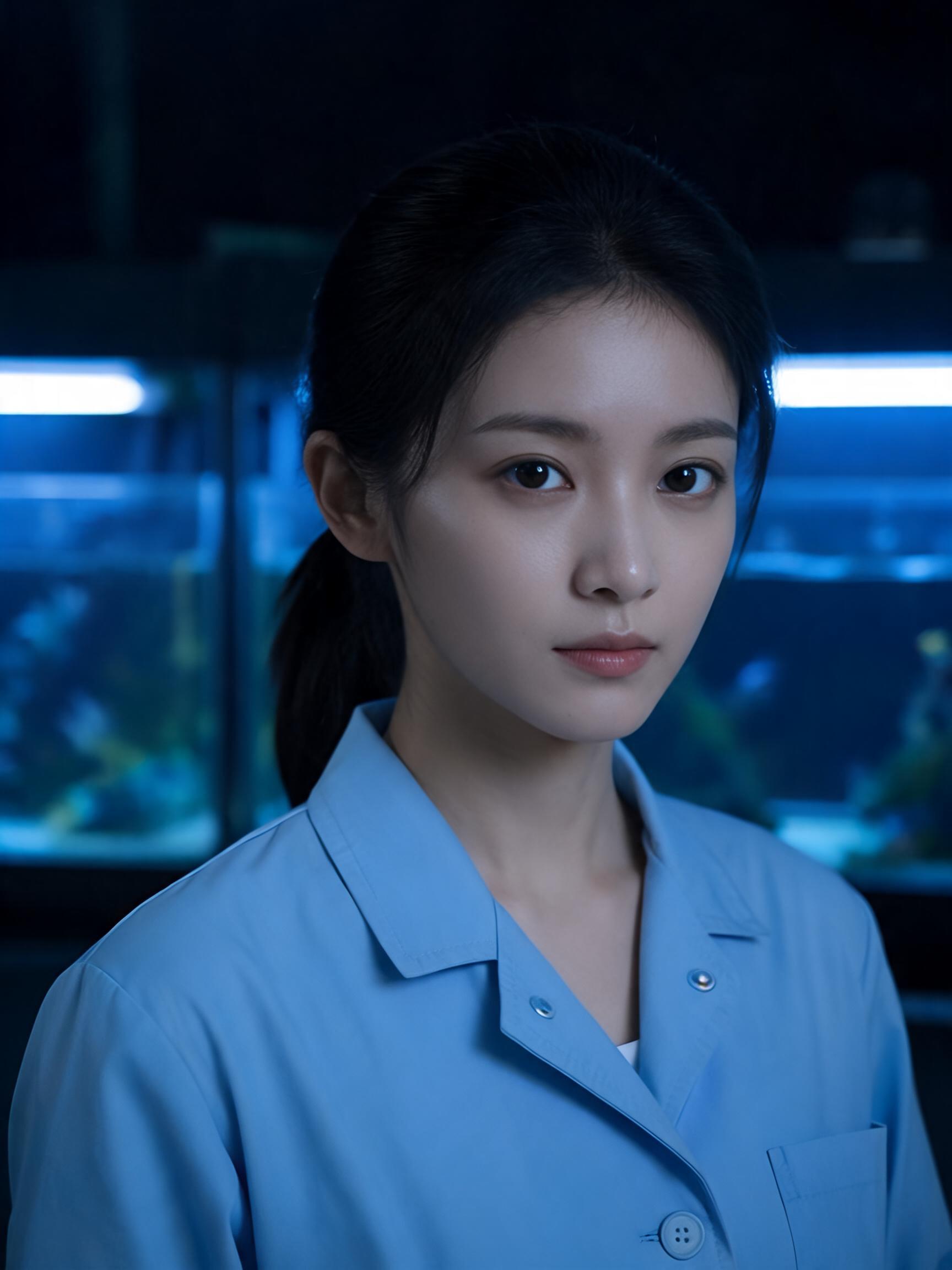
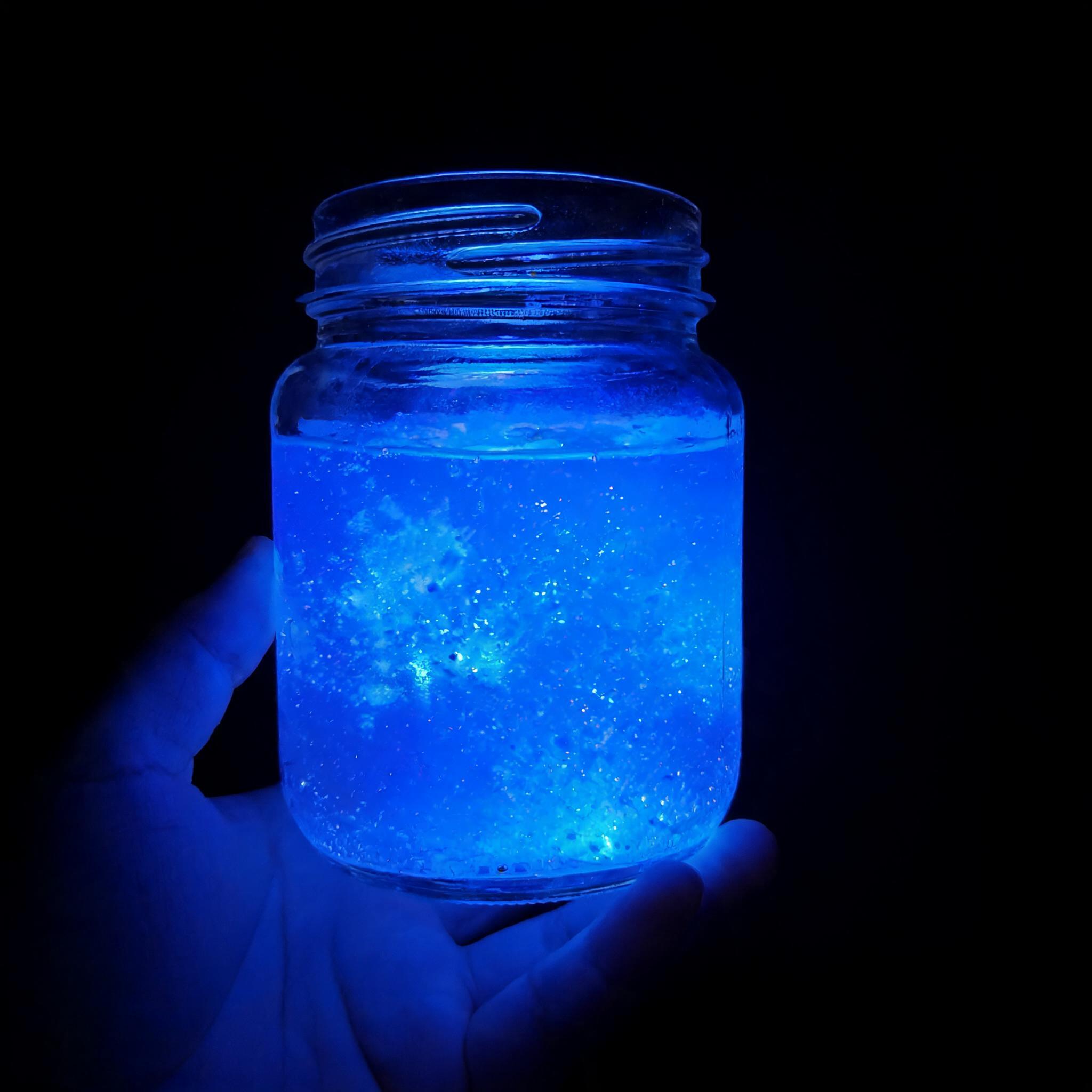
- •Lip-synced spoken dialogue (1080p, 16:9). Prompt: "@Image1 defines the marine biologist; preserve her face, dark ponytail and blue lab coat … @Image2 defines the glass jar of glowing blue plankton … says in English, clearly: "Watch what happens when I shake it — the whole jar lights up."" Her face and coat stay consistent while her mouth tracks the English line and the jar glows, her voice forward in stereo. Tip: write the line in quotes and keep the jar below her chin so her mouth stays visible.
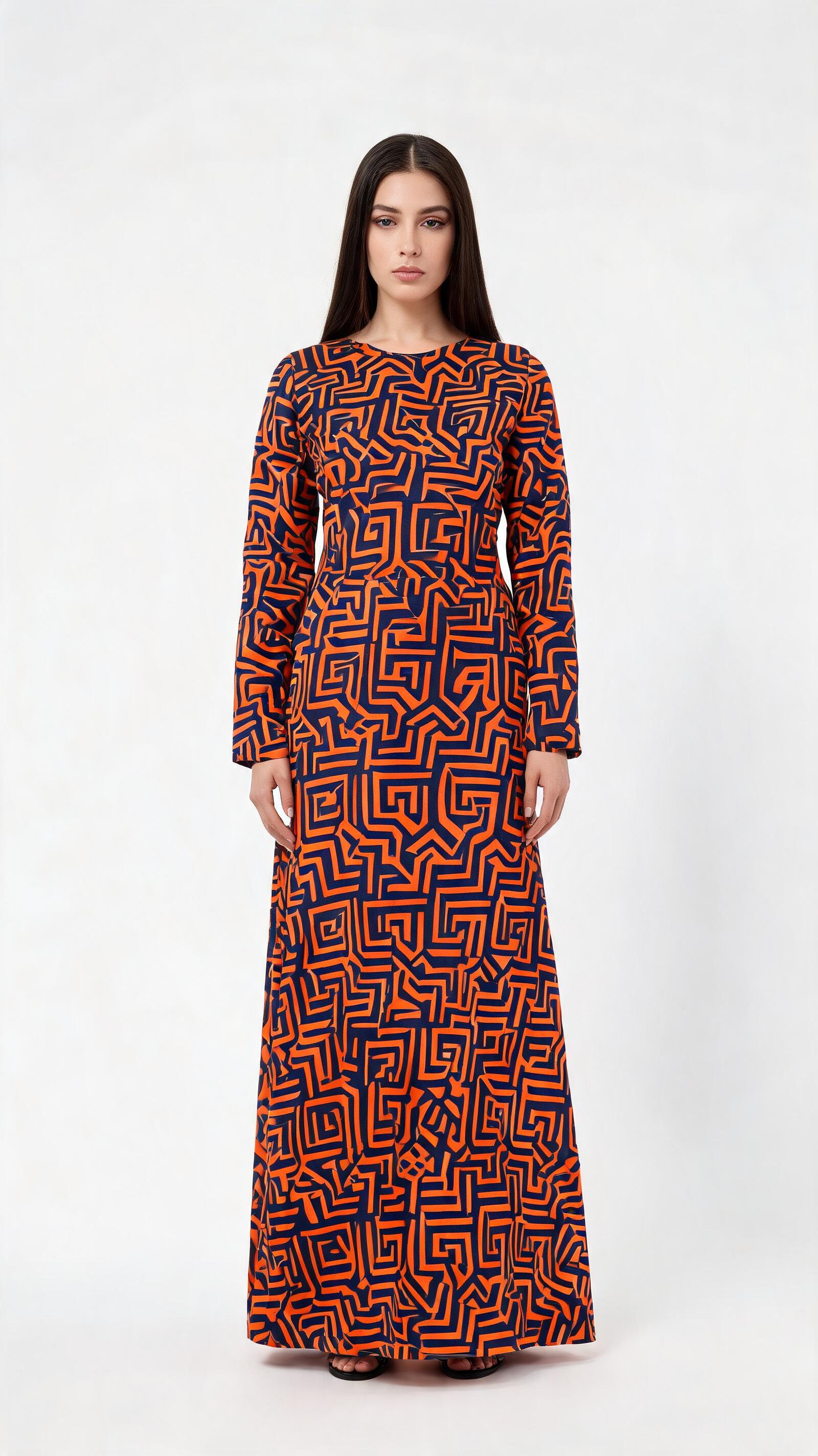
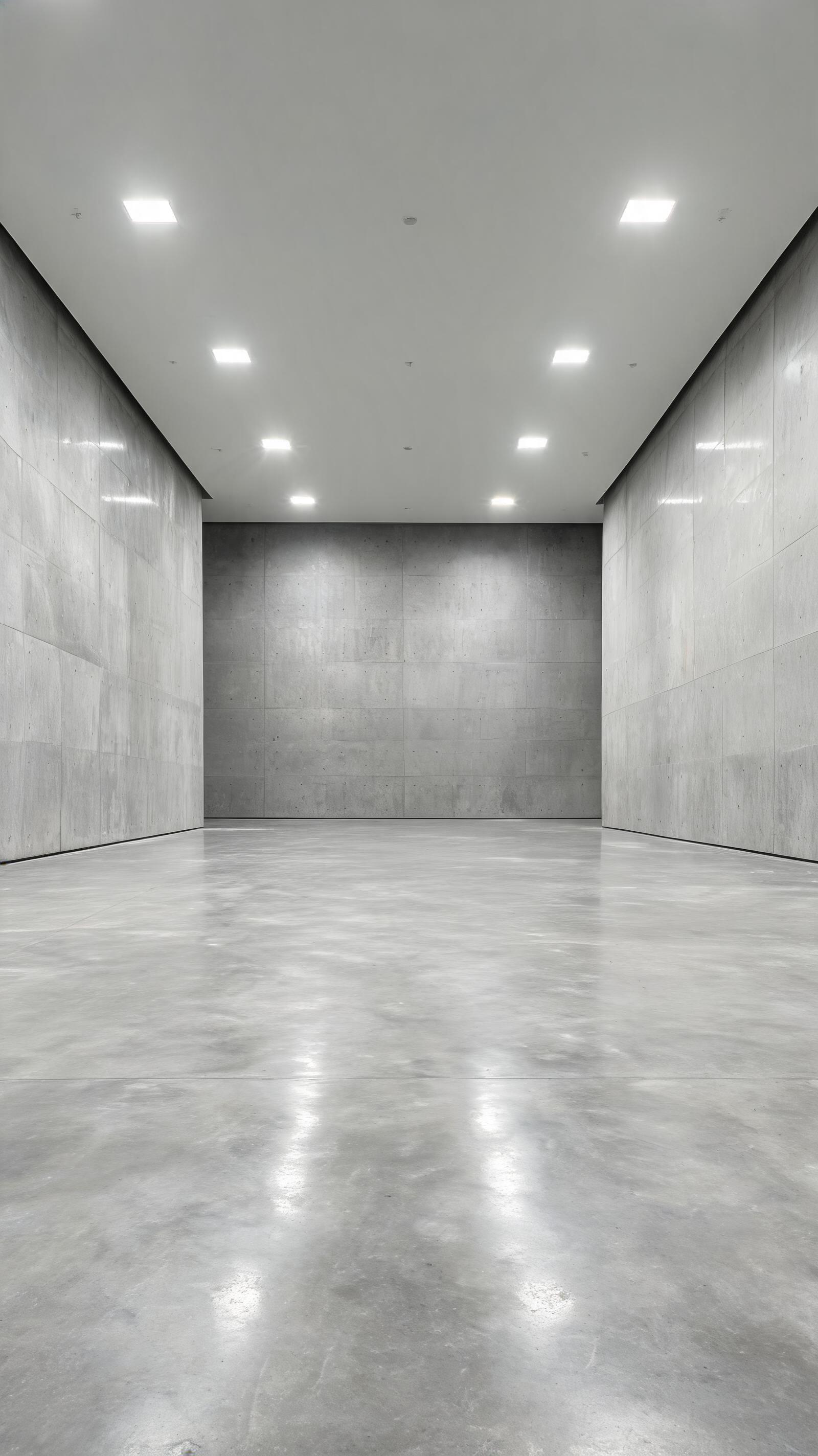
- •Product and fashion consistency (9:16). Prompt: "@Image1 defines the model and her wax-print maxi dress; preserve the dress's bold orange-and-indigo geometric print and its exact cut … @Image2 defines the setting — a bare poured-concrete gallery … the camera pushes in from a full shot to the waist" The orange-and-indigo maze print and the dress's cut stay identical as she turns and the camera pushes in. Tip: put the garment on @Image1 and the setting on @Image2; 9:16 suits social verticals.
Reference-guided prompts
Every example here is reference-driven: name up to 10 images (@Image1, @Image2 …) and 5 videos (@Video1 …) in the prompt — at least one is required — and give each one a job, saying what to keep and what must not change.
Also try: "keep @Image1's sneaker identical through @Video1's turntable orbit", "place @Image1's handbag in @Image2's marble lobby as a model walks it through", or "have @Image1 deliver the line in French".