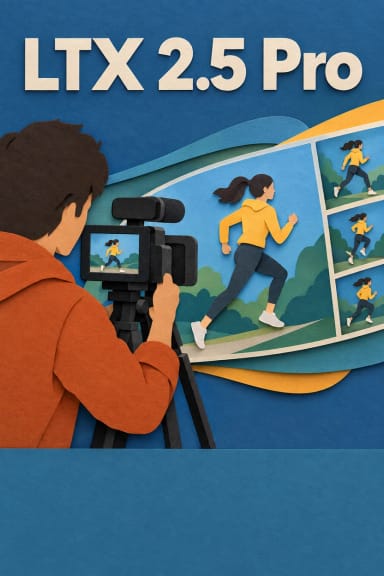
Retake by LTX Studio: AI Video Editing Model
Edited by Segmind Team on December 24, 2025.
What is Retake?
Retake is a sophisticated AI video editing model designed to fine-tune specific parts of a video without the need to recreate or reshoot the full clip. It is built on the LTX-2 framework and is capable of handling multiple tasks: from reworking lines of dialogue and adjusting emotional tone to subtly shifting a scene’s atmosphere. Retake makes the editing process, which is complex and needs to be precise, feel effortless as it smoothly integrates new AI-generated visuals into existing footage, maintaining a seamless match in lighting, style, and performance. It helps filmmakers and content producers quickly create new visuals and experiment creatively, without the expensive reshoots.
Key Features of Retake
- •Pinpoint Scene Control: The model makes it possible to edit 2 to 20-second segments within longer videos without changing the surrounding content.
- •Seamless Continuity Preservation: It seamlessly maintains lighting, camera angles, character performance, and visual coherence across edits.
- •Multi-Modal Replacement: The model offers complete creative flexibility with audio and video creation; thus, the users don't have to rely on multiple models.
- •Dialogue and Emotion Refinement: It also makes it possible to rephrase spoken lines or adjust actors' performances without full scene reshoots.
- •High-Resolution Support: It works best with high-quality video inputs to generate professional-grade output.
Best Use Cases
Film and Video Post-Production: It can be leveraged to fix dialogue issues, adjust actor performances, or refine emotional beats discovered during editing review.
Marketing and Advertising: It can quickly iterate on messaging, test different voiceovers, or even adjust visual tone to match brand guidelines.
Educational Content: It comes to the rescue when you need to correct mistakes in instructional videos or update outdated information without re-recording entire lessons.
Social Media and Short-Form Content: The model makes it possible to experiment with various cuts, music, and pacing to optimize engagement before publishing.
Prompt Tips and Output Quality
- •Start with the
video_uriparameter by pointing it to your source footage: higher resolution inputs yield better results. - •Use
start_timeanddurationto isolate the exact segment (2-20 seconds recommended). - •The
promptfield is essential to drive the creative direction: describe desired changes with specificity, like "soften the speaker's tone to sound more empathetic" or "add warm sunset lighting to the background." - •The
modeparameter determines scope:replace_audio_and_videogives full creative control, whilereplace_audioorreplace_videolets you preserve one element. - •For best continuity, ensure your prompt aligns with the existing scene's context: dramatic lighting changes may require longer durations to blend naturally.