MiniMax H3 Image Edit — AI Image Editing (Image-to-Image)
What is MiniMax H3 Image Edit?
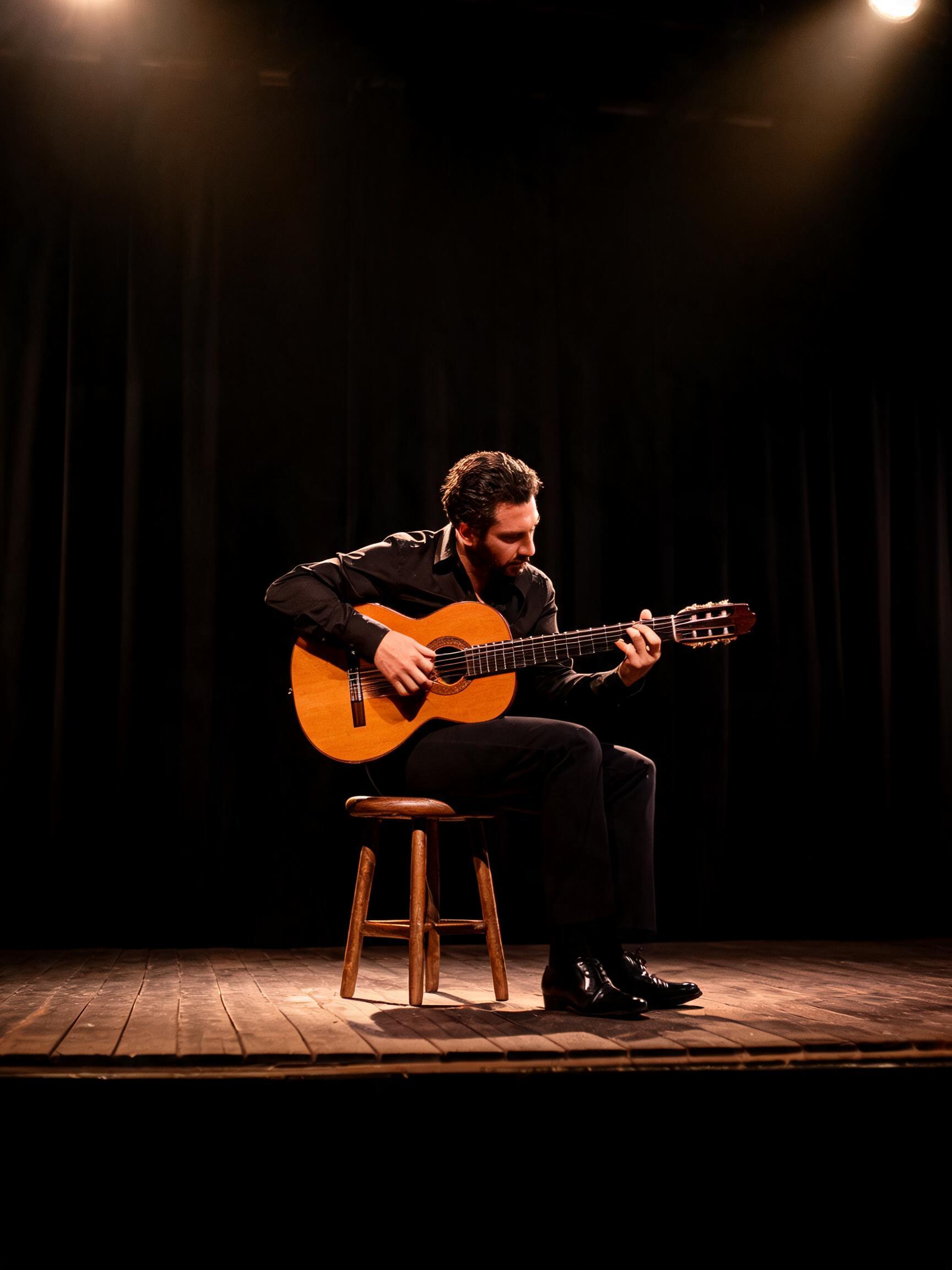
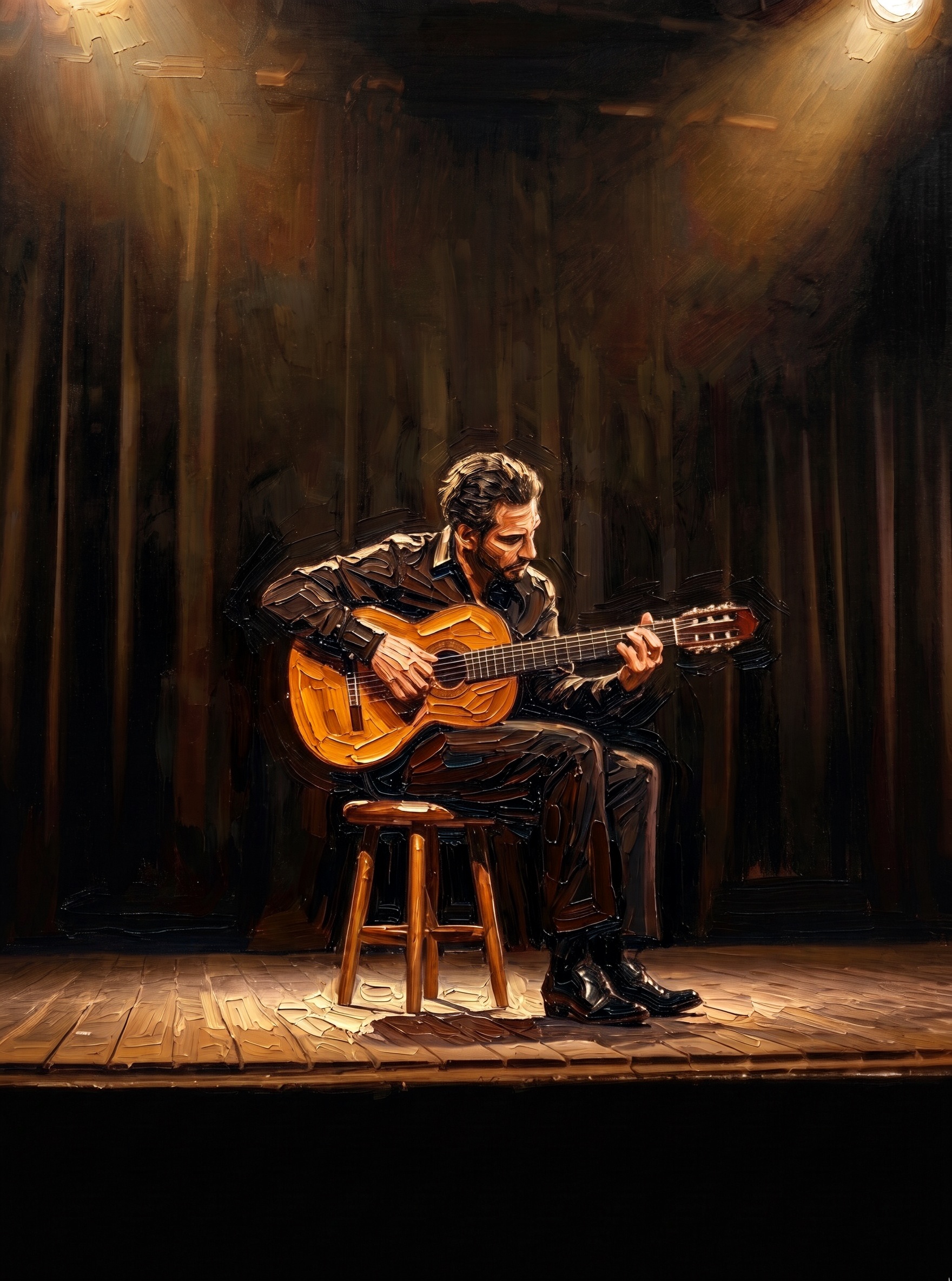
MiniMax H3 Image Edit is MiniMax's instruction-driven image editing model, built on the open-weight H3-Image checkpoint. It takes one to sixteen reference images and a single text instruction and returns an edited image — combining subjects, swapping or restyling elements, and composing new scenes while keeping the parts you tell it to preserve. You name each input in the prompt as "Picture 1", "Picture 2", so the model knows exactly which object to move, change, or keep. Output is native high resolution — up to about 16 megapixels (4K) in a single pass, with no separate upscaling step.
Key Features
- Edit and combine 1–16 reference images from one text instruction.
- Native output up to ~16 MP (4K); choose a 1K, 2K or 4K area.
- Any aspect ratio from 1:3 to 3:1, or an exact WIDTHxHEIGHT size.
- Strong instruction following — renders exactly what the prompt asks while preserving the parts you name.
- Standard and highspeed tiers; 1–10 images per request; JPEG, PNG or WEBP output.
- Returns the enhanced prompt (
revised_prompt) the model actually read.
Best Use Cases
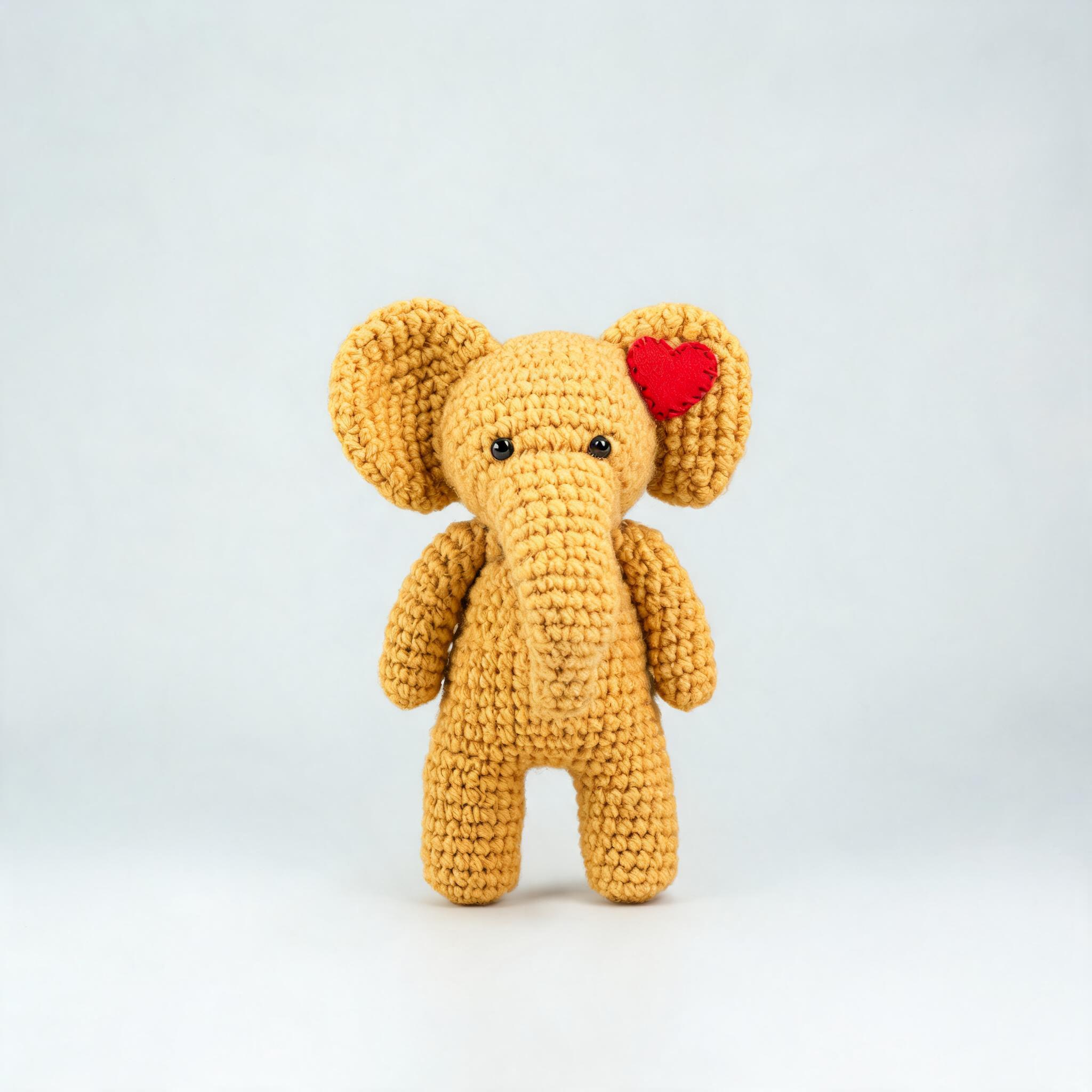
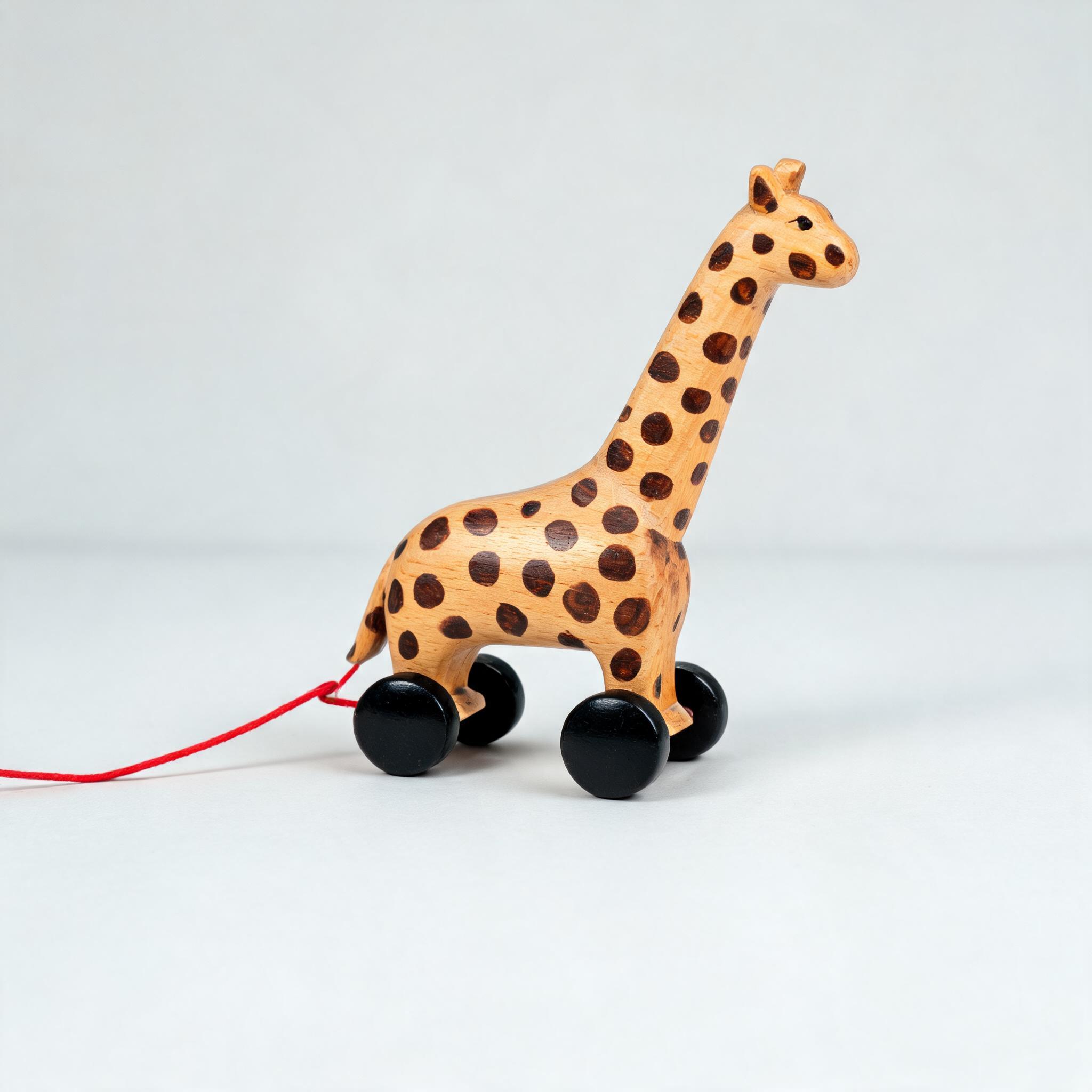
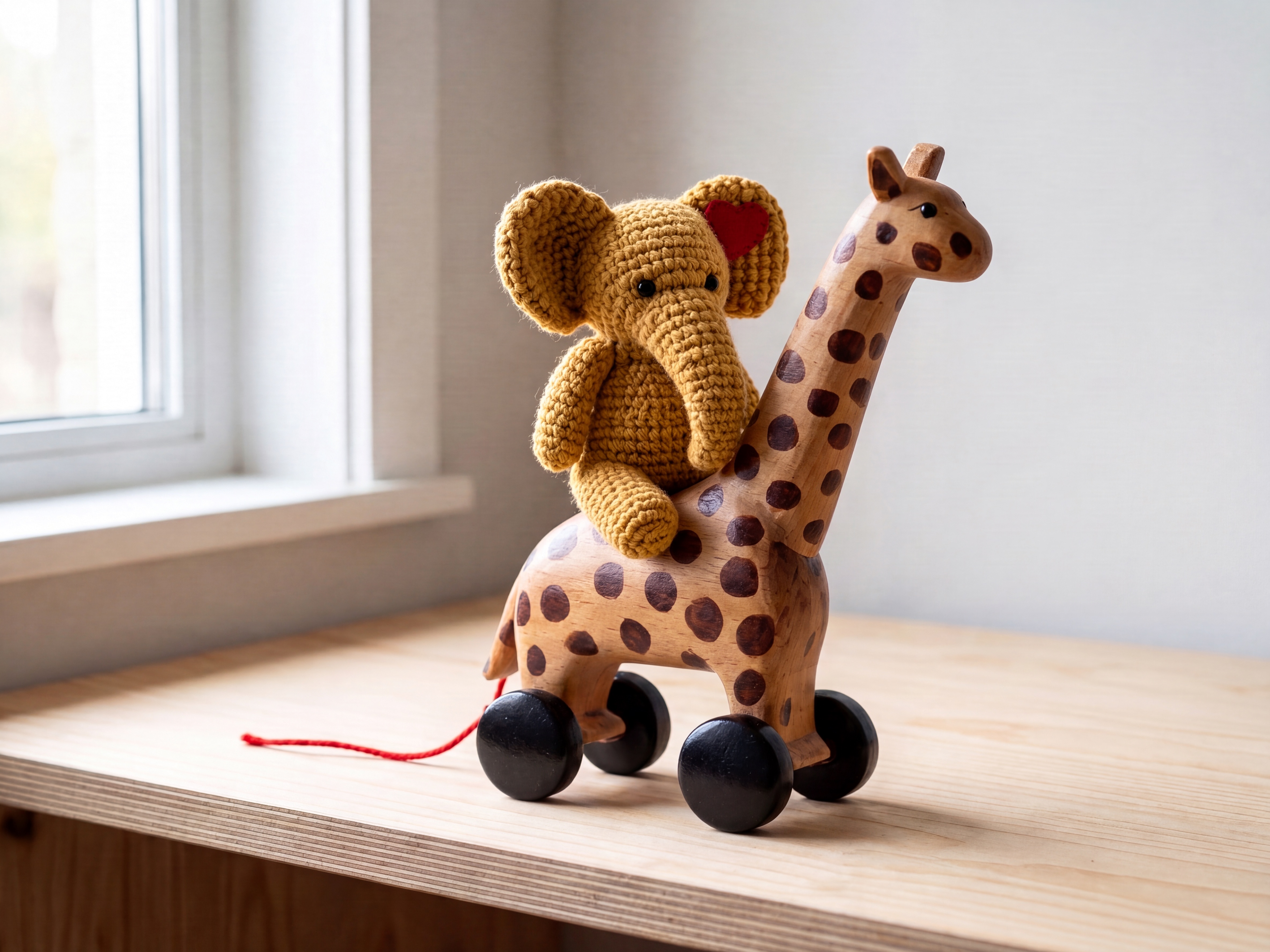
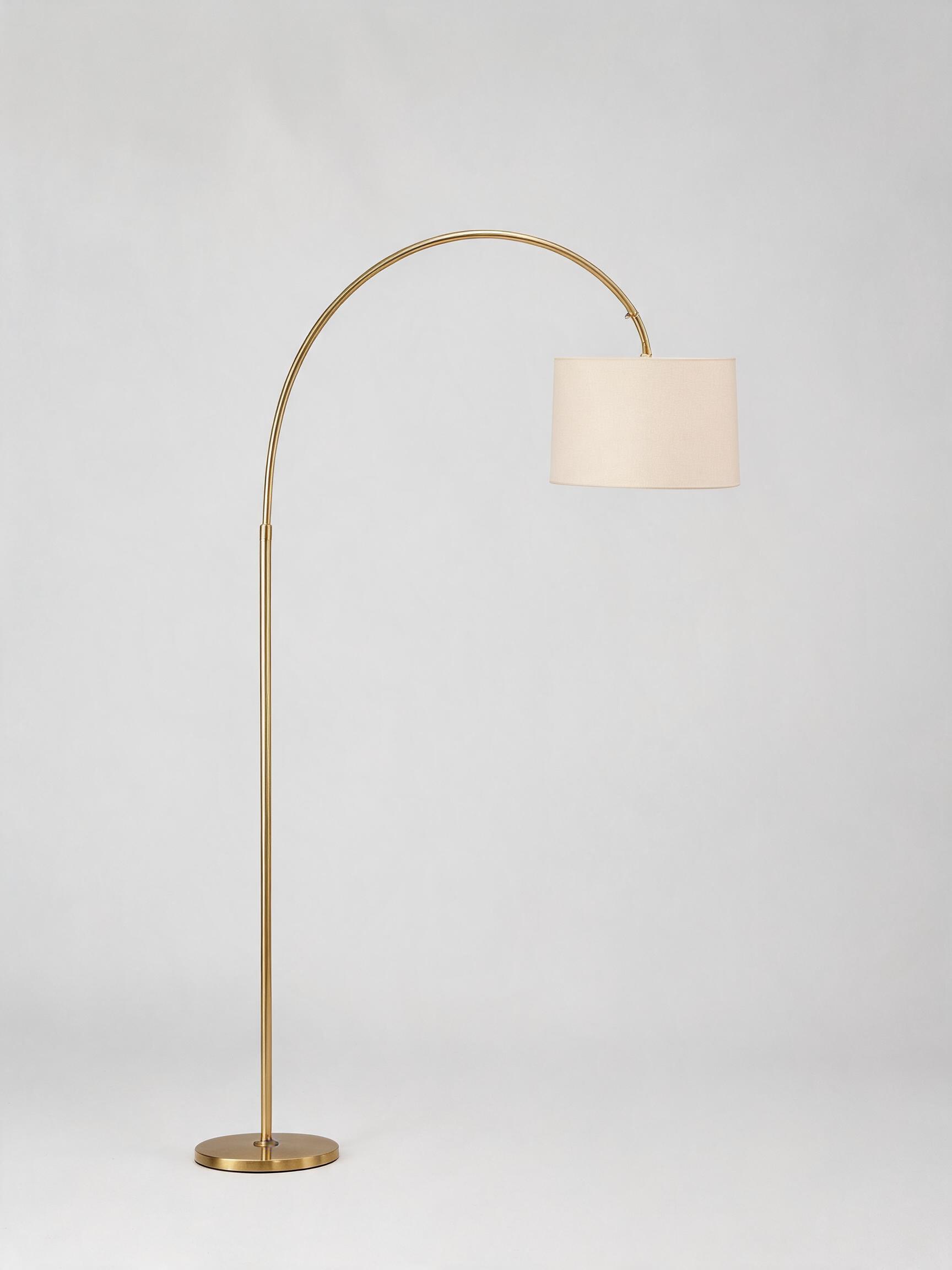
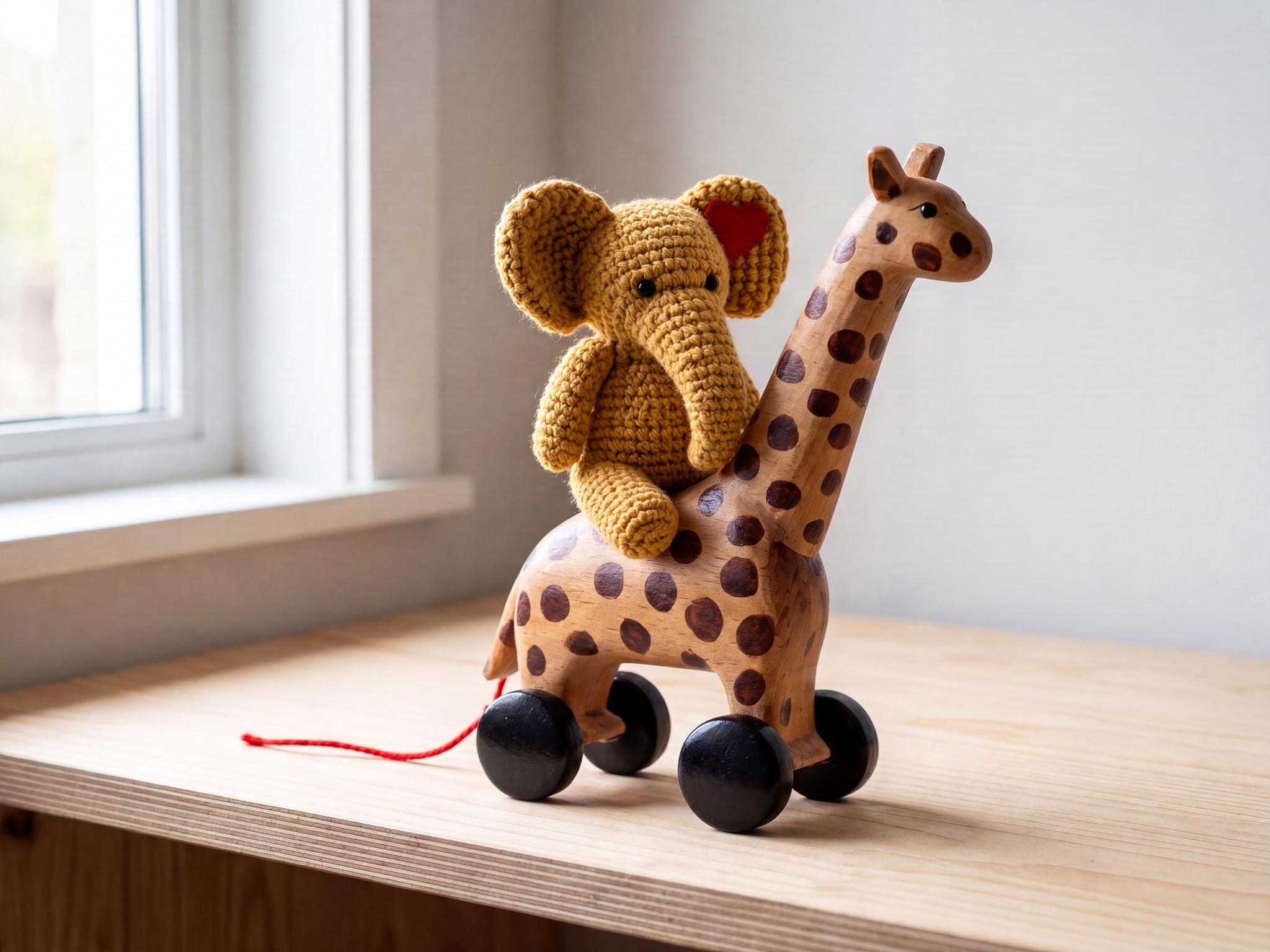
Product compositing (drop a product into a new scene, or combine several products), virtual staging and set dressing, brand-consistent variations from reference art, character and prop combination, outfit and material swaps, and background replacement. Because the model holds identity across a large change, it fits catalog, marketing and concept work where the subject must stay recognizable. In testing, two separate toy photographs were combined into one coherent 4K shelf scene with each object's texture and markings carried over faithfully.
Prompt Tips and Output Quality
State both the change and what must stay the same, and refer to inputs as Picture 1, Picture 2 in upload order. Keep reference shots clean and well lit. Use area=4K for print-grade detail, 2K for faster iterations. Set an explicit aspect_ratio (for example 4:3) for predictable framing, or auto to let the model infer shape from the references. Prompt enhancement runs on every edit, and the rewritten prompt comes back so you can see what was generated.