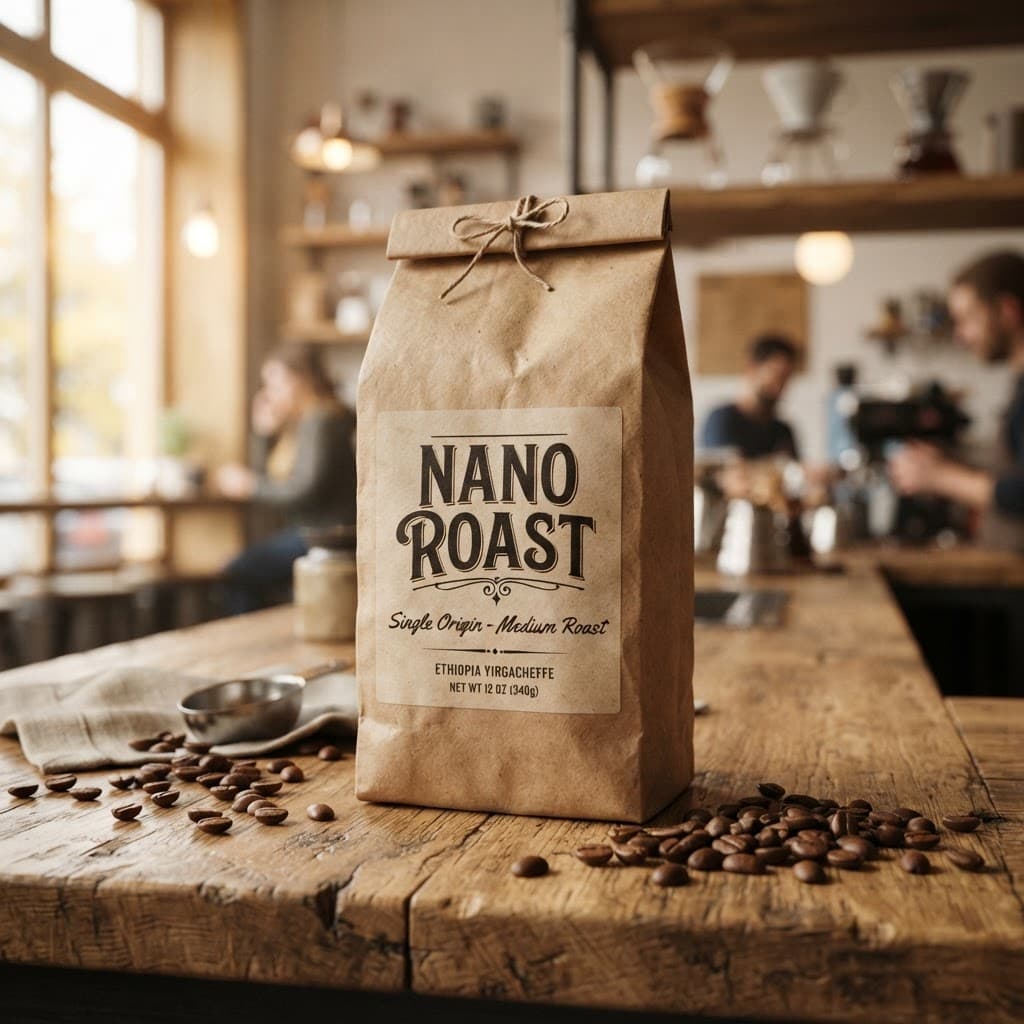
Nano Banana 2 Lite — Text-to-Image and Image Editing Model
What is Nano Banana 2 Lite?
Nano Banana 2 Lite is Google's fastest, most cost-efficient image model in the Nano Banana family, technically known as Gemini 3.1 Flash-Lite Image. It is built for rapid ideation and high-velocity developer pipelines, returning a text-to-image result in roughly four seconds. A single drop-in API handles text-to-image generation, image editing, and multi-image composition, and because it is multimodal it can return text alongside images. Despite the speed focus, it keeps reliable prompt adherence, strong character consistency, and legible in-image text rendering, making it Google's recommended upgrade from the legacy Nano Banana (Gemini 2.5 Flash Image).
Key Features
- •Fast text-to-image: outputs in about four seconds for interactive prototyping and high-volume pipelines
- •Image editing and multi-image composition: pass reference images through
image_urlsto edit or blend up to 14 inputs - •1K output across 15 aspect ratios: from
1:1feeds to16:9cinematic and9:16mobile - •Multimodal responses: choose
IMAGEonly orTEXT_AND_IMAGE - •Consistent characters across rapid generations for storyboards and try-ons
- •Legible in-image text for labels, captions, and localized ad copy
- •SynthID watermark embedded in every output
Best Use Cases
- •A/B testing ad creatives: spin up localized ad variations and layout concepts in seconds
- •Social and app content at scale: power consumer features where a user is waiting on the result
- •Storyboarding and virtual try-ons: keep character and product identity stable across frames
- •E-commerce mockups: generate product scenes and contextual layouts quickly
- •Image-to-video pipelines: produce a fast base image, then animate it with a video model
- •Rapid prototyping: explore directions cheaply before committing to a heavier model
Prompt Tips and Output Quality
Be explicit: combine subject, environment, lighting, and camera, for example "Studio photo of a red ceramic mug, softbox lighting, 50mm, shallow depth of field." Set aspect_ratio intentionally: 9:16 for stories, 16:9 for cinematic, 1:1 for feeds. Switch output_format to png for crisp edges and text. Keep thinking_level on high for complex prompts and minimal for the fastest drafts. Reuse a seed to reproduce a composition, and pass image_urls to anchor style or edit an existing image.
FAQs
Is Nano Banana 2 Lite open-source? No. It is a hosted Google model (Gemini 3.1 Flash-Lite Image) accessed via API.
Can it edit images or only generate them?
Both. It supports text-to-image, image editing, and multi-image composition through image_urls.
What resolution does it output? Outputs are generated at 1K resolution; higher 2K or 4K canvases are not supported on Lite.
How is it different from Nano Banana 2 and Pro? Lite is speed-first; Nano Banana 2 is the generalist workhorse; Nano Banana Pro targets complex, high-fidelity work.
Are outputs watermarked? Yes. Every image carries an invisible SynthID watermark identifying it as AI-generated.
Can I generate non-square images for ads and video?
Yes. Choose from 15 aspect ratios including 16:9, 9:16, 21:9, and ultra-wide formats.