Qwen-Image – Text-to-Image Model
Edited by Segmind Team on September 2, 2025.
What is Qwen-Image?
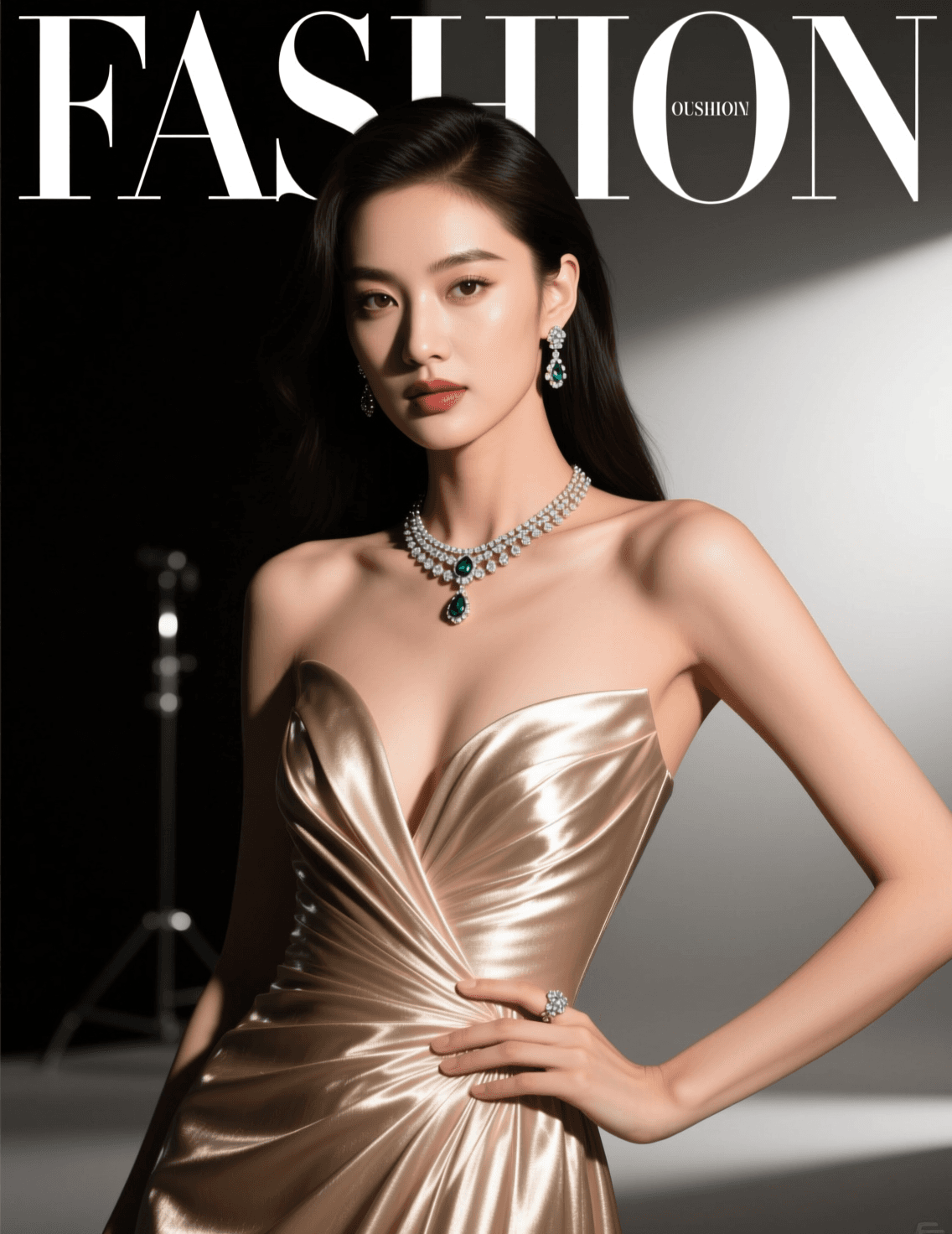
Qwen-Image is an advanced foundation model, belonging to the well-known Qwen series. It is designed to perform sophisticated text-to-image renditions of images with flawless text integration while maintaining high-quality results. One of the features that makes Qwen-Image a highly revered model is that it can combine images with typography, specifically Chinese characters. It ensures the authentic outcome (close to the original source) in terms of layout, context, and visuals. It is built on the Diffusers Library, which makes it an intuitive model that understands objects and performs complex image editing, and not just basic image generation.
Key Features
- •Advanced text rendering - Supports typography integration and preservation, including support for Chinese characters
- •Multi-style generation - Includes photorealistic imagery to create anime style
- •Intelligent image editing - Performs style transfer, object manipulation, and in-image text adjustments
- •Image understanding tasks - Detects objects and assesses depth
- •Flexible aspect ratios - Designed for a myriad of formats - from square social media posts to cinematic widescreen
- •Quality optimization - Delivers adjustable refinement steps and output formats
Best Use Cases
Qwen-Image is an excellent model for image editing tasks with text-heavy visual content.
- •Graphic designers use it to design posters, integrate logos, and design multilingual marketing materials.
- •E-commerce teams can generate product mock-ups with branded text overlays and promotional graphics in no time.
- •Content creators find it useful for their social media posts, creating thumbnails, and designing educational infographics.
Qwen-Image combines images with Chinese typography, making it useful for creating localization projects and Asian market campaigns. It also has a highly dynamic editing feature that supports creative workflows, hence it can perform style transfers and object modifications.
Prompt Tips and Output Quality
- •To get the best results, it is recommended to write prompts that are descriptive and abundant in creative imagination so that there is a clear focus on the scene's composition, lighting, and mood.
- •If the image needs text integration, clearly specify font styles, text positioning, and preferred language.
- •Using 8-12 steps will yield optimal quality-speed balance; higher values will improve detail but also increase processing time.
- •To achieve creative interpretations, set the guidance scale to 2.5
- •5.0 will give precise prompt adherence.
- •The quality parameter (80-100) has a significant impact on the final output's quality in terms of sharpness and detail retention.