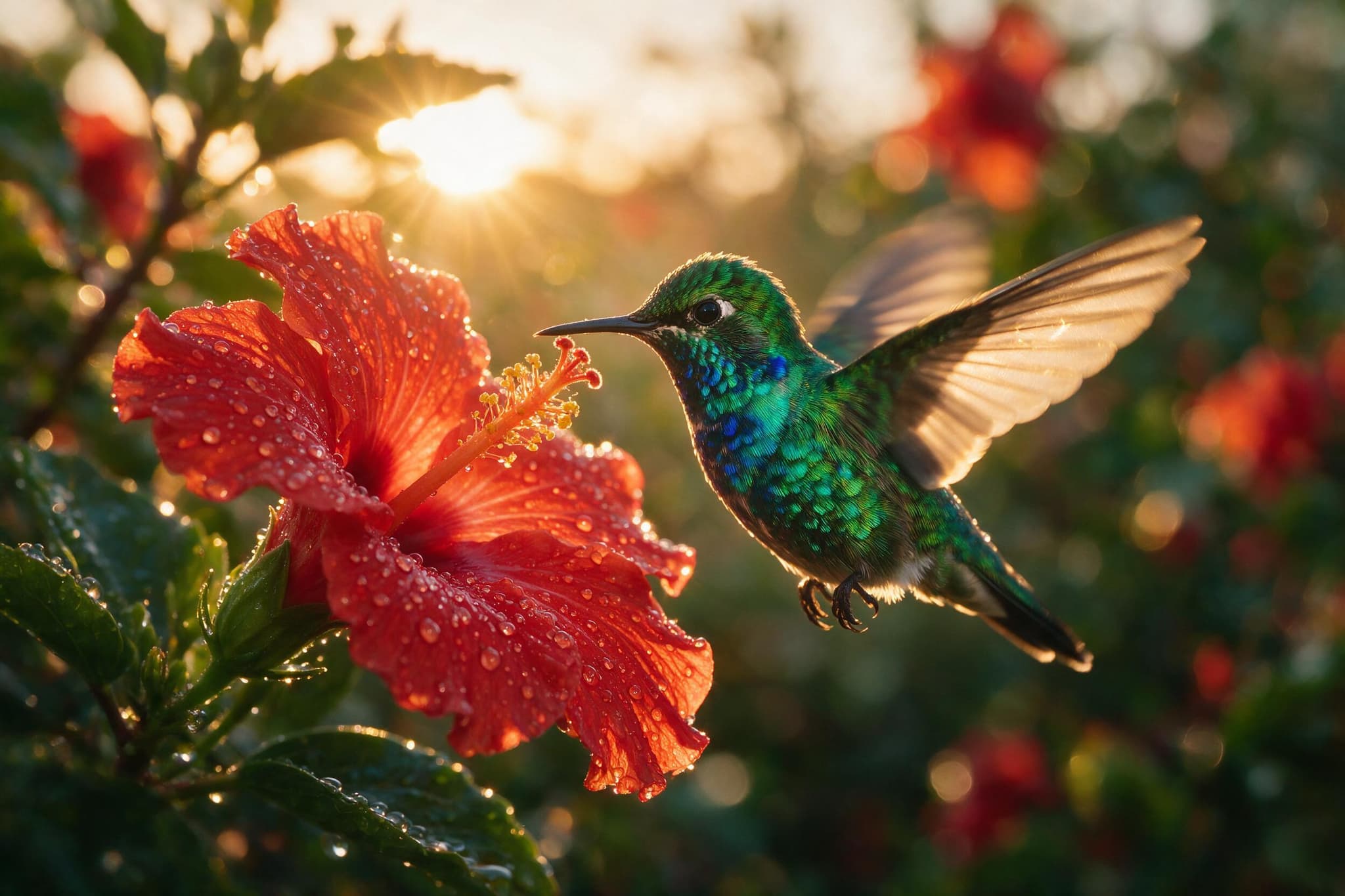
Seedream 5.0 Pro — Text-to-Image and Multi-Reference Image Editing
Seedream 5.0 Pro is ByteDance's flagship text-to-image and image-editing model, available on Segmind through a single synchronous API. It turns prompts and up to ten reference images into production-ready visuals, and it edits with a precision that feels closer to a design tool than a generator — locate the element first, then change only that region.
What is Seedream 5.0 Pro?
Seedream 5.0 Pro is a multimodal image generation model that reads a text prompt and optional reference images, then outputs high-fidelity 1K or 2K images. What sets it apart is grounded control: the model understands where each element sits in the frame, so you can recolor, swap a material, or replace a single object without re-rolling the whole image. It renders native on-image text in over ten languages, separates a result into independent editable layers, and lays out dense infographics — charts, timelines, and diagrams — in a single pass.
Key Features
- •Text-to-image plus multi-reference image-to-image with up to 10 inputs via
image_input - •Grounded, region-precise editing driven by point, box, lasso, or sketch selection
- •Multi-layer separation into transparent, reusable design assets
- •Native multilingual text rendering with correct letterforms (including right-to-left Arabic)
- •High-density information visualization for infographics, posters, and UI mockups
- •1K and 2K tiers, eight aspect ratios, JPEG or PNG output
Best Use Cases
Reach for Seedream 5.0 Pro when a change must be surgical. E-commerce and packaging teams swap product colors or materials while lighting and layout stay intact. Marketing teams ship localized creatives with native text baked in, skipping post-production overlays. Design and education teams draft infographics, timelines, and diagrams, then refine a single region. Layer separation hands clean assets to Figma or Photoshop, and multi-image fusion supports mood-boarding and group-photo composition.
Prompt Tips and Output Quality
Be specific: name the subject, style, setting, and the light — its direction and quality shape a scene more than adjectives. For on-image text, put the exact words in quotes so they render as written. When editing, describe only the change you want and mark the target region. Choose 2K and PNG for print-ready detail and crisp small text; use 1K and JPEG for fast iteration. Text-heavy layouts still benefit from a quick proofread, as very small fonts can occasionally waver.