VEED Fabric 1.0 — Image-to-Talking-Video Generation
What is VEED Fabric 1.0?
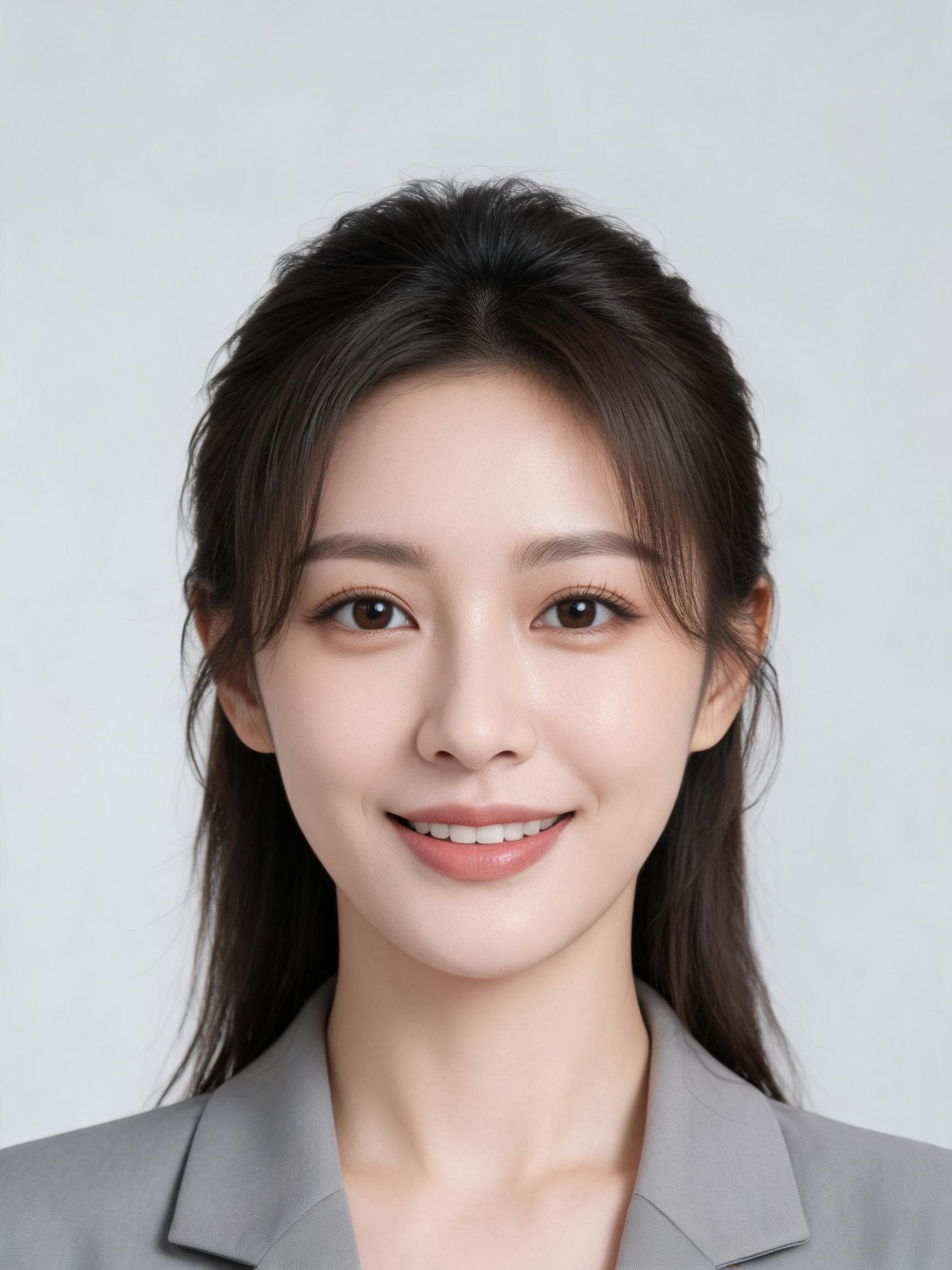
VEED Fabric 1.0 is an image-to-video model that turns a single still image into a realistic talking video. Billed by VEED as the world's first dedicated talking-video model, it animates any portrait, illustration, mascot, 3D render, or stylized character so it appears to speak. Drive the animation two ways: supply a speech audio file and Fabric lip-syncs the character to your recording, or supply plain text and its built-in text-to-speech synthesizes narration with a voice auto-matched to the image. Built on a Diffusion Transformer trained on diverse talking-person data, Fabric learns facial features directly from your input rather than mapping onto preset avatars, so the original style and identity are preserved.
Key Features
- •Audio- and text-driven animation — lip-sync to a recording (
audio_url) or generate speech from a script (text). - •Whole-face and body motion — audio drives lips, head tilts, subtle body movement, and hand gestures, not just the mouth.
- •Any image style — photos, cartoons, mascots, 3D renders, and artwork all animate while keeping their look.
- •Long-form output — clips up to five minutes long.
- •Two resolutions — 480p and 720p MP4 output, with an optional
fastmode (audio input only) for quicker renders.
Best Use Cases
Fabric 1.0 is ideal for scaled, personalized video without filming. Marketers localize campaigns by swapping audio tracks into one avatar image to produce multilingual explainers while keeping the face consistent. Creators build talking avatars, product tutorials, and social-media variants for A/B testing. Teams generate onboarding and internal training clips, and educators turn a portrait plus a script into a lecture. Because a single image is enough, brands can animate mascots or spokespeople on demand.
Prompt Tips and Output Quality
Use a clear, front-facing image with an unobstructed face for the cleanest lip-sync. Provide exactly one of audio_url or text — never both. For lip-sync, feed clean speech audio; for TTS, keep scripts natural and add a voice_description hint (for example, "confident male voice, mid-20s" or "British accent") to steer tone. Choose 720p for polished, client-facing content and 480p for drafts and volume tests. Note that fast mode works with audio input only and is not compatible with text.
FAQs
How do I make an image talk? Pass an image plus either an audio file or a text script; Fabric returns a lip-synced MP4.
Audio or text — which should I use? Use audio_url to match an exact recording, or text to let the built-in TTS speak your script.
What is the maximum length? Clips can run up to five minutes.
Does it animate more than the mouth? Yes — the audio also drives head, body, and hand movement for natural delivery.
Which resolutions are supported? 480p and 720p MP4; use fast mode (audio only) for quicker turnaround.
Can it animate illustrations and mascots? Yes — any image style works while preserving its original aesthetic.