Ideogram Vector 1: text-to-SVG for logos, icons and editable vector art
Generate true, editable SVG logos, icons and flat illustrations from a text prompt, with sharp typography and smooth gradients. Attach up to five reference images to steer the subject or style.

Ideogram Vector 1 is Ideogram's first dedicated vector model. It turns a text prompt into a true, editable SVG: real vector paths that stay crisp at any size, with the sharp typography and smooth gradients Ideogram is known for. You can attach up to five reference images to steer the subject or style. Its sibling, ideogram-vector-1-vectorize, traces an existing raster image with no prompt; this one generates from text.
 ModelIdeogram Vector 1Text-to-SVG logos, icons, and editable vector illustrations.
What it does well
Editable SVGs with sharp type and smooth gradients
Every run returns an image/svg+xml file of real vector paths, so artwork scales without blur or blocky edges. The default example is a circular cycling-club badge built from a smooth teal-to-indigo gradient disc, flat bicycle geometry and a curved wordmark. Open the .svg in a vector editor and each shape is a separate, recolorable path.
A circular enamel-badge logo for a cycling club. A side-profile road bicycle sits centred over a smooth teal-to-indigo gradient disc, its two wheels drawn as thin concentric rings. The words 'GASWORKS CYCLING CLUB' curve along the top rim in bold condensed sans-serif, and 'EST. 1974' sits on a small ribbon across the bottom. Flat vector shapes, cream and amber accents, clean white background.
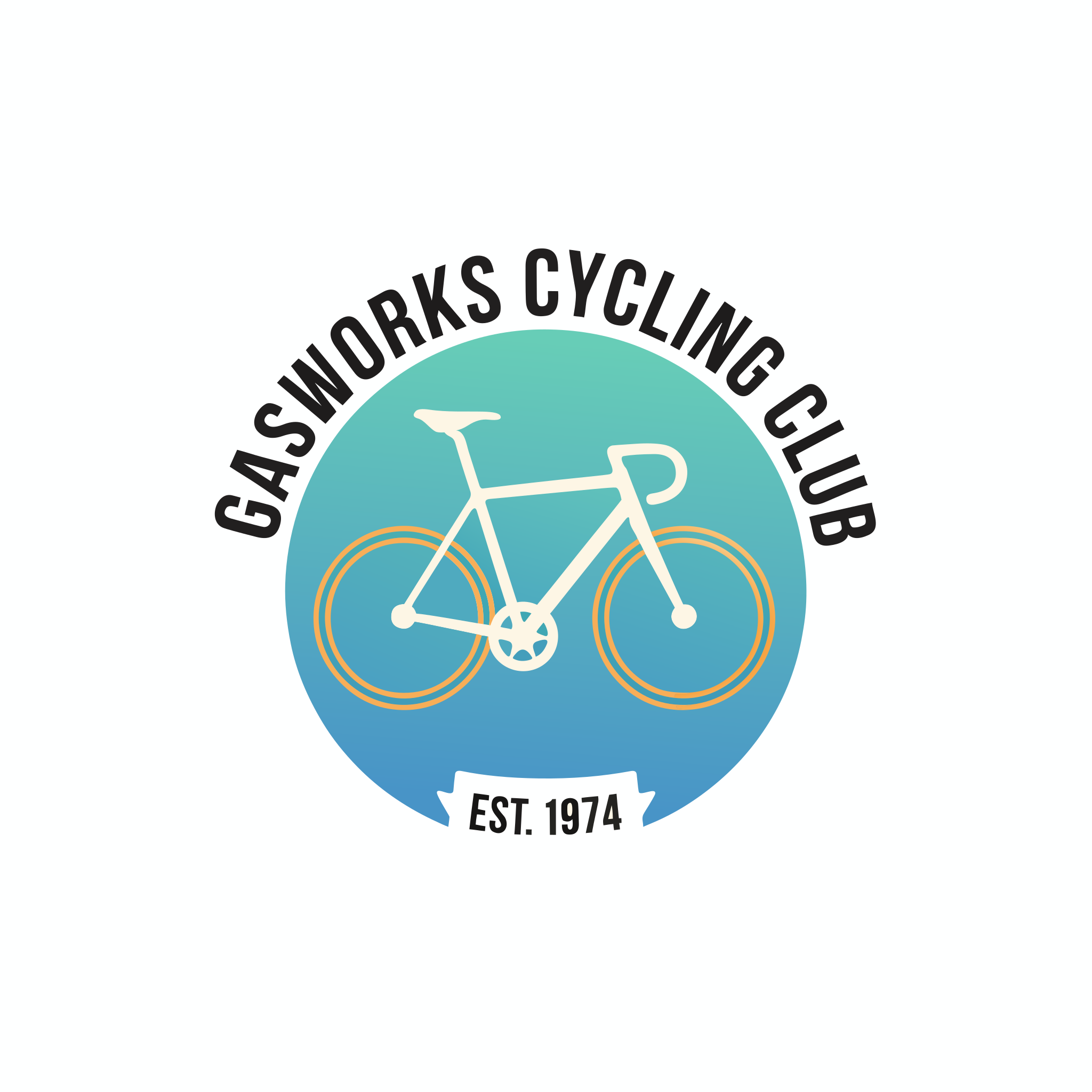
Keep logos at 1x1 and high quality, then open the .svg to recolour the disc; the lettering arrives as outline paths.
Typography the design can lean on
Ideogram already led on lettering, and that carries into vectors. Put the exact words in quotes and name the type style, and the wordmark comes back sharp and legible. Here the type is the whole design: "IRON & INK" set in a heavy slab-serif inside a thin keyline border.
A bold vector logotype for a letterpress studio that reads 'IRON & INK'. The two words are stacked and tightly kerned in a heavy slab-serif, the ampersand enlarged between them, a thin horizontal rule running under the top word. Charcoal letters with a single vermilion dot over the 'I', set on an off-white panel inside a thin keyline border. Flat vector shapes, crisp edges.
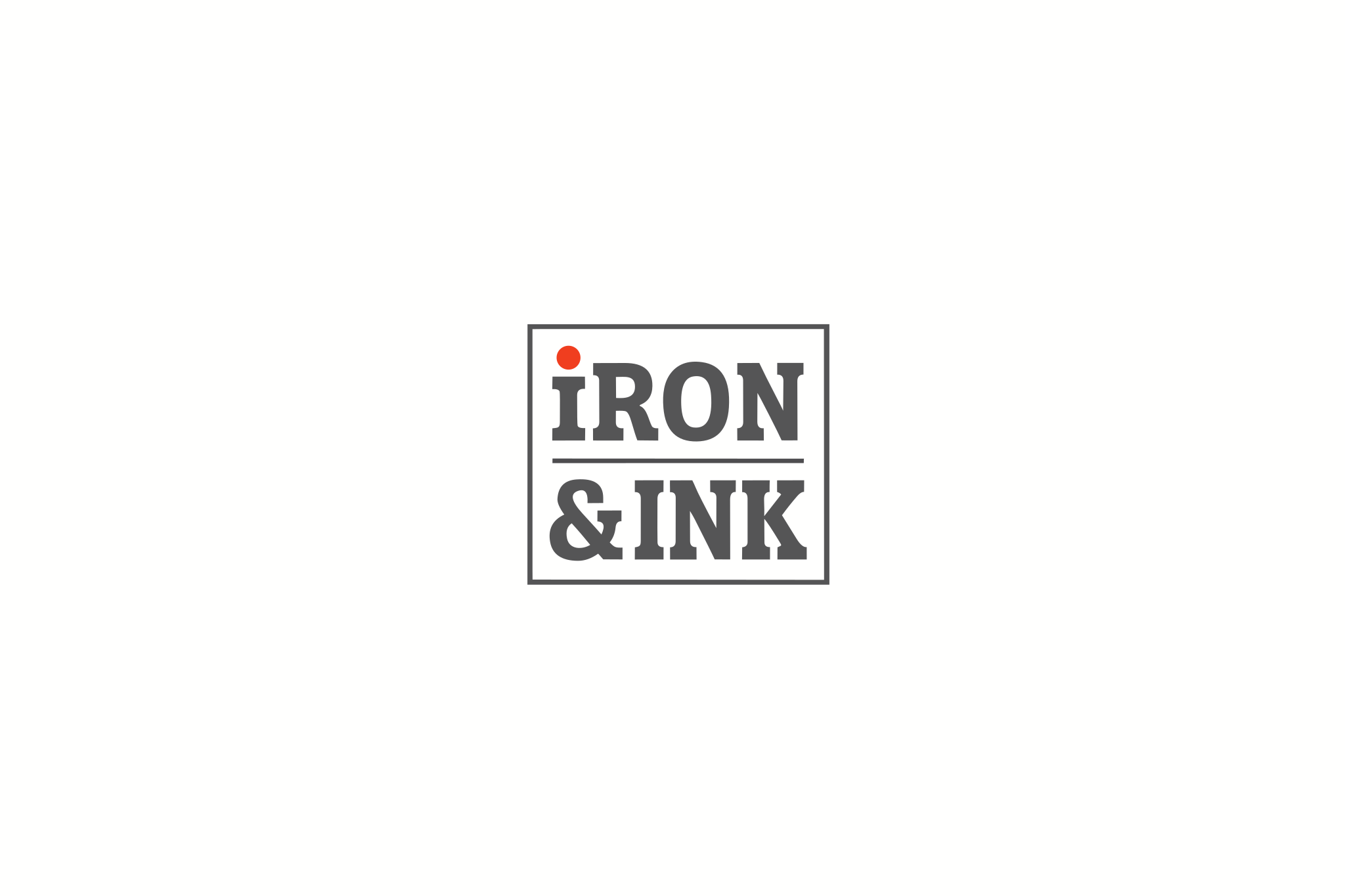
Put the exact text in quotes and name the type style; re-wording later means replacing shapes.
Reference images steer the subject
Attach an image and Ideogram Vector 1 transforms it instead of starting from scratch. The first image is the primary source; any others guide style. This example redraws a photographed Victorian townhouse as a flat vector illustration, following its turret, bay windows and gable trim.
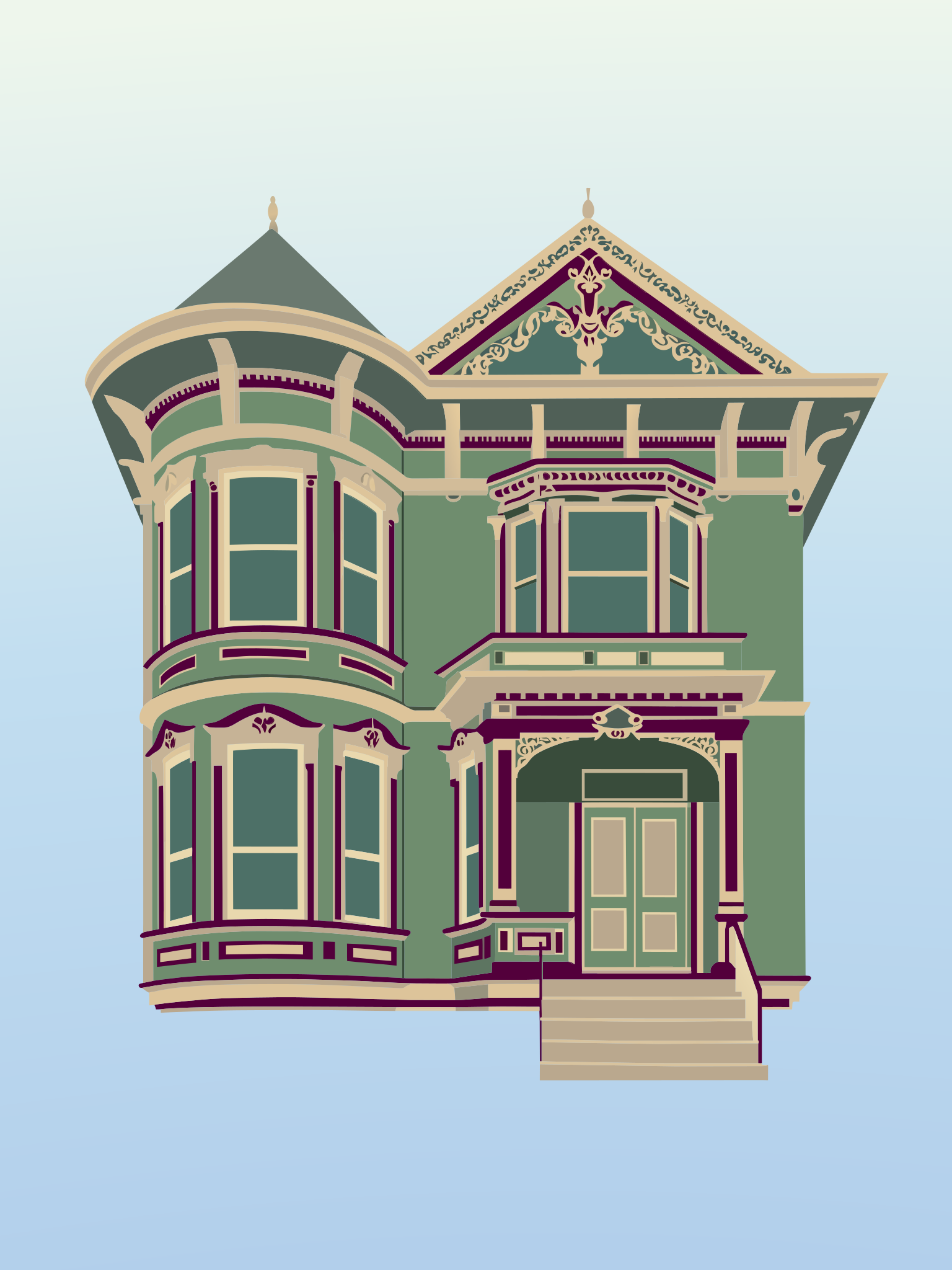
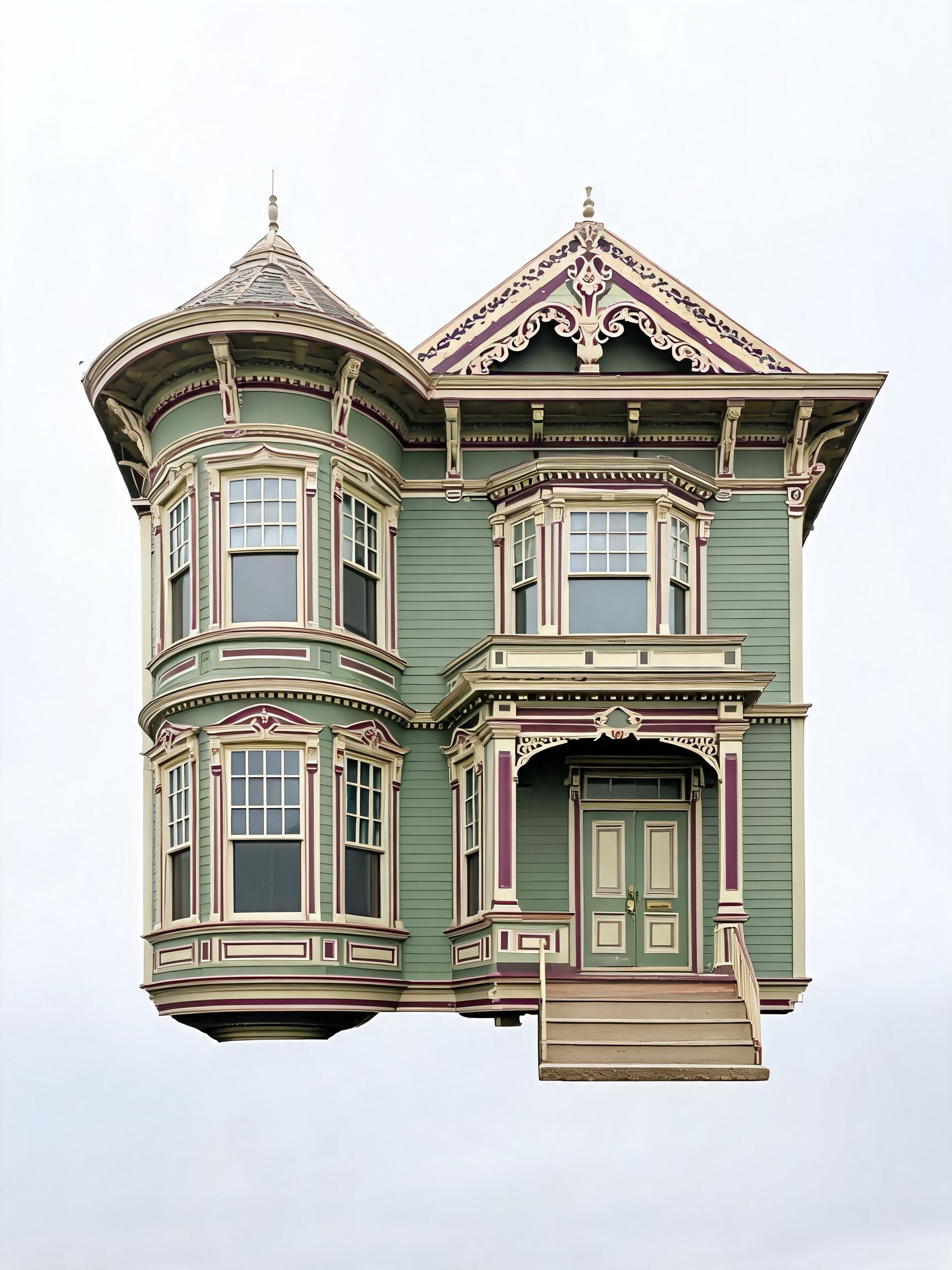 InputOutput
Feed a clean, front-on photo as the first image and state the palette you want.
Examples to try
Intricate line art at high quality
A single ornate line-art illustration of a luna moth with outstretched wings. The wings are filled with fine symmetrical filigree, small dots and leaf motifs drawn as thin even strokes, with long trailing tails. Mint-green linework on a near-black background, no solid fills, perfectly symmetrical, centred.

Use high quality for dense line art and add "no solid fills" to keep it pure linework.
Recommended settings
Start from the defaults and change one thing at a time; the prompt does most of the work.
| Setting | Value | When |
|---|---|---|
| quality | medium | Most work, for a fast and clean result |
| quality | high | Intricate emblems or detailed line art |
| aspect_ratio | 1x1 | Logos, icons and badges |
| aspect_ratio | 16x9 or 9x16 | Posters and banners |
| seed | any integer | Reproduce an exact result; omit it for variety |
Good to know
- Lettering arrives as vector outlines, not live text, so re-wording a design means replacing those shapes.
- Attach up to five reference images (JPEG, PNG or WebP, max 25 MB each); the first is the primary source to transform, the rest guide style.
- To trace an existing raster image into vectors with no prompt, use the sibling ideogram-vector-1-vectorize instead.
- Each request returns one SVG file, and a generation usually finishes in about 10 to 30 seconds.
Use it from the API
Send a prompt and read back an SVG. This is the default example's exact input.
# pip install "segmind>=1.1.0"
# export SEGMIND_API_KEY="YOUR_API_KEY"
import segmind

result = segmind.run(
    "ideogram-vector-1",
    prompt="A circular enamel-badge logo for a cycling club. A side-profile road bicycle sits centred over a smooth teal-to-indigo gradient disc, its two wheels drawn as thin concentric rings. The words 'GASWORKS CYCLING CLUB' curve along the top rim in bold condensed sans-serif, and 'EST. 1974' sits on a small ribbon across the bottom. Flat vector shapes, cream and amber accents, clean white background.",
    images=[],
    quality="high",
    aspect_ratio="1x1",
    seed=734512,
)
print(result.get("output"))
# 1. Submit the request; the reply carries its request_id
REQUEST_ID=$(curl -s -X POST "https://api.segmind.com/v2/ideogram-vector-1" \
-H "x-api-key: YOUR_API_KEY" \
-H "Content-Type: application/json" \
-d '{
"prompt": "A circular enamel-badge logo for a cycling club. A side-profile road bicycle sits centred over a smooth teal-to-indigo gradient disc, its two wheels drawn as thin concentric rings. The words '\''GASWORKS CYCLING CLUB'\'' curve along the top rim in bold condensed sans-serif, and '\''EST. 1974'\'' sits on a small ribbon across the bottom. Flat vector shapes, cream and amber accents, clean white background.",
"images": [],
"quality": "high",
"aspect_ratio": "1x1",
"seed": 734512
}' | jq -r .request_id)
# 2. Check its status until it is COMPLETED
curl -s "https://api.segmind.com/v2/requests/$REQUEST_ID/status" \
-H "x-api-key: YOUR_API_KEY"
# 3. Fetch the result
curl -s "https://api.segmind.com/v2/requests/$REQUEST_ID" \
-H "x-api-key: YOUR_API_KEY"Resources
- Try Ideogram Vector 1 on Segmind
- API reference
- AI Vector Generator: Ready-to-use SVG Artwork | Ideogram — the maker's model page: what Vector does, example prompts, and how shapes and colours are edited after generation.
- Generate SVG | Ideogram Documentation — prompt-to-SVG endpoint: parameters, dry-run pricing and polling.
- Vectorizer | Ideogram Documentation — image-to-SVG endpoint used by the vectorize sibling.
- API Overview | Ideogram Documentation — overview of the Ideogram API: generation versus vector endpoints and where to start.
- #text-to-svg
- #ideogram
- #model-launch
- #logo-design
- #vector-graphics