Ideogram Vector 1: Text-to-SVG Vector Generation
What is Ideogram Vector 1?
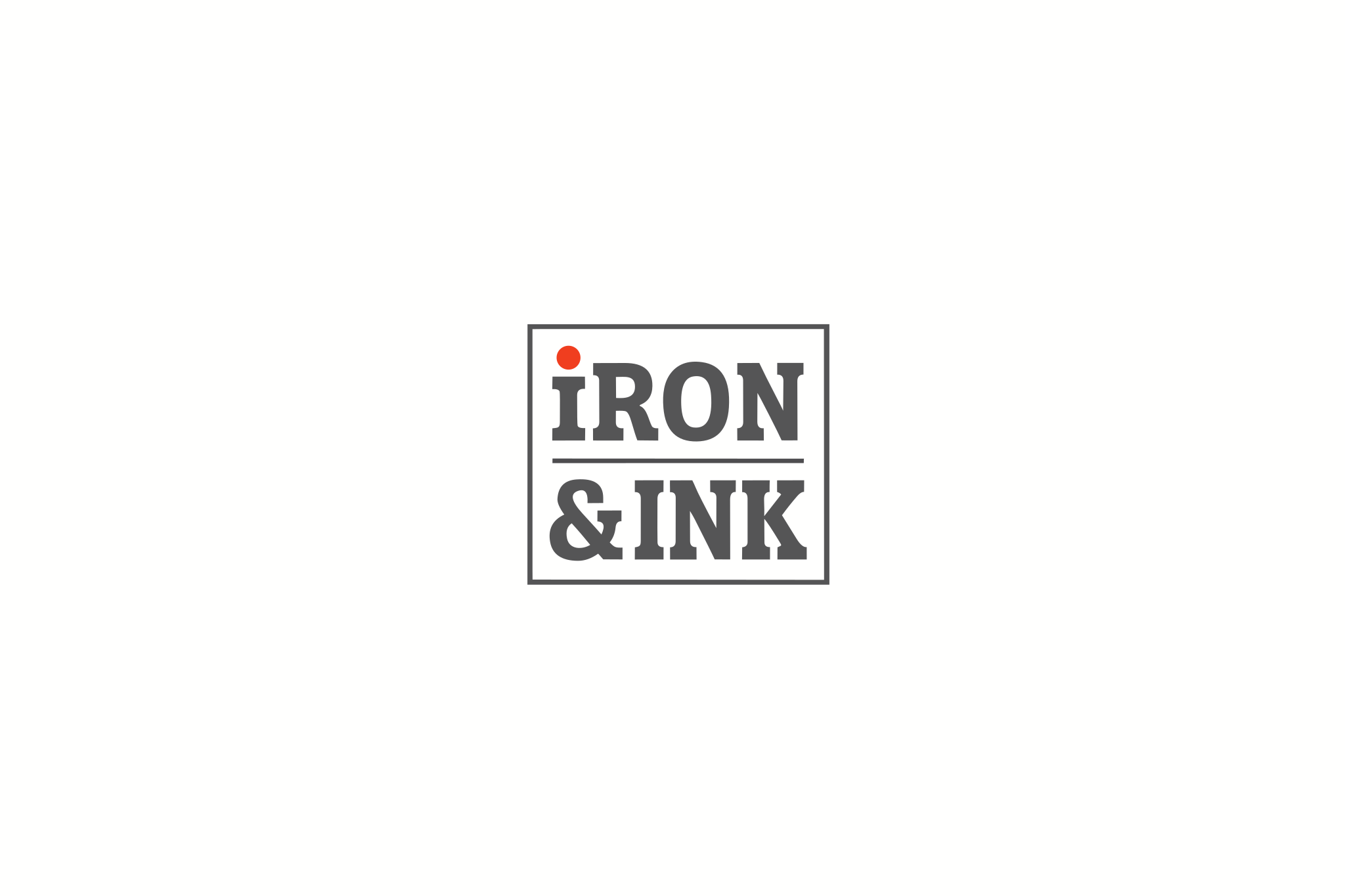
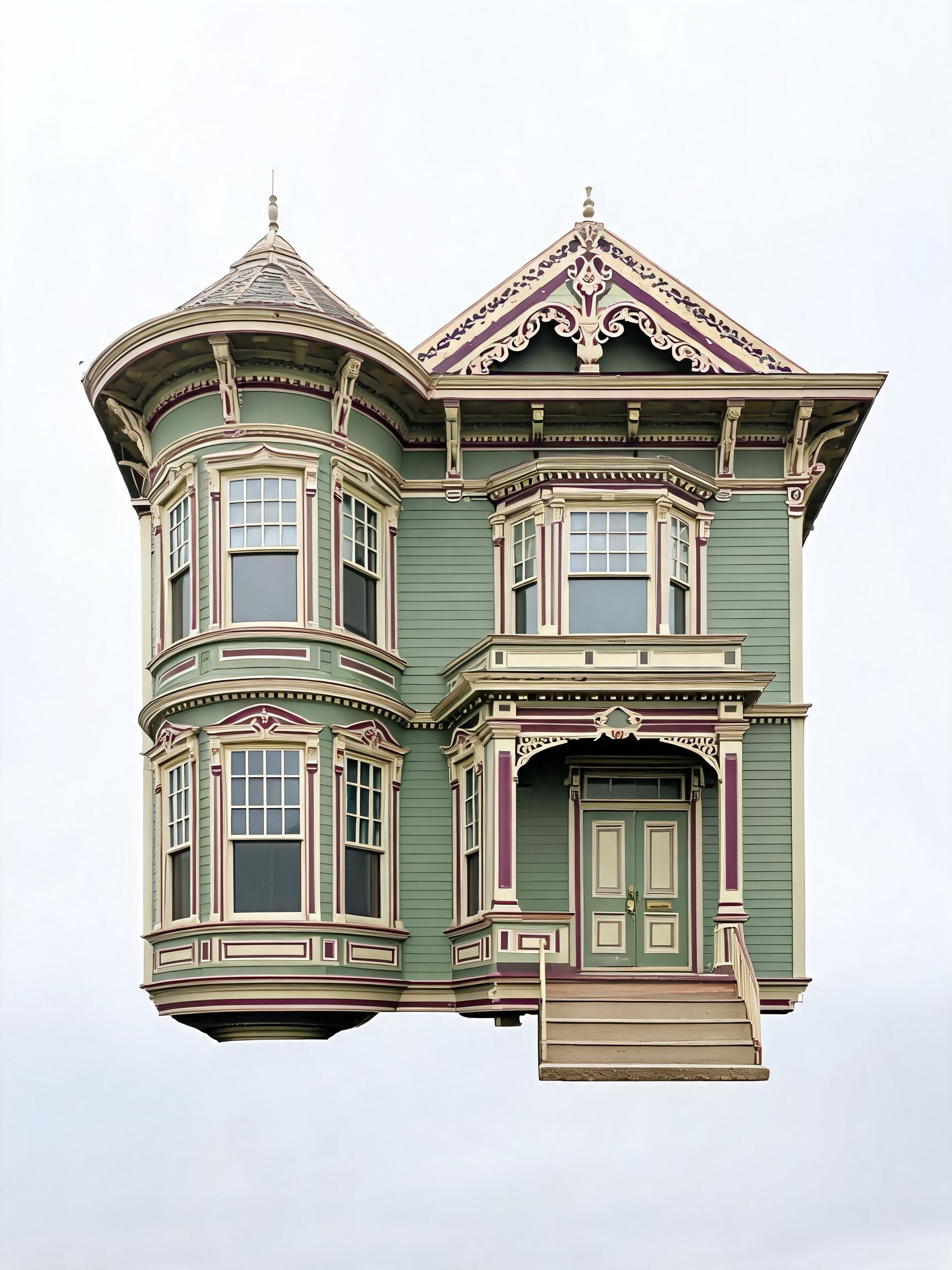
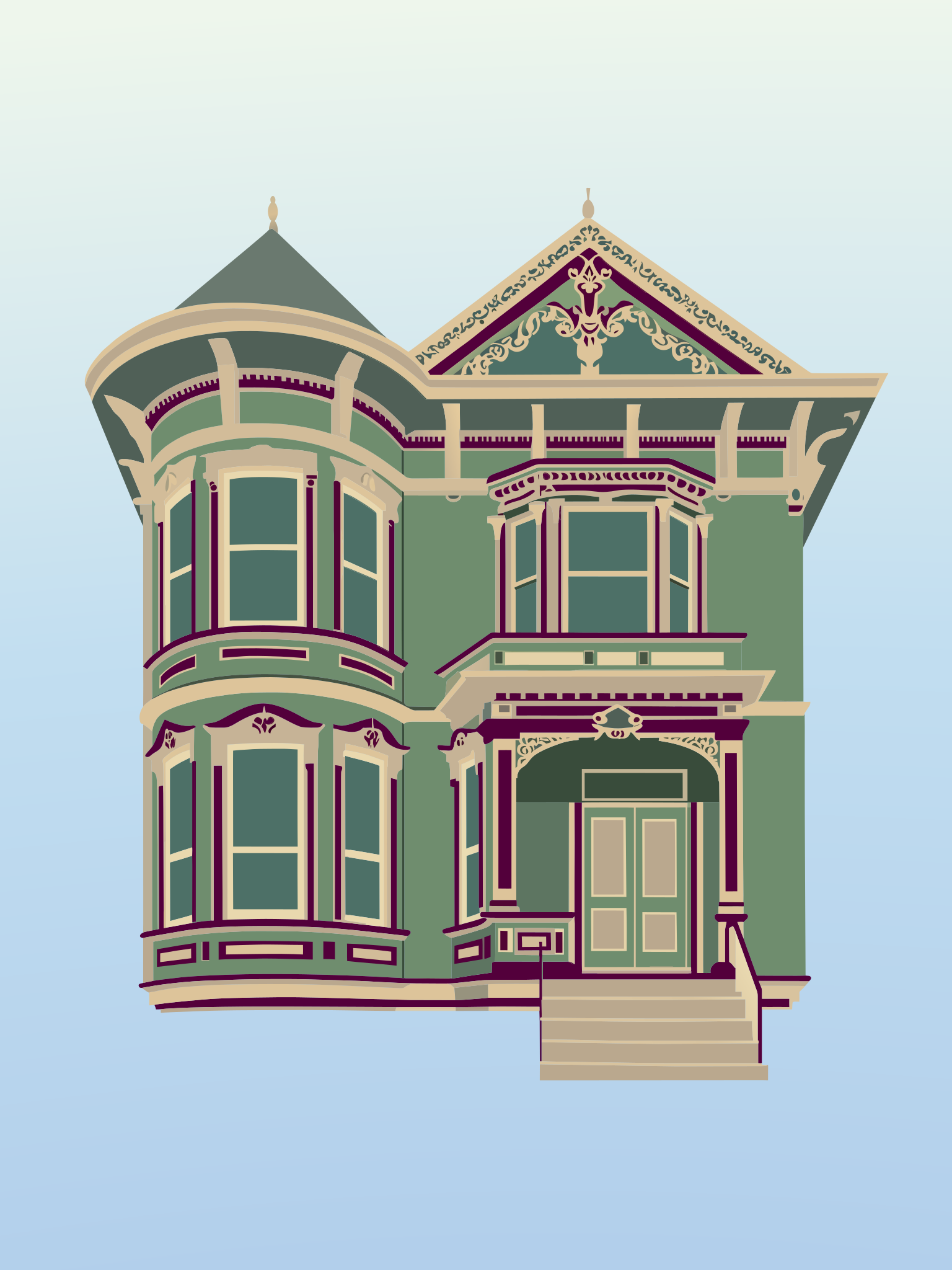
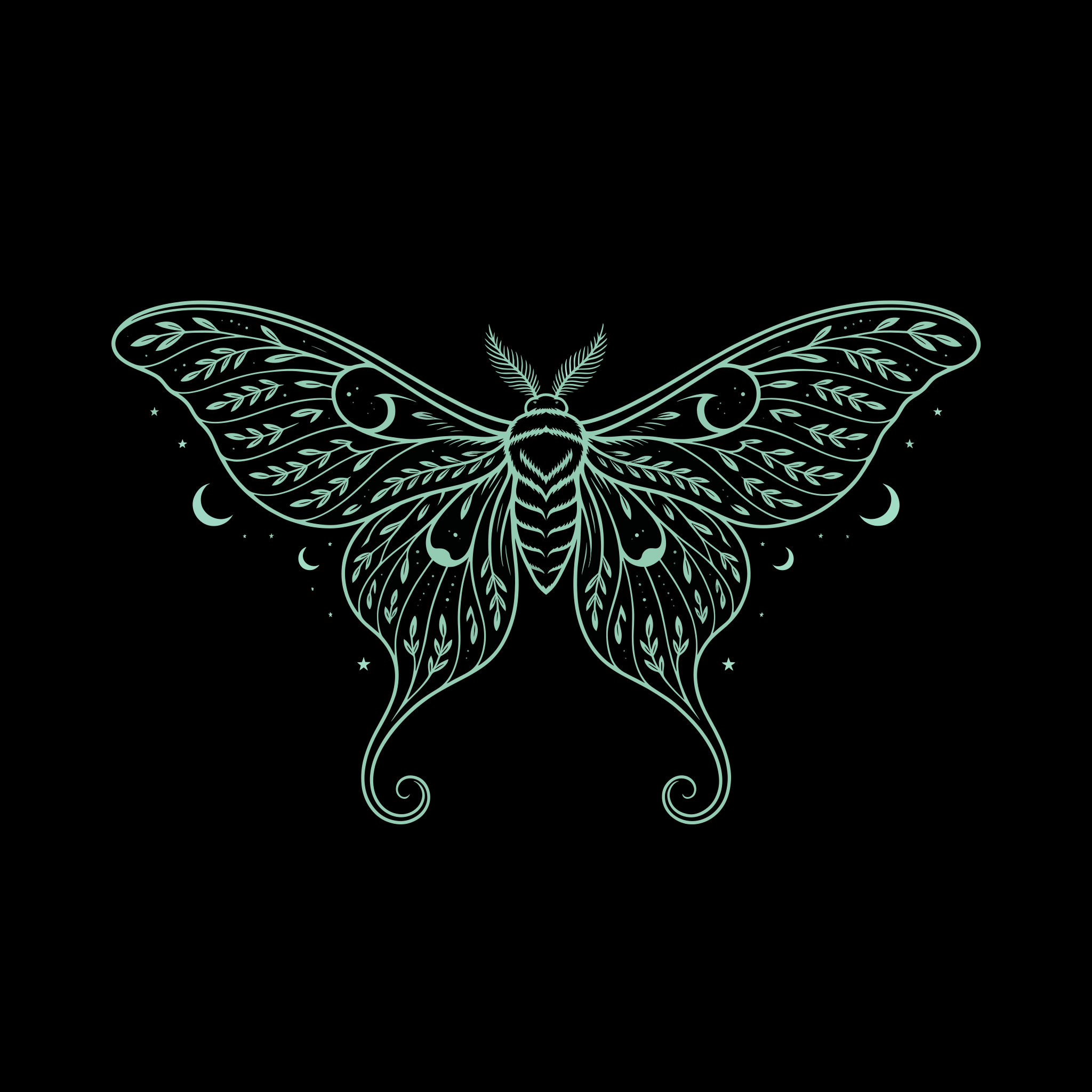
Ideogram Vector 1 is Ideogram's first dedicated vector model. It turns a text prompt into a true, editable SVG file instead of a pixel image, so the result is resolution independent and made of real vector paths that stay crisp from a tiny favicon to a large-format billboard. You can also attach up to five reference images to steer the subject or style. Because Ideogram already leads on typography and layout, this AI SVG generator is especially strong at sharp, legible lettering and smooth, un-banded gradients, the two things most text-to-vector tools get wrong.
Key Features
- True SVG output. Every run returns an
image/svg+xmlfile of vector paths, not a traced raster, so artwork scales without blur or blocky edges. - Sharp typography and smooth gradients. Wordmarks stay readable and gradients stay smooth, ideal for logos and brand work.
- Editable shapes. Generated artwork arrives as separate, individually addressable shapes with live colours you can recolor and resize in Illustrator, Figma or Inkscape.
- Optional image references. Supply up to five images (the first is the primary source, the rest guide style) or generate from a prompt alone.
- Control. Low, medium and high quality tiers, 18 aspect ratios plus auto, and a seed for reproducible results.
Best Use Cases
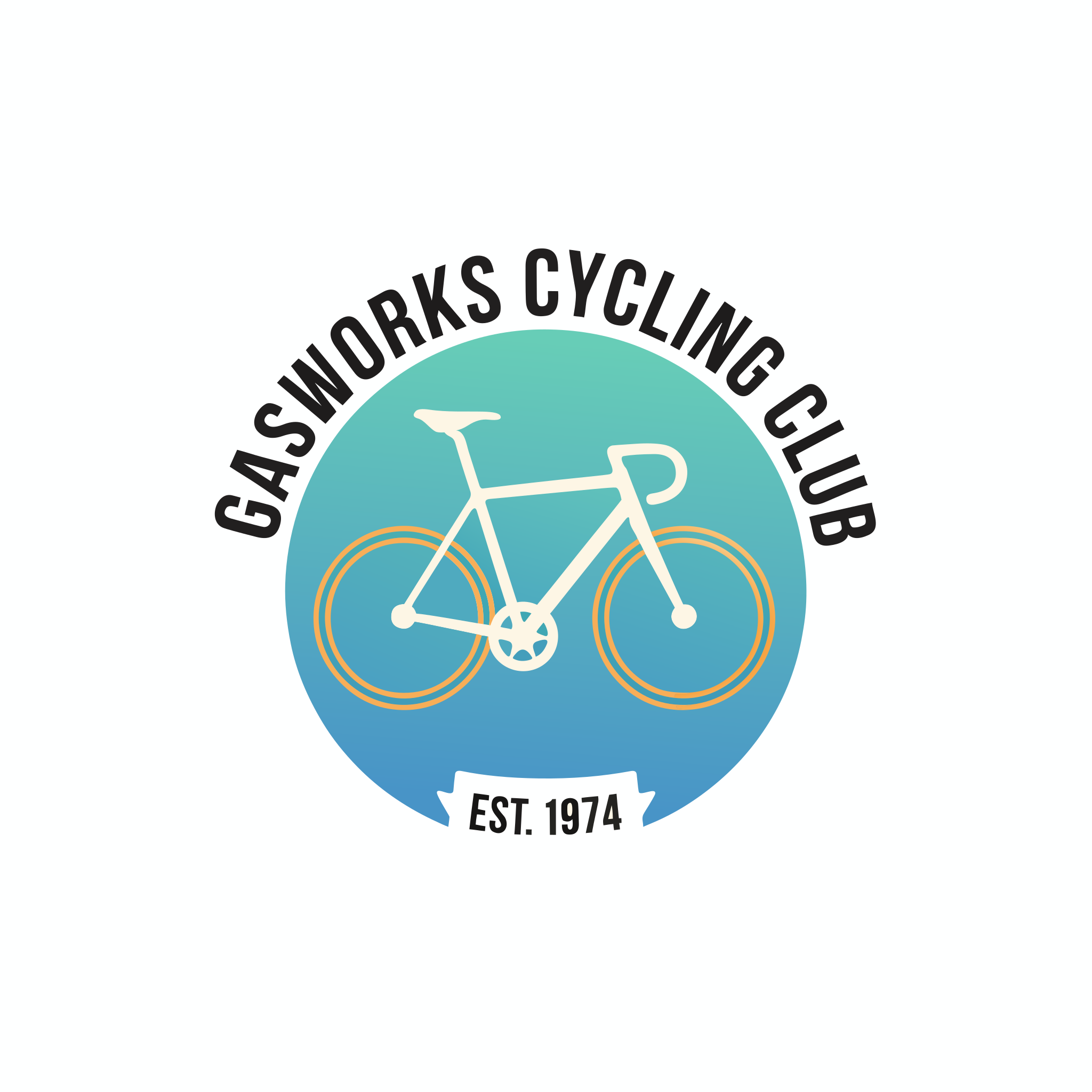
Reach for Ideogram Vector 1 when the asset must survive editing: brand logos and badges, app and UI icons, die-cut stickers, wordmarks, flat illustrations, posters, patterns and print layouts. In testing, a single prompt produced a clean circular cycling-club emblem with a legible wordmark, a smooth two-colour gradient and crisp flat geometry, exactly the kind of brandable artwork a designer would refine rather than regenerate.
Prompt Tips and Output Quality
Name the subject, the style (flat, line art, badge or emblem), the colours, and put any exact text in quotes. Keep compositions clean, one strong subject reads best as vector. Use 1x1 for logos and badges, 16x9 or 9x16 for posters. Choose medium for most work and high for intricate emblems. Note that lettering is usually drawn as vector outlines rather than live text, so plan to replace shapes if you re-word a design later.