Ideogram 4.0: Text-to-Image Generation
What is Ideogram 4.0?
Ideogram 4.0 is a 9.3-billion-parameter, open-weight text-to-image model built from scratch as a single-stream Diffusion Transformer. It pairs a vision-language text encoder with structured prompting, which is why it leads its class on accurate, legible text inside images. The model generates at native 2K resolution (up to 2048 px per side) with flexible aspect ratios, so headlines, logos, and dense layouts come out sharp without a separate upscaling pass. For designers, marketers, and developers, Ideogram 4.0 is the model to reach for when the words in the picture matter as much as the picture itself.
Key Features
- Best-in-class text rendering, including strong multilingual support.
- Native 2K output with flexible aspect ratios, no upscaling step.
- Layout control and complex scenes with 50+ distinct elements.
- Three rendering modes (TURBO, BALANCED, QUALITY) to trade speed for fidelity.
- Prompt expansion for richer detail, plus seed control for reproducibility.
Best Use Cases
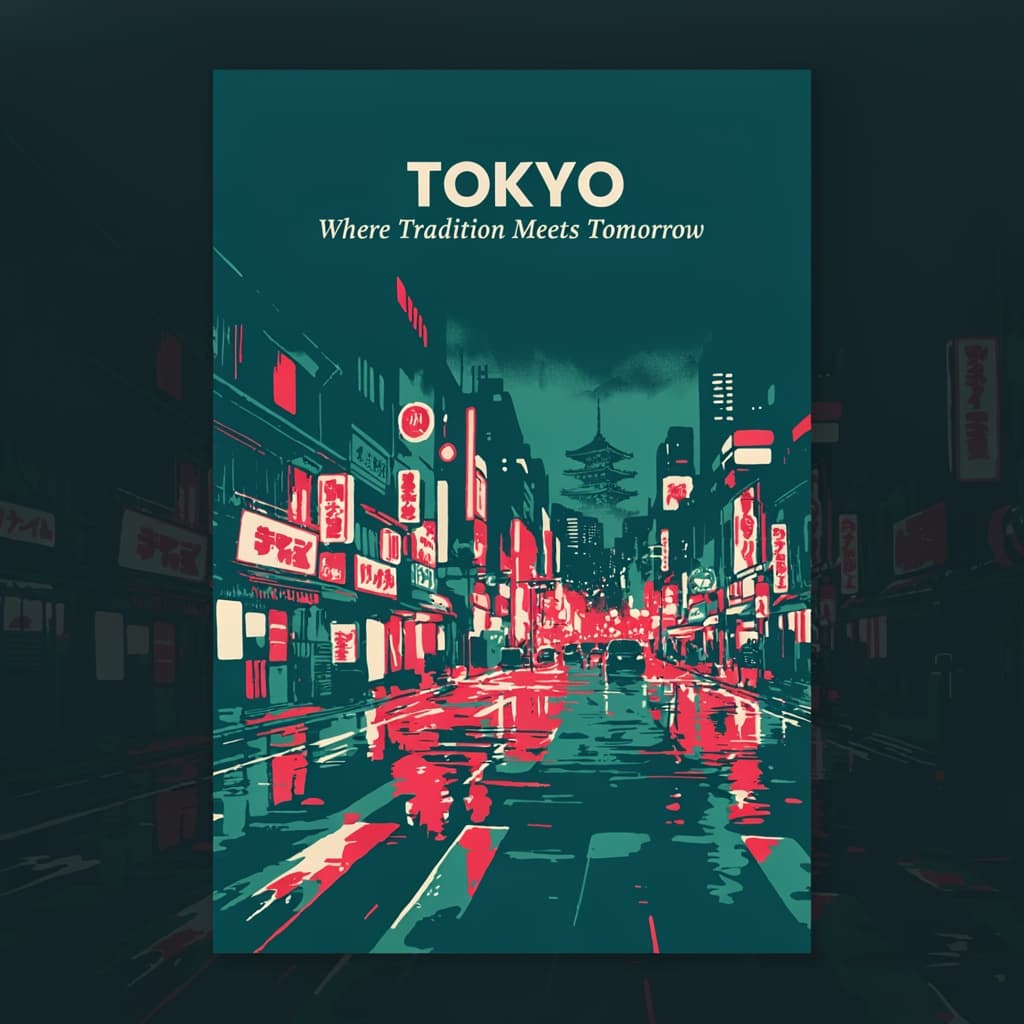
Ideogram 4.0 excels at design-led work: posters, flyers, album and book covers, social ads, logos, packaging mockups, and any composition where typography must be spelled correctly and placed deliberately. In testing, a poster prompt with a bold title and a subtitle rendered both lines cleanly and legibly in a single pass — a task that trips up most general image models. It is equally capable of photorealistic scenes, product shots, and editorial illustration, making it a versatile choice for brand and content teams.
Prompt Tips and Output Quality
Put the exact words you want rendered inside quotation marks, and keep text strings short for the cleanest results. Use QUALITY mode for final, text-heavy designs and TURBO for quick drafts. Prompt expansion adds richer detail but can occasionally reword or recase your text, so disable it when wording must stay exact. Describe layout, color palette, and style explicitly for design work; fix the seed when you need to reproduce a result.