Ideogram V4 Fast: Text-to-Image Model
What is Ideogram V4 Fast?
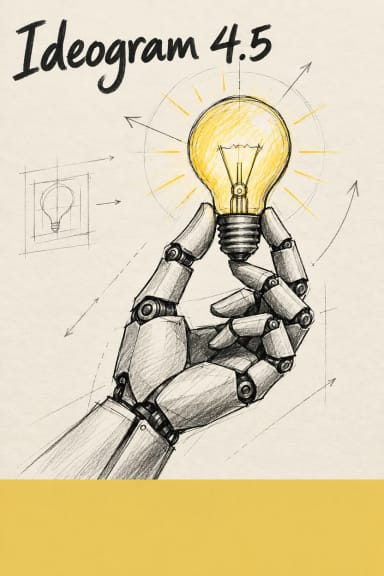
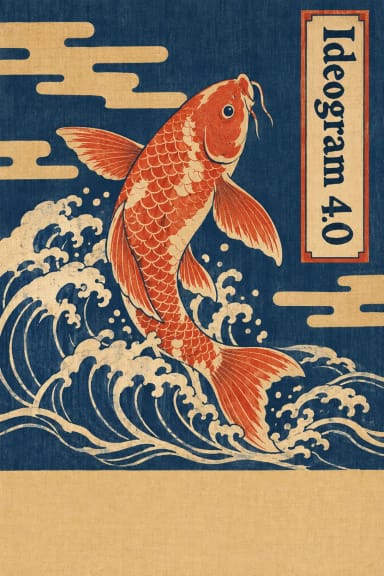
Ideogram V4 Fast is a text-to-image API that runs Ideogram's 4.0 engine with a single Rendering Speed control, so you trade cost and latency for fidelity without switching models. Ideogram 4.0 launched on June 3, 2026 as the company's first open-weight text-to-image foundation model, a 9.3-billion-parameter Diffusion Transformer built from scratch with text rendering as a core design goal. On Segmind you send a plain-text prompt, pick a speed tier (TURBO, DEFAULT, or QUALITY), choose a resolution, and receive a native 2K image in one synchronous call — no polling. It is the model developers reach for when the words in the picture have to be correct.
Key Features
- •Best-in-class text rendering. Ideogram 4.0 scores 0.97 on the X-Omni English OCR benchmark, the highest among open-weight models at its size, with multilingual support and clean handling of headlines, packaging copy, and signage.
- •Three speed tiers. TURBO, DEFAULT, and QUALITY map to progressively more denoising steps, so you can draft fast and finalize sharp.
- •Native 2K output. Resolutions run up to roughly 3328 px on the long edge across square, portrait, landscape, and ultrawide aspect ratios.
- •Magic Prompt. Short prompts are auto-expanded into richer, composition-aware descriptions.
- •Optional copyright detection you can toggle per request.
Best Use Cases
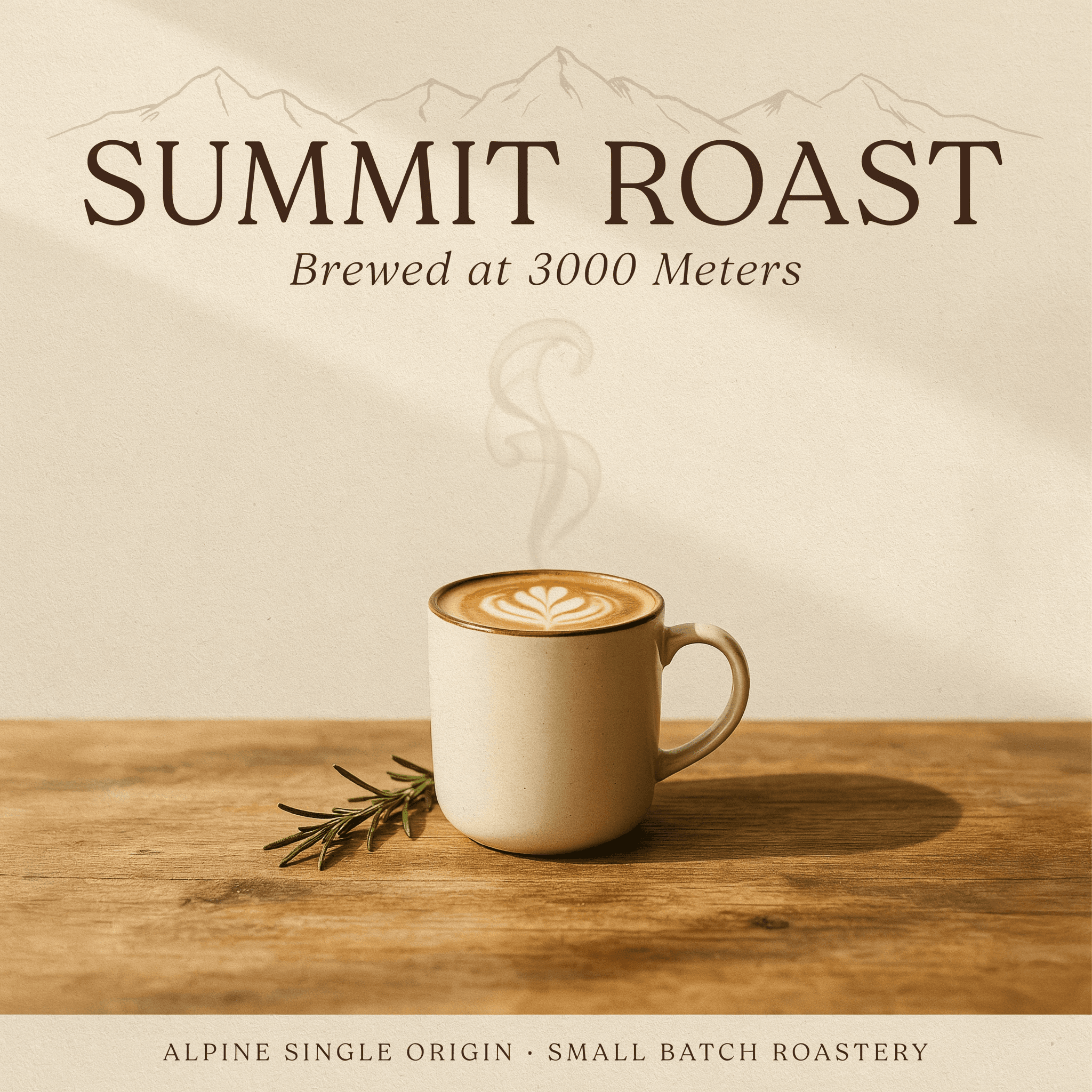
Ideogram V4 Fast is built for design work that leaves the prompt box: posters, YouTube thumbnails, event flyers, social creatives, product mockups, logos, and packaging where readable, styled typography is essential. Use TURBO for high-throughput ideation and A/B drafts, then re-run the winner on QUALITY for print-ready deliverables. In independent designer-preference tests, Ideogram 4.0 placed second overall behind only GPT Image 2, and first among open-weight models — a strong signal for branded, text-heavy creative.
Prompt Tips and Output Quality
Put the exact words you want rendered inside quotation marks; Ideogram treats quoted text as a literal typographic instruction. Name the font feel directly (bold sans-serif, elegant serif, hand-lettered script) rather than leaving it vague. Specify subject, layout, palette, and mood, and generate two or three variants, then pick the cleanest text — always verify numbers and symbols before shipping. Portraiture is the model's weakest area, so lean on it for design over photoreal faces.