Ideogram Vector 1 Vectorizer: turn any image into an editable SVG
Convert a JPEG, PNG or WebP image into a clean, editable SVG that scales to any size — no prompt, just upload one image and pick a detail mode.
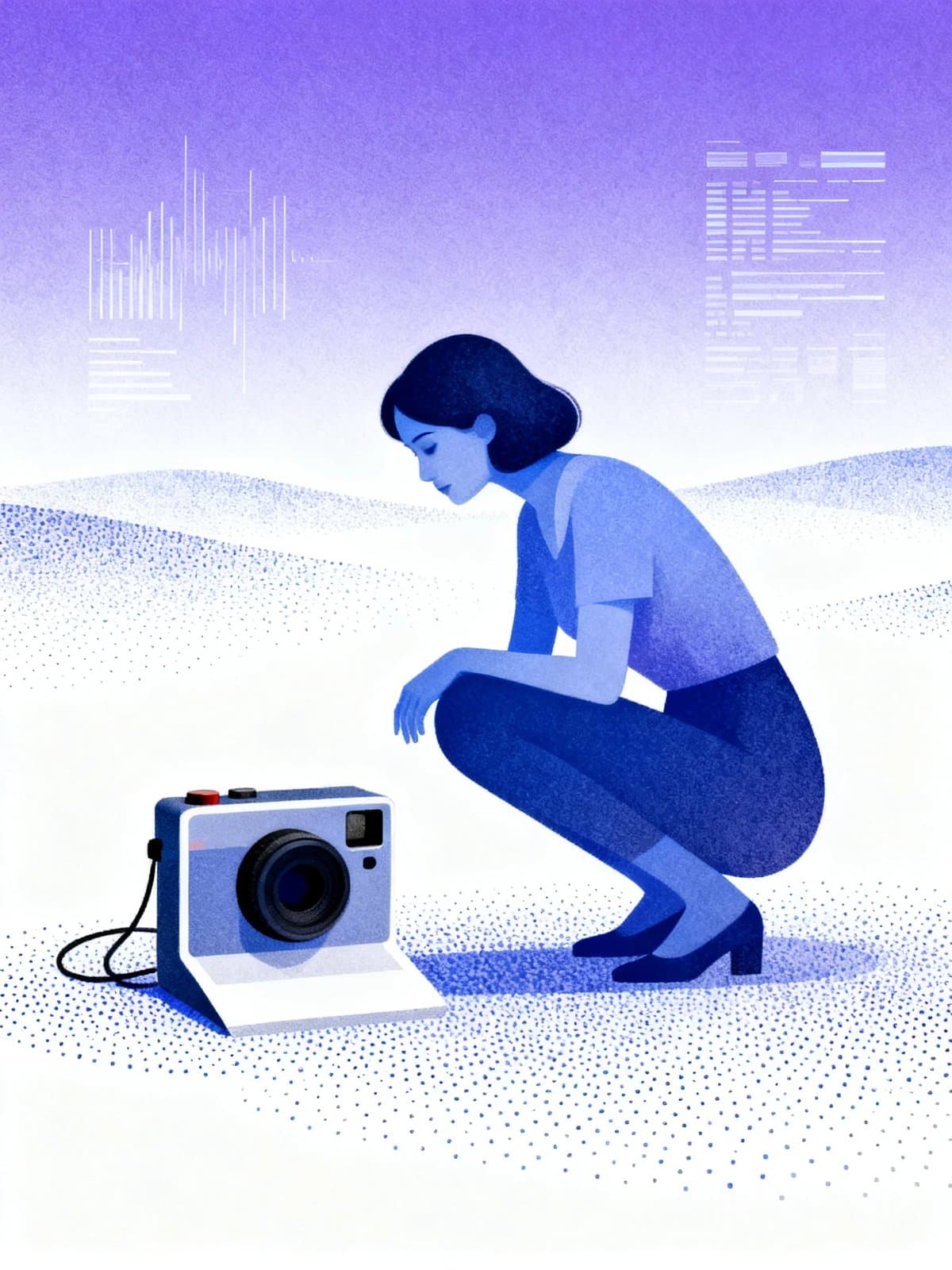
Ideogram Vector 1 Vectorizer is the image-to-SVG half of Ideogram's first vector model. Upload one raster image — JPEG, PNG or WebP — and it traces the artwork into a true SVG made of editable shapes, with no prompt. The result scales from a small label to a poster with crisp edges, and each shape can be recolored in a vector editor. Its sibling, Ideogram Vector 1, draws an SVG from a text prompt instead.
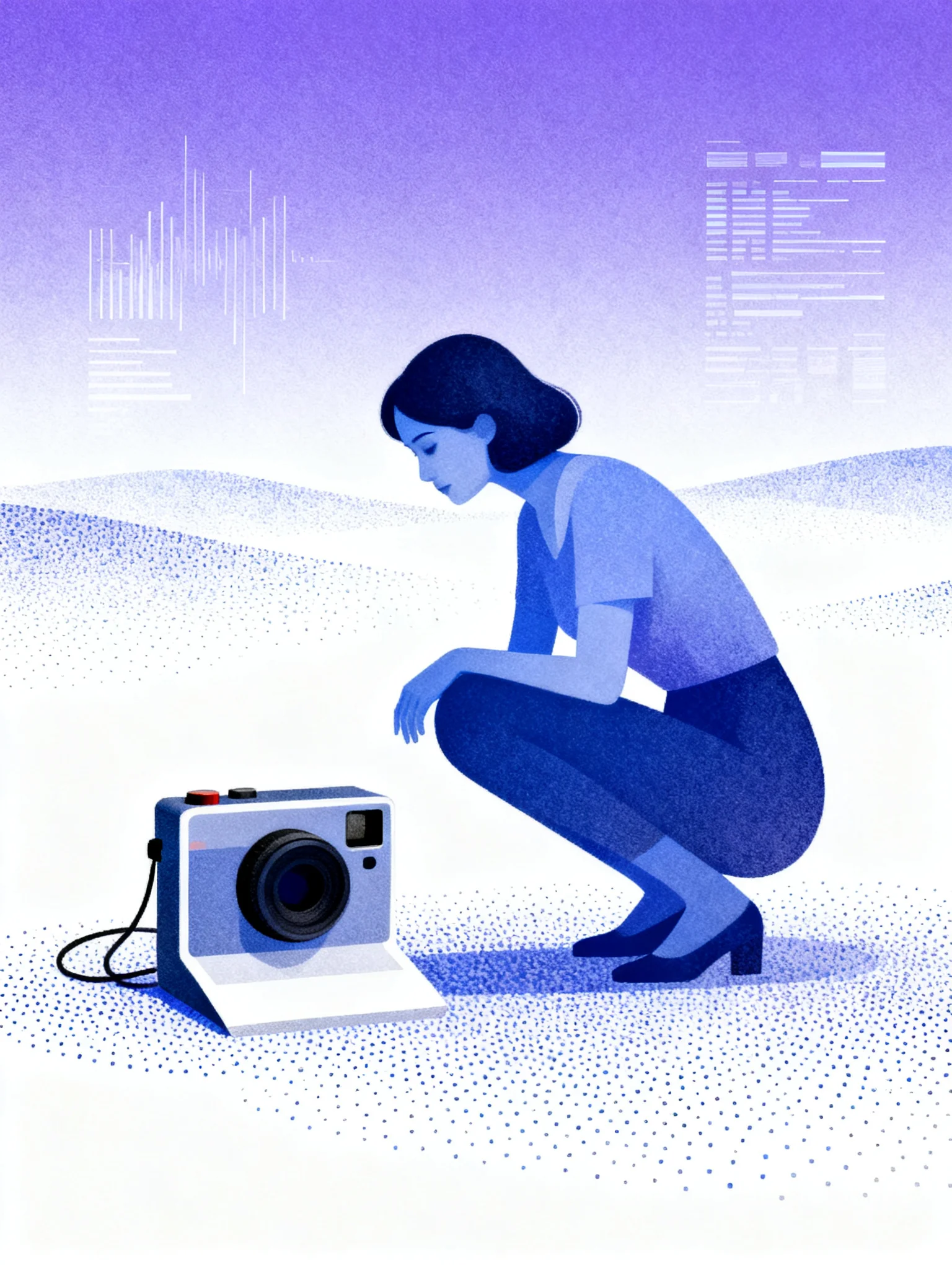 ModelIdeogram Vector 1 VectorizerConvert any image into editable, scalable SVG vectors.
What it does well
Each example below ran end to end through the vectorizer at the settings shown, and every run returned a true, editable SVG (image/svg+xml).
Turn any image into a scalable vector
Point the vectorizer at flat artwork and it returns a genuine .svg, not a raster re-export. In testing, this flat rover-robot sticker became an SVG of about 293 editable paths, with the sky gradient and fine details — the antenna, stars and planet ring — kept crisp at any zoom. Because it is a real vector, the same art enlarges from a small label to a poster with no pixelation. Start from the cleanest flat artwork you have, since the tracer cannot add detail the source lacks.

 InputOutput
Upload a logo and get an editable mark
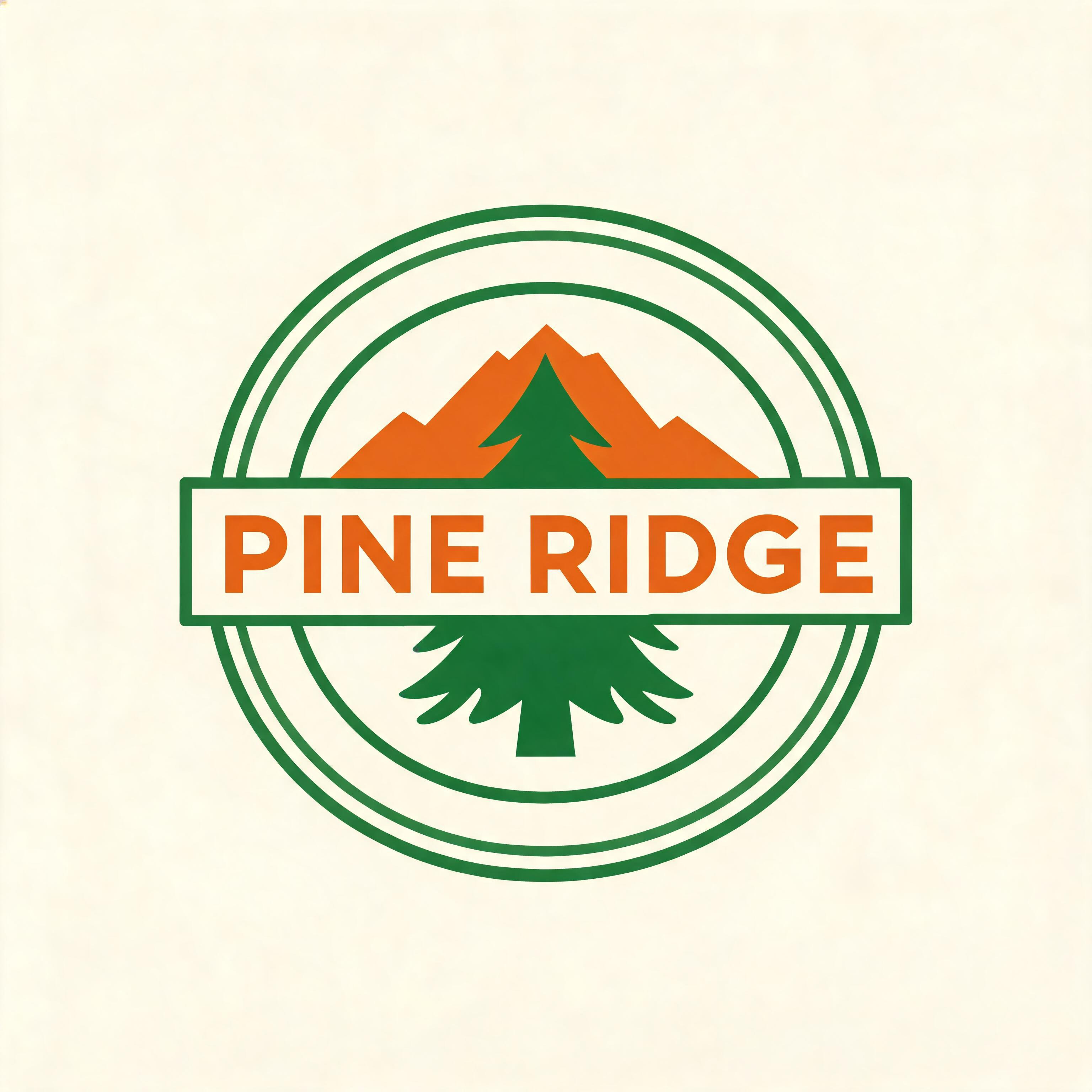
There is no prompt here — you upload one image and get back shapes you can edit. This flat PINE RIDGE camp badge converted to a crisp mark with legible lettering, a double-ring border and flat fills, and each shape is recolorable in a vector editor. That makes the output ready for signage, merchandise, cut files and embroidery, where a raster would have to be redrawn by hand. Upload the sharpest version of a logo so the tracer has clean edges to follow.

 InputOutput
Rebuild a whole icon sheet in one pass
Feed the vectorizer a sheet of symbols and each one comes back as its own crisp shape. This 2x3 dessert icon grid became about 365 editable paths, with every icon a separate flat shape you can address on its own. Vectorize the full sheet in a single pass, then ungroup it in Illustrator or Figma to pull out and recolor individual symbols.

 InputOutput
Examples to try
Compare default and simple detail
mode is the one quality lever, so run the same art both ways to see the trade-off. On this rover source, default returned about 293 paths and kept thin lines and the sky gradient. Simple traced the same art to about 95 paths — roughly a third of the file size — with fewer, larger flat shapes.
Pick simple for a lighter file or bolder, poster-like shapes, and default to keep small elements.
 DefaultSimple
More art the vectorizer is built for: a flat mascot sticker, a monoline line-art icon, a hand-drawn logo cleaned up as flat art, or a bold poster graphic in simple mode. In every case, upload a clean raster and pick a mode.
Recommended settings
| Setting | Value | When |
|---|---|---|
| image | JPEG, PNG or WebP, up to 25MB | Clean flat artwork converts best; photographic or noisy inputs are lossier |
| mode | default | Detailed artwork with thin lines, small elements or gradients; keeps the most paths |
| mode | simple | Bold, poster-like art or a lighter file; fewer, larger shapes |
Good to know
- Output arrives as a flat set of paths, not grouped layers, so organize or group them in your own vector tool.
- There is no edit endpoint. To recolor or move a shape, edit the SVG in a vector tool or re-run the image.
- Clean flat artwork converts best. Photographic, noisy or gradient-heavy inputs are lossier, and garbled text in the source is traced as-is.
- The vectorizer cannot add detail the input lacks, so always start from the sharpest source you have.
Use it from the API
Send one image URL and a detail mode, and the API returns a link to the SVG.
# pip install "segmind>=1.1.0"
# export SEGMIND_API_KEY="YOUR_API_KEY"
import segmind

result = segmind.run(
    "ideogram-vector-1-vectorize",
    image="https://segmind-resources.s3.amazonaws.com/input/ideogram-vector-1-vectorize-src-52c31391.jpg",
    mode="default",
)
print(result.get("output"))
# 1. Submit the request; the reply carries its request_id
REQUEST_ID=$(curl -s -X POST "https://api.segmind.com/v2/ideogram-vector-1-vectorize" \
-H "x-api-key: YOUR_API_KEY" \
-H "Content-Type: application/json" \
-d '{
"image": "https://segmind-resources.s3.amazonaws.com/input/ideogram-vector-1-vectorize-src-52c31391.jpg",
"mode": "default"
}' | jq -r .request_id)
# 2. Check its status until it is COMPLETED
curl -s "https://api.segmind.com/v2/requests/$REQUEST_ID/status" \
-H "x-api-key: YOUR_API_KEY"
# 3. Fetch the result
curl -s "https://api.segmind.com/v2/requests/$REQUEST_ID" \
-H "x-api-key: YOUR_API_KEY"Resources
- Try Ideogram Vector 1 Vectorizer on Segmind
- API reference
- Vectorizer | Ideogram API reference — Image-to-SVG endpoint: accepts JPEG, PNG or WebP with no prompt, a detail mode, and async submit-then-poll.
- Ideogram Vector — AI Vector Generator — Maker product page: source-vs-vector comparisons, scale and recolor demos, and target use cases.
- Generate SVG | Ideogram API reference — Sibling text-to-vector endpoint: generate an SVG from a text prompt with optional image references.
- #image-to-image
- #ideogram
- #model-launch
- #svg
- #vectorizer