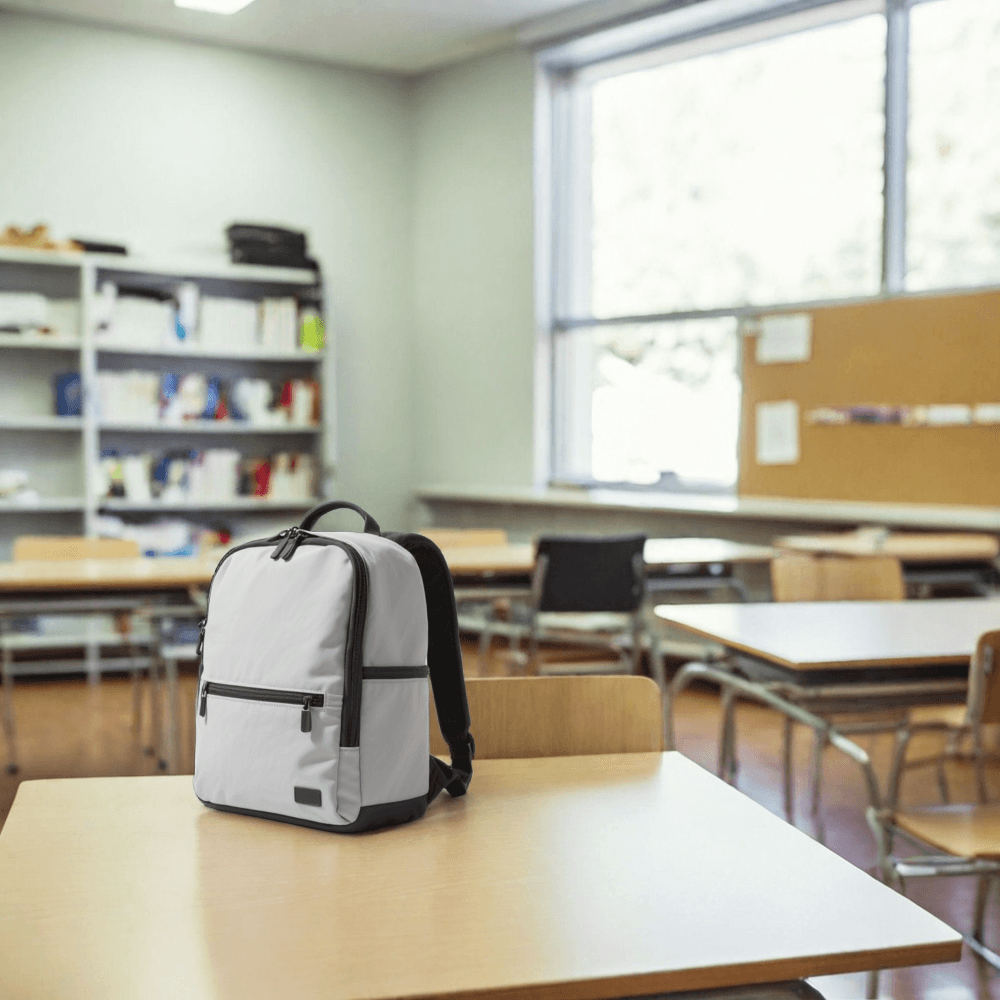
Bria Lifestyle Product Shot – AI Product Scene Generator
What is Bria Lifestyle Product Shot?
Bria Lifestyle Product Shot is a specialized AI model that transforms isolated product images into dynamic lifestyle scenes using text descriptions. Unlike traditional product photography that requires expensive studio setups, this model intelligently places your products into realistic environments described through simple text prompts. The AI handles background removal, scene generation, lighting consistency, and natural product placement automatically, making it ideal for eCommerce teams, marketing agencies, and content creators who need diverse product visuals at scale.
Key Features
• Text-to-scene generation – Create lifestyle contexts from natural language descriptions
• Automatic product placement – AI determines optimal positioning, angles, and sizing
• Built-in background removal – Clean product isolation without manual editing
• Flexible aspect ratios – Support for square, widescreen, and portrait formats
• Quality-speed balance – Fast mode for rapid iteration or detailed mode for final assets
• Content moderation – Optional safety checks for brand compliance
Best Use Cases
eCommerce Optimization: Generate multiple lifestyle shots for A/B testing product pages without photoshoots. Perfect for electronics, home goods, and fashion accessories in contextual settings.
Social Media Marketing: Create Instagram-ready product content showing items in aspirational environments like "cozy coffee shop" or "minimalist workspace."
Catalog Diversification: Transform single product shots into varied lifestyle imagery for seasonal campaigns, demographic targeting, or regional preferences.
Rapid Prototyping: Test visual concepts before committing to expensive photography sessions.
Prompt Tips and Output Quality
Write specific, vivid scene descriptions like "modern kitchen counter with natural sunlight and fresh ingredients" rather than generic terms like "kitchen scene." The model responds well to environmental details, lighting conditions, and mood descriptors.
Use the exclude_elements parameter strategically – "no people, no text, no logos" helps maintain focus on your product. Enable optimize_description for enhanced scene realism, as the AI will expand your prompt with contextually relevant details.
For placement_type, choose "automatic" for varied angles and dynamic positioning, or "original" when you need consistent product orientation across multiple scenes. The fast mode works well for initial concepts, while disabled fast mode delivers higher detail for final marketing assets.