FLUX 3 Klein Text to Image
FLUX 3 Klein Text to Image is the fast, open-weights member of Black Forest Labs' FLUX 3 Image family, built for high-quality text-to-image generation with precise, prompt-driven layout control.
What is FLUX 3 Klein Text to Image?
FLUX 3 Klein is a 5.6B-parameter, step-distilled text-to-image model from Black Forest Labs. It turns a written prompt into a single image at up to native 4K (about 16 megapixels) across five resolution tiers and 15 aspect ratios. Its signature feature is bounding-box layout control: you tag elements in the prompt and append a JSON list of boxes on a 0-1000 grid, and the model renders each element inside its assigned region. That makes it a strong fit for posters, product grids, and any composition where placement matters, while staying fast and efficient enough for high-volume work.
Key Features
- •Bounding-box layout control — place named elements in exact regions using a JSON box list, each box written as [top, left, bottom, right] on a 0-1000 grid.
- •Native 4K output — generate up to about 16 megapixels across the 768sq, 1k, 1.5k, 2k and 4k tiers.
- •Accurate in-image text — render legible headlines, signage and labels, including non-Latin scripts such as Devanagari.
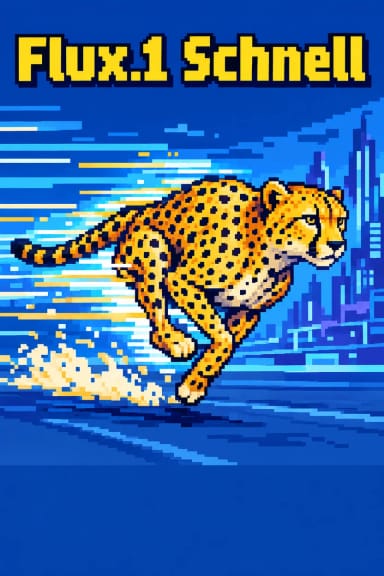
- •Broad stylistic range — photography, flat illustration, pixel art, stained glass, isometric 3D and more from one model.
- •Fast and efficient — a distilled 16-step model with JPEG or PNG output and an optional fixed seed for reproducibility.
Best Use Cases
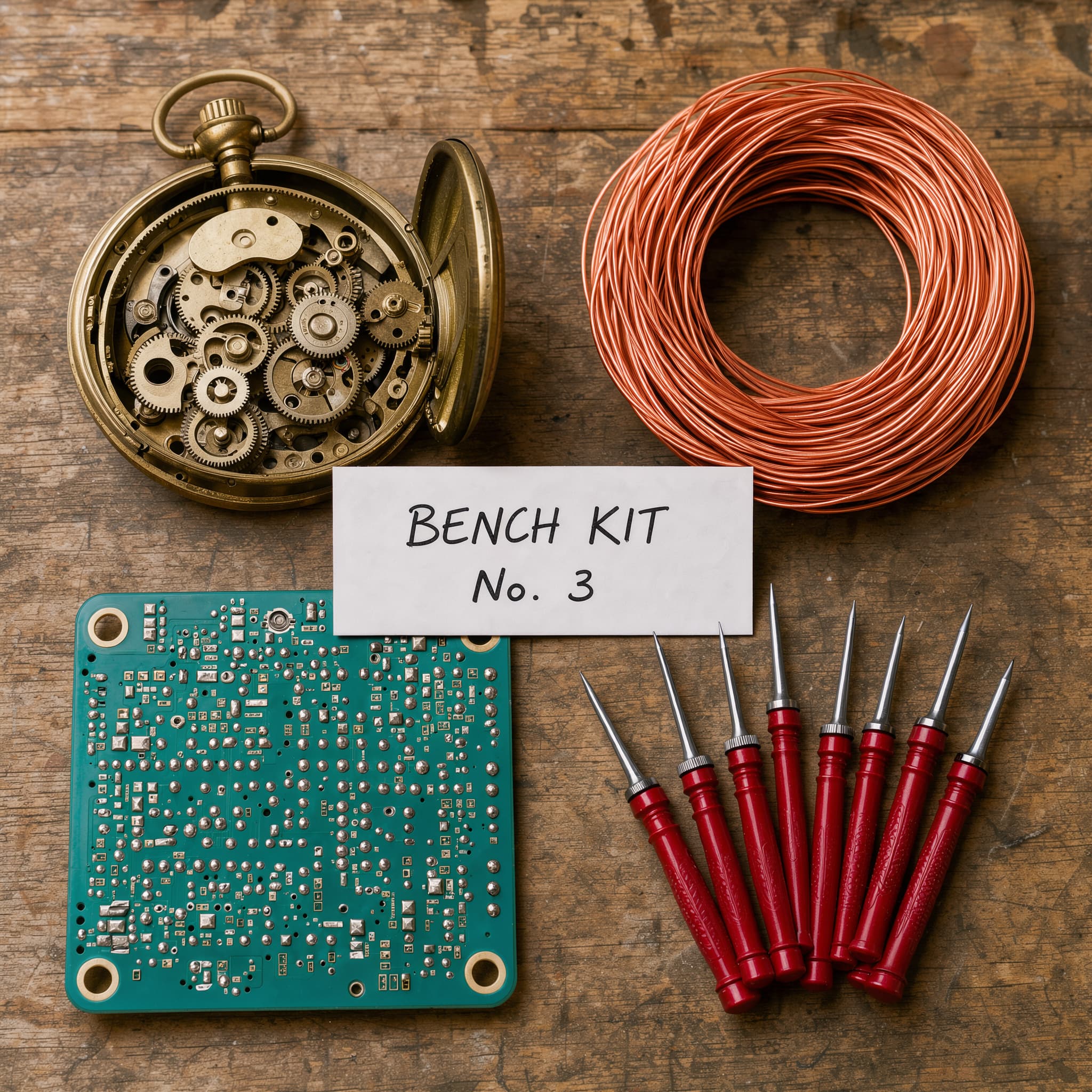
FLUX 3 Klein suits design-adjacent work where layout and text matter: mock packaging, labelled diagrams, product flat-lays, posters and signage. Its native 4K output serves print and hero imagery with detail-dense close-ups, and its style range lets a single model cover a brand's photographic and illustrated needs. In testing, bounding-box placement was accurate across a five-element grid, and both Latin and Devanagari text rendered cleanly.
Prompt Tips and Output Quality
Write concrete nouns and one clear action, and name materials, styles and placement. To control layout, tag elements like <logo> and append a JSON box list; quote exact words in single quotes for signage. Use 2k for everyday work and 4k when fine texture must survive. Output stayed clean and artifact-free at both tiers in testing.