FLUX 3 Text to Image (Text-to-Image Model)
What is FLUX 3 Text to Image?
FLUX 3 Text to Image is the text-to-image path of Black Forest Labs' FLUX 3 Image model, the image component of the multimodal FLUX 3 family. From a prompt alone it generates detailed, well-composed stills at resolution tiers from 768sq up to native 4K. Its headline difference from an ordinary text-to-image generator is explicit composition control: elements tagged in the prompt can be pinned to exact regions on a 0-1000 bounding-box grid, so a layout is reproduced rather than inferred from prose. It is built for creators, designers, and developers who need placement, legible text, and print-ready detail from a single API call.
Key Features
- •Bounding-box layout control — tag elements in the prompt and pass a JSON array of ids, boxes, and descriptions on a 0-1000 grid to place each one precisely.
- •Native resolution up to 4K — tiers 768sq, 1k, 1.5k, 2k, and 4k render at the requested size with no separate upscale pass, so fine textures and small text stay sharp.
- •Accurate multilingual text rendering — legible, correctly formed words inside the scene, including non-Latin scripts.
- •Web grounding — an optional toggle lets the model consult web and image search so real places and products render faithfully.
- •Wide aspect-ratio and style range — from 21:9 to 9:21, across illustration, product, painterly, and photoreal looks.
Best Use Cases
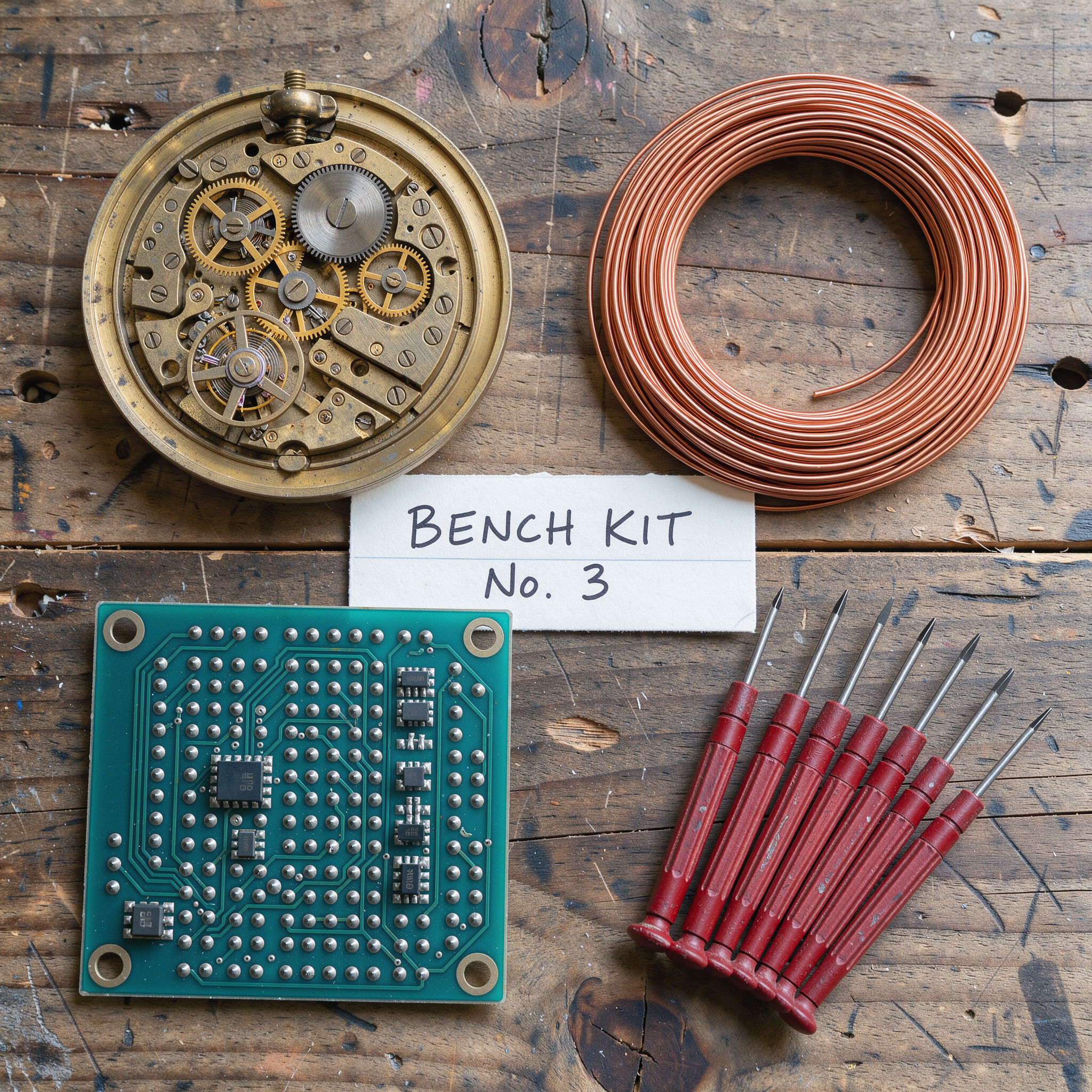
FLUX 3 Text to Image is strongest where composition and legibility matter: posters, packaging, and infographics that need text in the right place; product and editorial imagery that must hold detail at print resolution; and concept work where several named elements have to sit in specific positions. In testing, a single prompt placed five distinct components into their exact quadrants with a legible label, and a 4K render kept individual embroidery threads crisp. With grounding on, a prompt naming a real library rendered that interior true to reference.
Prompt Tips and Output Quality
Describe the subject first, then placement. For exact layouts, tag elements with ids and append the bounding-box JSON, keeping to four to six boxes so each has room. Put in-image text in quotes and name its script and style. Choose 4k when the result will be cropped or printed; turn grounding on for real-world subjects and off for pure imagination.