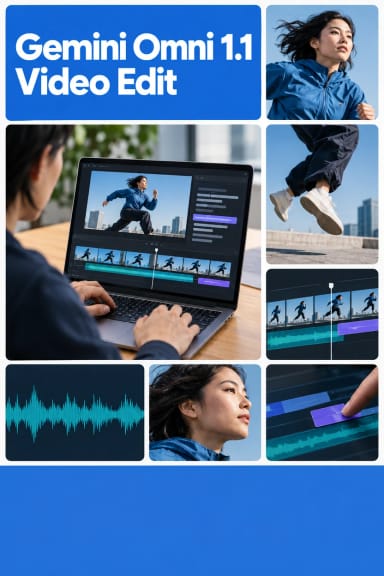
Gemini Omni 1.1 Video Extend — AI Video Extension Model
What is Gemini Omni 1.1 Video Extend?
Gemini Omni 1.1 Video Extend is the video-to-video extension mode of Google's Gemini Omni 1.1 Flash, served through the Gemini Developer API. Give it a short clip and a prompt, and it appends a seamless 3-10 second continuation to the end of your footage. Instead of regenerating a scene from scratch, you keep what you already have and let the model carry it forward. Omni 1.1 analyzes up to the last 10 seconds of your source video before continuing, so character identity, camera momentum, lighting, and audio stay consistent across the join. It even edits some of the source's final frames so the transition is invisible.
Key Features
- •Seamless scene extension that appends to the end of any clip up to 10 seconds long
- •Ten seconds of prior context for strong character, motion, and lighting consistency
- •Resolution control across 360p, 720p, 1080p, and 4k for drafting or final delivery
- •Prompt-driven direction over how the action, camera, and audio continue
- •Synchronized generated audio and 24fps output
Best Use Cases
Extend AI-generated or real clips into longer sequences: stretch a 5-second shot into a 15-second beat, add breathing room to a social or ad cut, or chain extensions to build multi-shot sequences. In our testing, a 5-second forward tracking shot of a hiker on a misty forest trail extended cleanly into a 15-second clip, with camera momentum, the character, fog, and golden lighting all preserved through the cut. The model performs best when the source has clear motion cues to continue.
Prompt Tips and Output Quality
Describe the camera movement, subject action, and audio you want the continuation to keep or introduce, such as the camera keeps pushing forward as the music swells. Vague prompts like extend this produce weaker results. Note that a single call outputs at most 10 seconds; longer requests are clamped to 10 seconds. Draft at 360p to lock timing quickly, then re-run at 1080p or 4k for delivery.