Ideogram 4.6 Edit - Precise AI Image Editing (Image-to-Image)
What is Ideogram 4.6 Edit?
Ideogram 4.6 Edit is the Precise Edit endpoint of Ideogram's frontier 4.6 model. Give it an image and a prompt describing a change, and it returns the edited image at the input's exact width and height. Its signature is pairing precise, low-drift editing with the in-image text quality Ideogram is known for: pixels your edit does not touch are copied straight from the source, so you can add a headline, swap an object or restyle one area without re-rendering the whole picture.
Key Features
- Prompt-driven editing that keeps the input's exact size
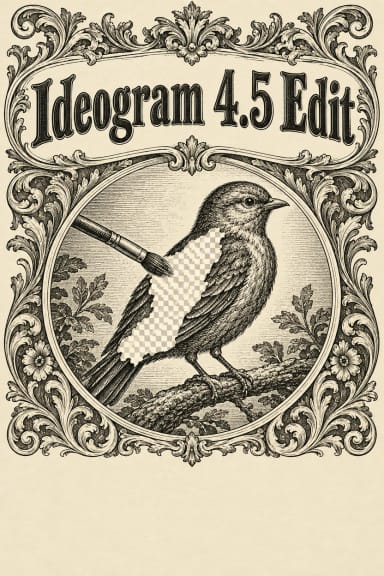
- Optional black-and-white mask to confine the edit (black marks the area to edit, white keeps the rest)
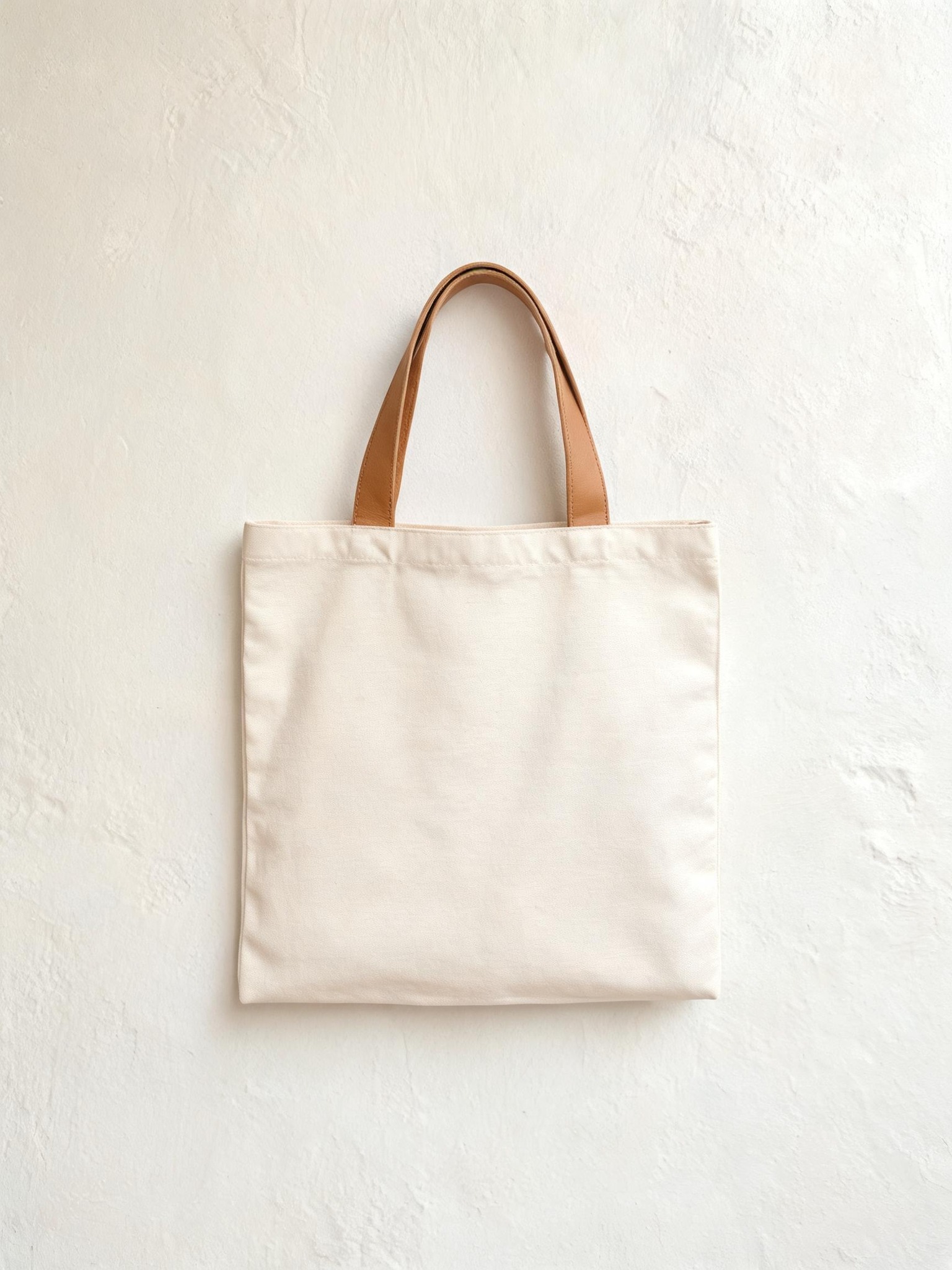
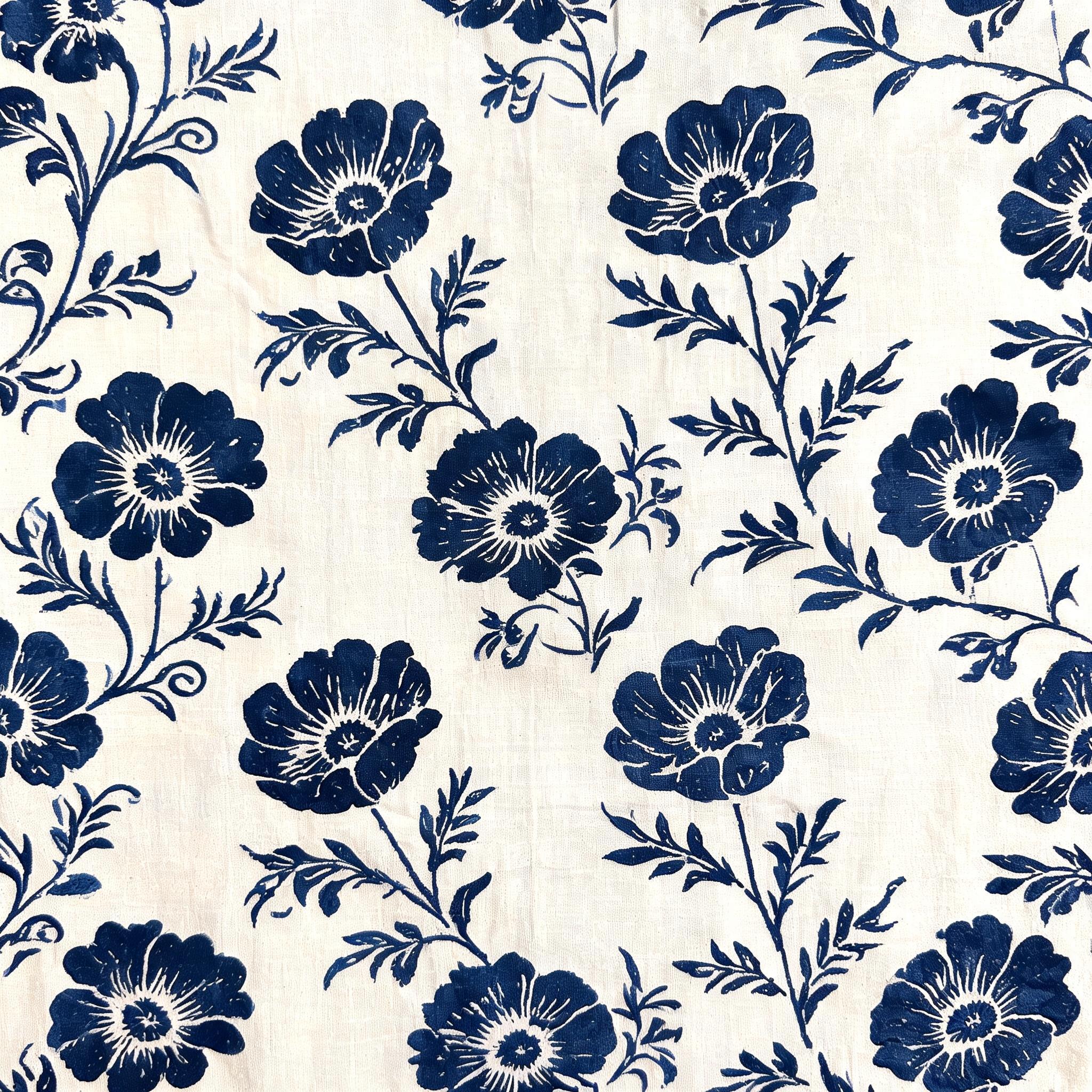
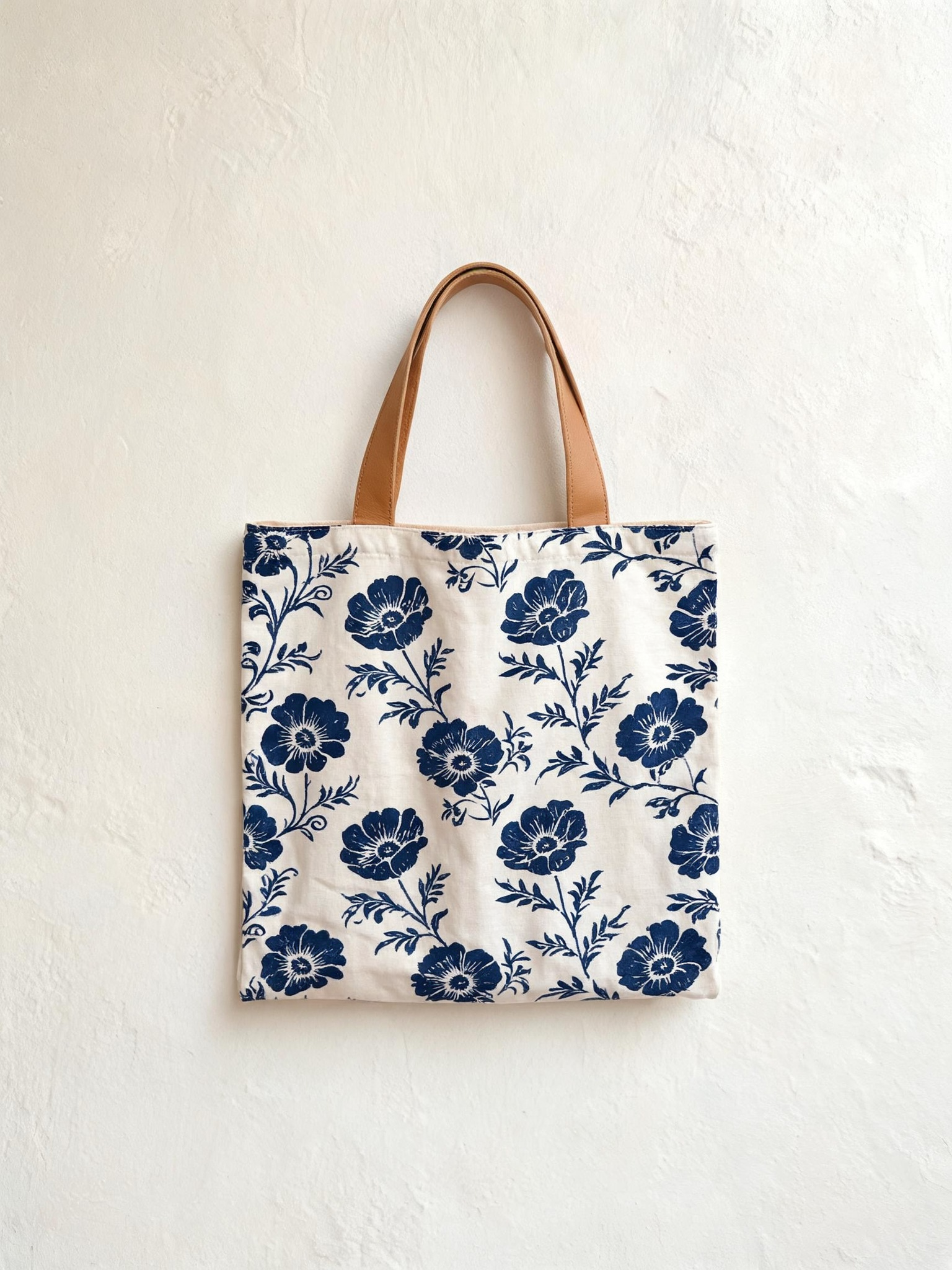
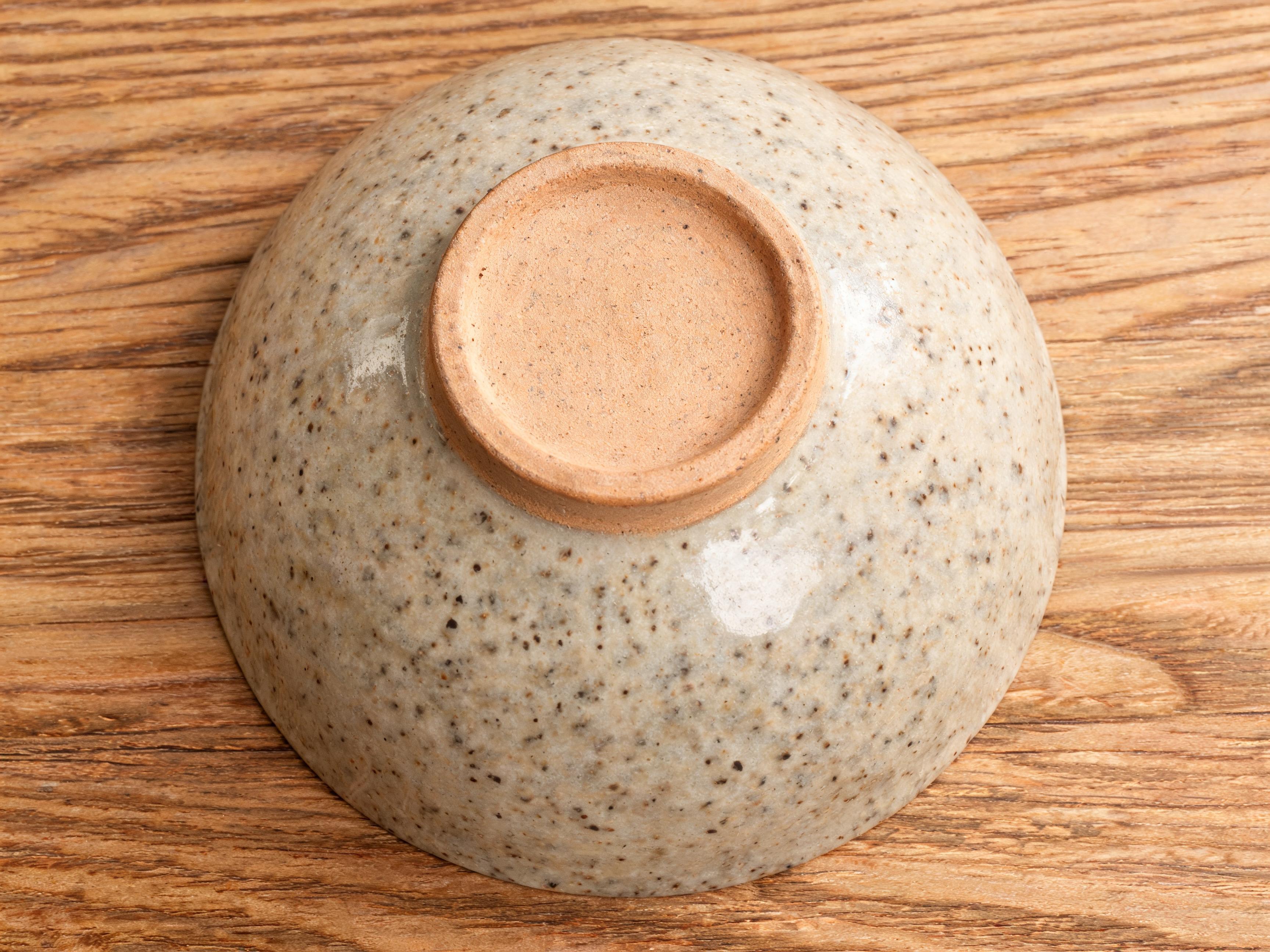
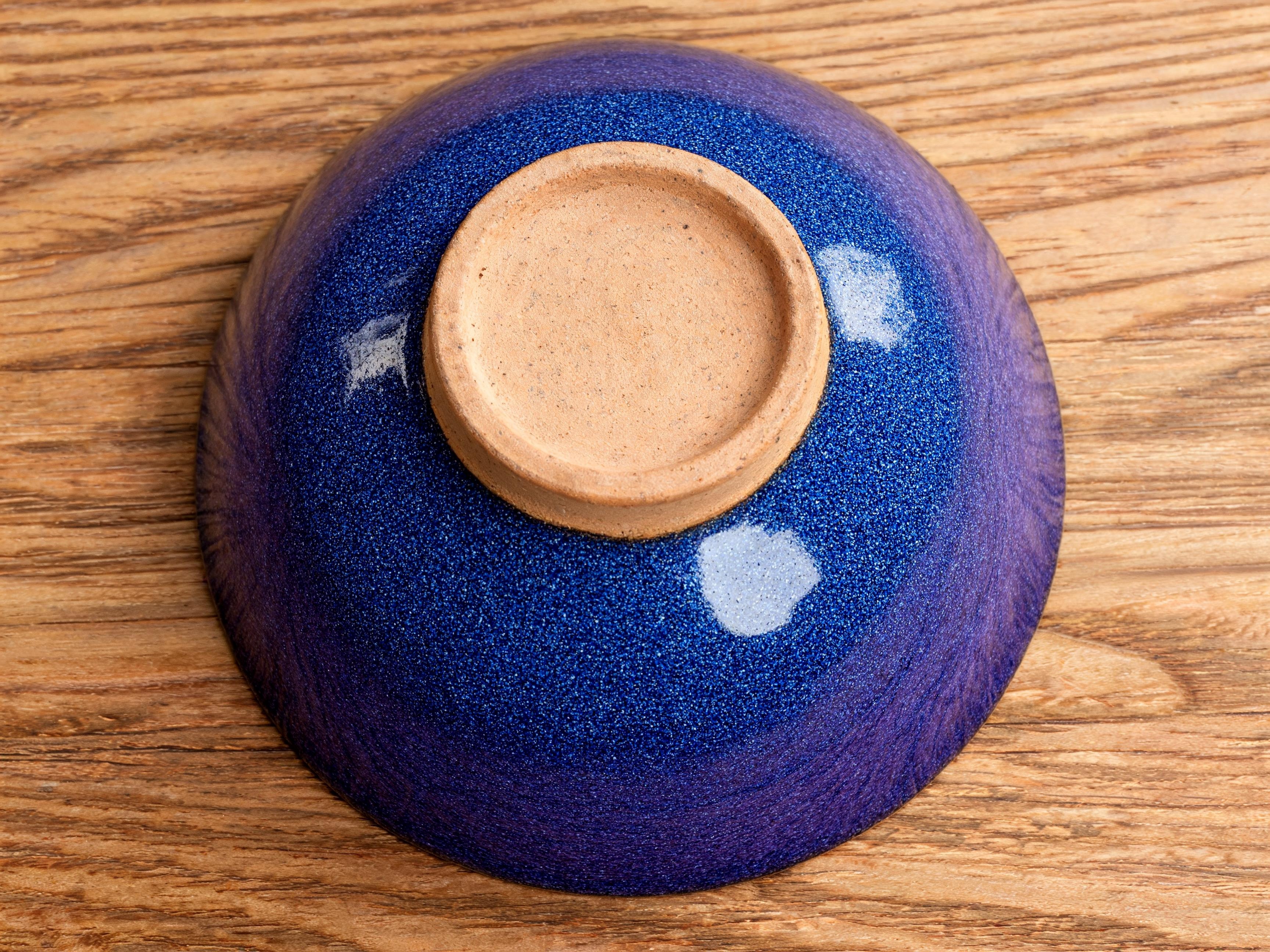
- Up to four reference images (three with a mask) for a product, logo, pattern or style
- Legible in-image text inside edits, with quoted words reproduced precisely
- Native 2K and 4K editing with no upscaling, plus quality tiers and a reproducible seed
Best Use Cases
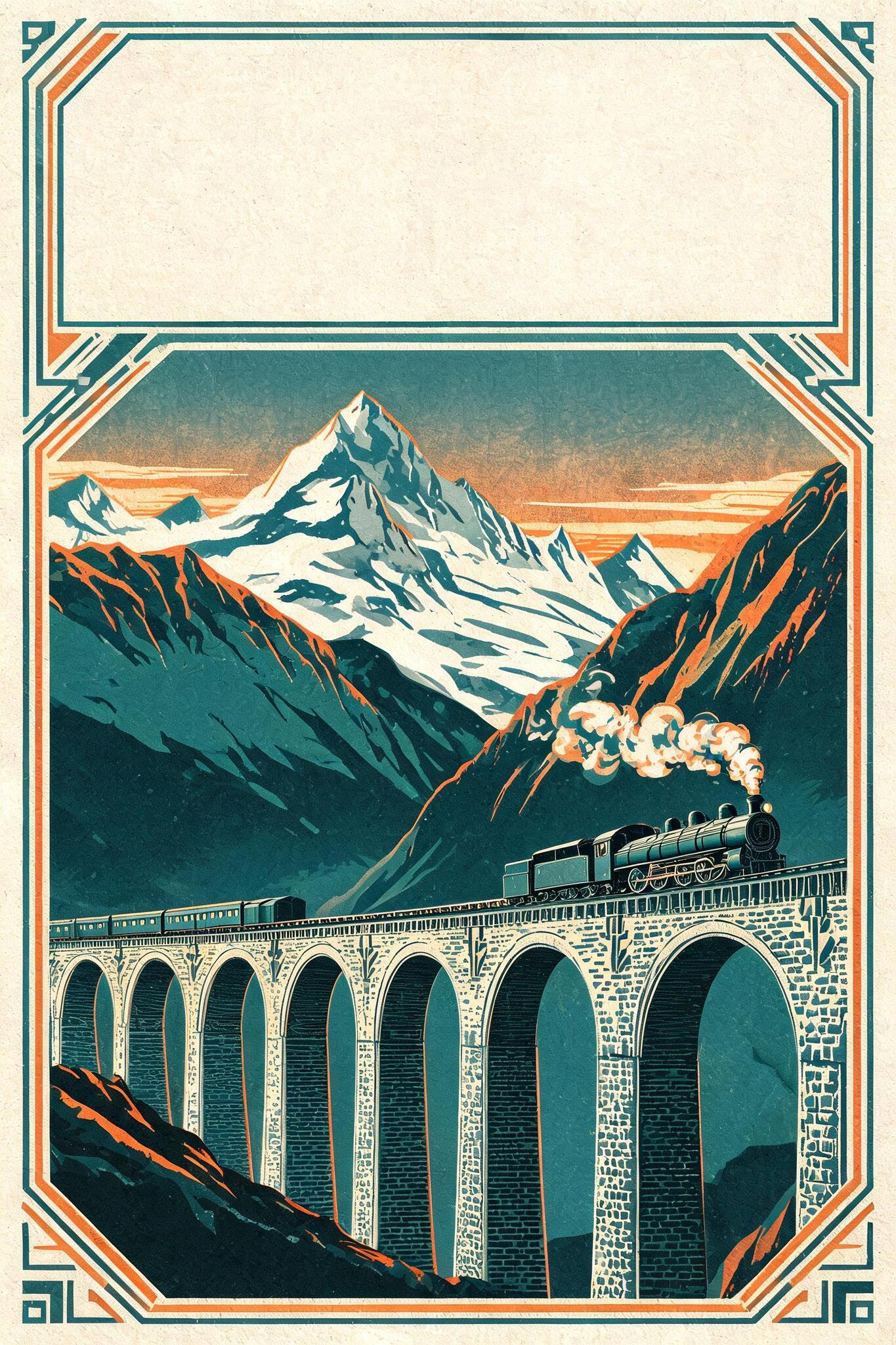
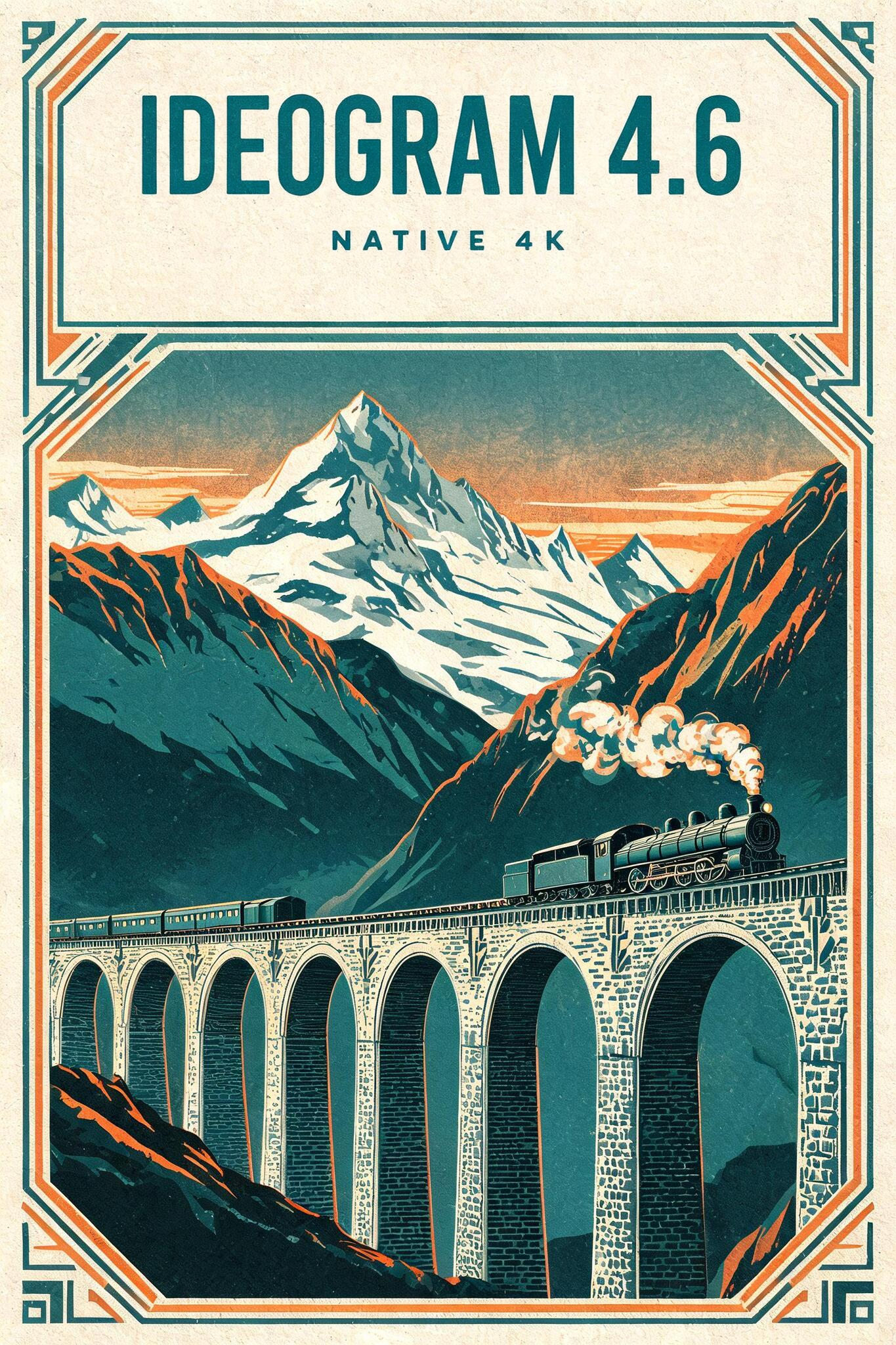
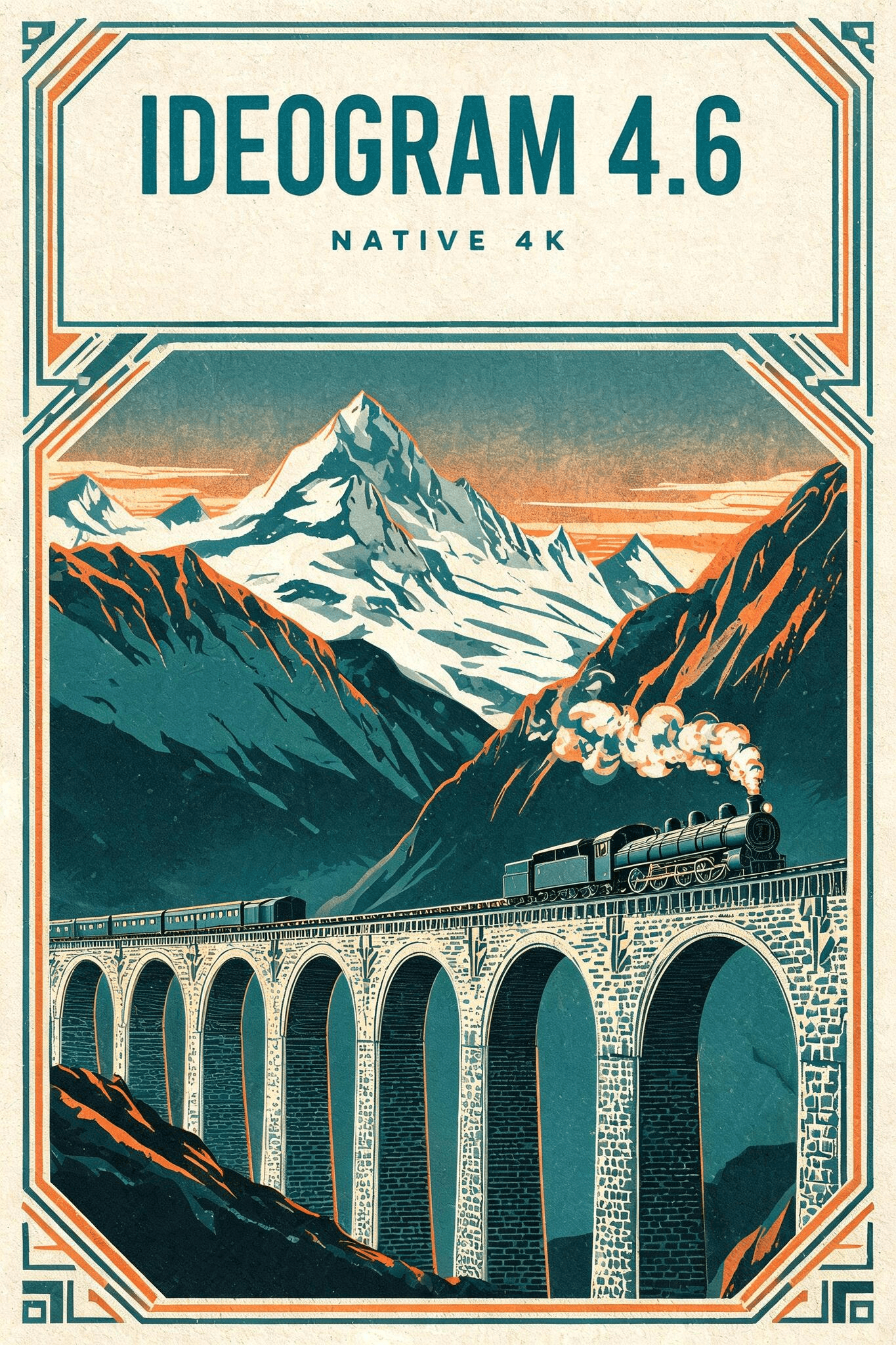
Typographic editing is the standout: writing a headline or wordmark into a reserved space, correcting or localising text, and restyling lettering on posters, packaging and signage. Low-drift editing also suits targeted changes such as swapping an object, recolouring a part or replacing a logo, where everything else stays identical. Reference images drop a brand's product or logo into a scene, and native 4K keeps edits print-ready. In testing, writing a headline into a travel poster's blank banner produced crisp, correctly spelled type while the illustration stayed untouched.
Prompt Tips and Output Quality
Describe only the change, not the mask or the parts you keep. Put exact wording in quotes and name the lettering style for the cleanest in-image text. Use a mask or context_window for the tightest region control, since whole-image edits can drift more, and choose high quality for dense or very small text.