Kling 4.0 Image to Video
What is Kling 4.0 Image to Video?
Kling 4.0 Image to Video is Kuaishou's next-generation image-to-video model. Give it a single starting frame (and, optionally, an ending frame) plus a short prompt, and it animates that still into a 3 to 30 second clip at 720p or 1080p, with native stereo audio generated in the same pass. Kling 4.0's headline upgrade is Stable Dynamic Motions: high-speed action, continuous body movement, tracking shots and orbiting cameras stay structurally stable instead of warping or drifting, which is exactly where earlier AI video broke down.
Key Features
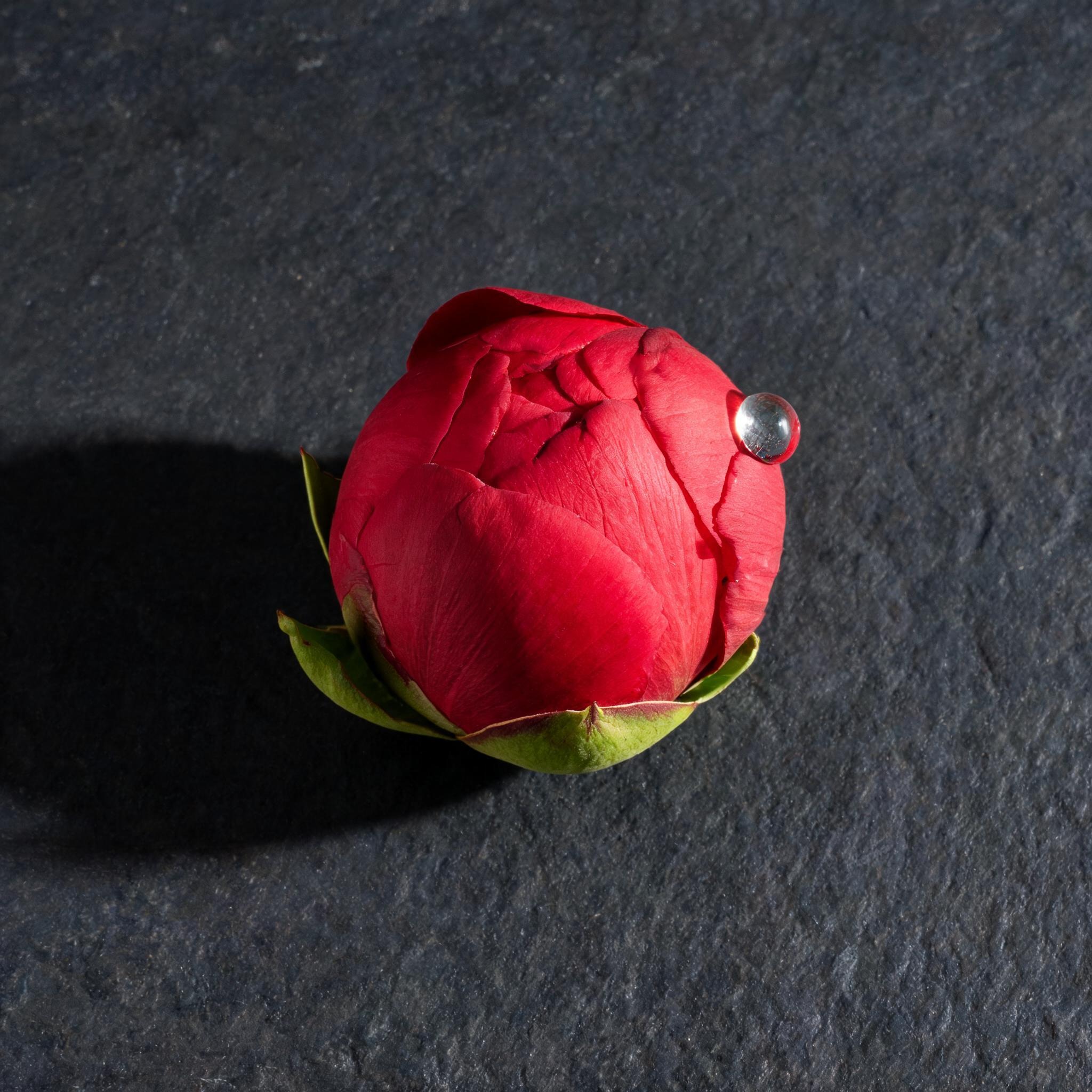
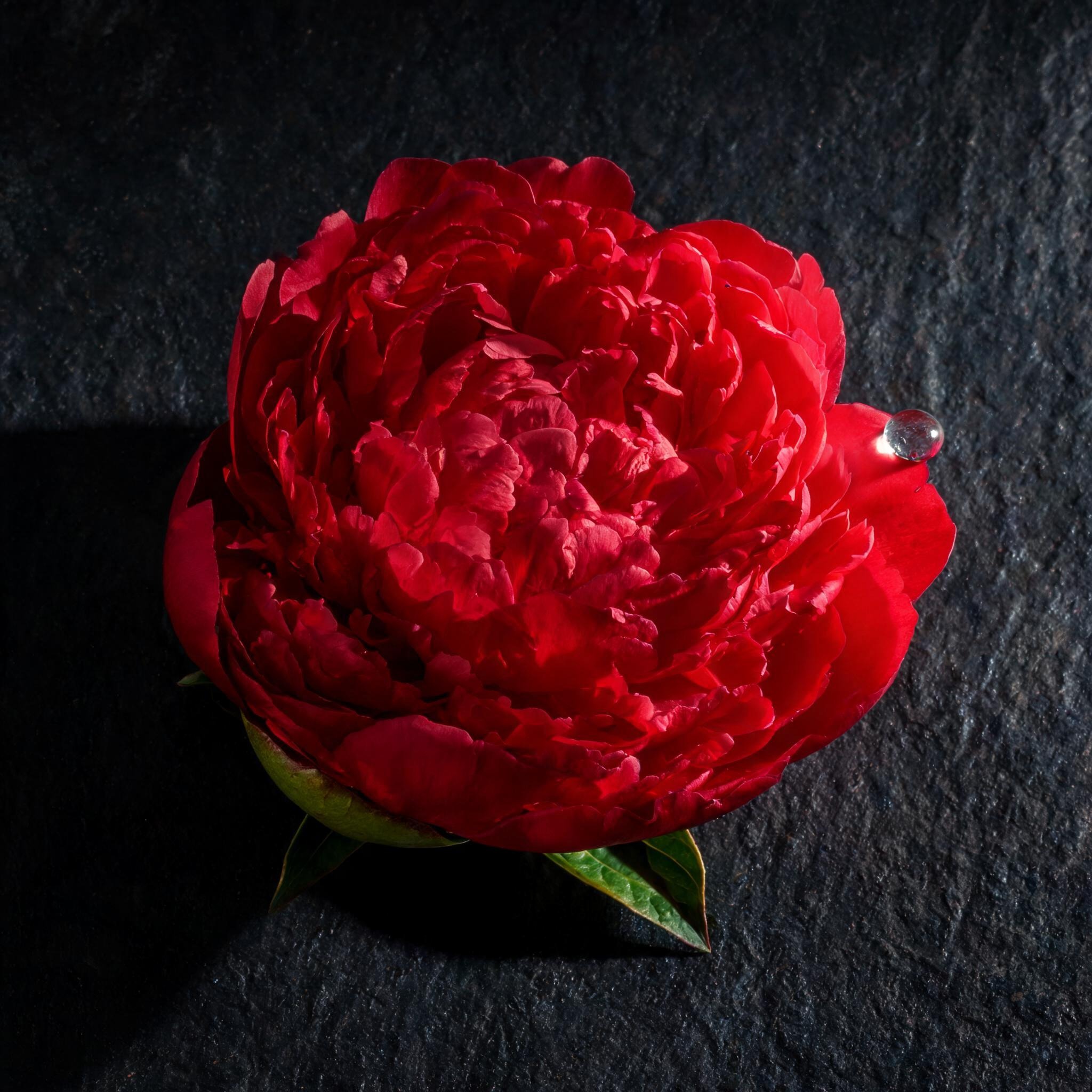
- First-and-last-frame control — start on one image, optionally resolve onto another, and Kling animates the motion between them.
- Stable Dynamic Motions — holds subject structure through fast, continuous movement and complex camera moves.
- Native single-pass generation from 3 to 30 seconds — long takes with no stitching.
- Two-channel stereo native audio with more accurate lip sync, produced alongside the video.
- 720p or 1080p output — the aspect ratio follows your input frame, so there is no separate aspect control.
Best Use Cases
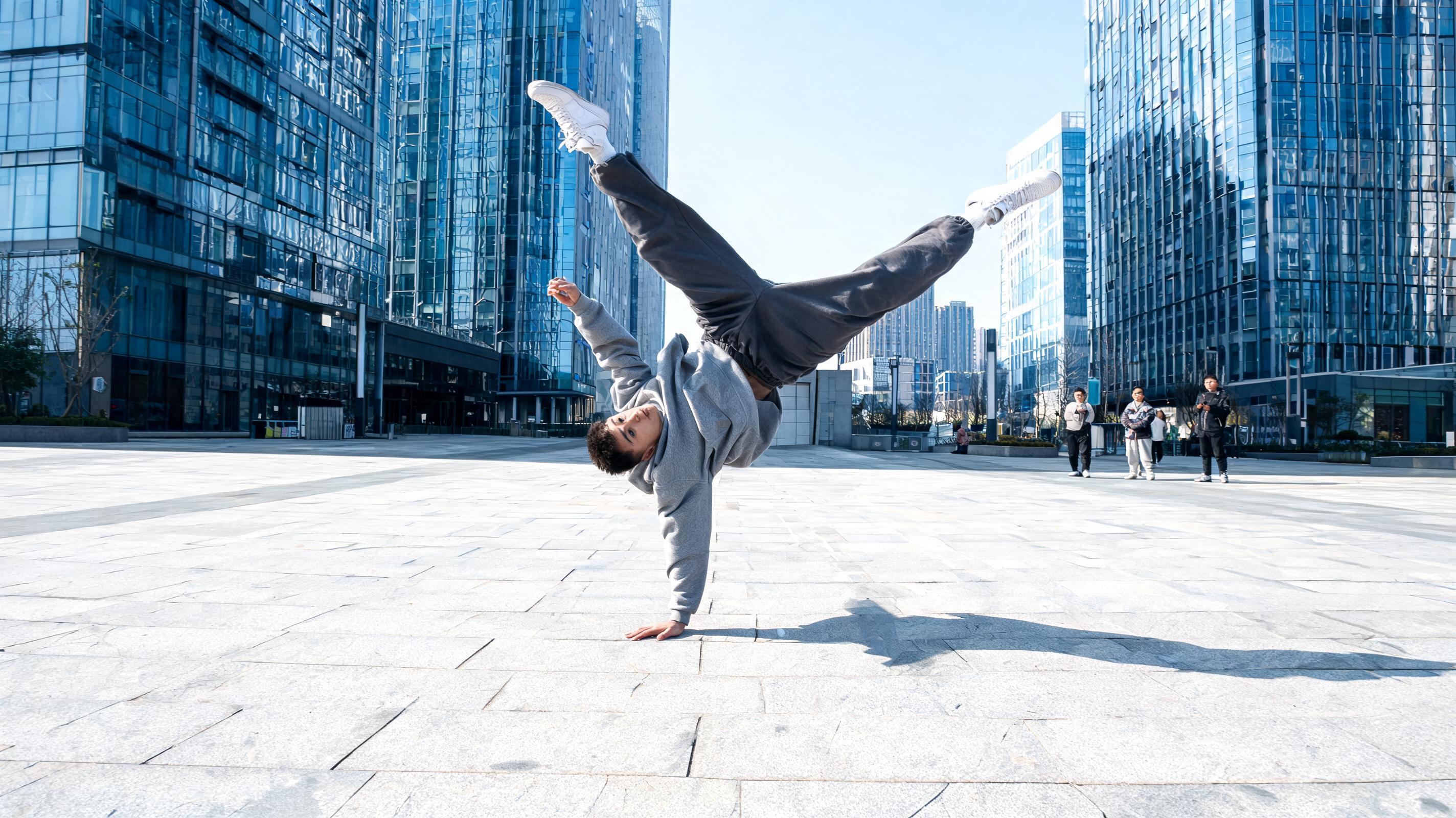
Kling 4.0 Image to Video is strongest when your frame contains something that will obviously move — a dancer, an athlete, a vehicle, a flag, a crowd. In testing, a still of a breakdancer frozen mid-windmill animated into a continuous, physically stable spin while the camera orbited and native stereo audio carried the scene. That makes it a fit for social and sports clips, music and dance performance, product-in-motion shots, and short narrative beats where a first-and-last frame defines a clear transition. Because audio is generated in the same pass, it also suits clips that want synchronized ambience or performance sound without a separate step.
Prompt Tips and Output Quality
Pick a sharp, well-composed first frame whose subject is clearly separated and already implies motion. Then describe the motion, the camera move and the sound — not the scene the frame already shows (Kling's own image-to-video rule). Keep to one clear action and name the camera move, for example "the camera orbits low and keeps pace." Use 5 to 10 seconds for most clips and 1080p for hero shots. Review outputs for invented details, since the model can add elements not present in the source.