MiniMax Hailuo H3 Max Image to Video
MiniMax Hailuo H3 Max Image to Video is the top-quality tier of the H3 (Hailuo-03) family, turning a still image into a moving clip with native stereo audio.
What is MiniMax Hailuo H3 Max Image to Video?
H3 is MiniMax's general-purpose, multimodal video model, and Max is its highest-fidelity tier, tuned for the hardest prompts where lighter tiers lose coherence. On this image-to-video endpoint you supply a first frame (and, optionally, a last frame) along with a text prompt describing the motion. The model animates the still at 480P or 768P while keeping its composition and subjects intact, so the frame you start from is the frame that moves. Provide both a first and last frame and the clip interpolates cleanly between the two.
Key Features
- Image-to-video from a first frame, a last frame, or both (first-to-last interpolation)
- Text prompt up to 7000 characters to direct the motion
- Selectable resolution: 480P or 768P
- Clip duration from 5 to 15 seconds
- Native stereo audio generated alongside the video
- Prompt-expansion modes: disabled, balanced, or quality
- Max tier for maximum fidelity on complex, physically demanding motion
Best Use Cases
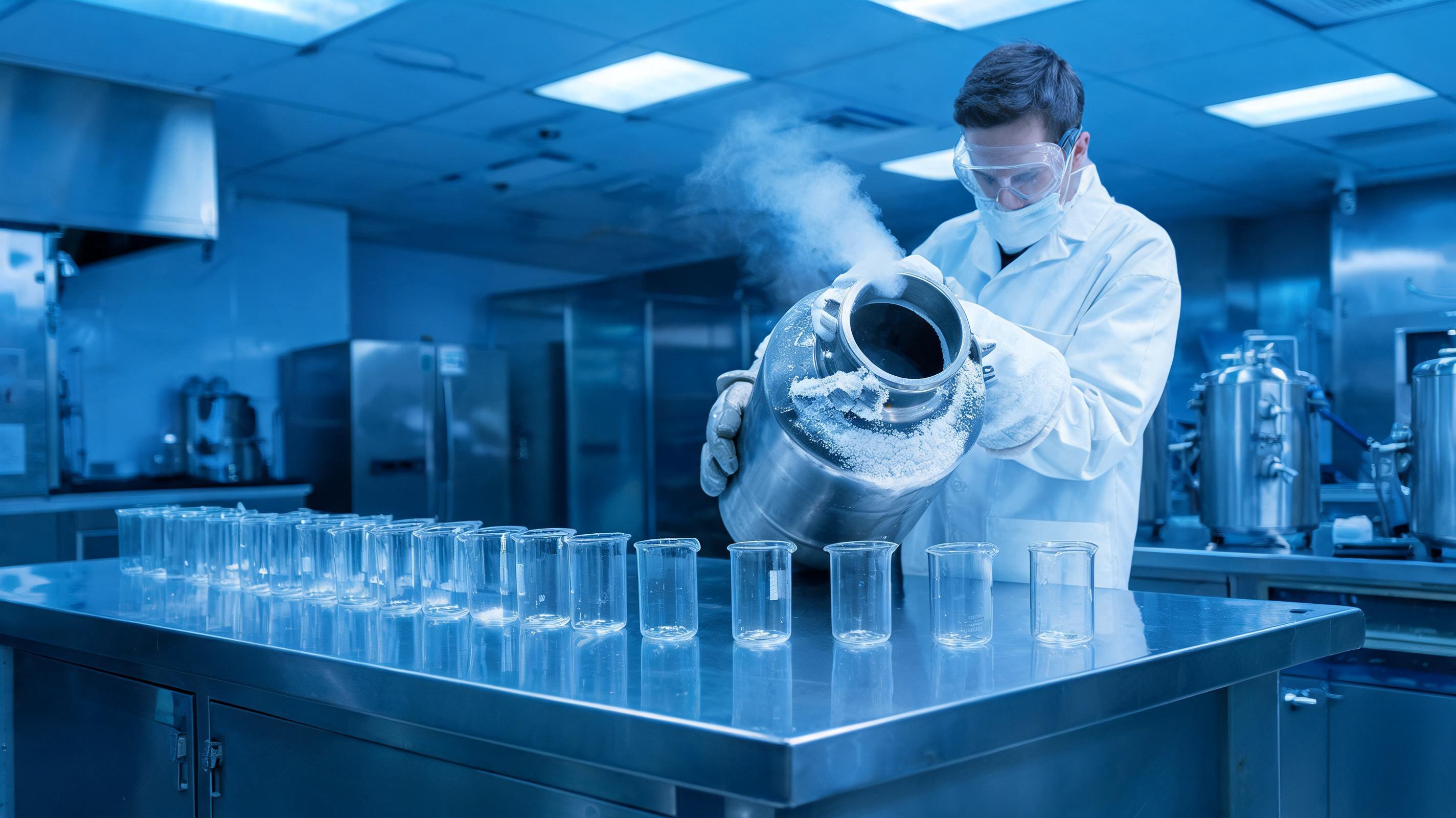
Reach for H3 Max image-to-video when a still needs demanding motion added: fluids and particulates, fast or articulated action, reflective or transparent materials, and camera moves motivated by the scene. In testing it animated a cryogenics-lab still into dense liquid-nitrogen fog that billowed from the flask, cascaded over the bench edge and rolled low across the floor while the row of glass beakers it swallowed stayed sharp and correctly reflective — complex fluid motion that held together instead of smearing. It suits animating product and science stills, turning concept art or key frames into finished shots, building first-to-last-frame transitions, and social clips where one legible action must read at a glance.
Prompt Tips and Output Quality
Compose the first frame so the element that should move is already present in it. Lead the prompt with one clear primary action, then add supporting detail. Keep prompt-expansion on balanced for a well-written prompt and switch to quality to enrich a sparse one. Use 768P for finals and 480P for quick drafts, and give longer durations to actions that need room to play out.