MiniMax H3 Max Multi-Angle — Image-to-Video Camera Control
What is MiniMax H3 Max Multi-Angle?
MiniMax H3 Max Multi-Angle turns a single image into a 5 to 15 second video by moving a virtual camera around a frozen scene. You supply one frame and an ordered camera path, and the model holds every person, object and particle in exactly the same position while the camera orbits, cranes and dollies through 3D space. Because nothing in the scene moves, camera parallax becomes the only source of motion, revealing the depth and the hidden sides of a still photograph. It is the camera-controls endpoint of H3 Max, a post-trained variant of MiniMax H3.
Key Features
- Keyframe-based camera control over azimuth (orbit), elevation (tilt) and distance (dolly) in 3D space.
- A frozen-scene guarantee where only the camera moves and airborne objects stay suspended.
- 2 to 12 timed trajectory keyframes with smooth easing in and out, and up to 32 turns of azimuth travel.
- Resolution tiers of 480P, 768P and 1080P, where 1080P is an in-context latent refinement of the 768P render.
- Durations from 5 to 15 seconds, an optional camera-only prompt, and prompt expansion modes (disabled, balanced, quality).
Best Use Cases
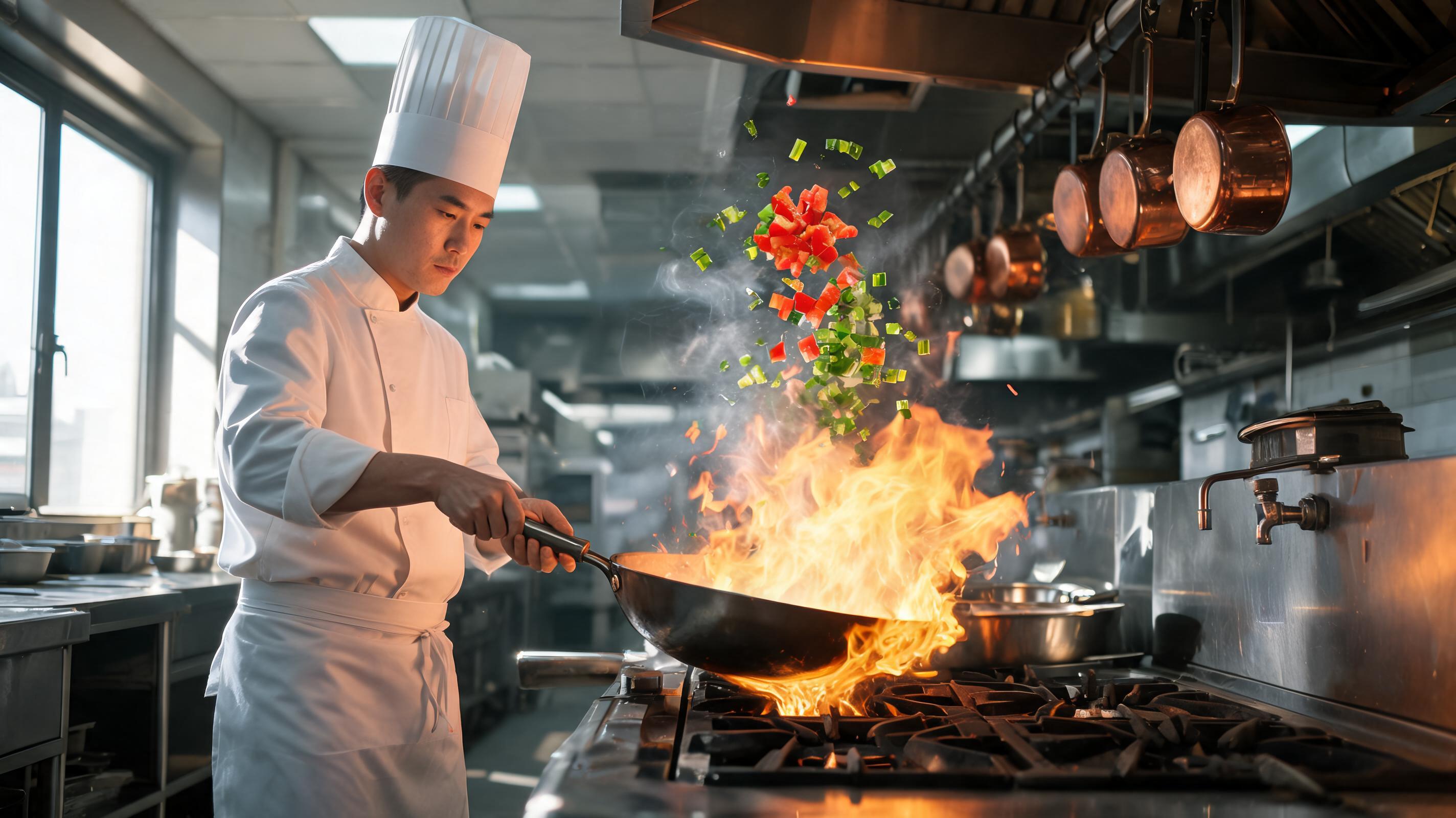
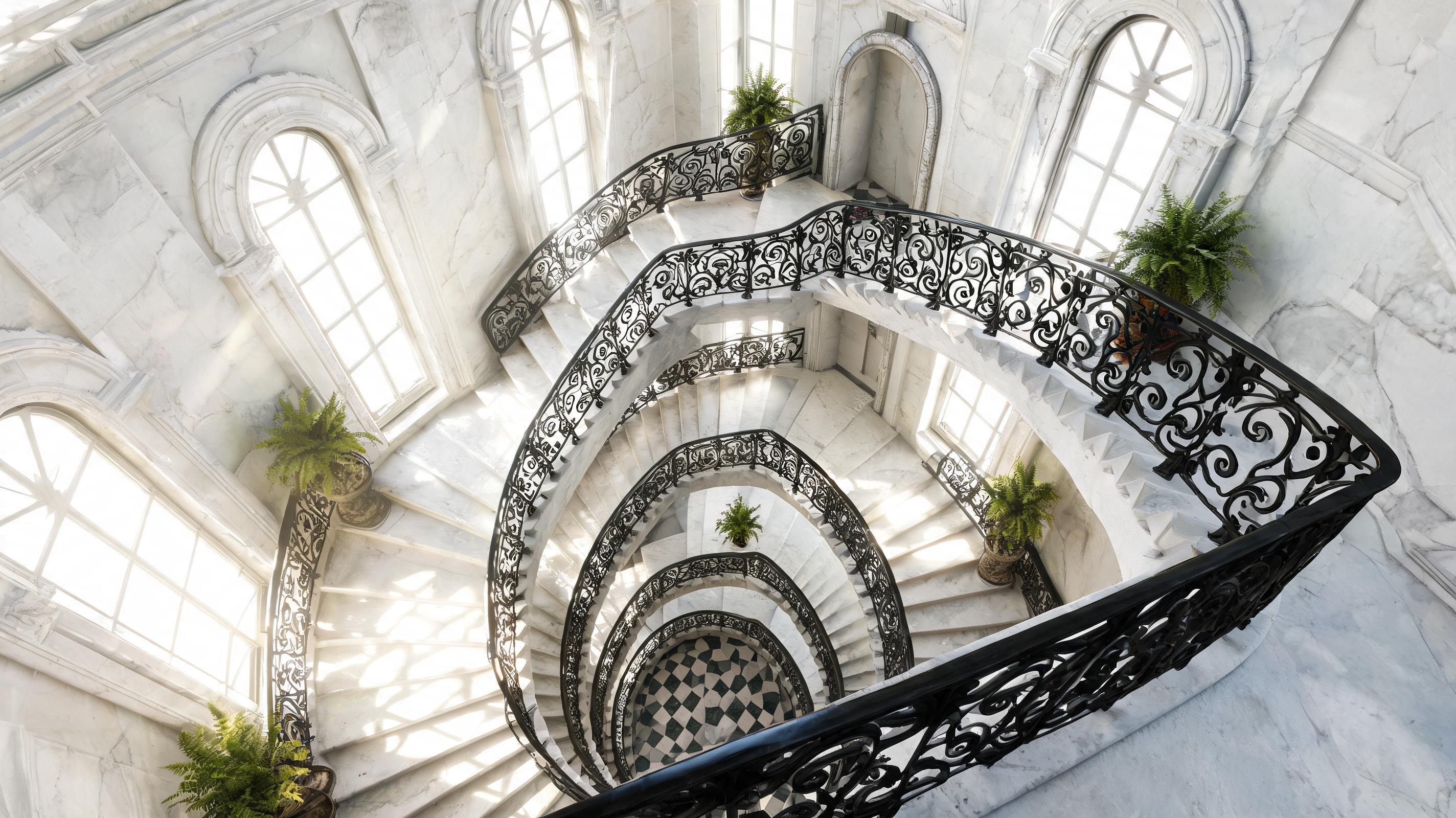
Reach for this model for bullet-time freeze effects around a subject caught mid-action, product turntables and 360-style spins, real-estate and interior fly-arounds, architectural hero shots, and museum or artifact showcases. In testing, a single frame of a chef mid wok-toss became a full 360-degree orbit with the flame and diced vegetables held suspended in the air, while a marble spiral staircase became a smooth push-in and pull-back that revealed the depth of the stairwell at 1080P — each produced without regenerating or animating the subject, so identity, text, logos and composition stayed stable.
Prompt Tips and Output Quality
Feed a sharp image with clear depth and one distinct foreground subject; flat scenes produce weak parallax. In the prompt, describe only the camera move and the freeze, since describing scene action fights the model. Build the path from a few keyframes: change azimuth for an orbit, elevation for a crane, and distance for a dolly. Block paths quickly at 480P, then re-render the keeper at 768P or 1080P.