MiniMax Hailuo H3 Max Reference to Video — Reference-to-Video Generation
What is MiniMax Hailuo H3 Max Reference to Video?
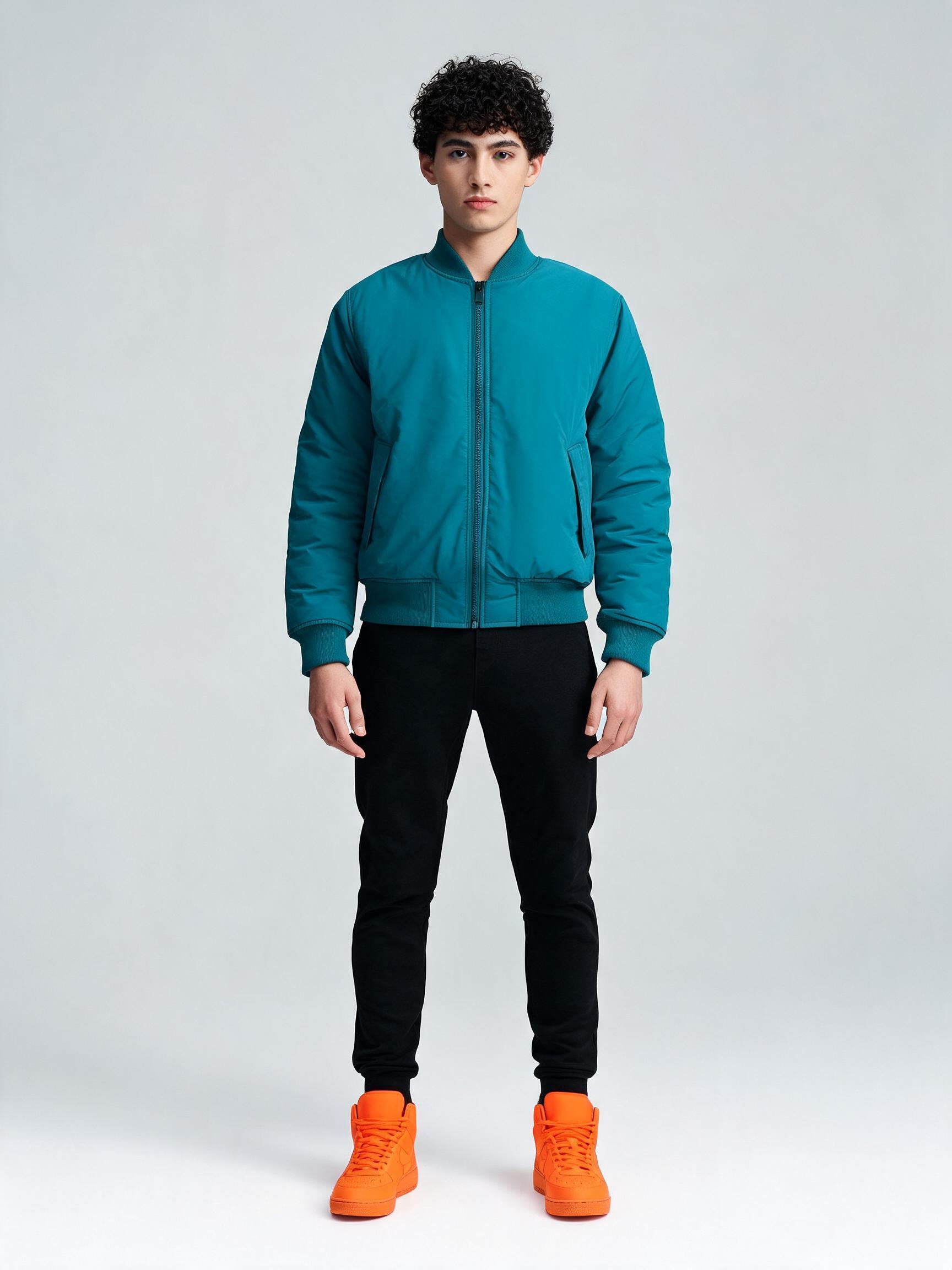
MiniMax Hailuo H3 Max Reference to Video is the reference-to-video mode of MiniMax's H3 Max, the high-speed, post-trained variant of the Hailuo H3 (Hailuo 3.0) omni-modal video family. You supply one to nine reference images that pin a subject's appearance and a text prompt that drives the scene and motion, and the model generates a 480P or 768P clip in which that exact character or product stays consistent while doing something new. Unlike plain image-to-video, it does not simply animate your input frame — it re-composes the referenced subject into the scene your prompt describes.
Key Features
- Subject consistency from up to 9 reference images: face, hair, wardrobe, product shape, colour and branding hold across the shot.
- Reference-to-video, not frame animation: place a subject into a brand-new, prompt-described setting and action.
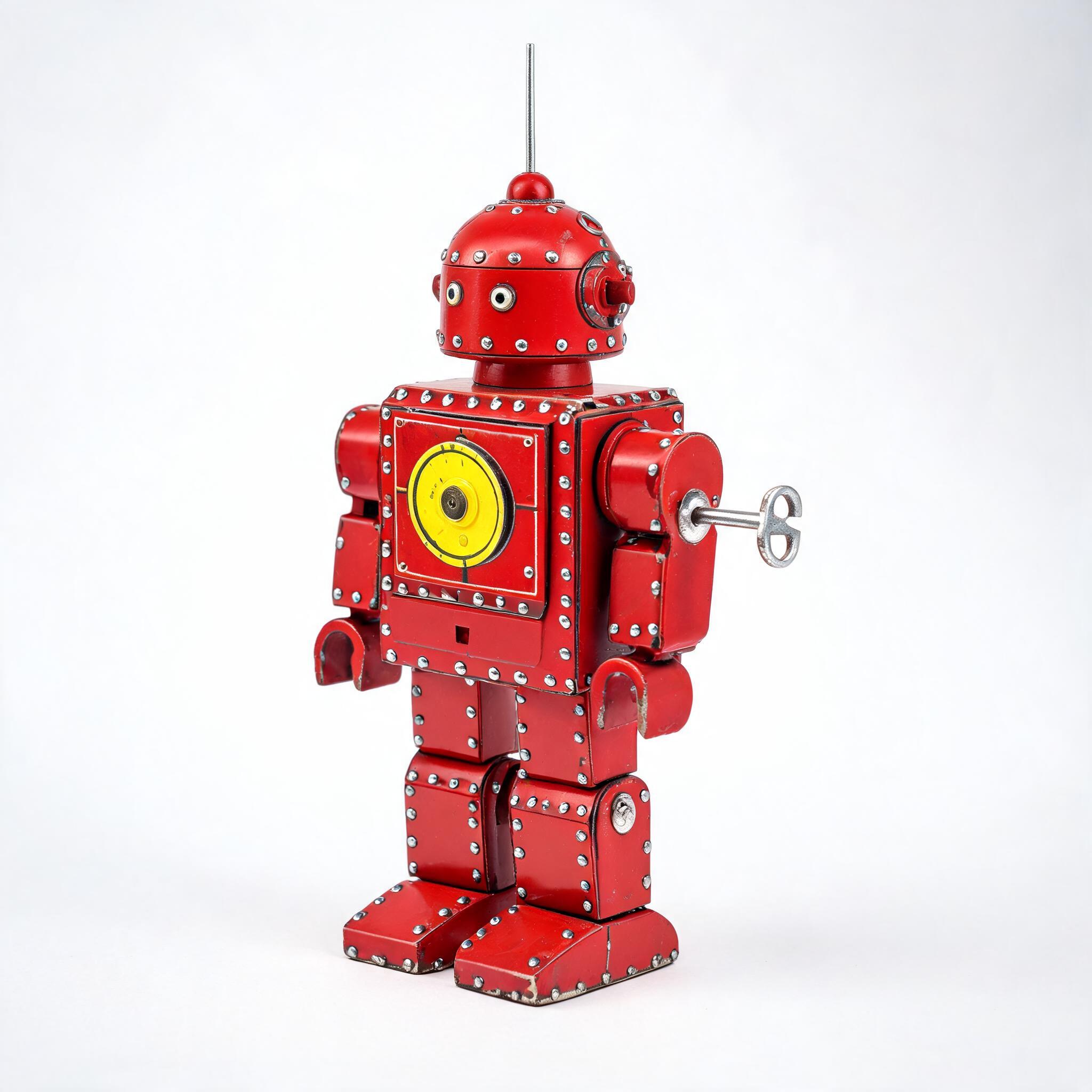
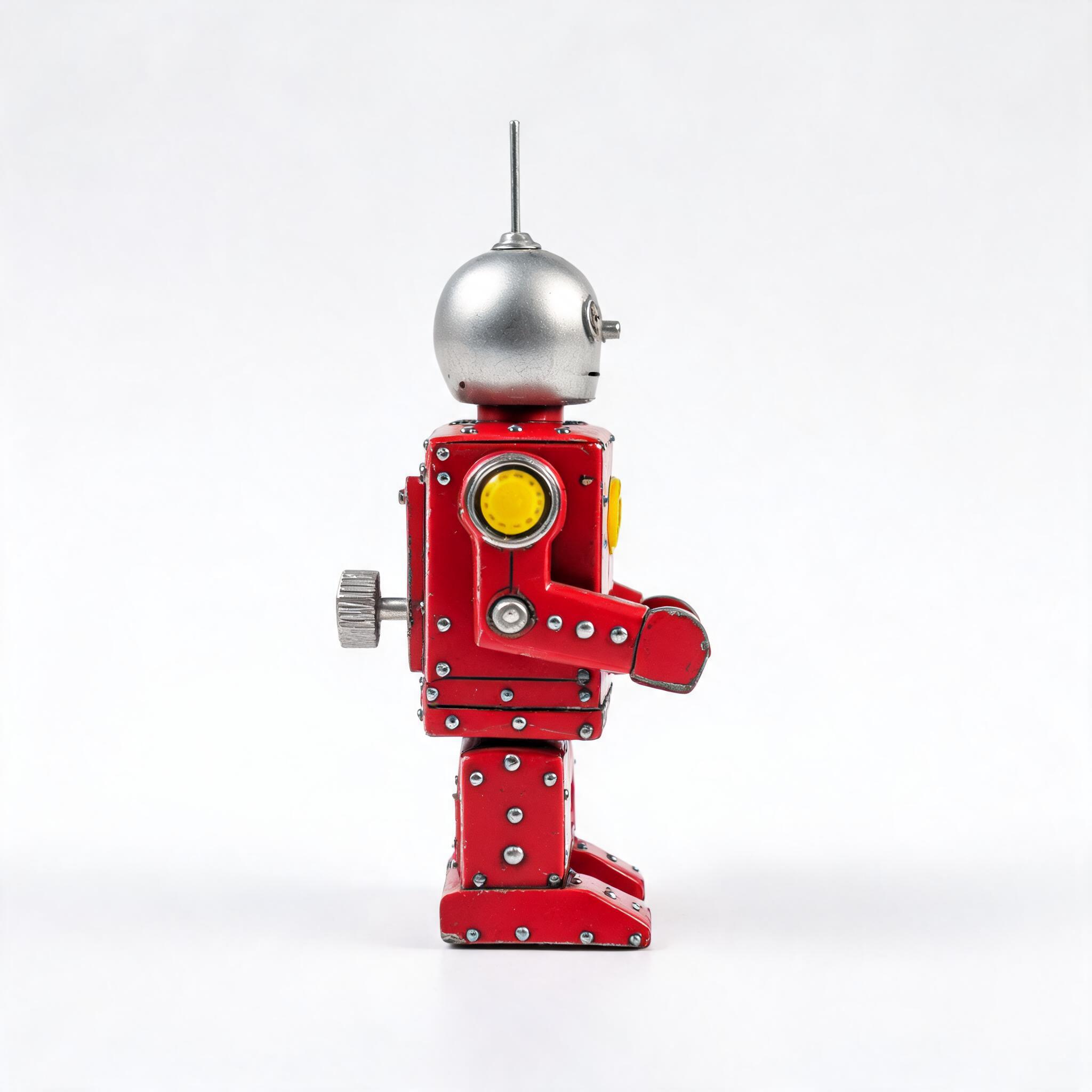
- Multi-image reference: pin one subject from several angles for a tighter identity lock, with the first two images included in the per-second price.
- Fast generation: H3 Max is the speed-first variant, tuned for stronger temporal consistency and stable motion.
- Controls: 5 to 15 second duration, 480P or 768P resolution, adaptive plus fixed aspect ratios from 21:9 to 9:16, and disabled, balanced or quality prompt expansion.
Best Use Cases
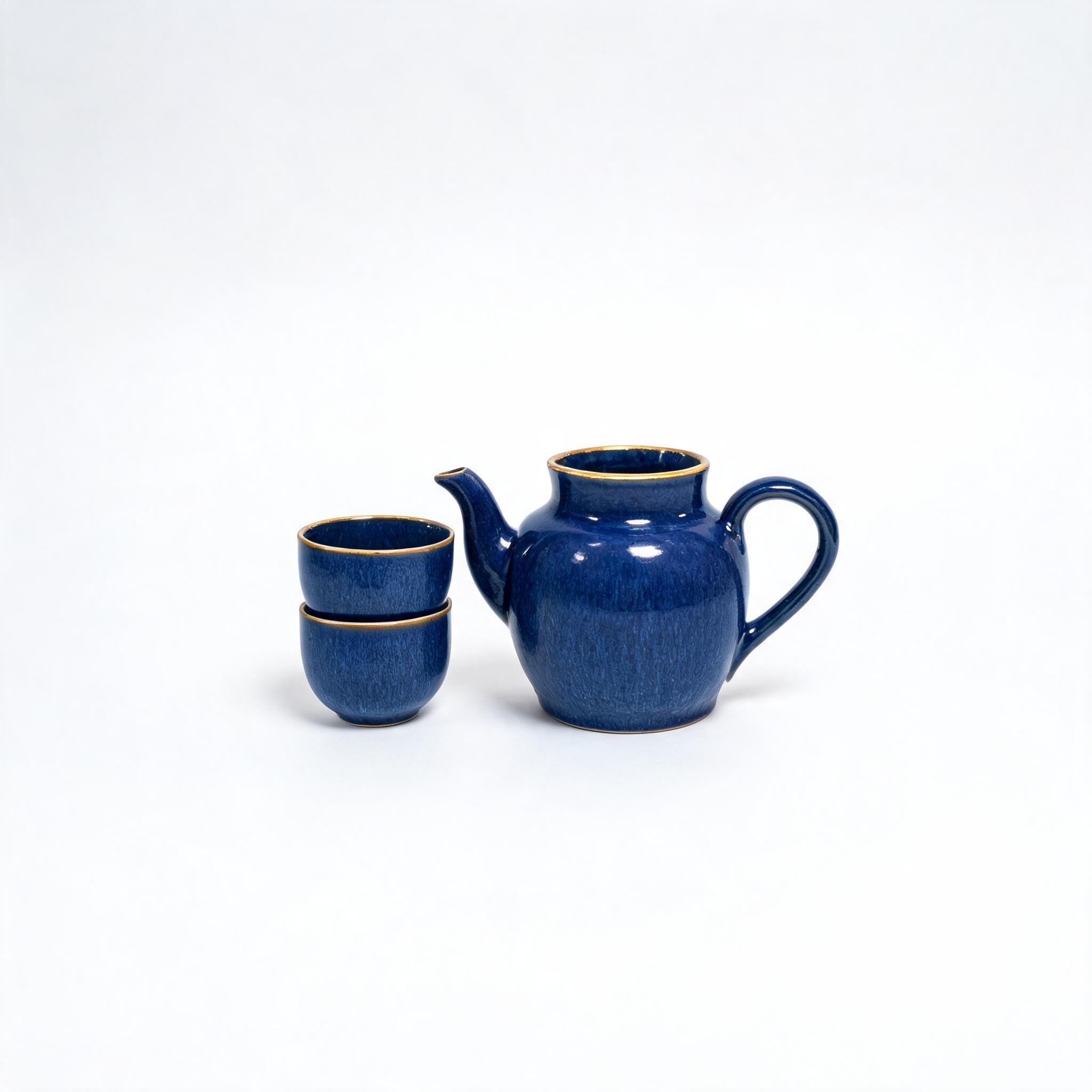
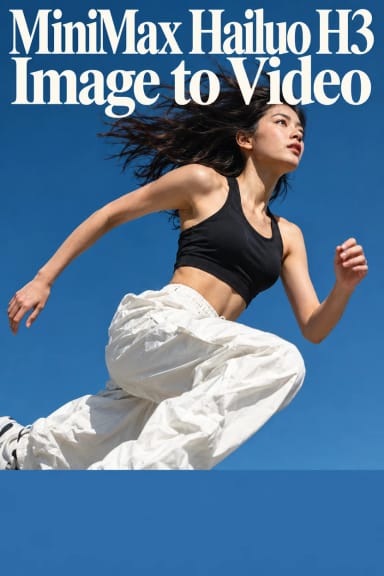
Character-consistent narrative shorts and episodic content, e-commerce product videos that lock a SKU across scenes, advertising and brand motion, game cinematics, animated posters, and social clips. In testing, a single full-body reference kept a dancer's identity through a fast spin in a new plaza, a cobalt teapot held its glaze and gold rim through a camera orbit, and two robot angles reconciled into one consistent marching toy — so it fits both people and products.
Prompt Tips and Output Quality
Let the references carry appearance and use the prompt for action, camera and setting. Keep reference images clean on plain backgrounds, and add two or three angles to tighten identity. Output is 24fps and holds identity without visible artifacts; longer clips better show sustained consistency, while 768P gives the cleanest delivery.