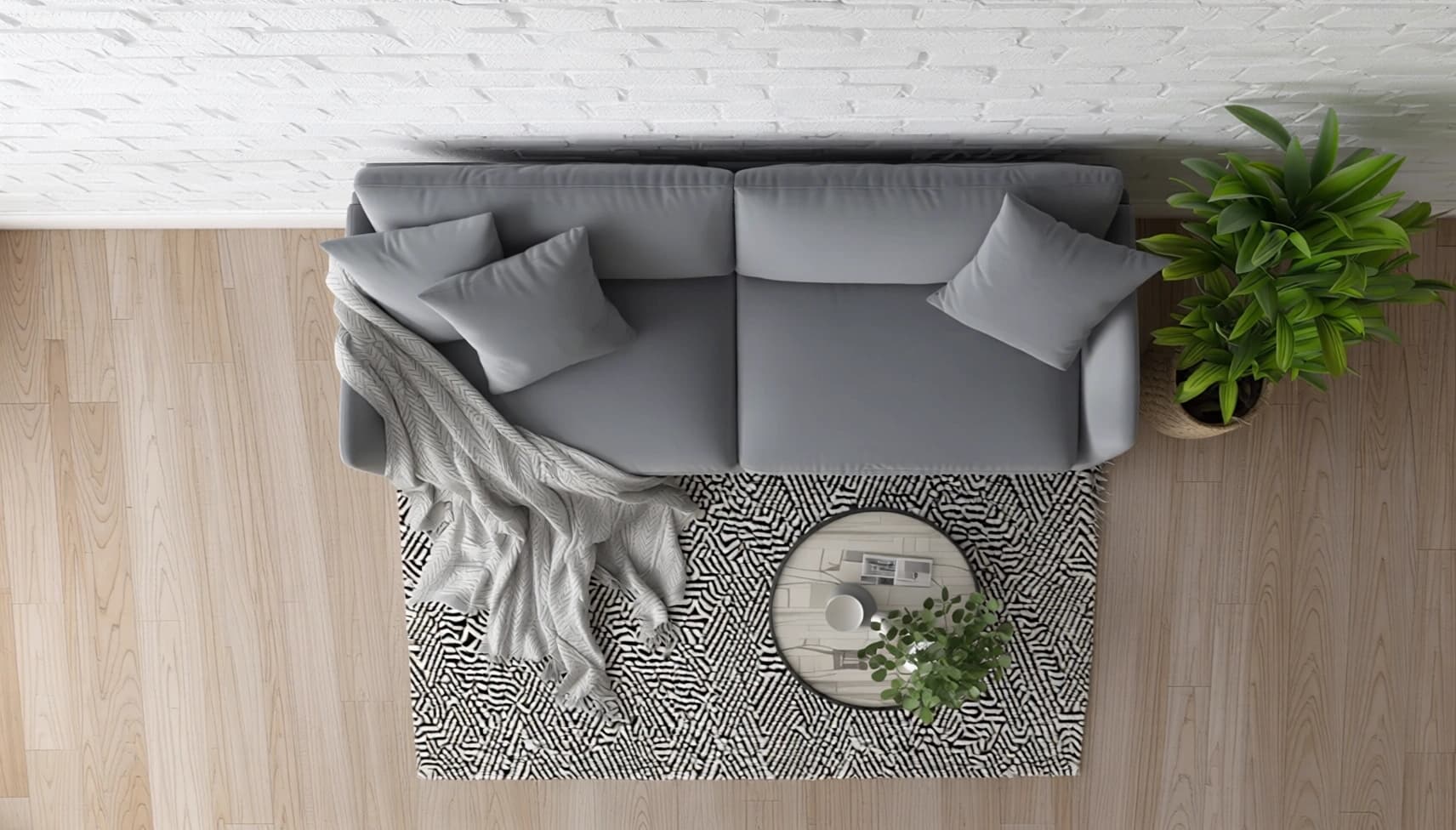
Qwen-Edit-2509-Multiple-Angles: AI-Powered Image Editing Model
What is Qwen-Edit-2509-Multiple-Angles?
Qwen-Edit-2509-Multiple-Angles is an advanced image-to-image editing model that brings cinematic camera control to AI-powered image transformation. Built on Qwen/Qwen-Image-Edit-2509 and enhanced with LoRA (Low-Rank Adaptation) technology, this model enables photographers, designers, and content creators to manipulate camera perspectives dynamically—moving forward, backward, sideways, rotating angles, and switching between wide-angle and close-up views—all without requiring trigger words or complex setups.
Unlike traditional image editing tools that require manual adjustments, this model uses natural language prompts to generate professional-grade perspective shifts. Whether you're creating product mockups, architectural visualizations, or storytelling content, Qwen-Edit-2509 delivers stable, high-quality results with minimal technical overhead.
Key Features
- •Multi-angle camera control: Seamlessly move the camera in any direction—forward, backward, left, right, or rotate—using simple text prompts
- •No trigger words required: Intuitive prompt-based editing without memorizing specific command syntax
- •Multi-image blending: Supports up to three input images for complex composite edits and layered perspectives
- •LoRA adapter flexibility: Pre-configured "multiple_angle" LoRA with support for custom LoRA models via URL
- •Aspect ratio intelligence: Automatically matches input dimensions or lets you specify standard ratios (1:1, 16:9, 4:3, etc.)
- •Production-ready output: Configurable quality settings (1-100) with JPEG, PNG, and WebP format support
- •Reproducible results: Seed control for consistent outputs across iterations
Best Use Cases
E-commerce & Product Photography: Generate multiple product angles from a single photo—show front, side, and three-quarter views without reshooting.
Architecture & Real Estate: Transform architectural renderings by adjusting camera height, distance, and perspective to showcase spaces from buyer-preferred angles.
Game Development & Concept Art: Rapidly prototype environment concepts by exploring different camera positions and focal lengths.
Social Media Content: Create dynamic visual variations for A/B testing—test wide-angle drama versus intimate close-ups.
Film Pre-visualization: Explore shot compositions and camera movements before committing to expensive production setups.
Prompt Tips and Output Quality
Be descriptive with spatial intent: Instead of "edit this image," try "move the camera 10 feet backward and slightly upward to capture the full building facade."
Combine perspective with style: Merge camera instructions with artistic direction—"rotate camera 45 degrees clockwise, cinematic lighting, golden hour atmosphere."
Leverage multi-image inputs: Use image_1 as your base, image_2 for reference perspective, and image_3 for lighting or texture guidance.
Optimize quality settings: Set quality to 90-95 for final outputs; lower to 70-80 for rapid iteration during creative exploration.
Control randomness strategically: Use fixed seeds when refining a specific output; use seed=-1 when exploring creative variations.