Qwen-Image-Edit-2509-White_to_Scene: Image-to-Image Editing Model
What is Qwen-Image-Edit-2509-White_to_Scene?
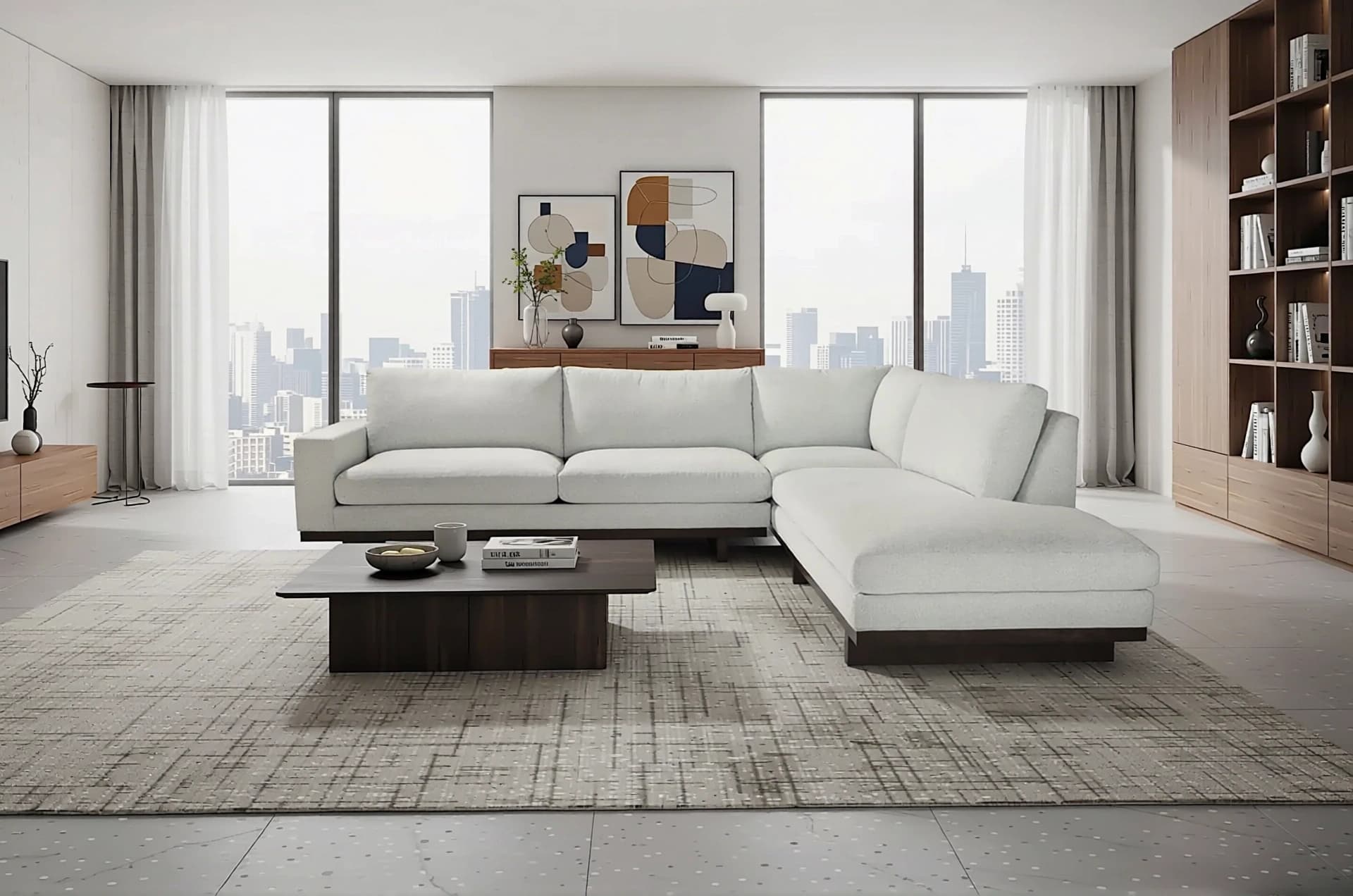
Qwen-Image-Edit-2509-White_to_Scene is a specialized image-to-image AI model fine-tuned from Qwen/Qwen-Image-Edit-2509 for transforming white background images into rich, contextual scenes. This model excels at seamlessly placing subjects—like products, vehicles, or people—into realistic outdoor or indoor environments. Built on the Diffusers library and leveraging advanced image fusion techniques, it enables creators to generate professional-quality edits without complex compositing workflows. Whether you're building an e-commerce product visualizer or creating marketing assets, this model delivers high-fidelity scene generation with natural lighting and environmental context.
Key Features
- •White-to-Scene Transformation: Converts isolated subjects on white backgrounds into fully realized environments with consistent lighting and perspective
- •Multi-Image Support: Process up to three images simultaneously for blending, comparison, or complex compositions
- •LoRA Integration: Built-in product photography LoRA enhances commercial imagery with professional-grade results
- •Flexible Aspect Ratios: Supports 11 preset ratios including 16:9, 1:1, 9:16, plus input-matching for platform-specific outputs
- •Reproducible Generation: Seed control ensures consistent results across multiple runs for production workflows
- •Format Optimization: Output images in JPEG, PNG, or WebP with adjustable quality settings (1-100)
Best Use Cases
E-commerce and Product Photography: Transform product shots on white backgrounds into lifestyle scenes—place furniture in living rooms, cars on mountain roads, or watches in luxury settings without expensive photoshoots.
Marketing and Advertising: Generate multiple environmental variations of the same subject for A/B testing, seasonal campaigns, or regional market adaptation.
Real Estate and Automotive: Visualize vehicles in different settings or stage empty spaces with realistic context for listings and promotional materials.
Creative Design and Mockups: Rapidly prototype visual concepts by placing design elements into realistic scenes for client presentations or concept validation.
Prompt Tips and Output Quality
Be Specific About Environment Details: Instead of "outdoor scene," write "sunny afternoon in a modern urban plaza with trees and pedestrians" for precise results.
Layer Your Descriptions: Structure prompts with subject placement first, then environment, then lighting: "Place the red sedan in a mountain landscape during golden hour with soft shadows."
Leverage the Product Photography LoRA: When editing commercial items, the built-in LoRA automatically enhances lighting, reflections, and material rendering—specify desired qualities like "natural glow" or "studio lighting."
Use Seed Values Strategically: Set a specific seed (not -1) when iterating on prompts to isolate the effect of prompt changes. Switch to -1 for exploring creative variations.
Aspect Ratio Considerations: Match your output ratio to the target platform—use 1:1 for Instagram posts, 16:9 for YouTube thumbnails, or "match_input_image" to preserve original dimensions.
Quality vs. File Size: For web delivery, quality settings between 85-95 with WebP format offer the best balance of visual fidelity and loading speed.