Recraft V4 Pro SVG — Text-to-Vector (SVG) Generation
What is Recraft V4 Pro SVG?
Recraft V4 Pro SVG turns a text prompt into a true, native SVG file — real vector paths and structured layers, not a raster image traced into vectors. It is the high-detail tier of Recraft V4 SVG, tuned for finer paths and more geometric detail, so output holds up for large-format print, detailed illustration, and design-system components. Recraft is the only image model that generates production-grade vector output, paired with what the team calls design taste: balanced composition, cohesive color, and typography treated as part of the layout. Every result opens directly in Figma, Illustrator, or Sketch — edit paths, recolor, and scale from favicon to billboard with no tracing or cleanup.
Key Features
- •Native editable SVG: actual paths and layers you can open in any vector tool — not a bitmap in an SVG wrapper.
- •Pro-tier detail: finer paths and cleaner geometry than standard V4 SVG for production work.
- •Accurate in-image text: legible titles, labels, and taglines rendered as part of the composition.
- •Style references: match the look of 1–10 attached images with flexible or precise style match.
- •Palette control: set preferred colors and a background color; choose aspect ratios up to a 4MP vector artboard.
Best Use Cases
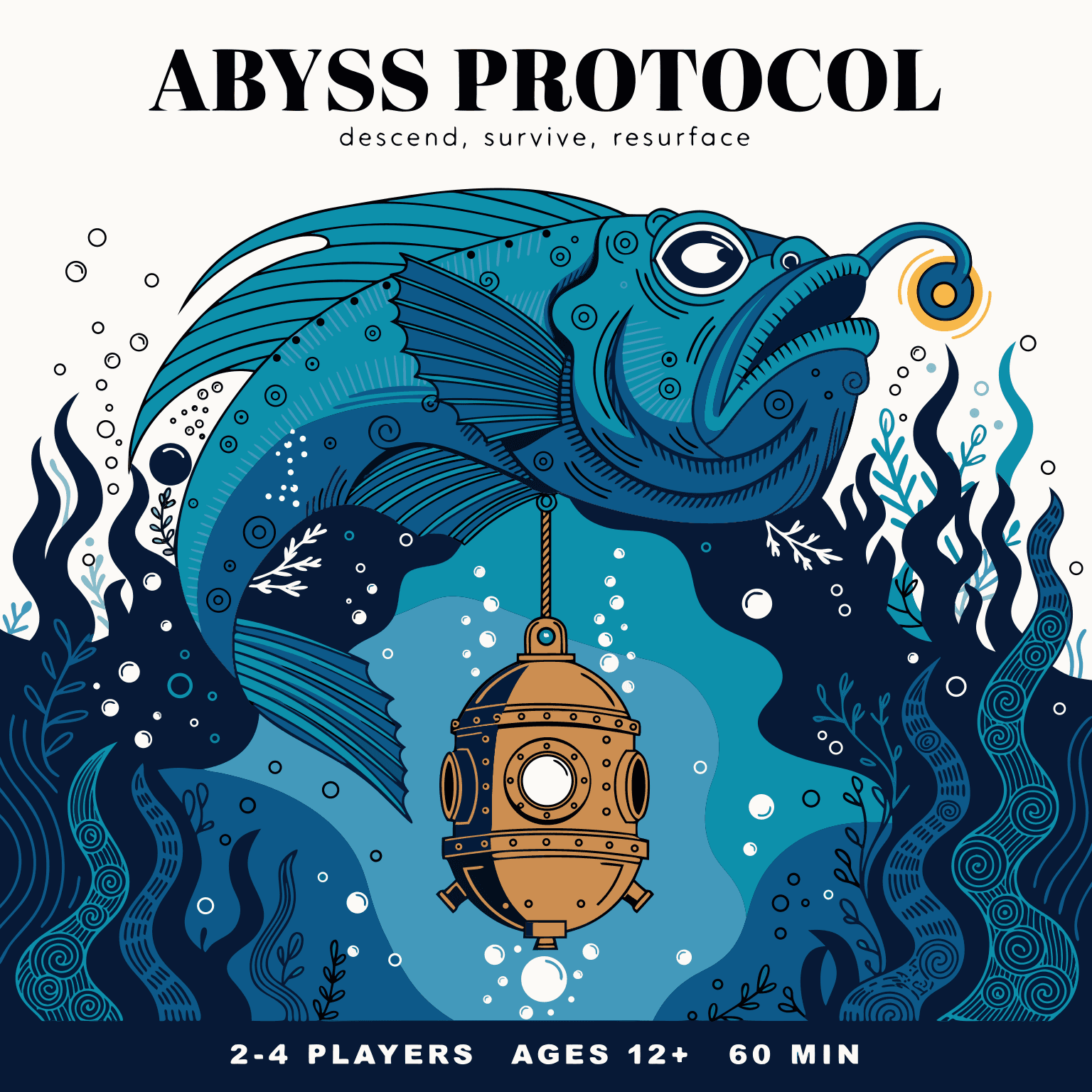
Reach for Recraft V4 Pro SVG when the output has clean, intentional shapes and needs to scale or be edited: logos and brand marks, icon and UI sets delivered as a single editable SVG, flat and stylized illustrations, infographics, posters, and packaging where text is part of the design. Because shapes are individual elements, teams recolor a palette, nudge a corner radius, or reuse one shape without regenerating — and animate paths with CSS or JavaScript. In testing, a board-game box top rendered its title, tagline, and player banner cleanly beside a detailed illustration; a six-icon kitchen set came back as one coordinated SVG; and an attached botanical swatch carried its motif and palette onto a tote and scarf.
Prompt Tips and Output Quality
Name the subject, the style, and each line of in-image text, and quote text you want rendered verbatim. Keep quoted text short so it stays crisp. Use 1:1 for icons and box tops, 3:2 or 16:9 for wide illustrations. Set background_color to #FFFFFF for clean icon sheets, and use style_match precise to hold a reference's exact look. It is the wrong tool for photographic texture, grain, or gradients — use a raster model there.
FAQs
Is the output a real SVG? Yes — native paths and structured layers, editable in Figma, Illustrator, or Sketch.
How is it different from Recraft V4 SVG? The Pro tier produces finer paths and more geometric detail for high-fidelity work.
Can it render text? Yes, reliably for short and mid-length headlines, labels, and poster typography.
Can I match a brand style? Attach 1–10 style reference images and set style_match to precise.
When should I not use it? For photorealistic images or gradient-heavy scenes; reach for a raster generator instead.