Recraft V4 SVG — Text-to-Vector Image Generation
What is Recraft V4 SVG?
Recraft V4 SVG turns a text prompt into a production-ready, editable vector graphic — an actual SVG file, not a raster image. It is the vector tier of Recraft's V4 family, a ground-up rebuild focused on design taste, prompt accuracy, and output quality. Unlike tools that trace a bitmap into messy paths, Recraft composes directly in vectors, so every output has real paths, structured layers, and clean geometry that open straight into Figma, Illustrator, or Sketch. If you have searched for a text-to-SVG or AI vector generator that returns files you can actually edit, this is that model.
Key Features
- •Native editable SVG output with clean paths and structured layers — not a traced raster.
- •V4 design taste: balanced composition, cohesive color, and controlled detail applied to vectors.
- •Integrated, legible text rendering that treats typography as a structural element.
- •Strong prompt adherence, with prompts up to 10,000 characters.
- •Optional 1-10 style reference images with flexible or precise matching to stay on-brand.
- •Aspect-ratio control from 1:1 to 16:9 and 9:16, plus preferred colors and background color.
Best Use Cases
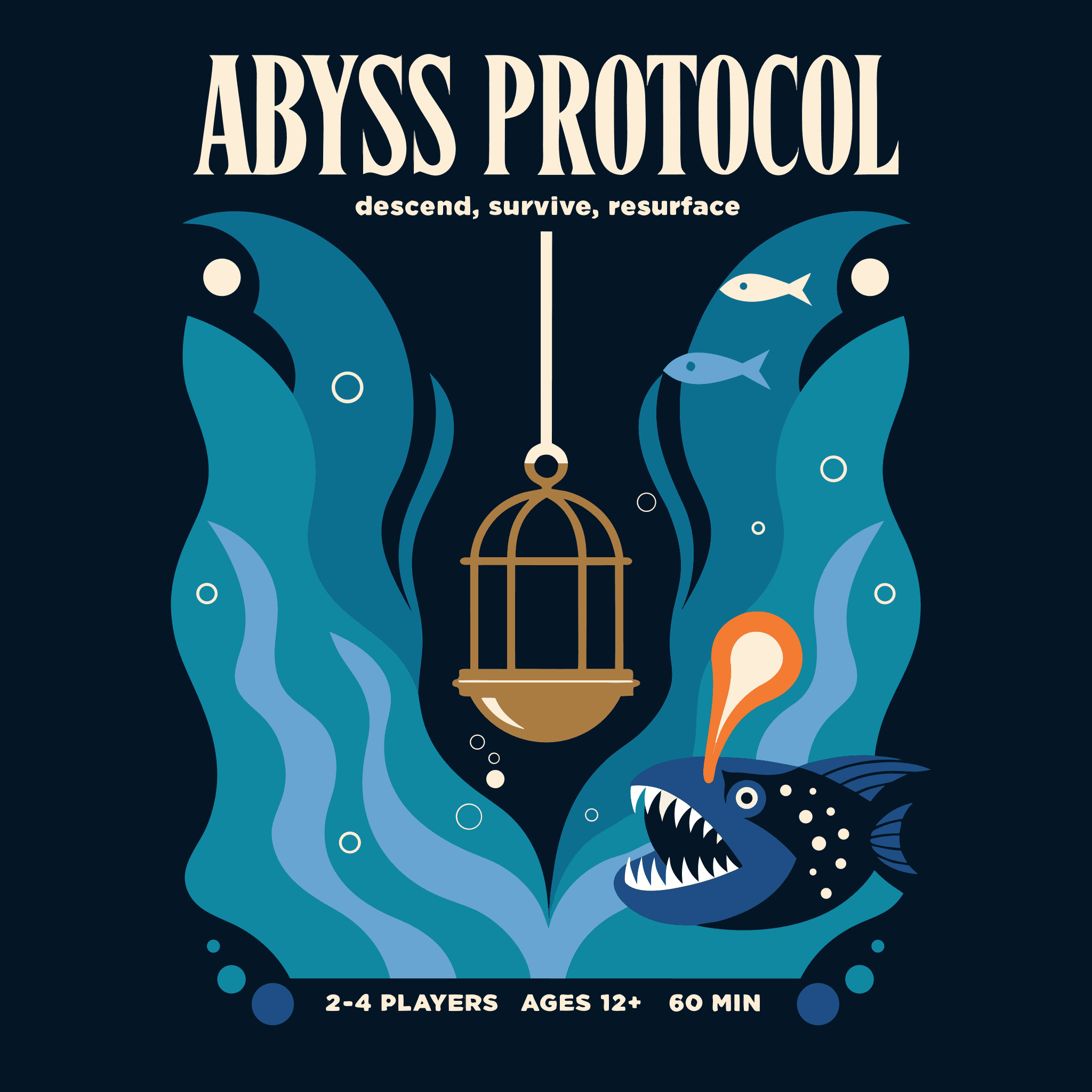
Reach for Recraft V4 SVG whenever an asset must scale or be edited after generation: logos and brand marks that look identical from favicon to billboard, icon sets delivered as a single clean SVG, flat editorial and infographic illustration, packaging and poster layouts with legible titles, and UI or web graphics that paste straight into front-end code. In testing it produced a full board-game box cover, a botanical tote-and-scarf set matched to a style reference, a six-icon kitchen set in one file, and a four-piece jazz-band illustration — all as editable vectors.
Prompt Tips and Output Quality
Name every element and quote the exact text you want rendered. Use 1:1 for logos and icon sets, and 3:2 or 16:9 for hero illustrations. Pin a palette with the colors field to keep a set consistent, and attach style references with precise matching to hold brand detail. Outputs are crisp flat vectors with legible type; switch to a raster model for photographs or heavy texture.
FAQs
Is the output a real SVG or a traced raster? A real native SVG with editable paths and structured layers.
Can it render text? Yes — legible, integrated typography for titles, labels, and logos.
What is it not for? Photographs, photographic lighting, and grainy texture; use a raster model for those.
Can I keep assets on-brand? Yes — attach up to ten style references and set how strictly to match them.
Where can I edit the files? Figma, Illustrator, Sketch, or any vector editor, and directly on the web.