Seedance 2.5 Edit (AI Video Editing)
What is Seedance 2.5 Edit?
Seedance 2.5 Edit, from ByteDance Seed, is an AI video editor that changes a clip you already have from a single text instruction. Hand it a source video and say what to change — replace the subject, remove a sign, repaint the sky, change the music — and the model rewrites only that, leaving the camera, motion, timing, background and everything you did not mention exactly as they were. It is the editing member of the Seedance 2.5 audio-video family, built for reference-controlled, instruction-driven work rather than generating a clip from scratch.
Key Features
- Instruction editing: replace the subject, add or remove objects, redraw part of the frame, or change the audio in plain language.
- Everything else stays: the model preserves whatever the prompt does not name, which makes clean before-and-after edits read instantly.
- Reference control: supply up to 30 reference images (cited as @Image 1) plus reference audio to keep an edited subject or style consistent.
- Source-matched output: the result keeps the source clip's aspect ratio and full length (4–30 seconds).
- Resolution and audio: 480p, 720p or 1080p at 24 fps (10-bit colour at 1080p), with native audio you can keep, generate or edit.
Best Use Cases
Swap a product, prop or character in approved footage without re-shooting; remove an unwanted element; restyle a setting or wardrobe to match a reference image; or replace a soundtrack while keeping dialogue. Because the original motion and camera survive the edit, it suits iterating on a locked shot and preparing a clip for a continuation with Seedance 2.5 Extend. Animated, stylised, product and landscape footage work best.
Prompt Tips and Output Quality
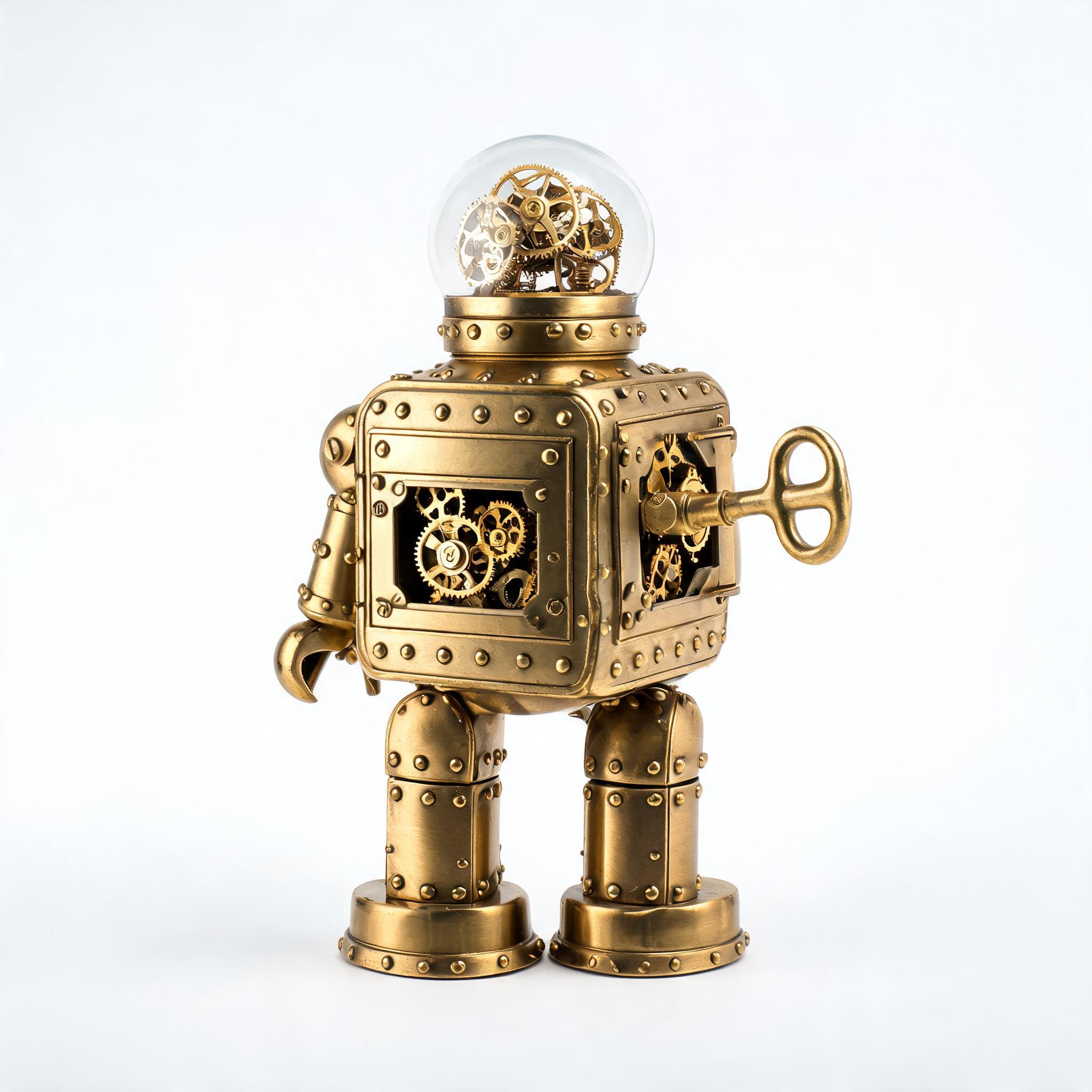
Name one change per prompt and say what to preserve, for example: replace the tin robot with a plush teddy bear, keeping its motion, the bench and the lighting. Cite the clip as @Video 1 and references as @Image 1. In testing, a 720p edit kept the source's exact shape and length and swapped the subject cleanly while motion, background and lighting stayed put. Real human faces in the source are declined, so choose non-human subjects.