Smart Banner Resizer — Composition-Aware Image Resize
What is Smart Banner Resizer?
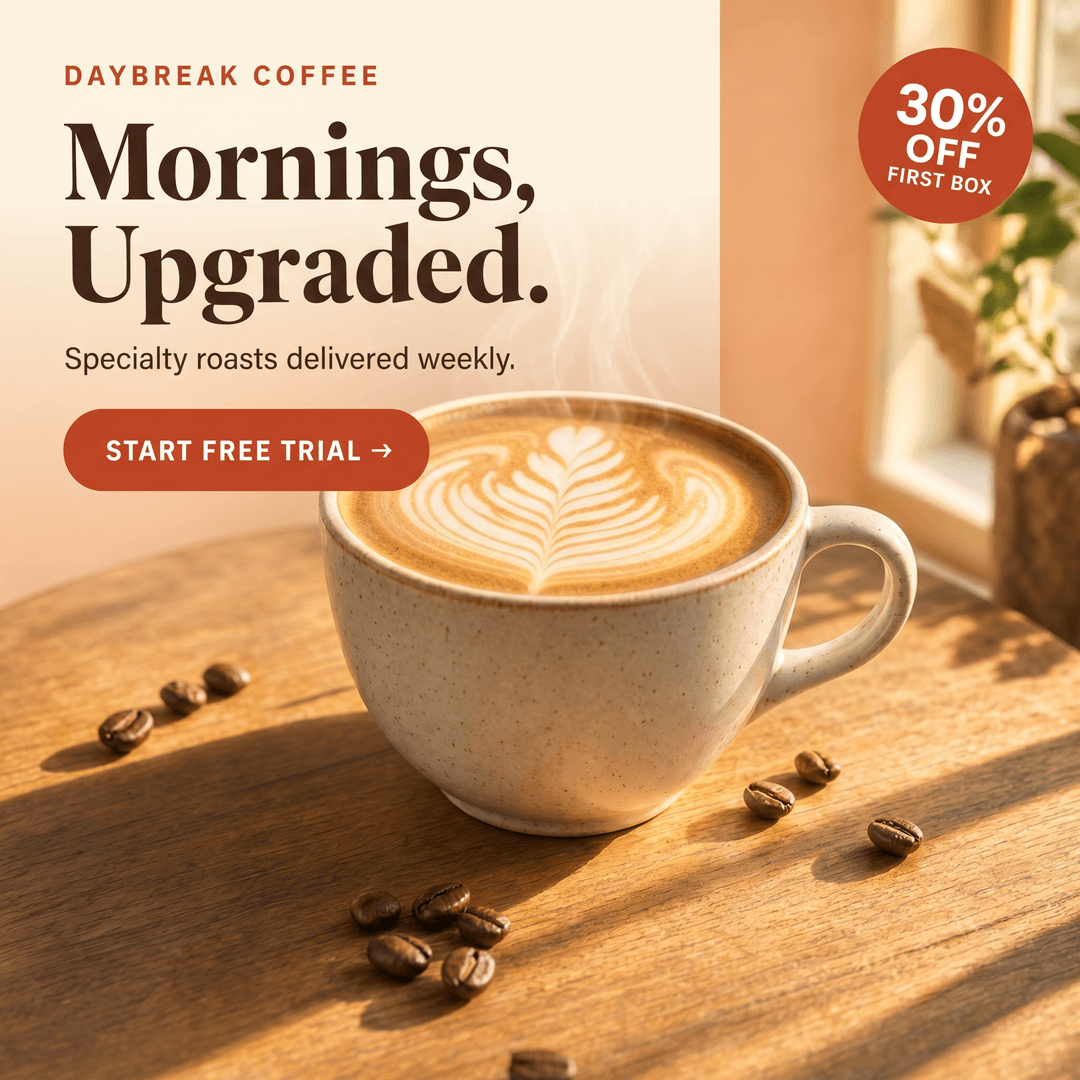
Smart Banner Resizer is a composition-aware image-to-image model on Segmind. Provide one source image and a list of target dimensions, and the model returns a recomposed output for every size — not a naive crop or pad. It is powered by Nano Banana Pro with vision-LLM-guided prompting, so it understands subjects, backgrounds, text zones, and visual hierarchy before laying out each variant. The result is one source asset turned into many platform-ready sizes without losing brand or layout integrity.
Key Features
- •Single source, many sizes: pass 1–10 target dimensions in one call as
<width>x<height>strings. - •Mixed aspect ratios in a single request: 1:1, 4:5, 9:16, 16:9, and arbitrary custom dimensions all work together.
- •Composition-aware recomposition: keeps the subject centered, preserves decorative and brand elements, avoids awkward cropping.
- •1K, 2K, and 4K resolution tiers for drafts versus final hero assets.
- •Multiple variants per size (1–4) for A/B testing.
- •Output as png, jpeg, or webp.
- •Optional layout prompt and reproducible seed.
Best Use Cases
- •Performance marketing teams turning one product hero into Meta, Google, TikTok, and YouTube ad variants.
- •Agencies generating banner sets across IAB sizes from a single design.
- •E-commerce teams reformatting product photography for PDP, listings, and social.
- •Growth teams running A/B tests across creative variations and platforms.
- •Founders and content teams that need fast, on-brand resize without a designer in the loop.
Prompt Tips and Output Quality
Defaults (1K, png, no prompt, safety_tolerance=4) produce strong results for most ad imagery — confirmed on a 16:9 product hero with splash and confetti elements recomposed cleanly into both 1:1 and 16:9 outputs. The optional prompt is a layout hint, not a generation instruction; use it for things like "leave headline space on the left" or "keep logo top-right". For final delivery, set resolution to 2K; reserve 4K for hero assets. Generation is recomposition-heavy (~60–120s for a multi-size batch) — use a fire-and-poll pattern.
FAQs
Does it preserve text in my source image? Text is treated as a visual element. For text-heavy creatives, anchor it with an explicit prompt.
Can I get multiple options per size? Yes — set num_images_per_size to 2–4.
Which aspect ratios are supported? Any <width>x<height> pair you pass, including mixed ratios in a single call.
Is the output deterministic? Set seed to lock recomposition while iterating on prompt.
How many sizes can I request at once? Up to 10 per call.
What input formats work best? Clean hero shots in jpg, png, or webp recompose most reliably.