Shot for shot
The walk, the turn, the close-ups and the hero shot stay exactly where they were.
Rebuild a proven ad, fashion film or product reel with your product: Segmind Antiquark keeps every shot, cut, camera move and the music, and puts your product in, true to its details. For brands, agencies and sellers. Up to 1080p, in H.264, HEVC 10-bit or ProRes.
Your generated content will appear here
Example
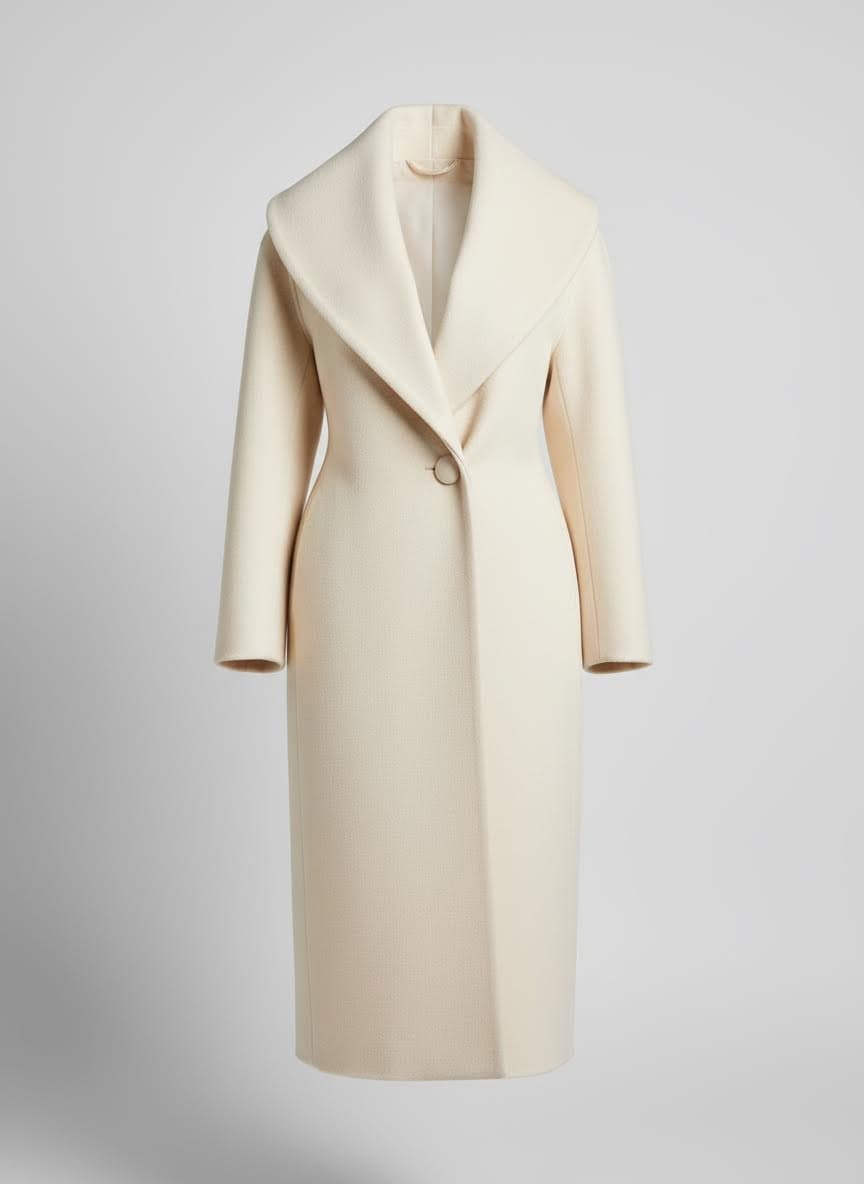
Left, a four-shot campaign film with a black belted coat. Right, the same film after one run at 1080p with a photo of an ivory shawl-collar coat. The model and the film are generated and fictional.
Product photo
About this Pixelflow
Segmind Antiquark rebuilds a proven edit with your product. Give it an ad, a fashion film or a product reel and one photo of your product, and it returns the same edit with your product in it: the same shots, cuts, camera moves and music, at the edit's length and frame rate. Built for brands, agencies and sellers who want a winning format without a new shoot.
Segmind Antiquark is an AI video product swap that rebuilds a proven edit with your product. Give it an ad, a fashion film or a product reel, one photo of your product and a few words saying which item to replace. It returns the same edit with your product in it: the same shots in the same order, the same cuts on the same beats, the same camera moves, people and light, with the edit's own music. Before it renders, it cuts your photo's key details into close-ups (a collar, a button, a clasp, a label) and uses them as references, so the product holds up in close shots, and anything the original item had that yours does not is taken out. Then it finishes the result at your edit's exact length and frame rate, in the resolution and format you pick.
An ad, a fashion film or a product reel up to 30 seconds that you own or have licensed.
A clear, sharp photo. Antiquark cuts its key details into close-ups, so the buttons, clasps and labels hold up in close shots.
Name the item in the edit, such as the woman's black coat, then pick a resolution and a delivery format.
Every shot, cut and camera move is kept, the edit's own music is put back, and the length and frame rate match.
You give
The workflow behind it
Which models run, and how, opens on the Business plan and above.
You get
For fashion and luxury brands. Keep the film that works and change the piece in it.
The walk, the turn, the close-ups and the hero shot stay exactly where they were.
Collars, buttons, clasps, stitching and fabric come from close-ups of your own photo.
A belt, pocket or button your piece does not have is taken out of every shot.
The model's face, the location and the light stay as they were filmed.
For D2C brands, agencies and sellers. Reuse a proven format instead of a new shoot.
Take a reveal, unboxing or lifestyle edit that works and rebuild it with your product.
Make one edit for each product, colourway or region from the same approved film.
Creators and agencies can swap a placeholder for the sponsor's product before posting.
Start from edits you made, own or licensed, so the result is yours to run.
Choose how sharp the result is and the file your team needs.
720p by default. Pick 1080p for hero work and close-ups, or 480p for a quick test.
H.264 for every browser and phone, HEVC 10-bit for richer colour, or a ProRes 422 HQ master for grading and editing.
The result is stretched to your edit's exact length and frame rate, with smooth in-between frames you can switch off.
The edit's own sound is put back, and its grain is matched so the new product sits in the footage.
Use edits you made, own or have licensed, and photos of products you have the right to show. Many trend videos are other people's work over licensed music, so check before you use one. Don't use Antiquark to pass off another brand's product as yours or to mislead.
The example film, its model and both coats are generated and fictional.
Rebuild a campaign film around a new piece from the collection, shot for shot.
Put your product into an ad format that already performs, without booking a shoot.
Make a version of one approved edit for every product, colourway or market.
Turn a single product photo into a polished video in the style of a top seller's reel.
Building with it? Read the Segmind Antiquark API docs.
An edit of up to 30 seconds that you own or have licensed, one clear photo of your product, and a few words saying which item in the edit to replace.
Antiquark cuts your photo's key details into close-ups, such as a button, a clasp or a label, so the product matches in close shots too, and parts of the original item that yours lacks are removed. It works best with a sharp photo and the same kind of item in the edit, a coat for a coat.
Yes. The shots stay in the same order with the cuts at the same moments, the edit's own music and sound are put back, and the result is stretched to the edit's exact length and frame rate.
720p is the default. Pick 1080p for hero work and close-ups, or 480p for a quick test. H.264 plays everywhere, HEVC 10-bit keeps more colour in a small file, and ProRes 422 HQ is the master to grade and edit.
Use edits you made, own or have licensed, and photos of products you have the right to show. Many trend videos are other people's work over licensed music, so check before you use one.
Yes. The same inputs run through the async API: submit the request, then poll until it completes.
 TikTok Style Video Creation with Nano Banana 2 and Kling V1 Pro
 Product Listing Kit for Amazon and Flipkart
 Cinematic Outfit Video Production with Seedance 2.5
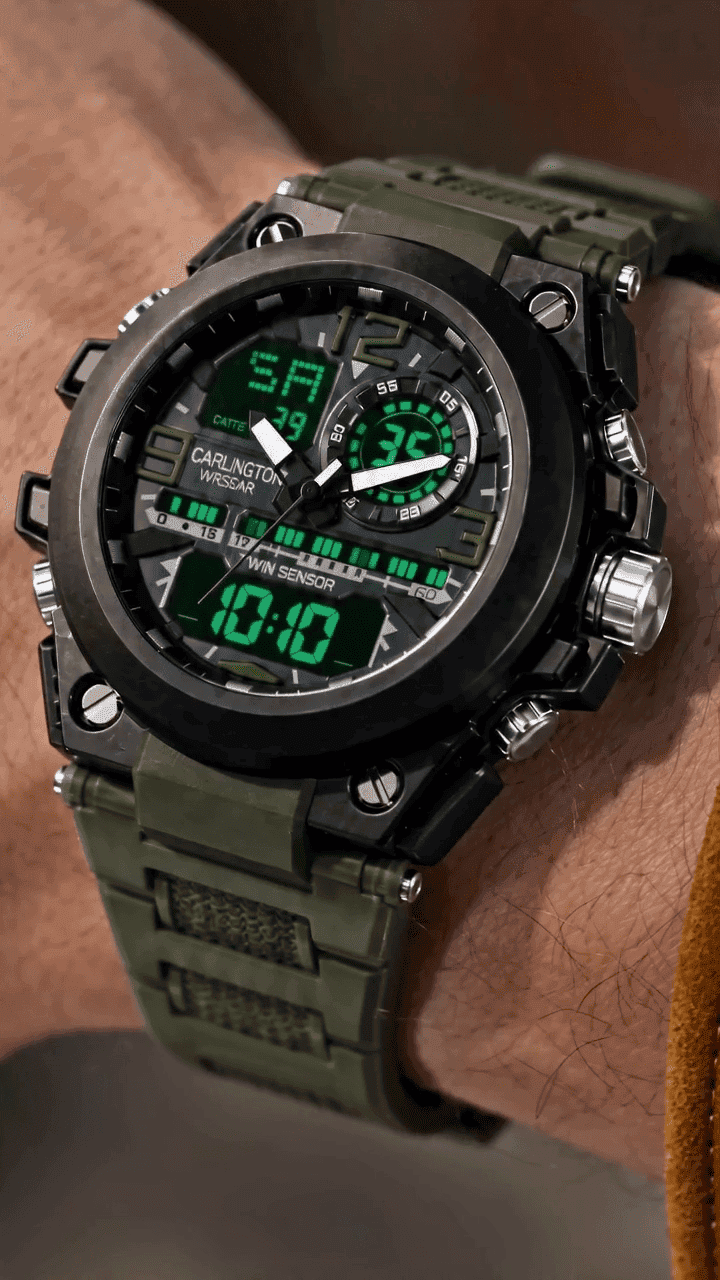 Luxury Product UGC Reel Creation with Seedance 2.0 and GPT Image 2
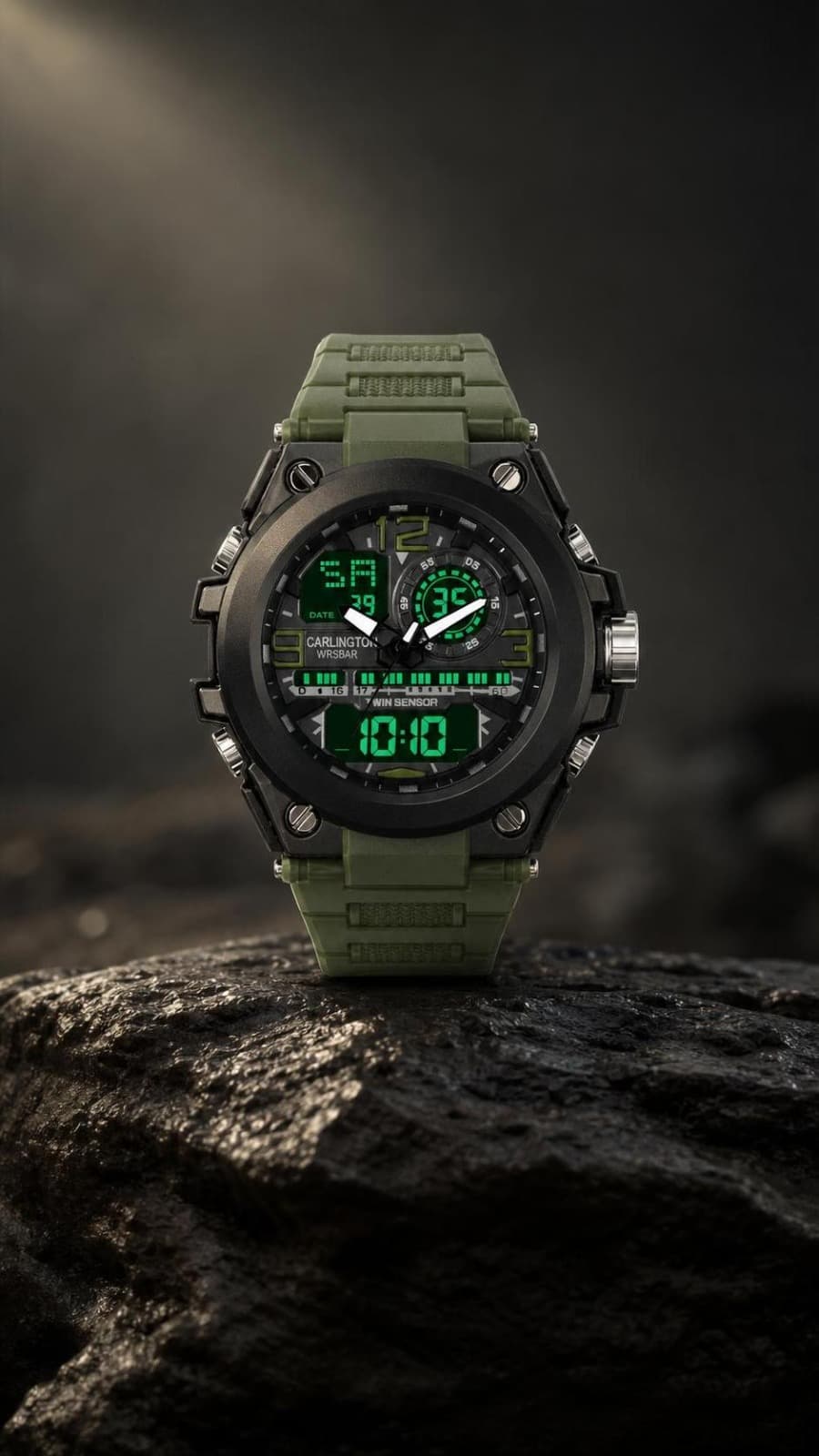 Exploded View Video Creation with Seedance 2.0 and GPT Image 2
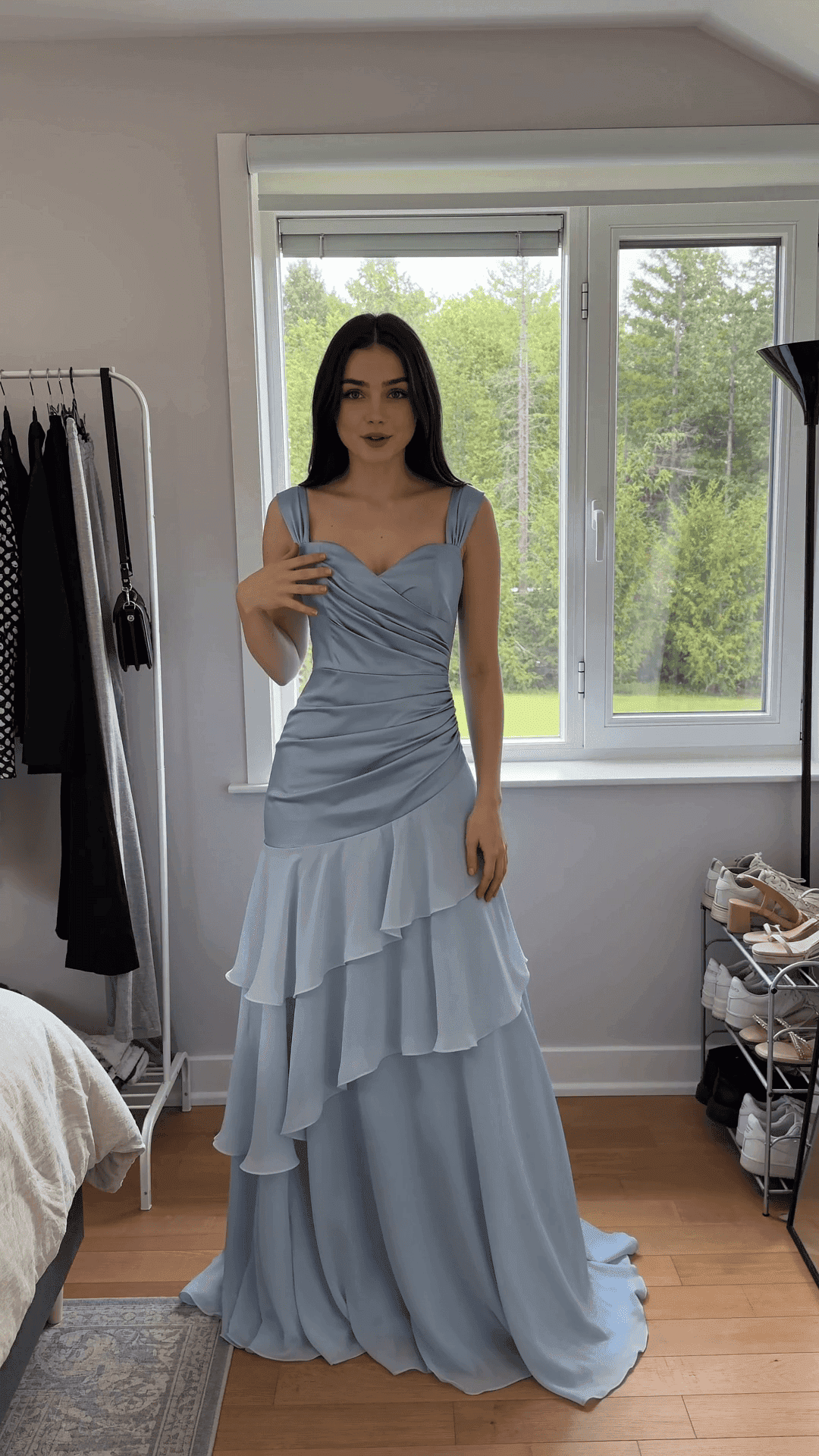 UGC Virtual TryOn Video Creation with Seedance 2.0
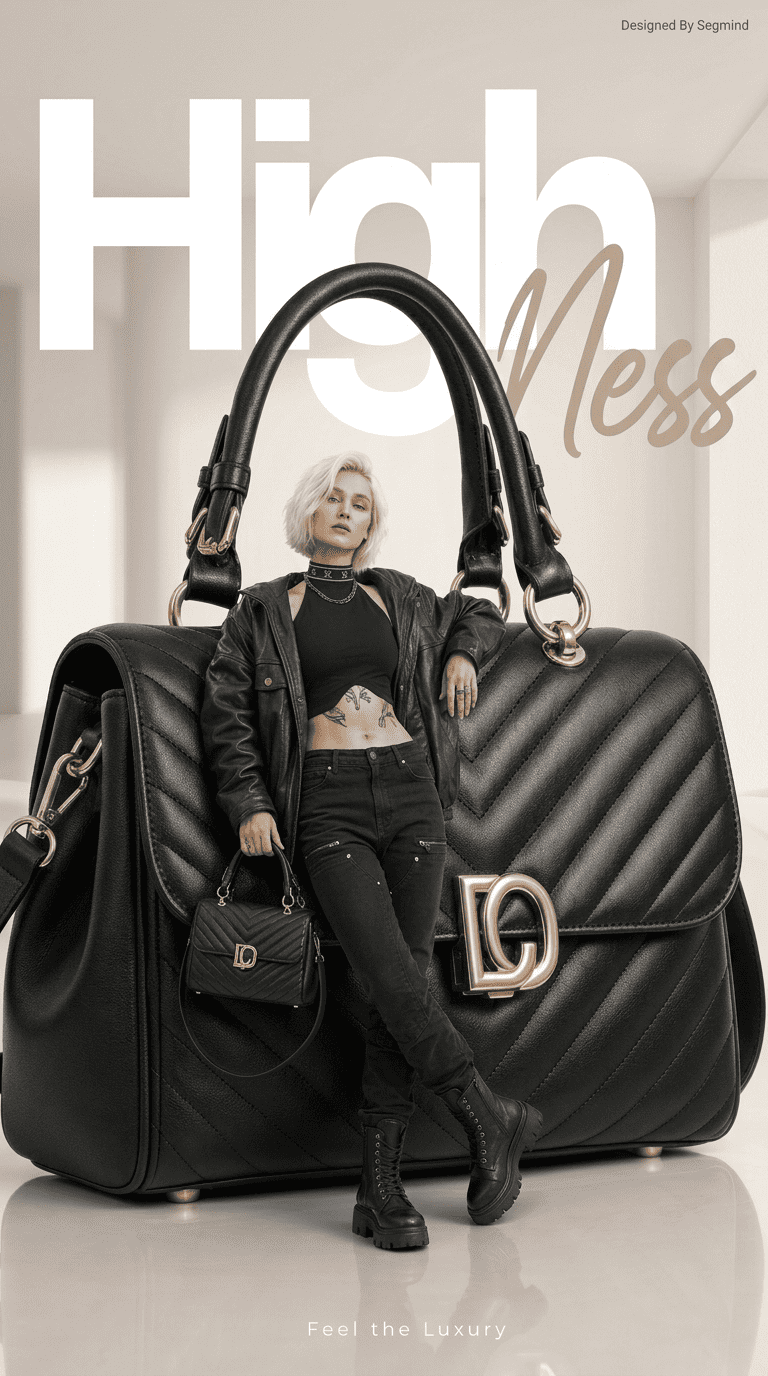 Commercial Product Ad Creation with GPT Image 2
 Dynamic Product B-roll Video Creation with Seedance 2.0
Call it from your code with the same inputs you used here, or talk to us about running it at volume. Segmind is an authorised channel partner of ElevenLabs, Google, ByteDance, Alibaba, OpenAI, Kling and 40+ more AI providers.