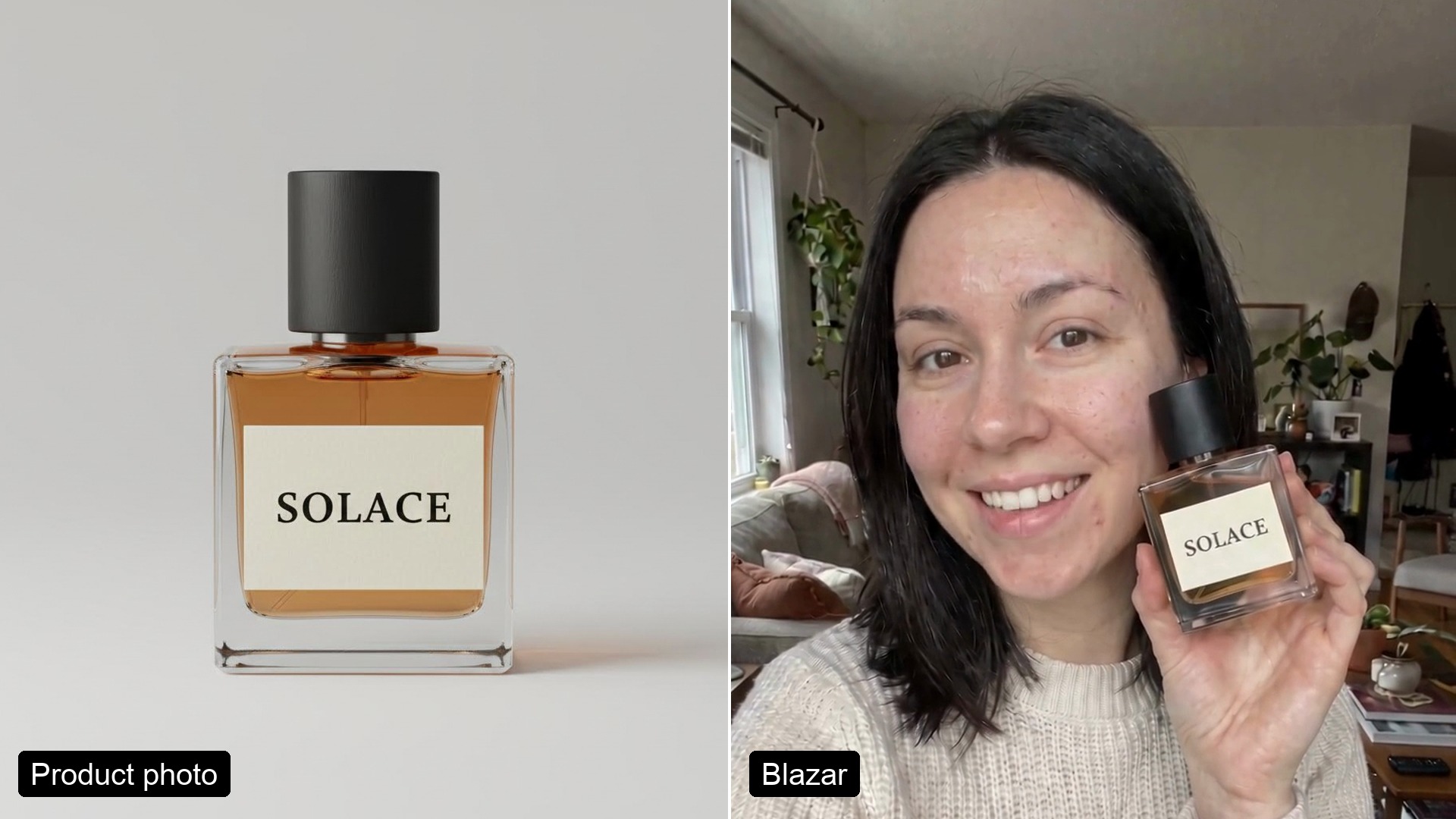
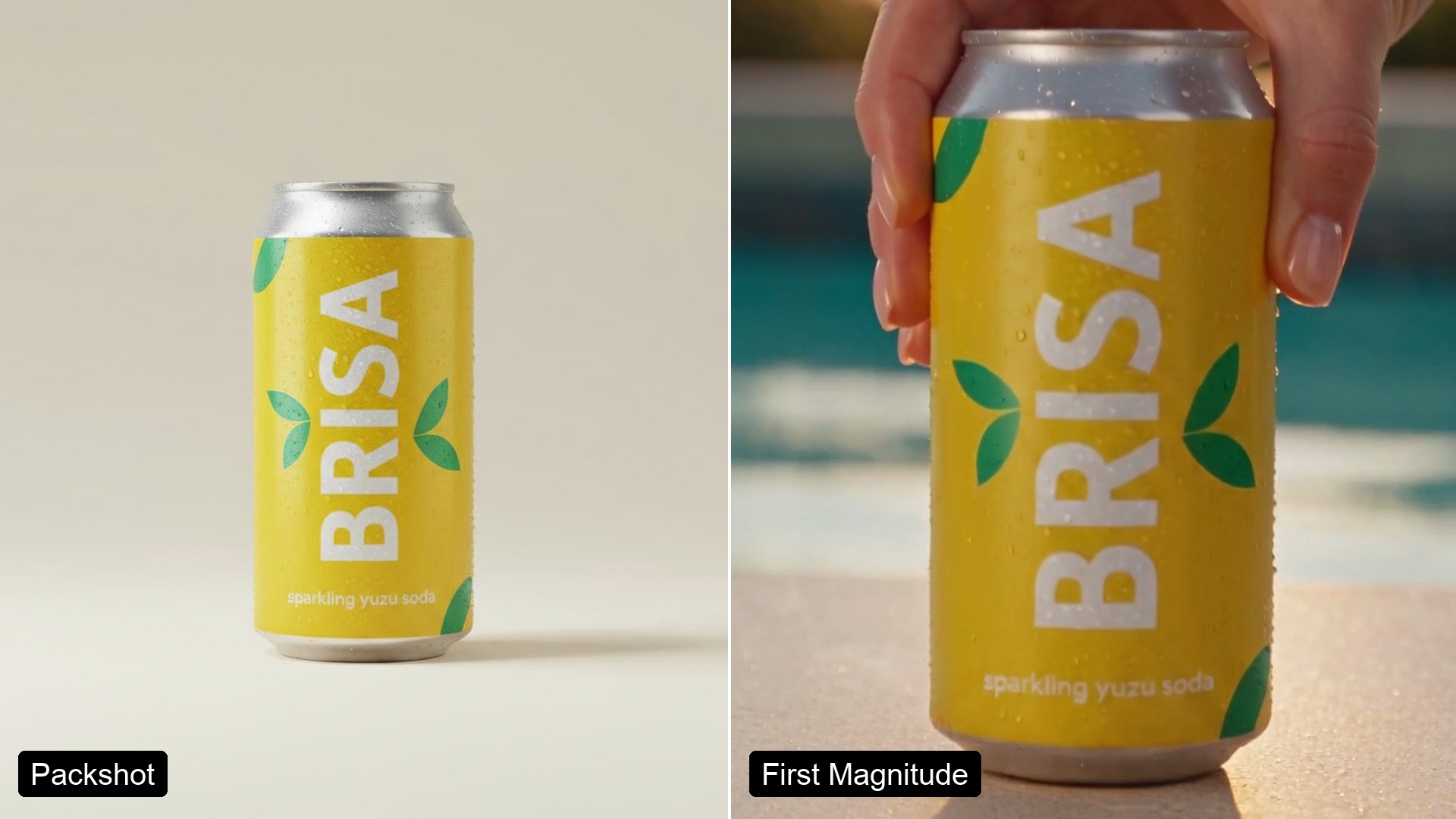
Guide to Segmind Binary Star
Segmind Binary Star swaps your product into a reel that already performs and keeps its shots and music. A guide to its inputs, with examples and tips.
Segmind Binary Star puts your product into a reel that already performs. You give it the reel and one photo of your product, and say what to replace. It returns the same reel with your product in every shot, keeping the shots, the camera moves and the music. It is for social teams, creators and agencies who want to reuse a format that works instead of shooting a new one.
 PixelflowSegmind Binary StarPut your product into a reel that already performs. Segmind Binary Star keeps the shots, camera moves and music of your reel and swaps in your product from one photo, in Standard or Pro quality.
What you give it
| Input | What to give it | Tip |
|---|---|---|
Reference reel (reference_reel) | A reel, ad or product video of 4 to 30 seconds that you made, own or have licensed. | Pick a reel where the product is clearly in view and is the same kind of thing as yours: a can for a can, a bottle for a bottle. |
Product photo (product_photo) | One sharp photo of your product, ideally a packshot on a plain background. | The tool cuts close-ups of its details from this photo, so a high resolution photo gives sharper close-ups. |
What to replace (what_to_replace) | A few words naming the product in the reel that yours replaces. | Describe the old product as it looks on screen, not yours: "the round perfume bottle with the silver ball cap". |
Quality (quality) | Standard (720p) or Pro (1080p). | Standard to make many versions, Pro for the reel you put spend behind and for label close-ups. |
You get one video back (remixed_reel): an H.264 mp4 at your reel's length and frame rate, with the reel's own sound.
Examples
Swap the bottle in a perfume reveal reel
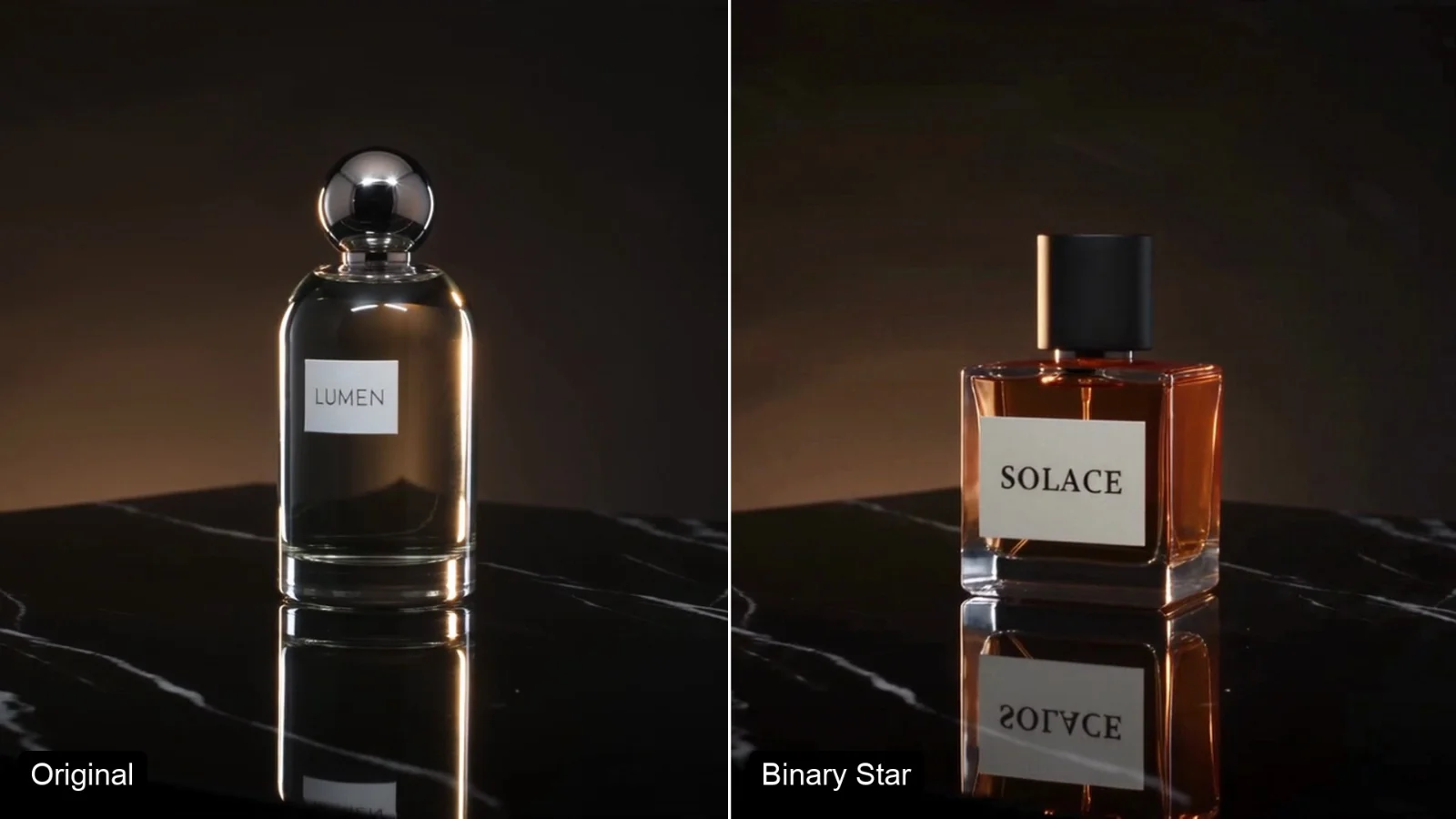
You have a four-shot perfume reveal that performs, and a new bottle to put in it, shot for shot.
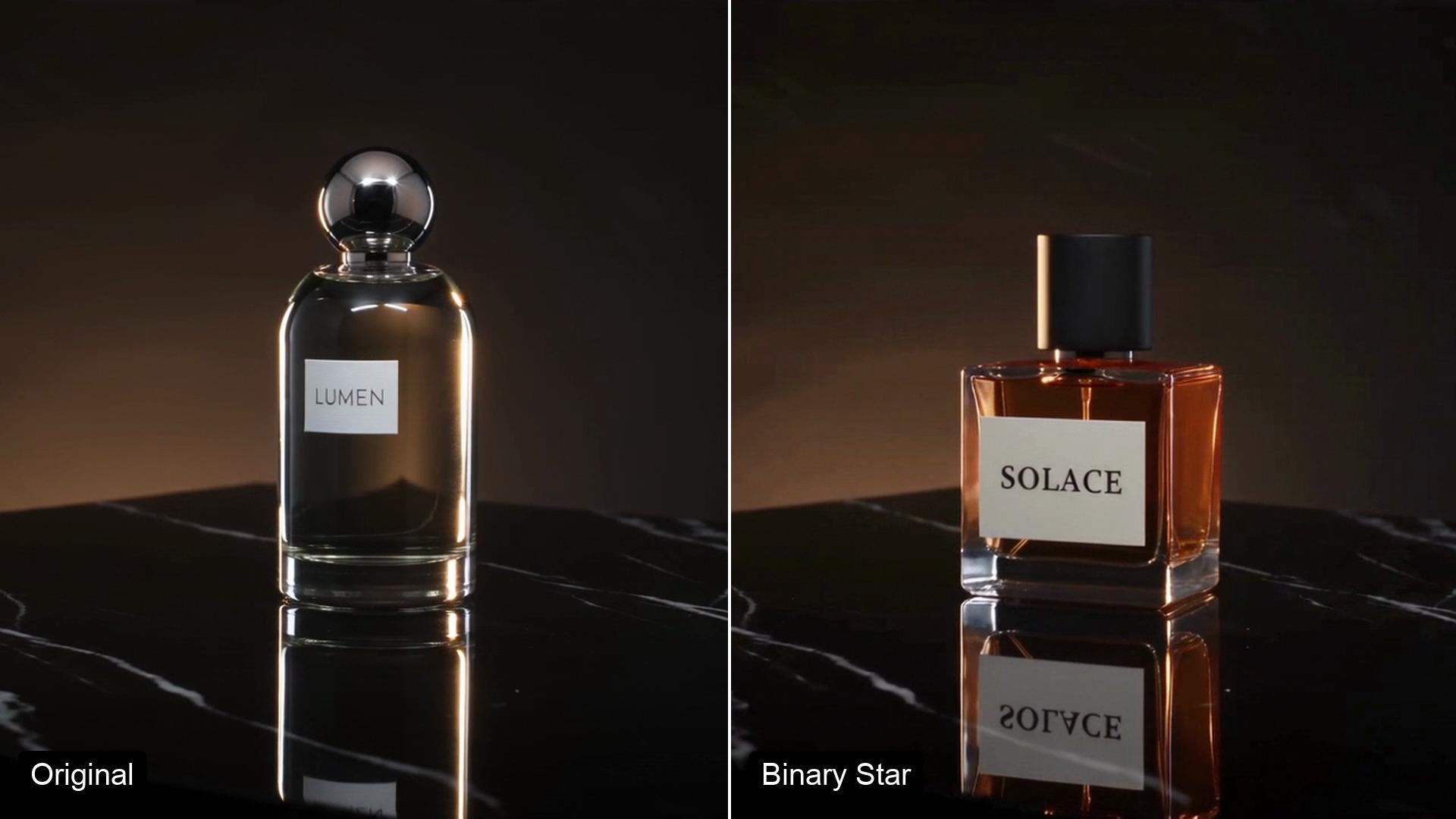
The new bottle, `product_photo`
the round perfume bottle with the silver ball cap
The square amber bottle, its black cap and the SOLACE label are in all four shots: the cap close-up, the bottle on the marble, the hand lifting it and the hero shot in the haze. The label even reads in the bottle's reflection on the marble. The marble, the hand, the light and the music stay as they were. The cuts land a few frames later than in the reel.
The reel, the hand and both bottles are generated and fictional.
Swap a new bottle into a candlelit perfume film at Pro quality
You have a square film that works for one fragrance and are launching another in a similar bottle.
The new bottle, `product_photo`
the square amber perfume bottle with the black cap and the cream SOLACE label
The reel is the candlelit SOLACE film from the guide to Segmind First Magnitude, without its end card. ELARIS takes its place in all three shots: on the marble among the candles, in the close-up under the cap, and in the hand that lifts it and sets it down. The bottle keeps what the photo shows, not what the reel had: pale green perfume, a square black cap and a thin frame around the label. Even its reflection on the marble turns green. The candles, the hand and the music stay as they were, and the cuts land within a frame of the reel's.
The reel, the hand and both bottles are generated and fictional.
Swap a serum into a vertical product shot
You have a calm vertical clip of a serum on stone by the water, and want your own bottle in it for Reels and Stories.
The new bottle, `product_photo`
the amber glass dropper bottle with the black dropper cap and the white GLOW SERUM label
The reel is one slow shot: a dropper bottle on a stone ledge by still water, while a golden drop of serum slides down the bottle and falls into the water. After the swap, the LUMIÈRE bottle stands there for the whole shot. It has the black rubber bulb from the photo instead of the reel's glass one, and its label reads LUMIÈRE SERUM, accent included, in every frame. The drop, the ripples, the light and the sound stay as they were.
The reel and both bottles are generated and fictional.
Tips for good results
- Swap like for like. A can for a can, a bottle for a bottle. The closer your product's shape is to the one in the reel, the cleaner the swap.
- Check label close-ups. In a shot where the old label fills the frame, a name of a very different length can keep traces of the old lettering. In testing, a four-letter name on a can kept part of a five-letter name in the macro shot. Pick reels whose close-ups suit your label, and check them before you post.
- Use one sharp photo on a plain background. The close-ups of your product come from it.
- Name the old product by what you see. Its colour, shape and cap or lid, as in "the round perfume bottle with the silver ball cap".
- Check the cuts if you edit to a timeline. The reel comes back at its own length and frame rate, but a cut can land a few frames late: up to six frames in testing.
- Use reels you made, own or have licensed. Many trend videos use other people's footage and music.
Use it from the API
The API takes the same four inputs under the same keys as the table above: you submit a request with your reel and photo URLs, then poll until the result is ready. The API page has the request format and code to copy.
Try it on your own reel at Segmind Binary Star. It is part of Segmind Creator Pro, with Segmind Blazar for UGC hook tests and Segmind First Magnitude for a commercial from one packshot.
- #guide
- #ai-video
- #product-video
- #video-ads
- #social-media
- #e-commerce