Guide to Segmind Blazar
Segmind Blazar makes three UGC video ads from one product photo, each with a different hook. A guide to its inputs, with a worked example and tips.
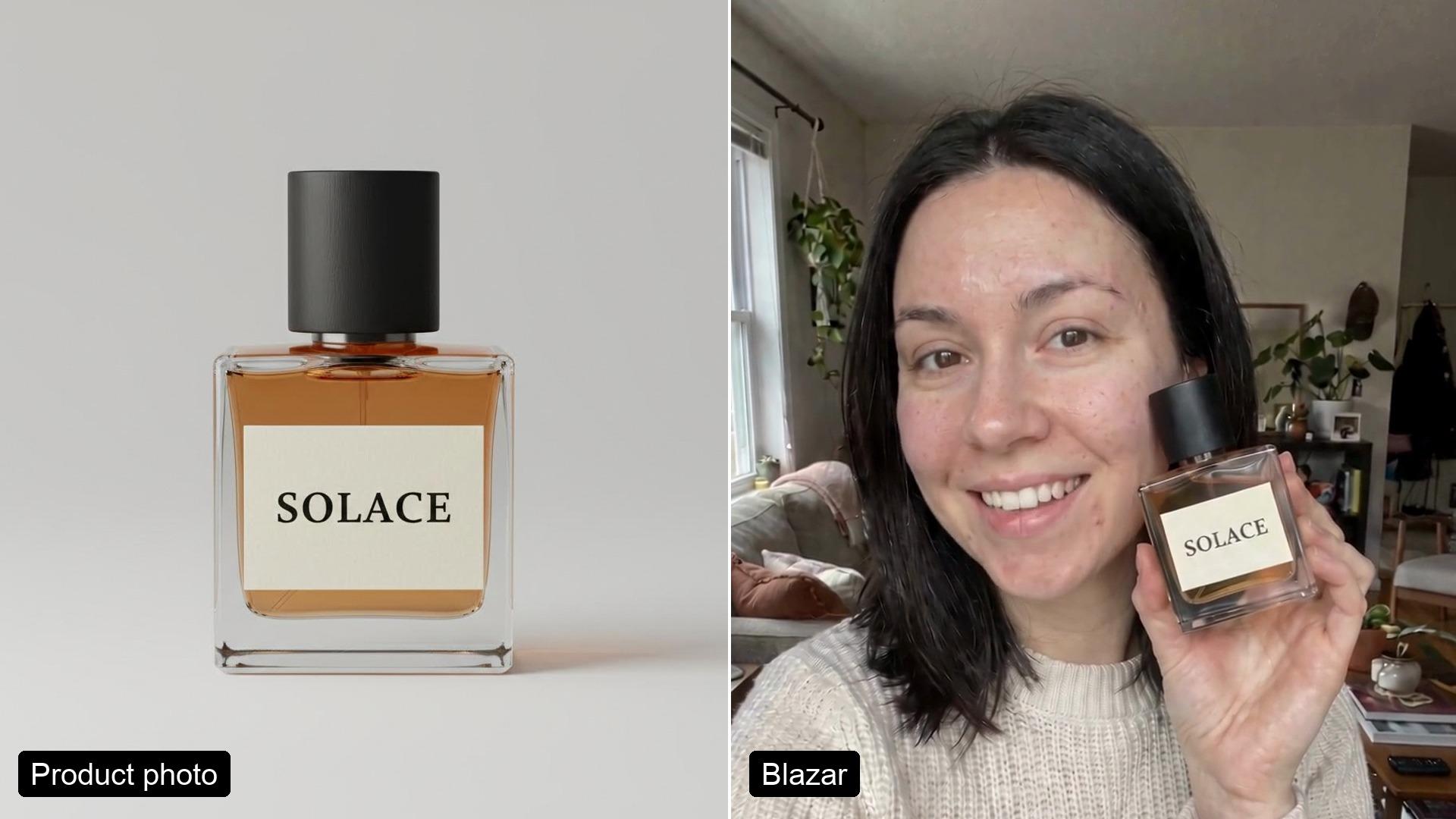
Segmind Blazar makes three UGC video ads from one product photo and a short brief. The same creator, voice and room appear in all three. Each ad opens with a different hook, then plays the same pitch with captions and an end card. Only the opening changes, so when one ad wins, you know the hook did it. It is for brands, agencies and performance teams who want to test hooks without a shoot.
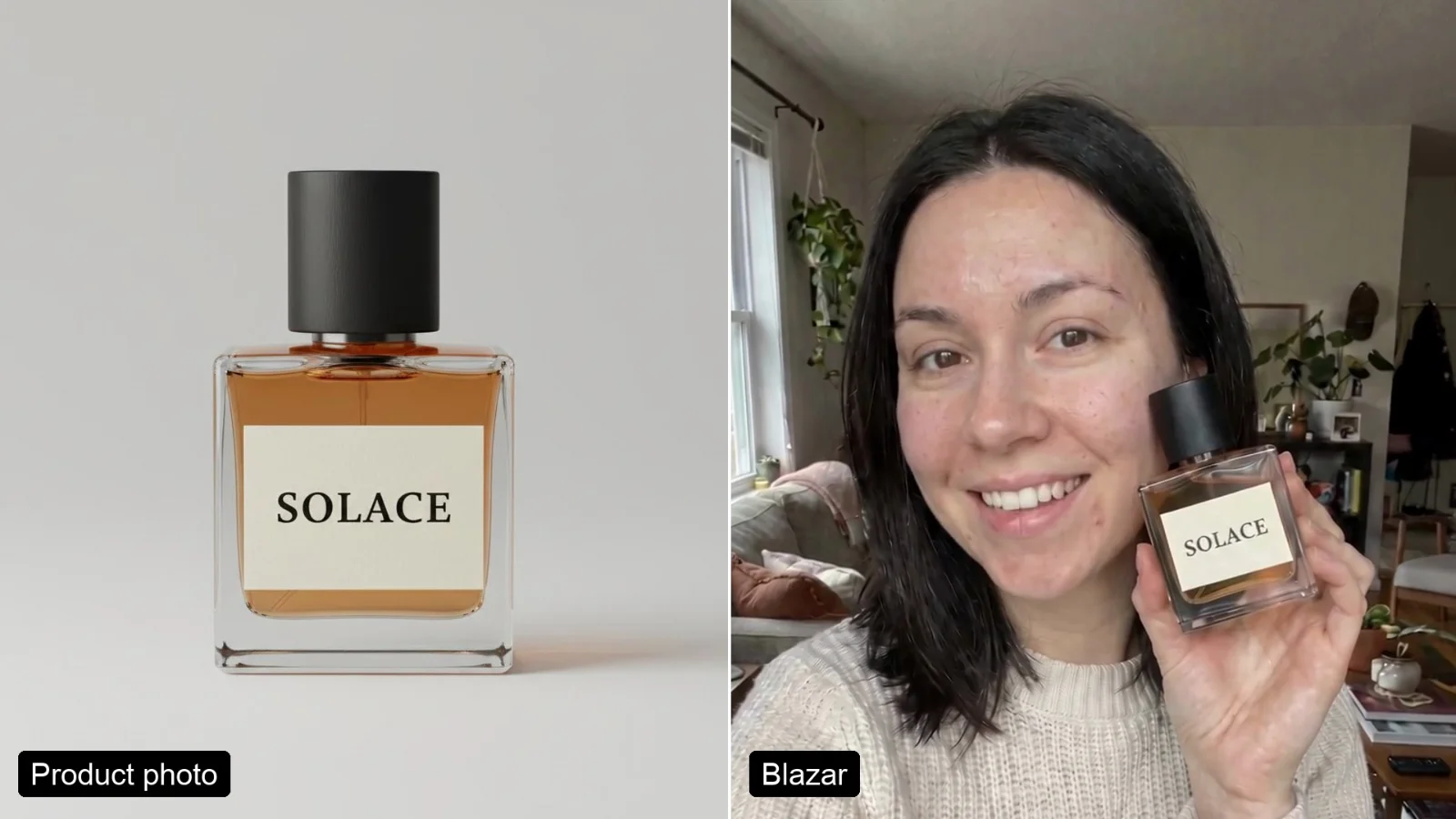 PixelflowSegmind BlazarMake three UGC video ads from one product photo. Segmind Blazar films one creator with three different opening hooks and the same pitch, with captions and an end card, ready to A/B test.
What you give it
| Input | What to give it | Tip |
|---|---|---|
Product photo (product_photo) | One clear packshot of the product. | Use a photo with a readable label. The creator holds this product in every take. |
Product name (product_name) | The name as the creator says it, such as "SOLACE eau de parfum". | The captions spell it exactly as you type it. |
Selling point (selling_point) | What the product does and why people buy it, in a sentence or two. | Give one or two concrete benefits. The creator says nothing the brief does not support. |
Audience (audience) | Who the ads are for. | Be specific: the third hook is a moment from their day. |
Creator (creator) | One sentence on the person on camera: age, hair, clothes and style. | Brief it like a casting call. The creator is generated, not a real person. |
Call to action (call_to_action) | The last line the creator says, also shown on the end card. | Keep it short: it fills the top of the last frame in large capitals. |
Quality (quality) | Standard (720p) or Pro (1080p). | Standard to test many products, Pro for the ads you put spend behind. |
You get back three vertical 9:16 ads of about 15 seconds (ad_hook_1, ad_hook_2, ad_hook_3), and one clip with all the uncut takes (all_takes) if you want to cut your own:
- Ad 1 opens on a surprise with the product, such as a catch.
- Ad 2 opens on a bold claim or question, straight to the camera.
- Ad 3 opens on a relatable moment of the problem your product solves.
Example
Test three hooks for a perfume with one creator
You are launching a fragrance and want to know which opening stops the scroll before you put spend behind it. One run gives you three ads to test against each other.
The product, `product_photo`
A warm amber and sandalwood scent that lasts all day from two sprays, in a 50 ml glass bottle that fits in a bag.
- Ad 1, the surprise
- Ad 2, the question
- Ad 3, the relatable moment
Ad 1 opens as the bottle drops into frame and she catches it, on the line "Catch your new signature scent". Ad 2 opens close on her face as she leans into the lens: "Still carrying three different perfumes everywhere you go?" Ad 3 opens as she pulls more perfume bottles out of her tote next to SOLACE: "One scent that works for everything."
All three then play the same pitch, in which she presents the product with the facts from the brief: "This is SOLACE eau de parfum. It features warm amber and sandalwood that lasts all day from two sprays, and fits right in your bag." She holds the label up to the lens, and each ad ends on the same dimmed frame under "TAP THE LINK TO GET YOURS".
The creator, the bottle and the brand are generated and fictional.
Tips for good results
- Give concrete benefits. "Lasts all day from two sprays" became a spoken line and a caption. A vague selling point makes a vague pitch.
- Use a packshot with a readable label. The pitch brings the product close to the lens, so the label is large on screen.
- Brief the creator in one sentence. Age, hair, clothes and style were enough to keep the same person in every take.
- Keep it a presentation. The creator is generated, so the pitch presents your product and the facts in your brief. Don't edit it into a personal review or a testimonial.
- Read the captions before you post. They come from the speech, so check the product name, numbers and claims.
- Change one thing at a time. Run the same brief with a new creator or audience to test those next, once you know your best hook.
- Show only products you have the right to show.
Use it from the API
The API takes the same seven inputs under the same keys as the table above: you submit a request with your product photo URL, then poll until the result is ready. The API page has the request format and code to copy.
Try it on your own product at Segmind Blazar. It is part of Segmind Creator Pro, with Segmind First Magnitude for a commercial from one packshot and Segmind Binary Star for remixing a reel that works.
- #guide
- #ai-video
- #ugc-ads
- #video-ads
- #social-media
- #e-commerce