Guide to Segmind First Magnitude
Segmind First Magnitude turns one packshot into a short social commercial with an end card. A guide to its inputs, with worked examples and tips.
Segmind First Magnitude turns one product photo into a short commercial for social media. You give it a packshot and a brief. It writes and films three shots with music and sound, keeps your product true to the photo, and ends on an end card with your product name and call to action. It is for brands, sellers and social teams who need a product film for every placement, without a shoot.
 PixelflowSegmind First MagnitudeTurn one product photo into a finished social commercial. Segmind First Magnitude writes and films three shots with music, keeps your product true to the photo and ends on a branded end card, in 9:16, 1:1 or 16:9.
What you give it
| Input | What to give it | Tip |
|---|---|---|
Product photo (product_photo) | One sharp packshot of the product, ideally front-facing on a plain background. | The tool cuts close-ups of the label and details from this photo, so a readable label stays readable on screen. |
Product name (product_name) | The name for the end card, such as "BRISA sparkling yuzu soda". | It is printed exactly as you type it. |
Brief (brief) | Who it is for, the mood and the setting, in a sentence or two. | Name a place and a light, such as "rooftop pool at golden hour". The three shots are written from it, so there is no script to write. |
Call to action (call_to_action) | The line under the product name on the end card. | Keep it to a few words. |
Shape (shape) | 9:16, 1:1 or 16:9. | 9:16 for Reels, Shorts and TikTok, 1:1 for feeds, 16:9 for YouTube and websites. |
Length (length) | 8, 12 or 15 seconds of film. The end card adds two seconds. | 8 seconds for a quick feed ad, 12 or 15 for a fuller story. |
Quality (quality) | Standard (720p) or Pro (1080p). | Standard for drafts and volume, Pro for close-up hero work. |
You get two files back: the finished commercial (commercial) and the same film without the end card (clip_without_end_card), for when you add your own.
Examples
Make a summer launch film for a soda can in 9:16
You are launching a drink and need a vertical film for Reels and TikTok from the packshot you already have.
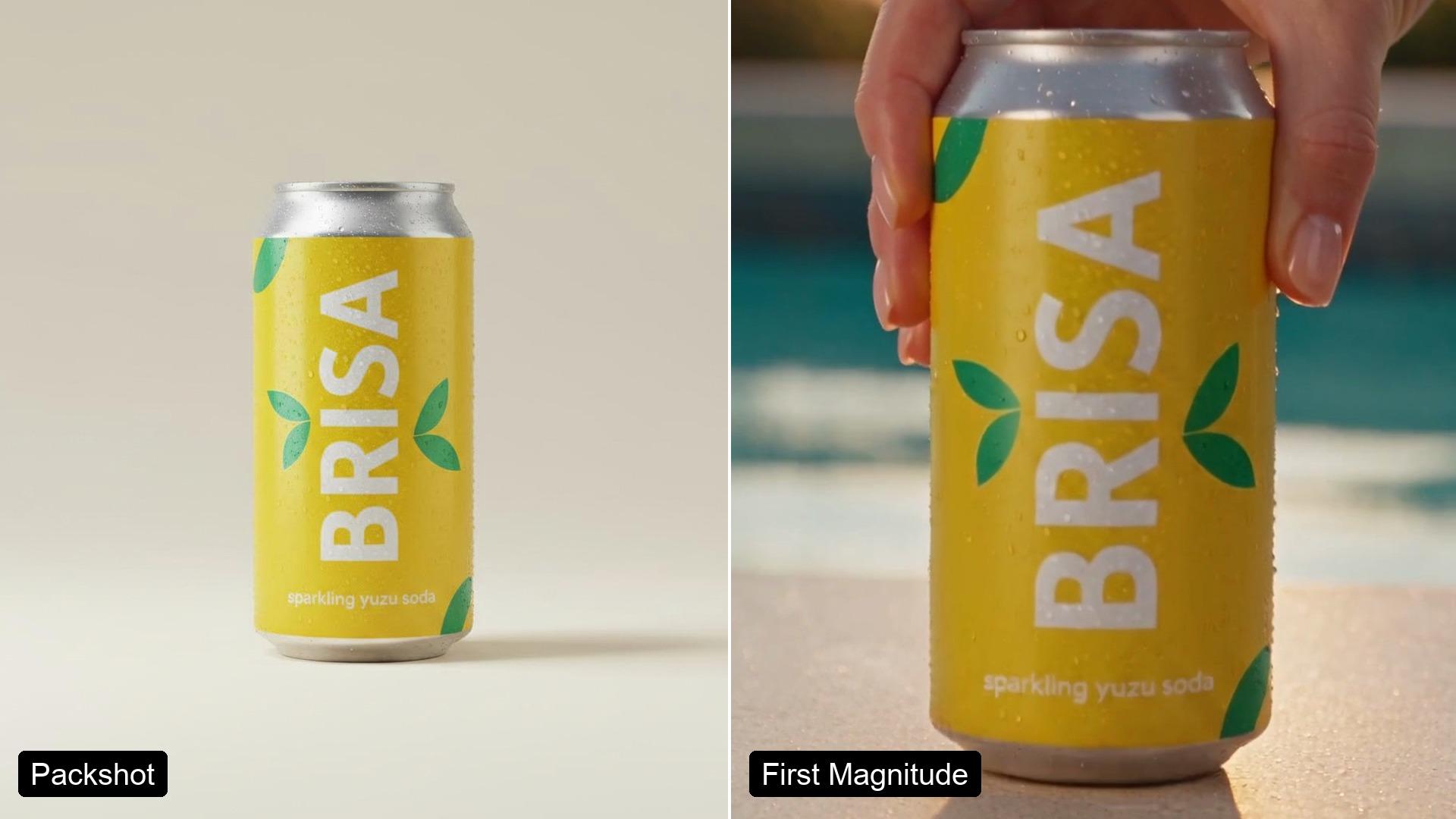
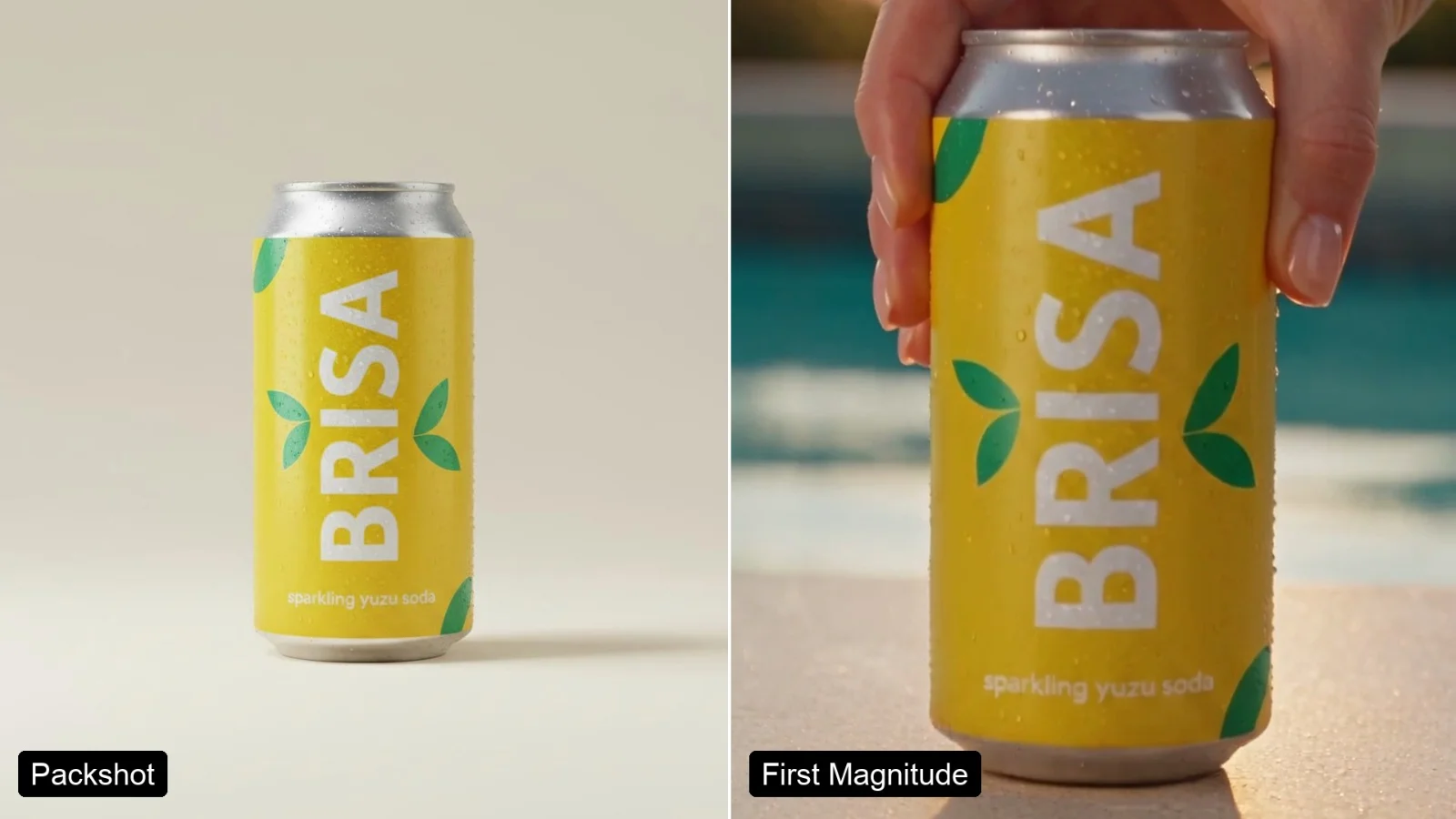
The packshot, `product_photo`
Summer launch for Gen Z. Ice cold, zesty, low sugar. Rooftop pool at golden hour, playful and bright.
The first shot lands the can on the wet pool deck with a splash, and the can stays in view through it. The second glides slowly over the cold, beaded label. In the third, a hand lifts the can onto a sunlit ledge, and the film holds on the label. The end card takes the can's yellow and cream: the BRISA name, "sparkling yuzu soda" and the call to action on a yellow button.
The can and the brand are generated and fictional.
Make a holiday perfume film in 1:1 at Pro quality
You sell a fragrance and want a slow, warm square film for the feed, with a label sharp enough for a close-up.
The packshot, `product_photo`
Holiday evening launch. Warm, intimate and luxurious: dark marble, soft candlelight and amber glow, slow and sensual.
Light sweeps across the bottle on dark marble, then a slow macro moves over the label and the black cap. In the last shot, a hand sets the bottle down among the candles, and the film holds on the label. SOLACE reads clearly in every shot. The end card follows the film's mood, with a serif type on dark brown: SOLACE, EAU DE PARFUM and the call to action.
The bottle and the brand are generated and fictional.
Make a morning launch film for a cold brew in 16:9 at Pro quality
You are launching a coffee drink and need a wide film for YouTube and your website, with a label that holds up in a macro shot.
The packshot, `product_photo`
Weekday morning launch for young professionals. Smooth, creamy, dairy free coffee made with coconut milk. A sunny cafe terrace with palm leaves and morning light, fresh and easygoing.
The bottle drops onto a sunlit wooden table and settles among the shadows of palm leaves. The second shot is a slow macro over the label, beaded with cold drops, where KAAPI THEORY and COCONUT COLD BREW read sharp. In the third, a hand picks the bottle up, tilts it and sets it back down, and the film holds on the label. The end card takes the colour of the coffee: KAAPI THEORY in a serif, COCONUT COLD BREW and the call to action on sand.
The bottle and the brand are generated and fictional.
Tips for good results
- Write the setting and the light, not the shots. "Rooftop pool at golden hour", "dark marble, soft candlelight" and "a sunny cafe terrace with palm leaves" gave three very different films from the same tool.
- Use a sharp, front-facing packshot. The close-ups come from it, and a label that reads in the photo reads in the film.
- Make one shape per placement. Each run makes one shape. Run again with the same packshot and brief for the others.
- Test in Standard, finish in Pro. Try the brief in Standard, then run the version you will put spend behind in Pro.
- Watch the opening shot before you post. A splash or a fast move is where a product is most likely to be hidden or change shape.
- Use products you have the right to show.
Use it from the API
The API takes the same seven inputs under the same keys as the table above: you submit a request with your packshot URL, then poll until the result is ready. The API page has the request format and code to copy.
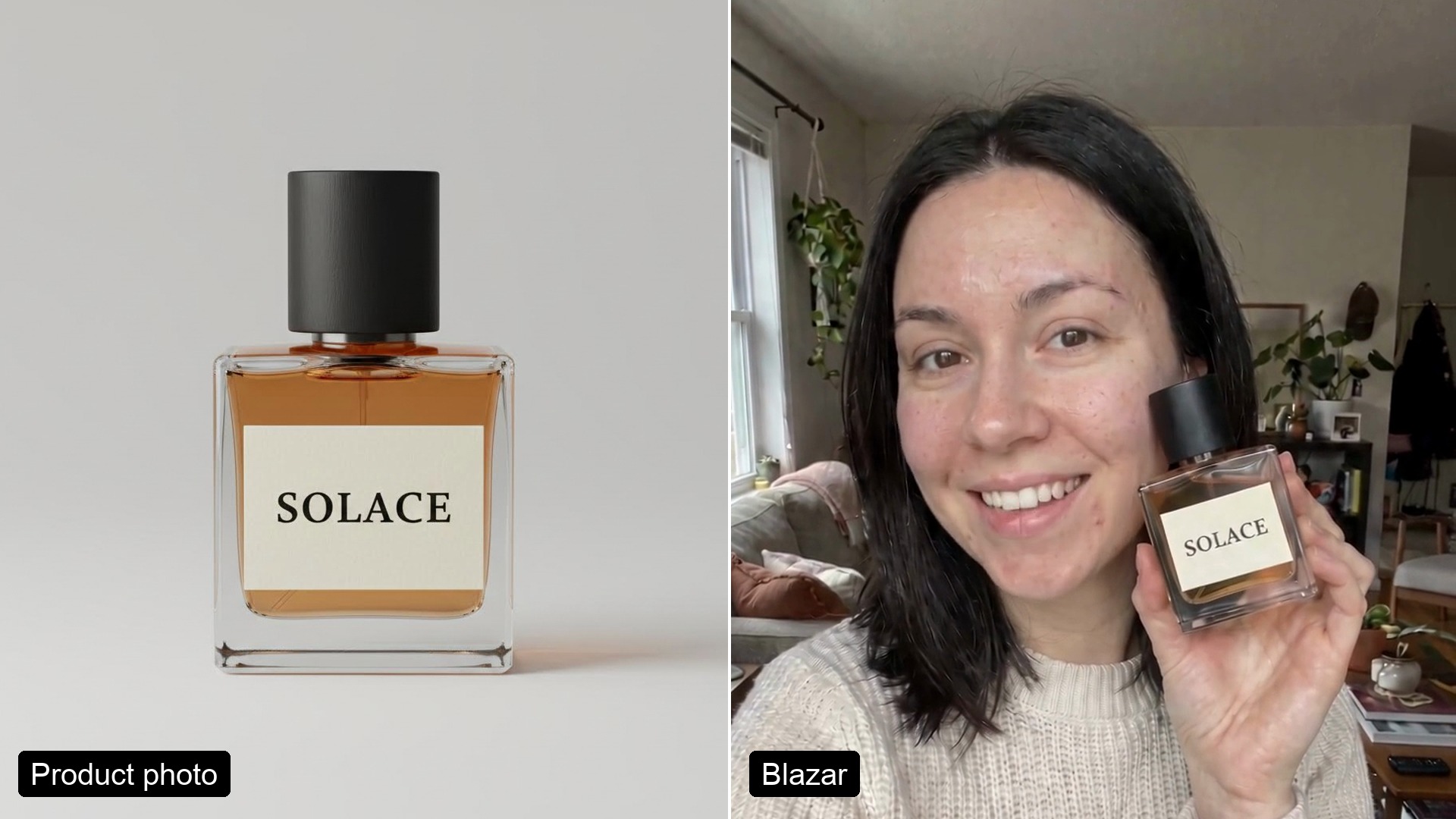
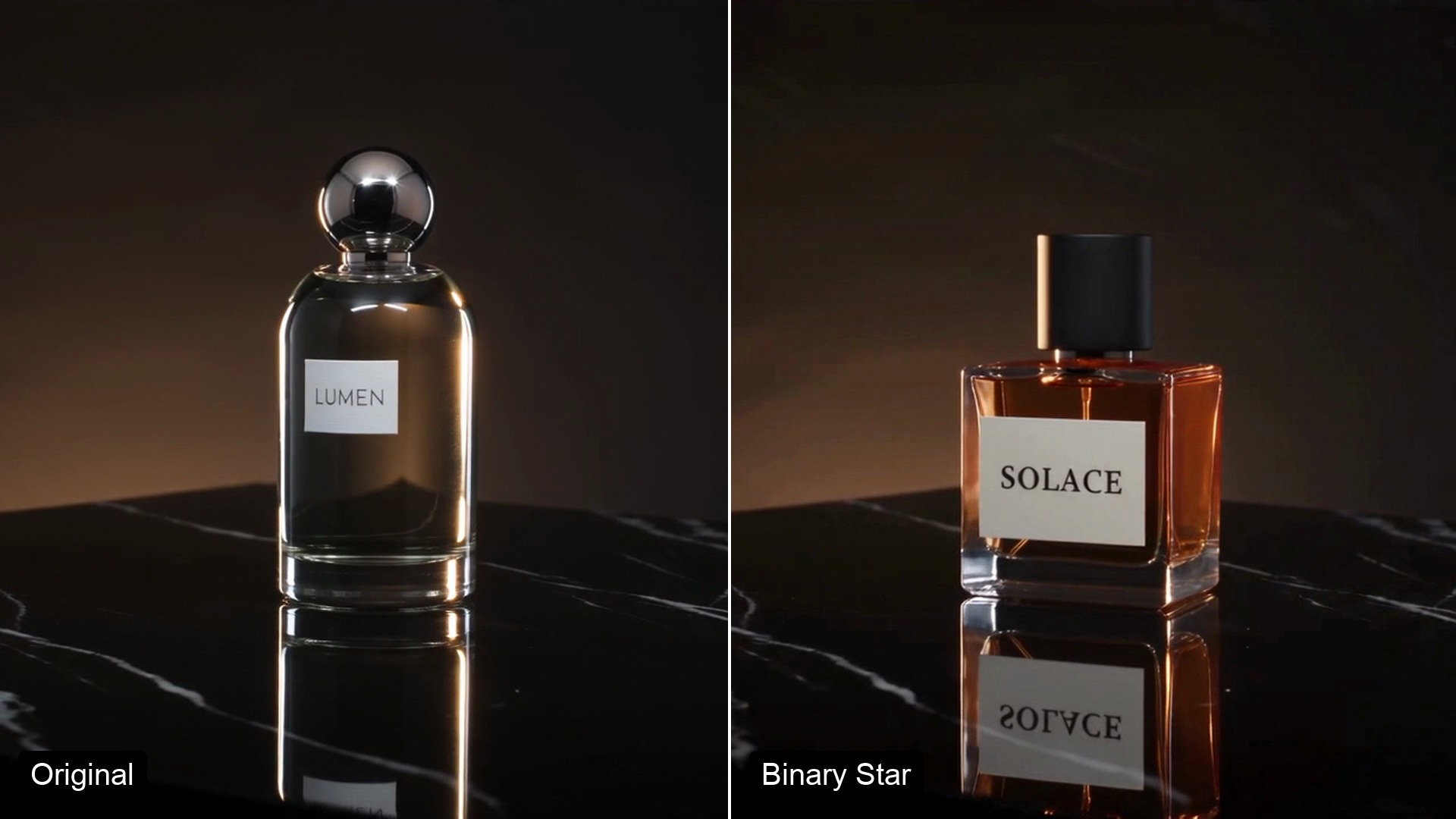
Try it on your own packshot at Segmind First Magnitude. It is part of Segmind Creator Pro, with Segmind Blazar for UGC hook tests and Segmind Binary Star for remixing a reel that works.
- #guide
- #ai-video
- #product-video
- #video-ads
- #social-media
- #e-commerce