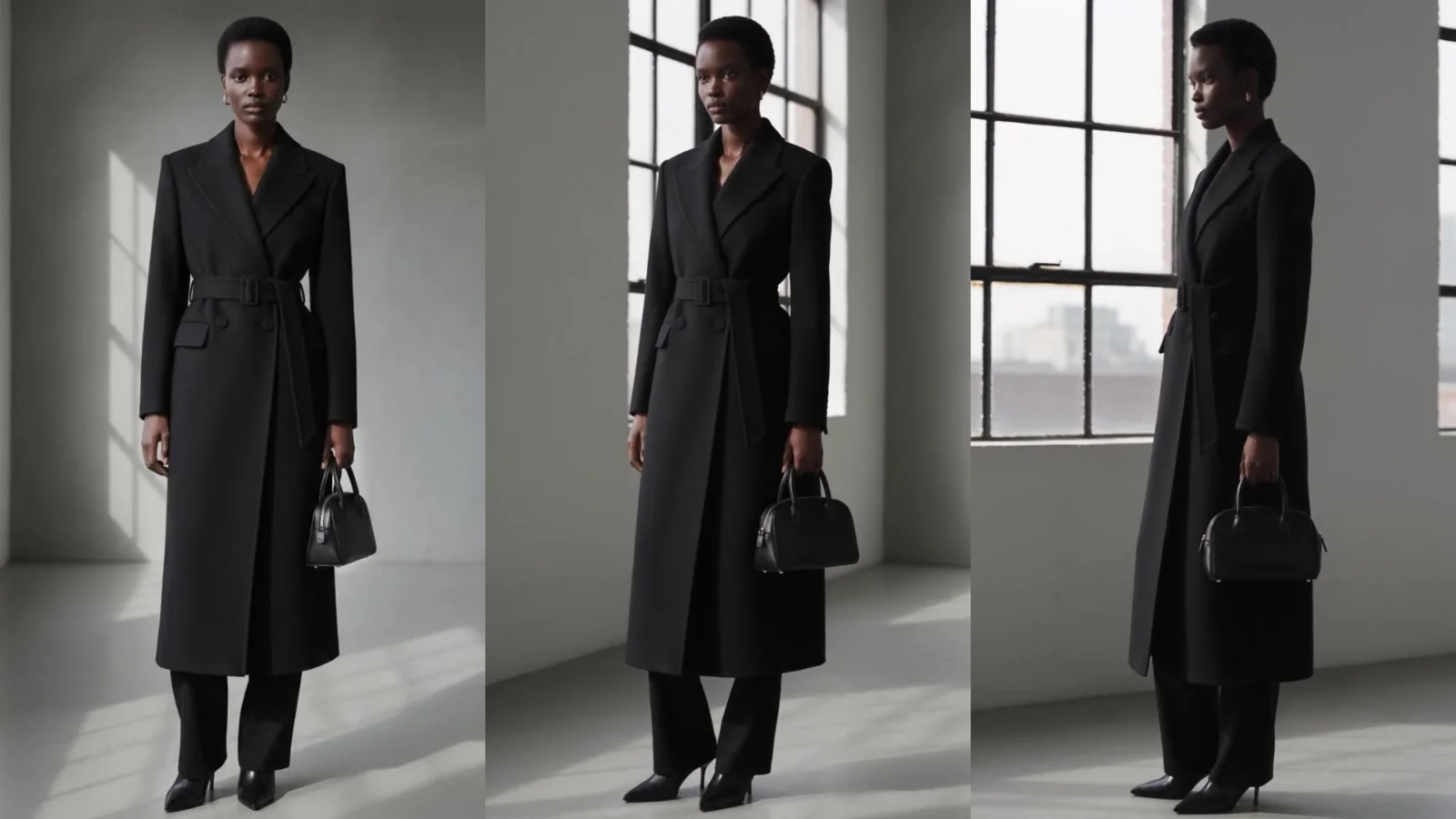
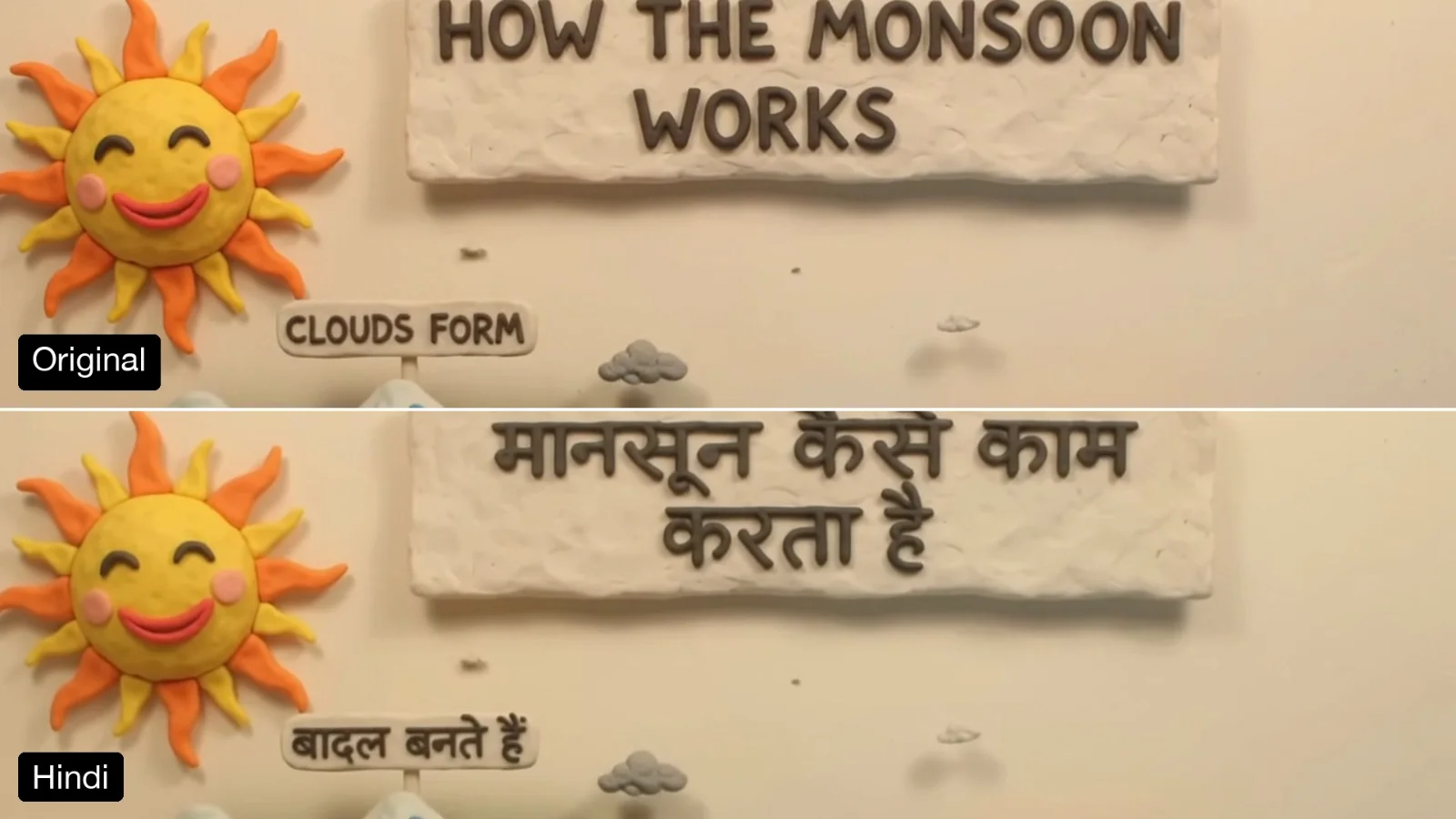
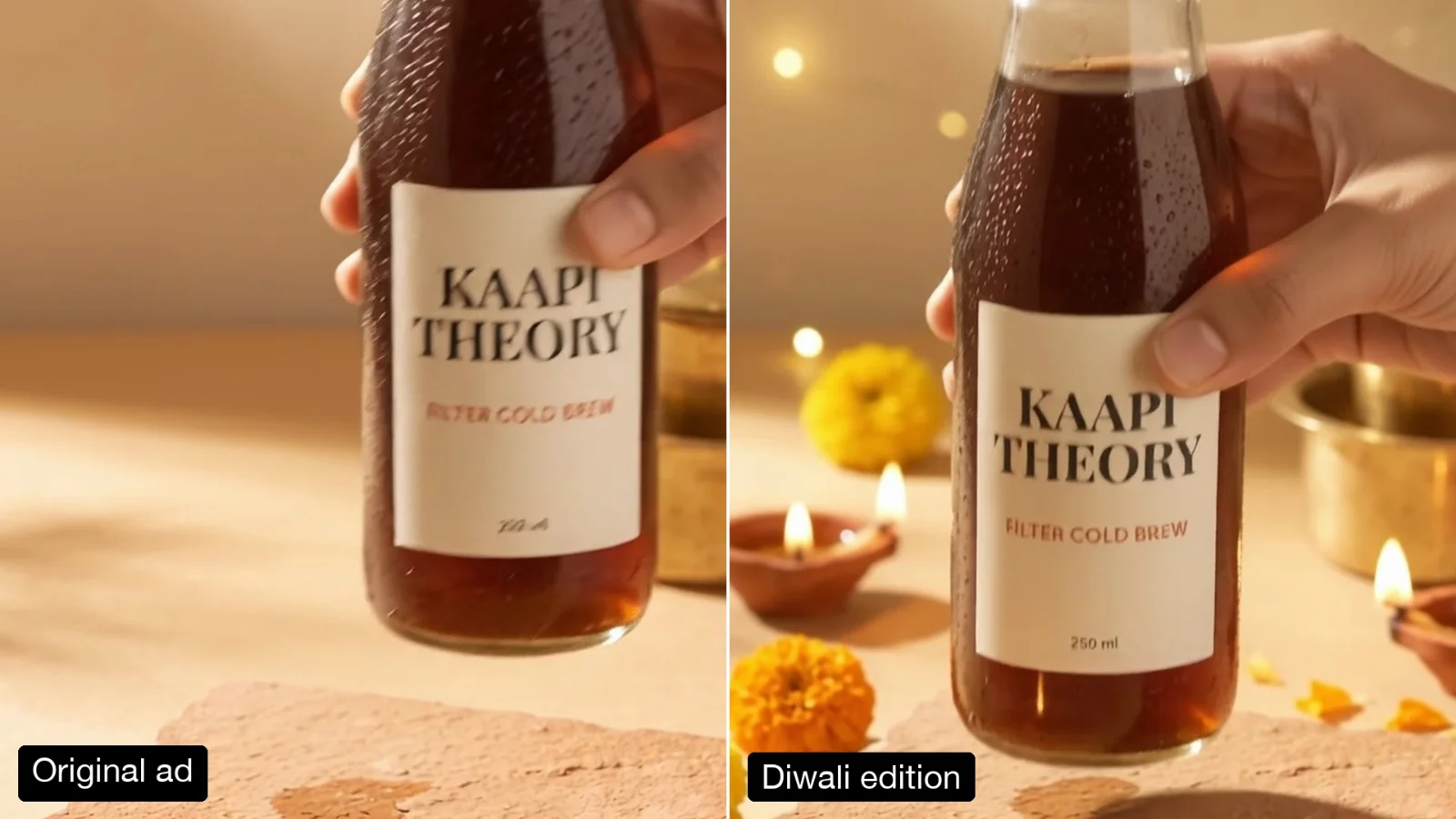
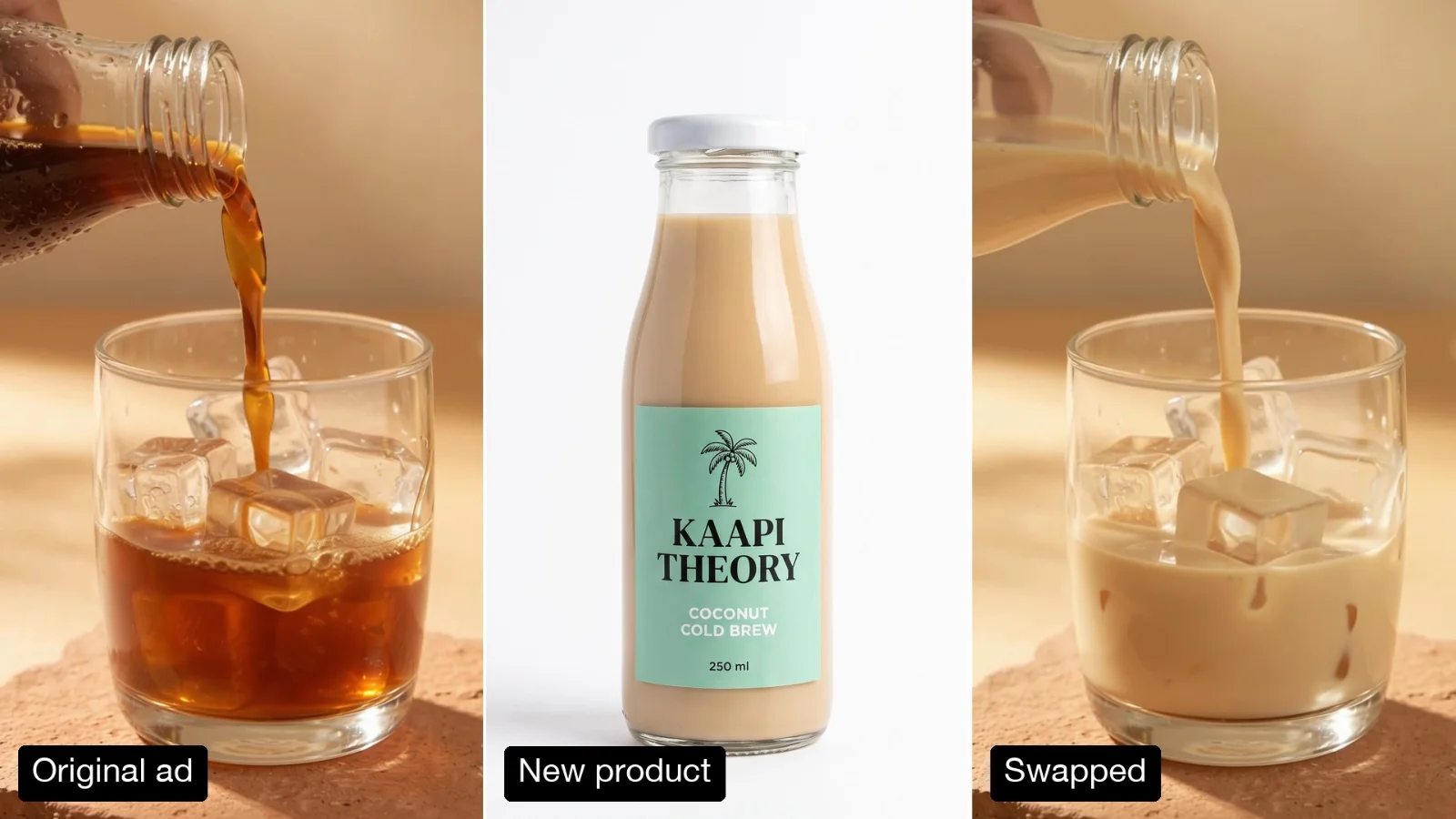
Every expression
Blinks, squints, laughs and mouth shapes come from your take, frame by frame.
Pro AI Tool
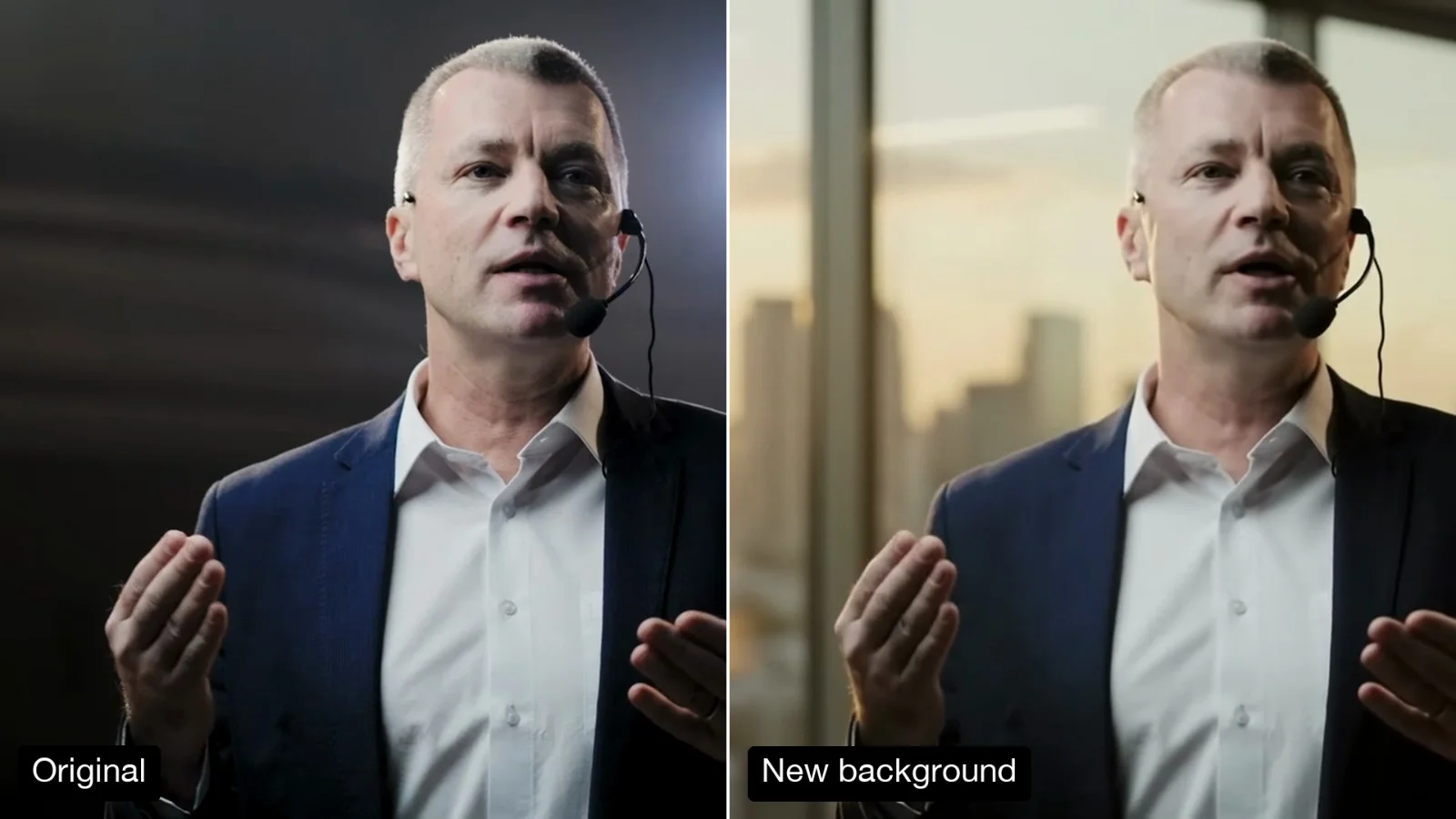
Film your actor on a plain wall and get the finished scene: a new set and costume with their real face, every expression, blink and finger movement kept.
About 9m 25s a run
“Night, light monsoon rain. She stands by the glass railing, lit by the warm light from the open door on her left, with the city lights soft behind her.”
The take
Scene Notes
~9m 25s~$3.39for an average run
Example
Left, an 8 second stock take on a green screen. Right, one run at 1080p with a generated balcony and a burgundy shirt under a black blazer.
Actor Photo
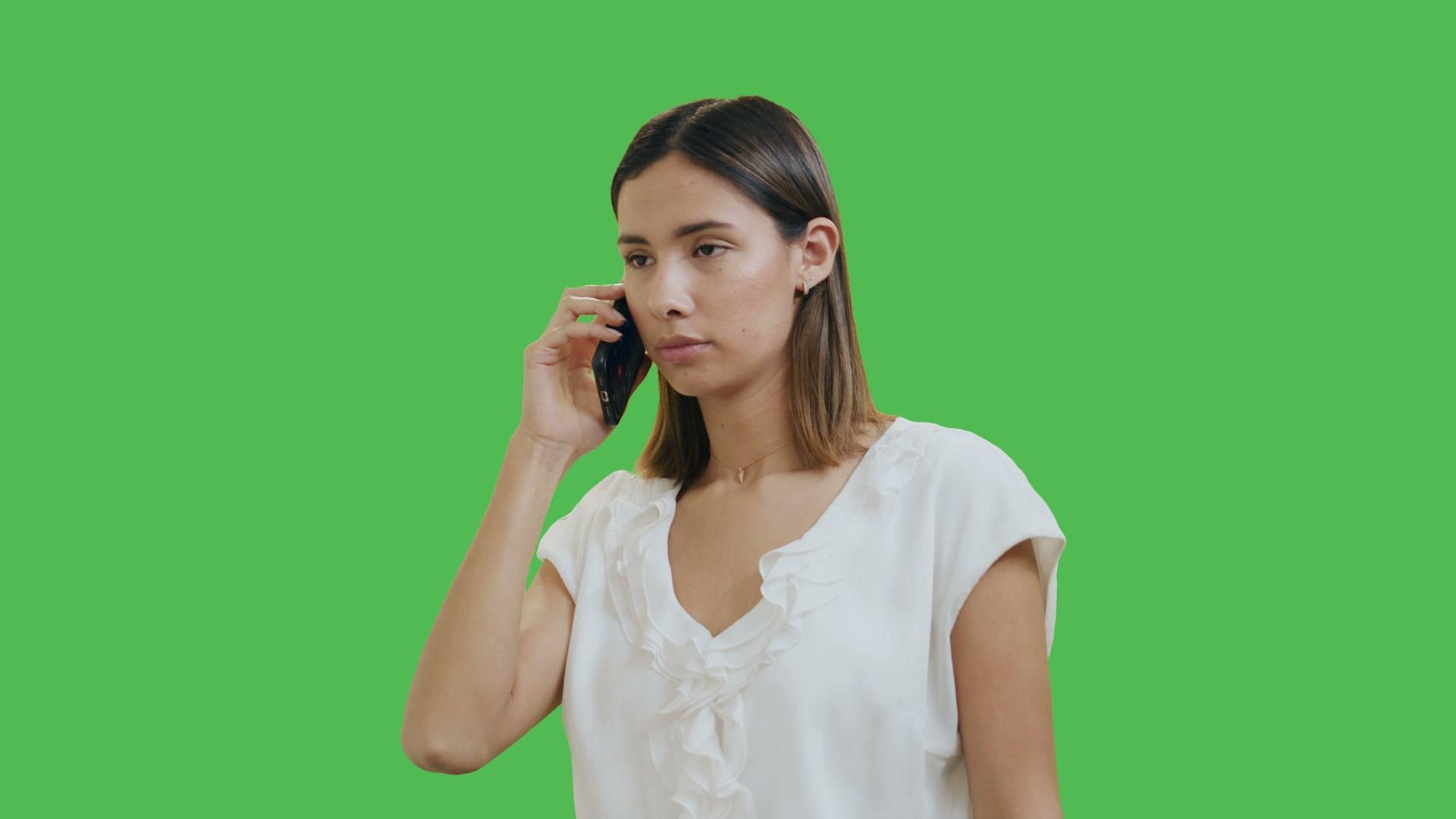
Scene Image
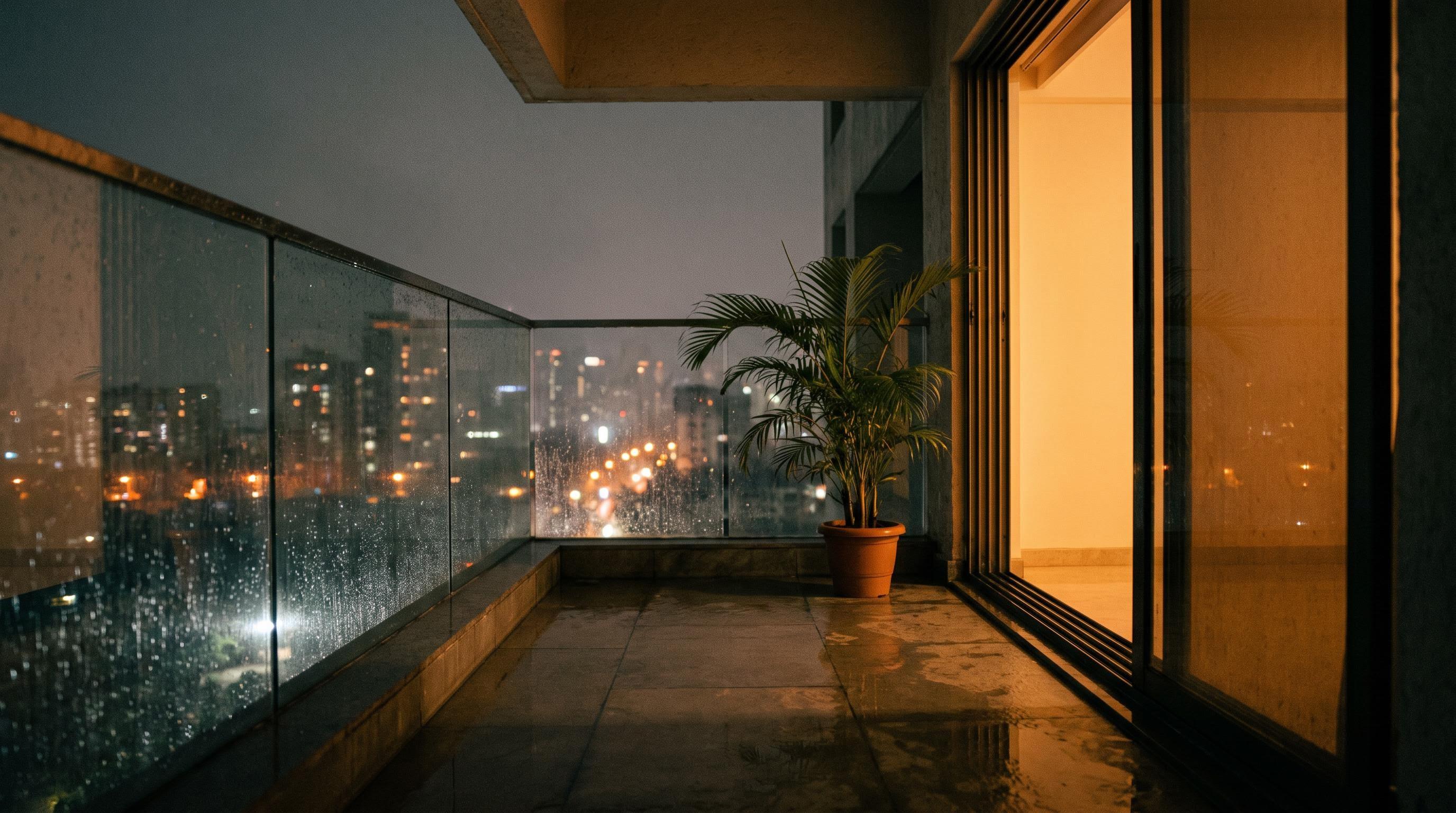
Costume Photo
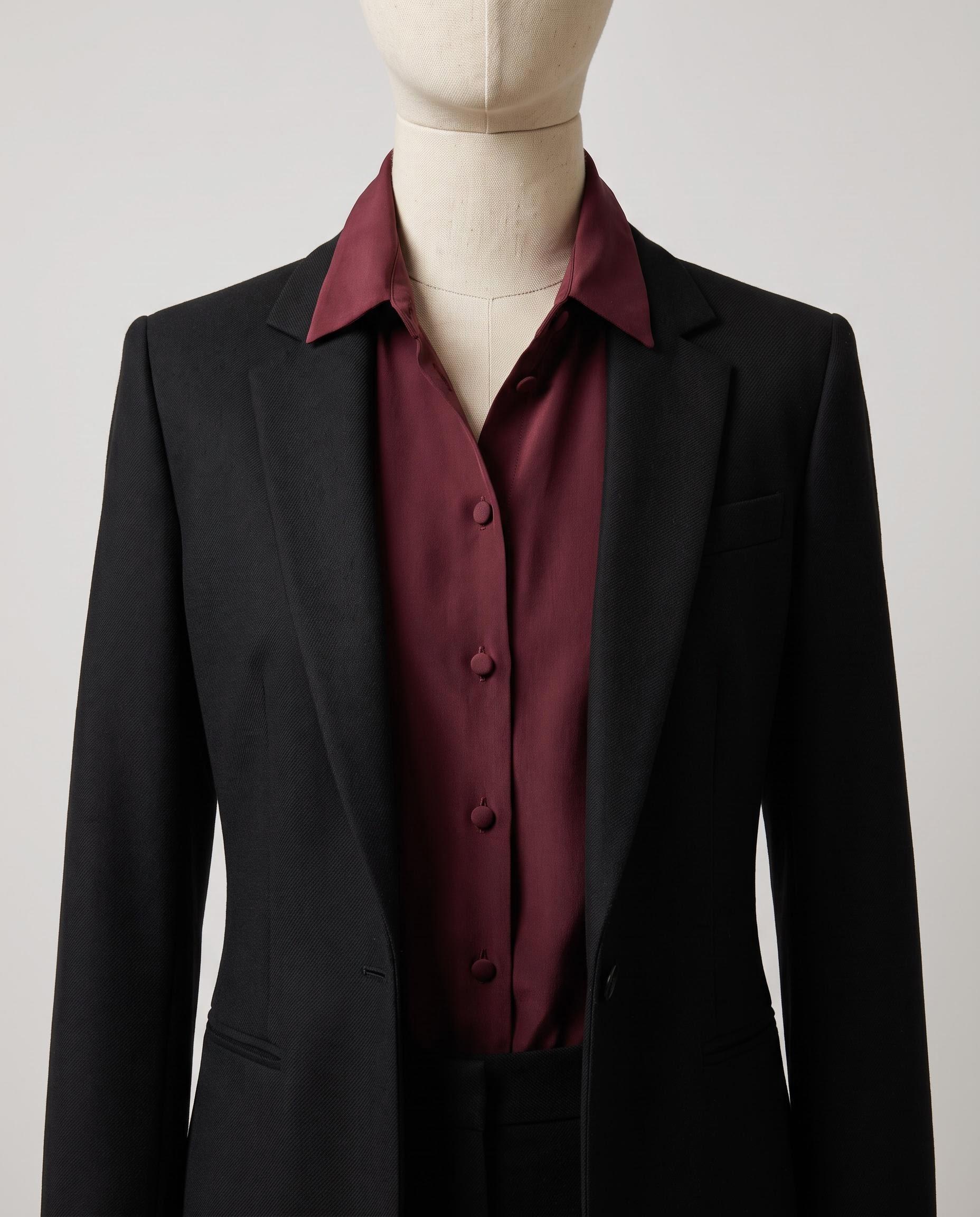
About this Pixelflow
Segmind Soliton turns a take filmed on a plain wall into the finished scene. Upload the take, a photo of the actor, an image of the set and a photo of the costume, and get the shot back in that set and costume with the actor's own face, every expression, blink and finger movement, and the take's timing and camera move.
Your actor on a white wall or a green screen, framed the way the final shot should look, up to 30 seconds.
A clear photo of the actor, an image of the set and a photo of the outfit. Soliton crops the face and the outfit for you.
Say the time, the light and where the actor stands, then pick a resolution and a file format.
You give
The workflow behind it
Which models run, and how, opens on the Business plan and above.
You get
Your actors act. Soliton builds the world around them.
Blinks, squints, laughs and mouth shapes come from your take, frame by frame.
The actor's photo holds their likeness, so the face stays theirs.
Finger positions and anything in hand stay as filmed.
Timing, framing and the camera move stay exactly as shot.
The finished scene matches your take's length, frame rate and sound, with its grain matched.
Smooth in-between frames fill any gap, so nothing repeats.
The take's audio goes back in, and its camera grain is matched.
Shoot every scene of an episode on one wall, then place each one in the home, office or street the story needs.
Locations and costume changes you could not build, with your cast's real performances.
One shoot, several sets and outfits for different markets, seasons or campaigns.
Building with it? Read the Segmind Soliton API docs.
That is what Soliton is built for. Their face, every expression, blink and mouth shape come from your take, and the actor's photo holds their likeness. Use a clear, front facing photo with nobody else in it.
Both hands, every finger position and whatever the actor holds stay as filmed, with the same shape and colour. Mention a prop in the scene notes if the story depends on it.
Frame it as the final shot, light it from roughly where the set's light comes from, use the real props, and use a fast shutter so the face stays sharp when the actor moves. A white wall or a green screen both work.
Yes. The same inputs run through the async API: submit a request, then poll until it completes.
Call it from your code with the same inputs you used here, or talk to us about running it at volume. Segmind is an authorised channel partner of ElevenLabs, Google, ByteDance, Alibaba, OpenAI, Kling and 40+ more AI providers.