Every shot
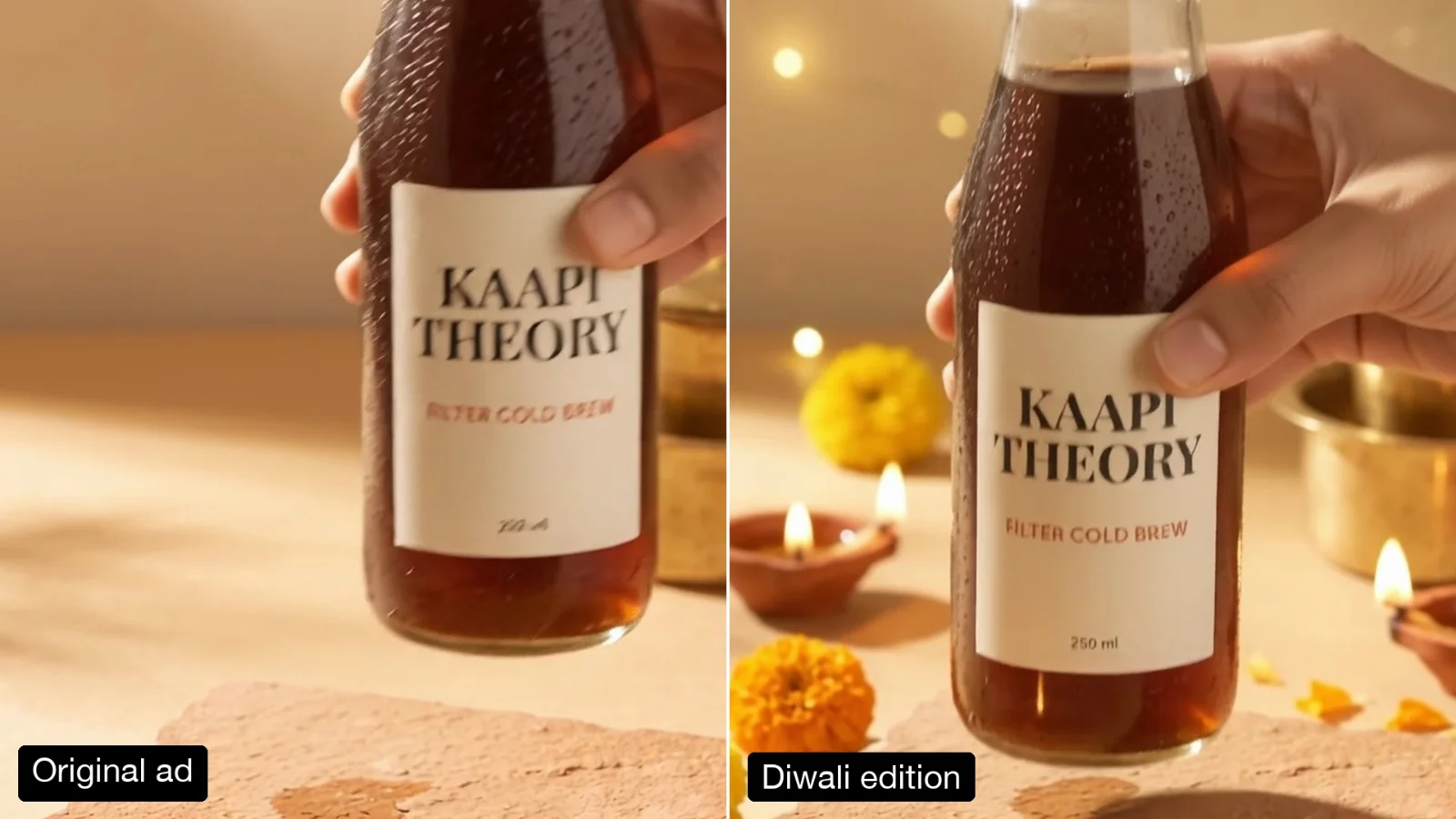
The new product replaces the old one in each shot of the ad.
Swap the product in a video ad for a new one from a photo, in every shot. Hands, camera moves, cuts and sound stay. Made with Gemini Omni 1.2 Flash.
Your generated content will appear here
Example
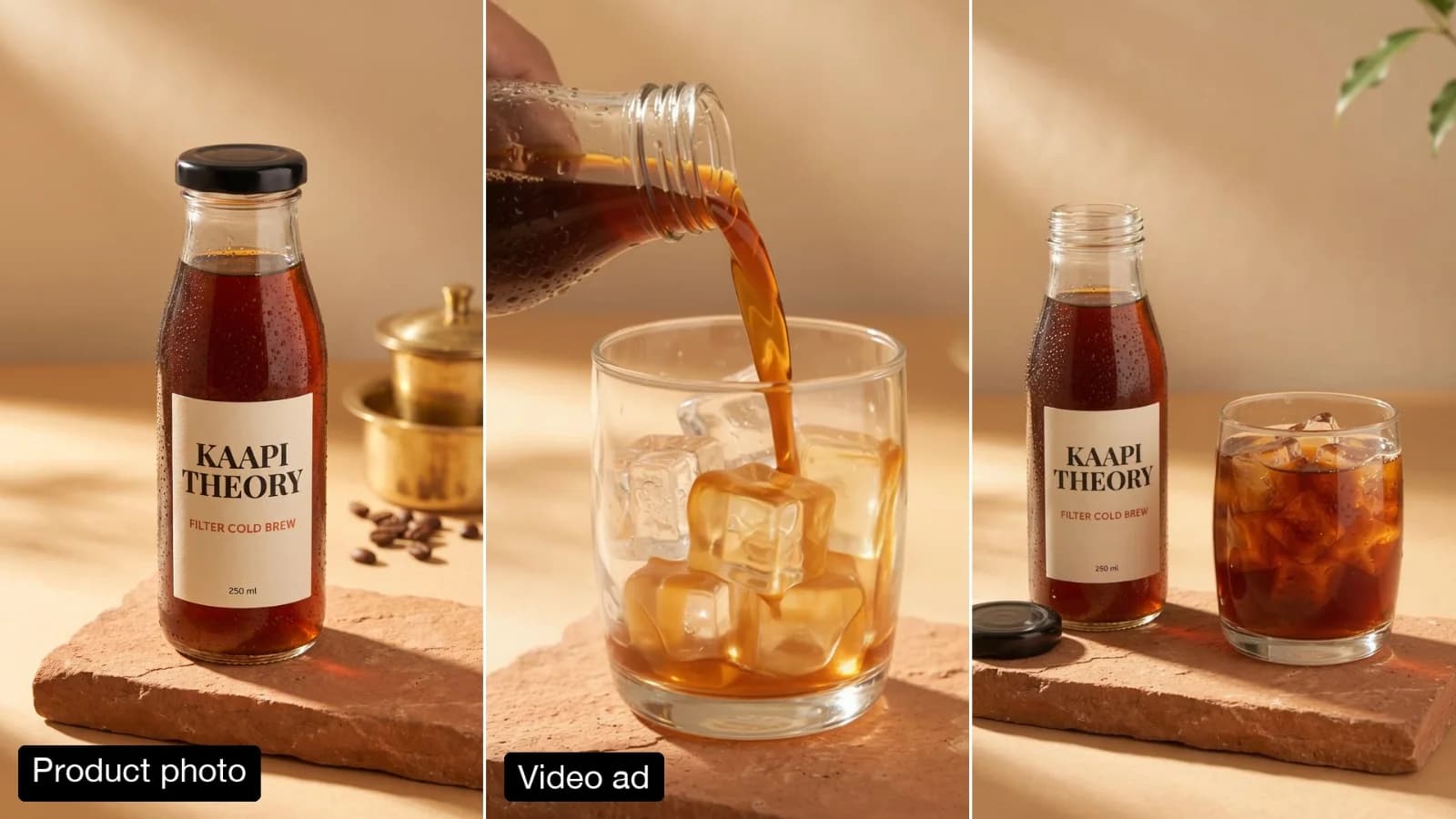
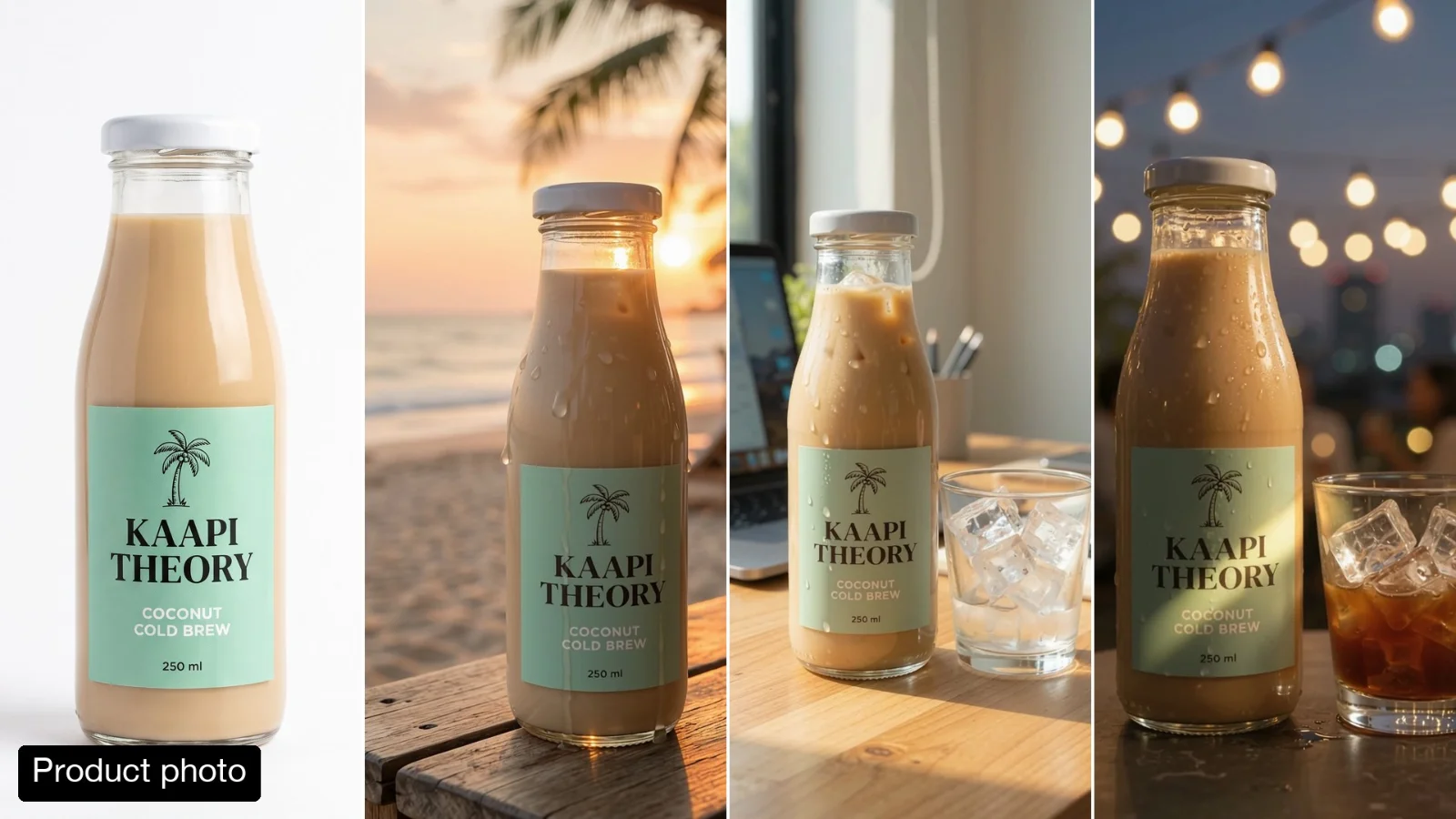
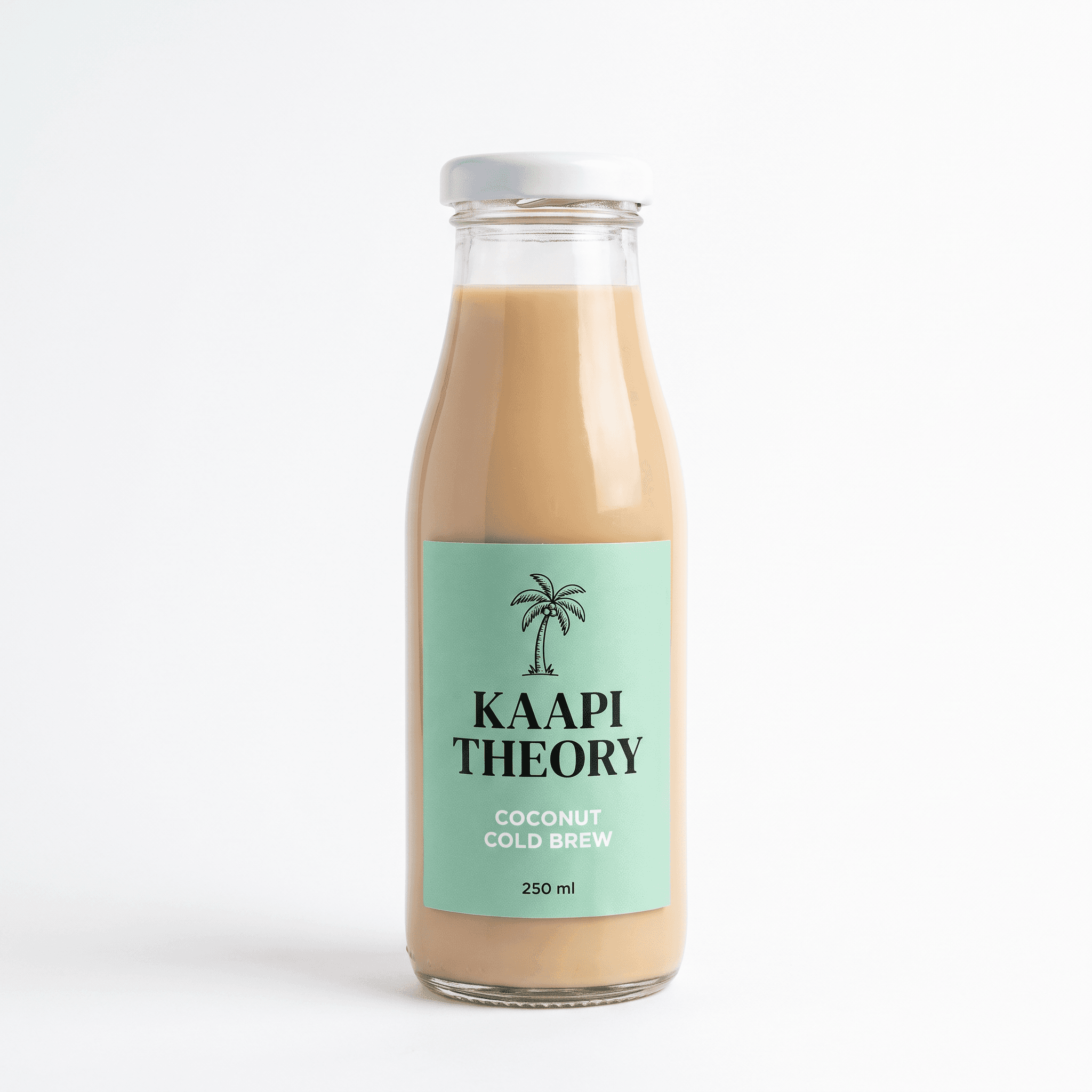
Left, a 10-second ad made with the Product Photo to Vertical Video Ad template. Right, one run with a packshot of the coconut variant. The pour turns milky to match.
New Product
About this Pixelflow
Swap the Product in a Video Ad replaces the product in an ad you already have with a new one from a photo, in every shot. The hands, camera moves, cuts, setting and sound stay as they were, and anything poured or applied changes to match the new product. Made with Gemini 3.8 Flash and Gemini Omni 1.2 Flash for brands launching a new flavour, size or variant.
Add the video ad, up to 15 seconds.
A clear packshot with the label readable works best.
Gemini 3.8 Flash watches the ad and reads the new label. Gemini Omni 1.2 Flash swaps the product in every shot.
The new product appears wherever the old one did.
The new product replaces the old one in each shot of the ad.
A pour, a cream or a spray takes on the new product’s colour.
Every word on the new label is read from your photo and kept sharp.
The edit follows your clip, so it drops back into your timeline.
MP4 with sound.
Same as your clip, up to 15 seconds.
Follows your clip, landscape or vertical.
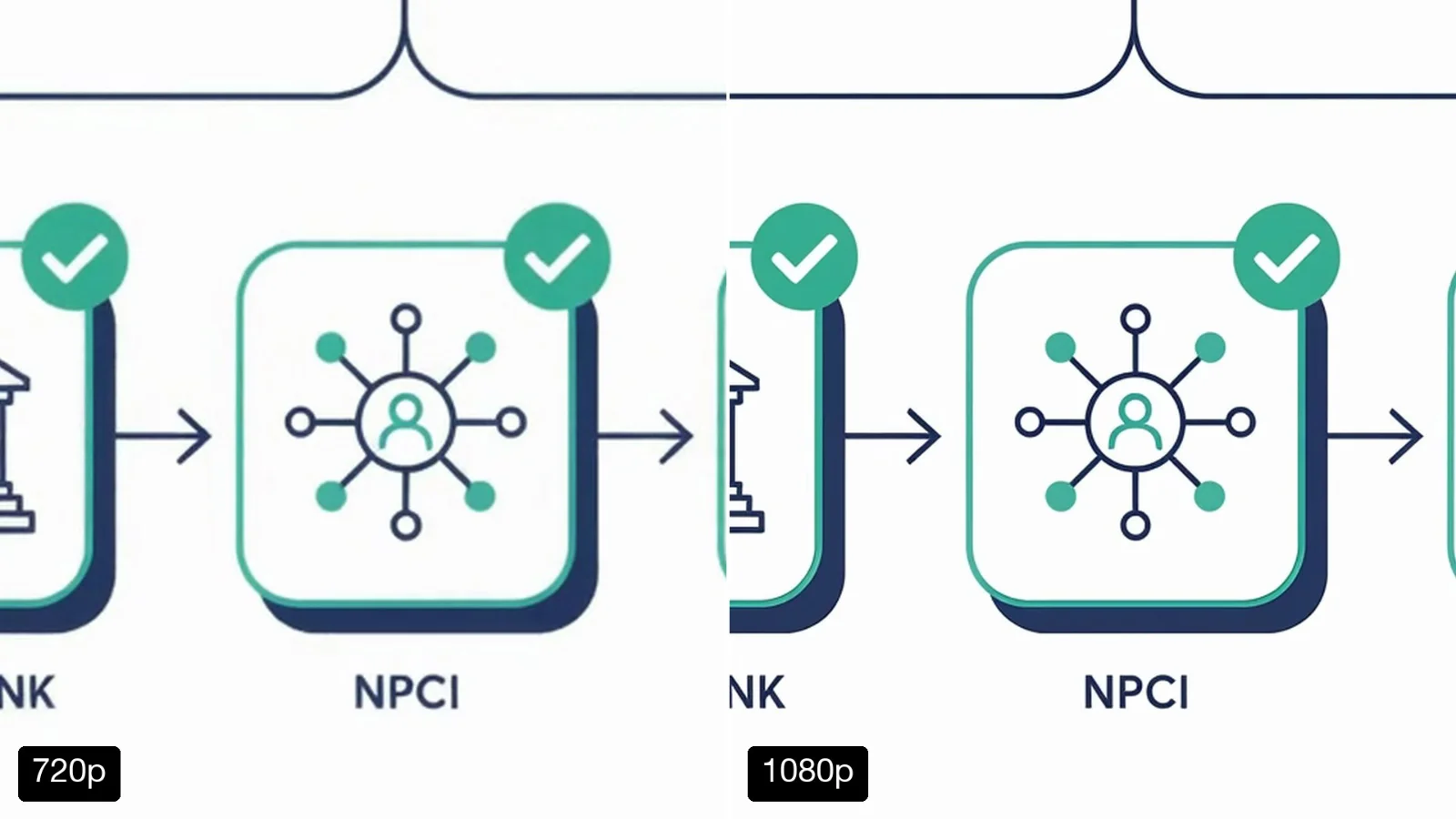
720p.
Gemini Omni 1.2 Flash makes the video and Gemini 3.8 Flash writes the prompt.
Turn one approved ad into an ad for each flavour or size.
Show the pack sold in each market without a new shoot.
Refresh an older ad after a redesign.
Building with it? Read the Swap the Product in a Video Ad API docs.
No. Only the product, and anything that comes out of it, changes.
The swap is asked for in every shot. It holds best on short ads with a few shots of the same product.
Footage showing well-known brand logos can be refused by the video model’s copyright filter, and the edit is not billed when that happens.
Yes. It runs through the Pixelflow API with the same inputs: submit a run, then poll for the result.
Call it from your code with the same inputs you used here, or talk to us about running it at volume. Segmind is an authorised channel partner of ElevenLabs, Google, ByteDance, Alibaba, OpenAI, Kling and 40+ more AI providers.