Your choice of size
1080p for social and web, 4K for large screens.
Upscale a video to 1080p or 4K: 720p to 1080p or 4K, or 1080p to 4K, for clips up to 15 seconds. Timing and sound stay. Made with Gemini Omni 1.2 Flash.
Your generated content will appear here
Example
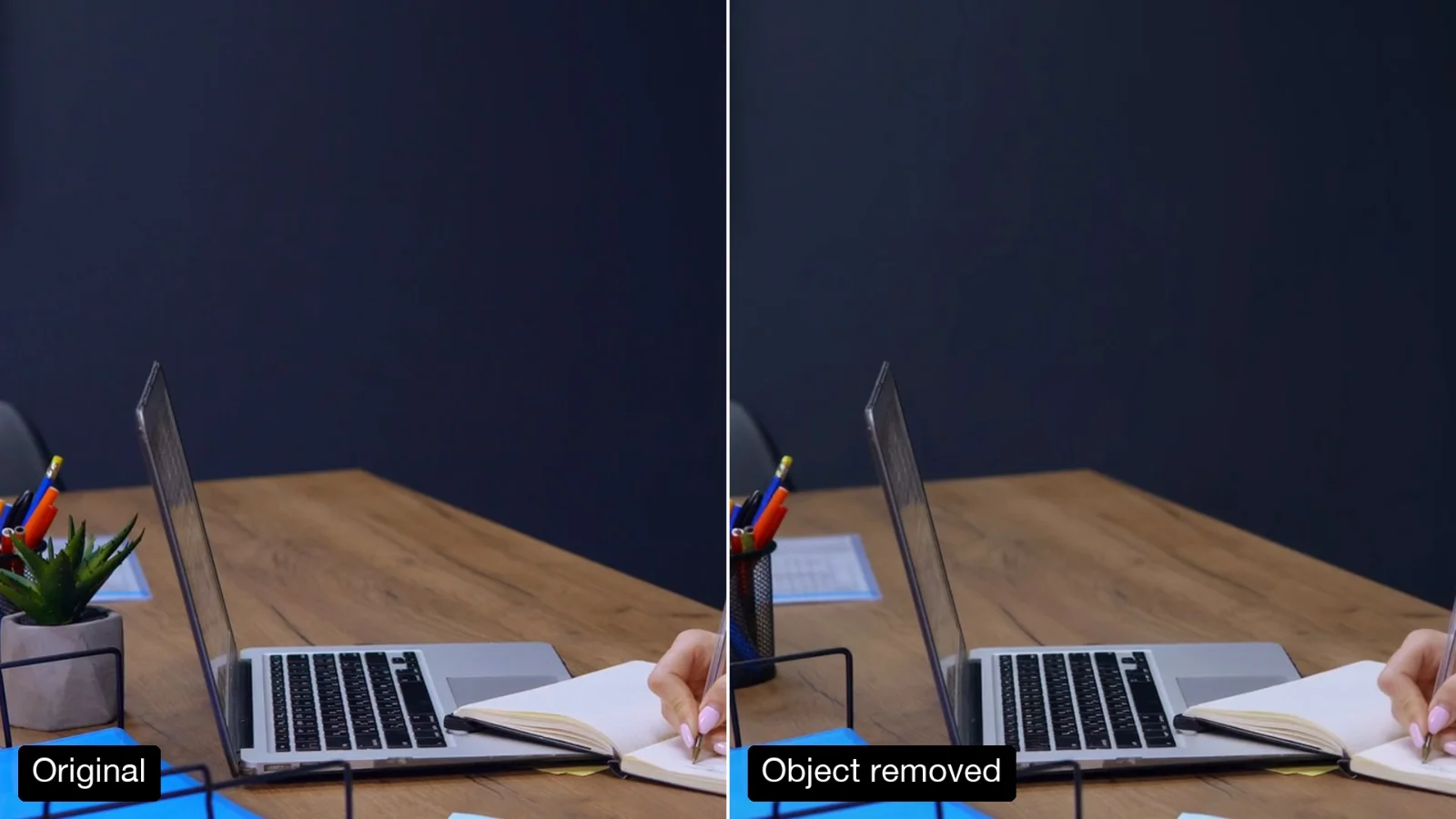
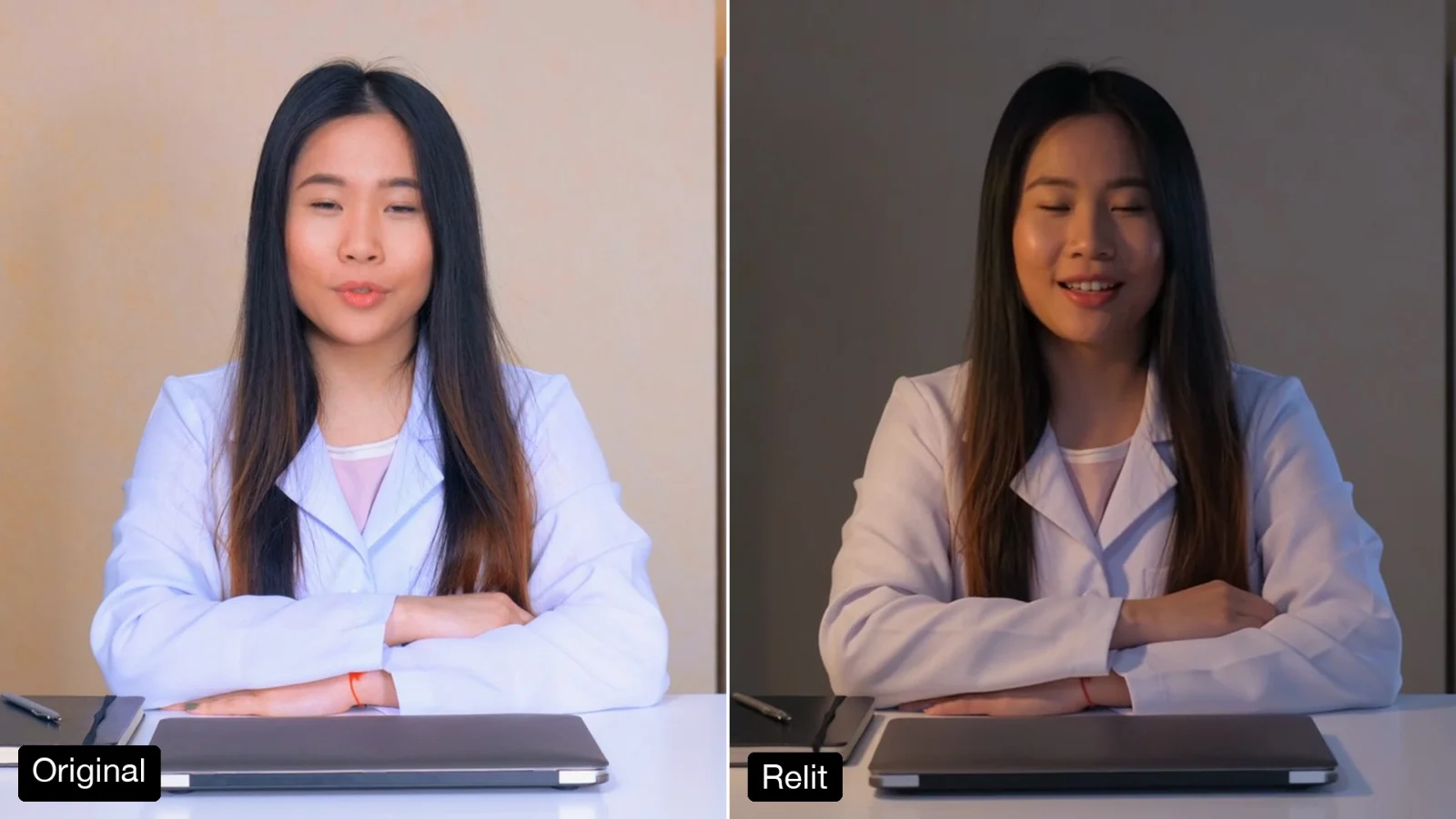
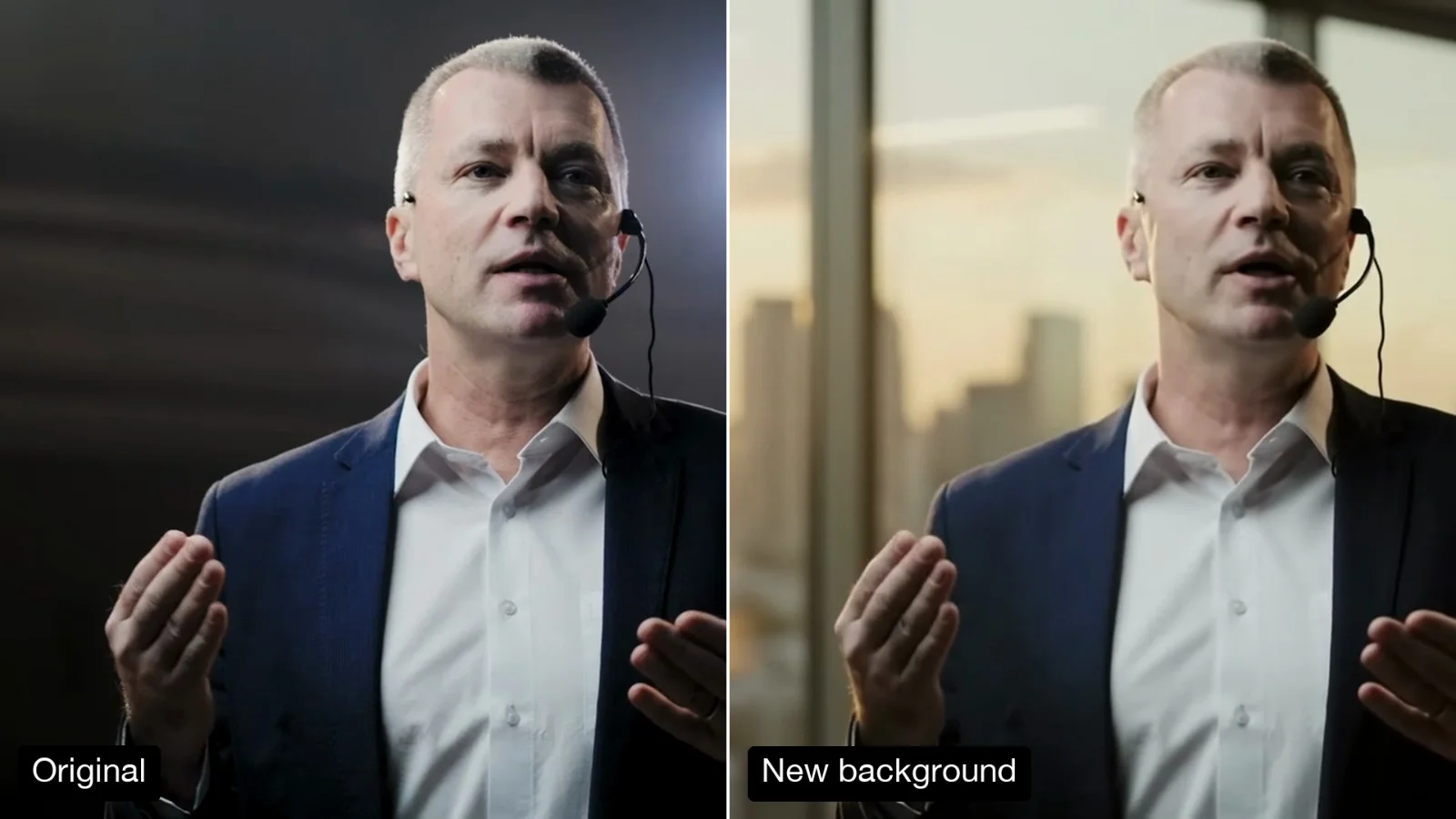
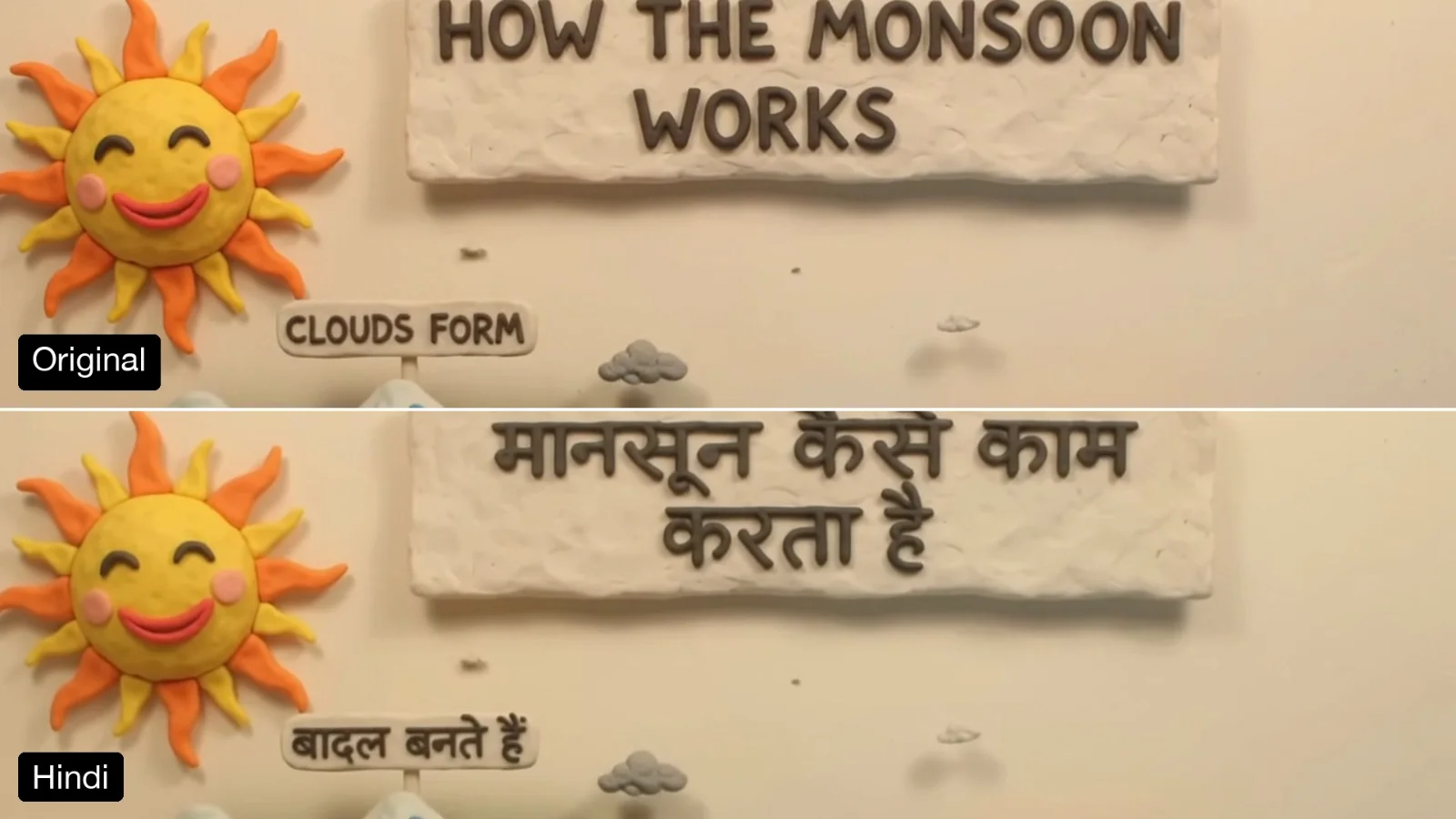
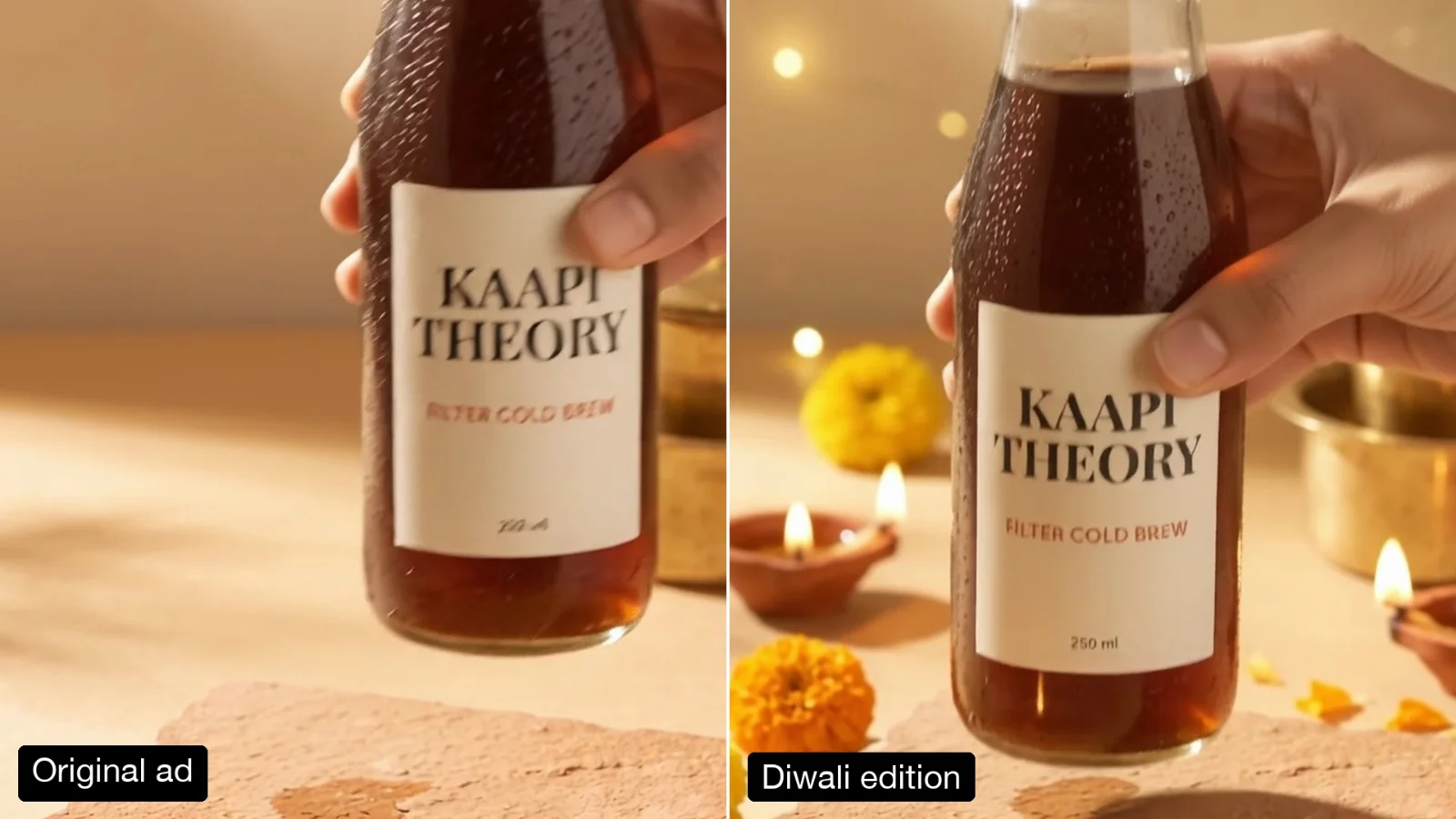
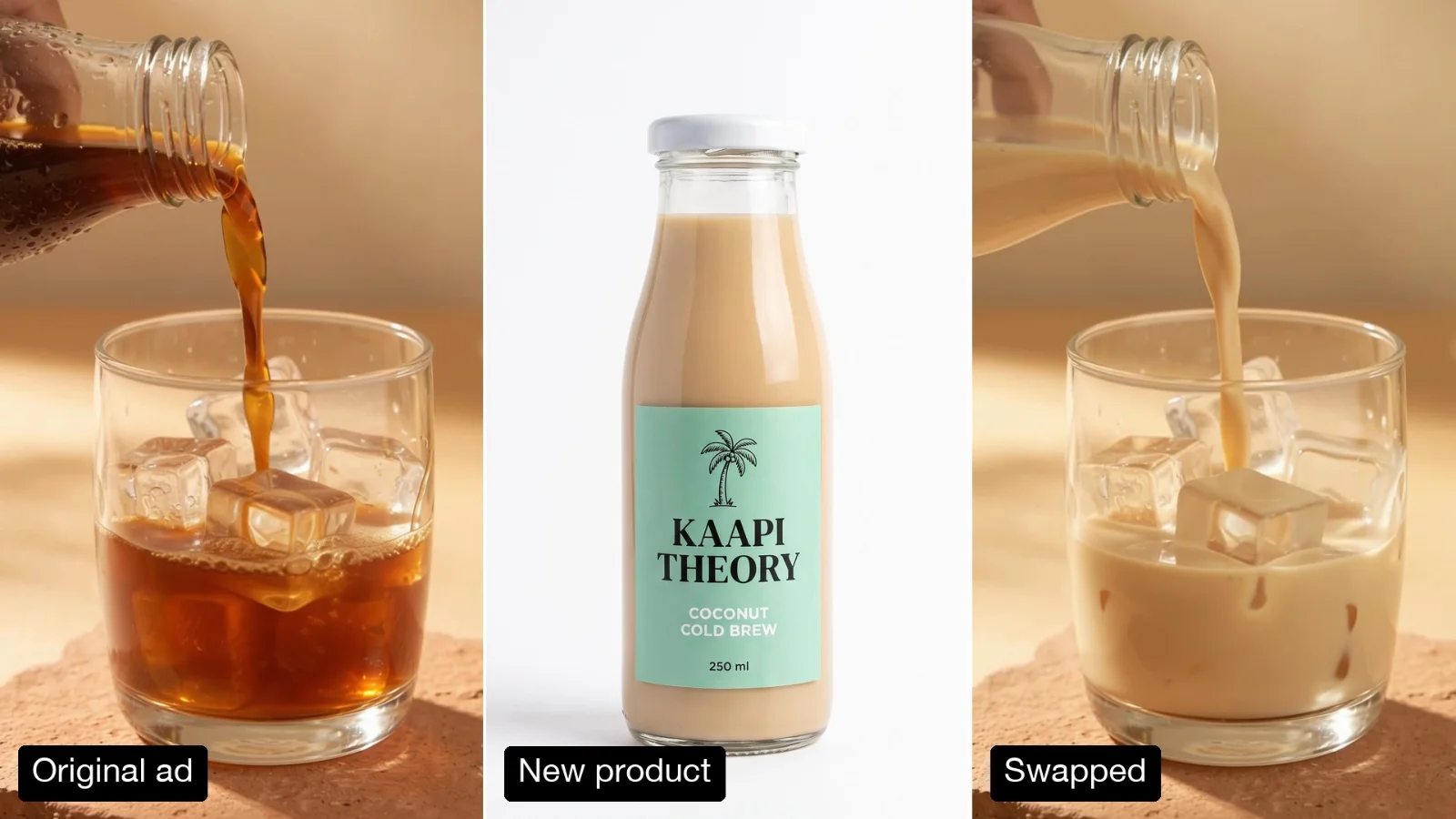
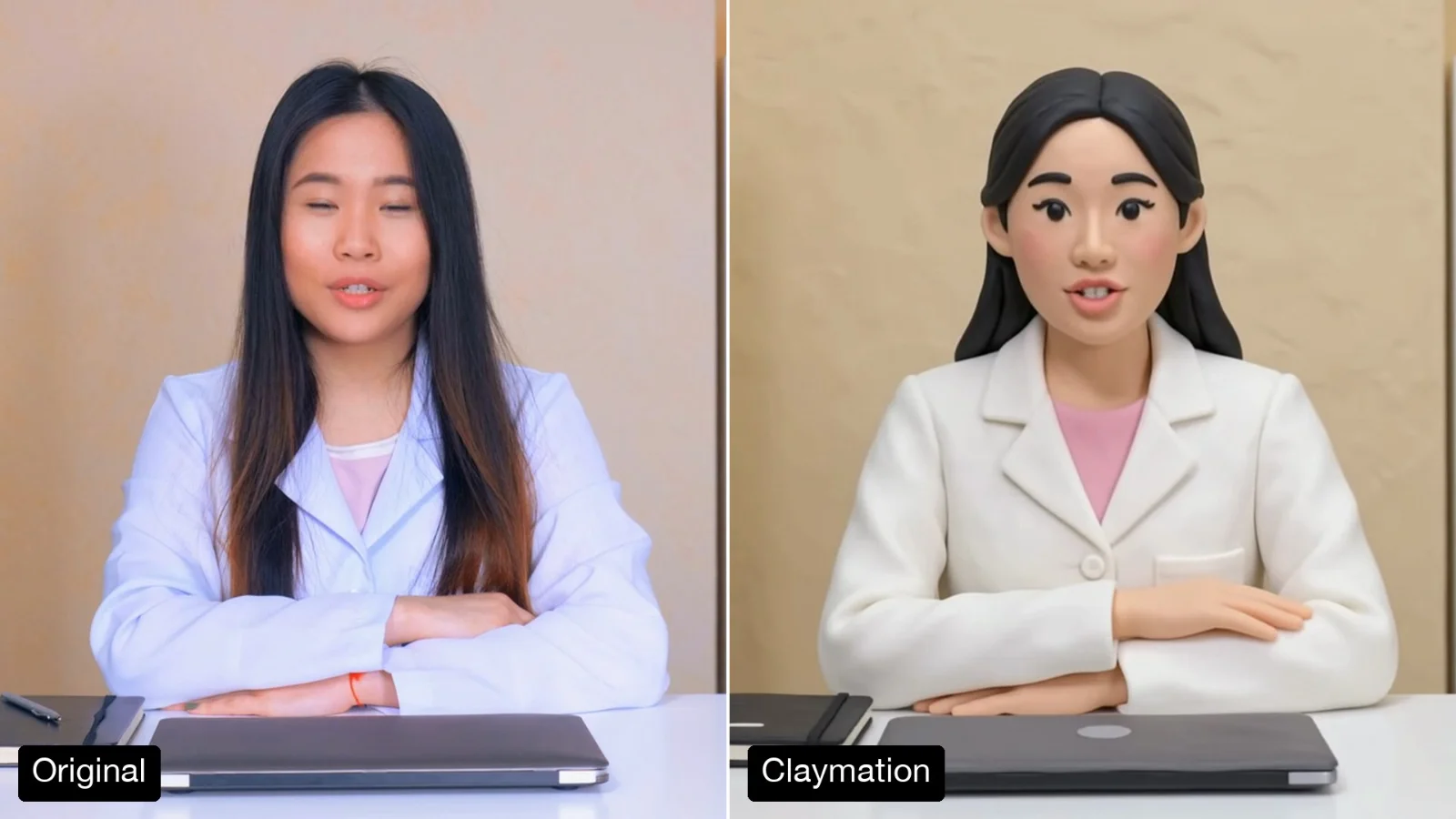
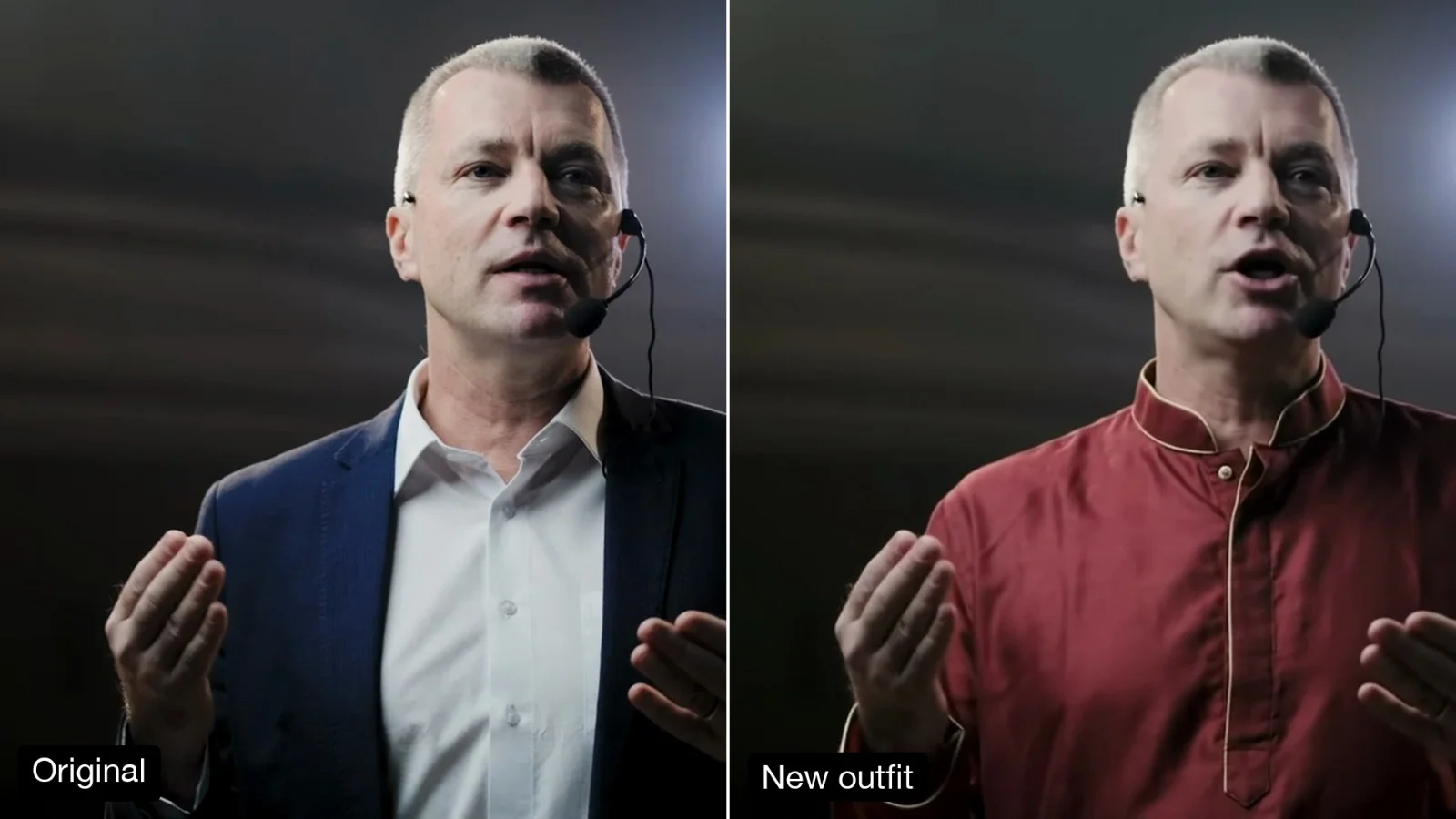
Left, a 10-second explainer made at 720p with the Animated Flow Diagram template. Right, the same clip after one run at 1080p.
About this Pixelflow
Upscale a Video to 1080p or 4K makes a clip of up to 15 seconds sharper and larger: 720p to 1080p or 4K, 1080p to 4K, or a 360p draft to 720p or 1080p. The take, timing and sound stay the same. Made with Gemini Omni 1.2 Flash for creators who draft at low resolution and deliver the take they like.
A clip of up to 15 seconds, landscape or vertical.
Type 1080p or 4k.
Gemini Omni 1.2 Flash adds detail and returns the same take at the new size.
Only the size and detail change.
1080p for social and web, 4K for large screens.
Edges, text and textures are redrawn sharper, not just stretched.
Every frame, cut and sound stays where it was.
Pick a size above your clip’s own.
To 720p or 1080p.
To 1080p or 4K.
To 4K.
Gemini Omni 1.2 Flash upscale.
Make drafts at 720p and upscale only the take you approve.
Bring an older or small clip up to 1080p.
Prepare a clip for large screens, ads or a client master.
Building with it? Read the Upscale a Video to 1080p or 4K API docs.
In our tests a 720p clip upscaled to 1080p was close to one made at 1080p, and it keeps the exact take you approved.
It is kept as it was.
Clips up to 15 seconds in landscape 16:9 or vertical 9:16.
Yes. It runs through the Pixelflow API with the same inputs: submit a run, then poll for the result.
Call it from your code with the same inputs you used here, or talk to us about running it at volume. Segmind is an authorised channel partner of ElevenLabs, Google, ByteDance, Alibaba, OpenAI, Kling and 40+ more AI providers.