
Any garment
Kurtas, sarees, suits, jackets, uniforms or costumes, in the colour and fabric you name.
Change the outfit in a video and keep everything else: face, gestures, lip movement and background. Describe the new clothes. Made with Gemini Omni 1.2 Flash.
Your generated content will appear here
Example
Left, a free stock clip of a speaker on stage (Mixkit). Right, one run asking for a maroon silk kurta with a gold border. His gestures, headset and the stage lights stay.
About this Pixelflow
Wardrobe Swap on Real Footage changes what the person in your clip is wearing and keeps the rest of the take: their face, gestures, lip movement, background and framing. Upload a clip, describe the new outfit in one sentence and get the same take back in new clothes. Made with Gemini 3.8 Flash and Gemini Omni 1.2 Flash for creators and brands.
Add a clip of up to 15 seconds with the person clearly in view.
Write one sentence: the garment, colour, fabric, borders and any accessories.
Gemini 3.8 Flash watches the clip and writes what to change and what to keep. Gemini Omni 1.2 Flash makes the edit.
Only the outfit changes, and it moves with the person like real fabric.
Kurtas, sarees, suits, jackets, uniforms or costumes, in the colour and fabric you name.
Add earrings, a scarf, a watch or a cap along with the outfit.
The new fabric folds, moves and catches the light of the original shot.
The edit follows your clip, so it drops back into your timeline.
MP4 with sound.
Same as your clip, up to 15 seconds.
Follows your clip, landscape or vertical.
720p.
Gemini Omni 1.2 Flash makes the video and Gemini 3.8 Flash writes the prompt.
Put the same creator in a kurta for Diwali or a coat for winter without a reshoot.
Test wardrobe ideas on a rehearsal take before buying or renting.
Restyle one creator video for different audiences, each in its own outfit.
Building with it? Read the Wardrobe Swap on Real Footage API docs.
Not yet. Describe it in words: garment, colour, fabric, pattern and accessories.
Clips that show real brand logos, packaging or posters can be refused by the video model’s copyright filter, and the edit is not billed when that happens. Use footage without visible brands.
Say who to change, such as the man on the left. If you don’t, the person most in view is changed.
Yes. It runs through the Pixelflow API with the same inputs: submit a run, then poll for the result.
 Remove an Object from a Video
 Turn Real Footage into Claymation
 Relight a Video to Evening or Golden Hour
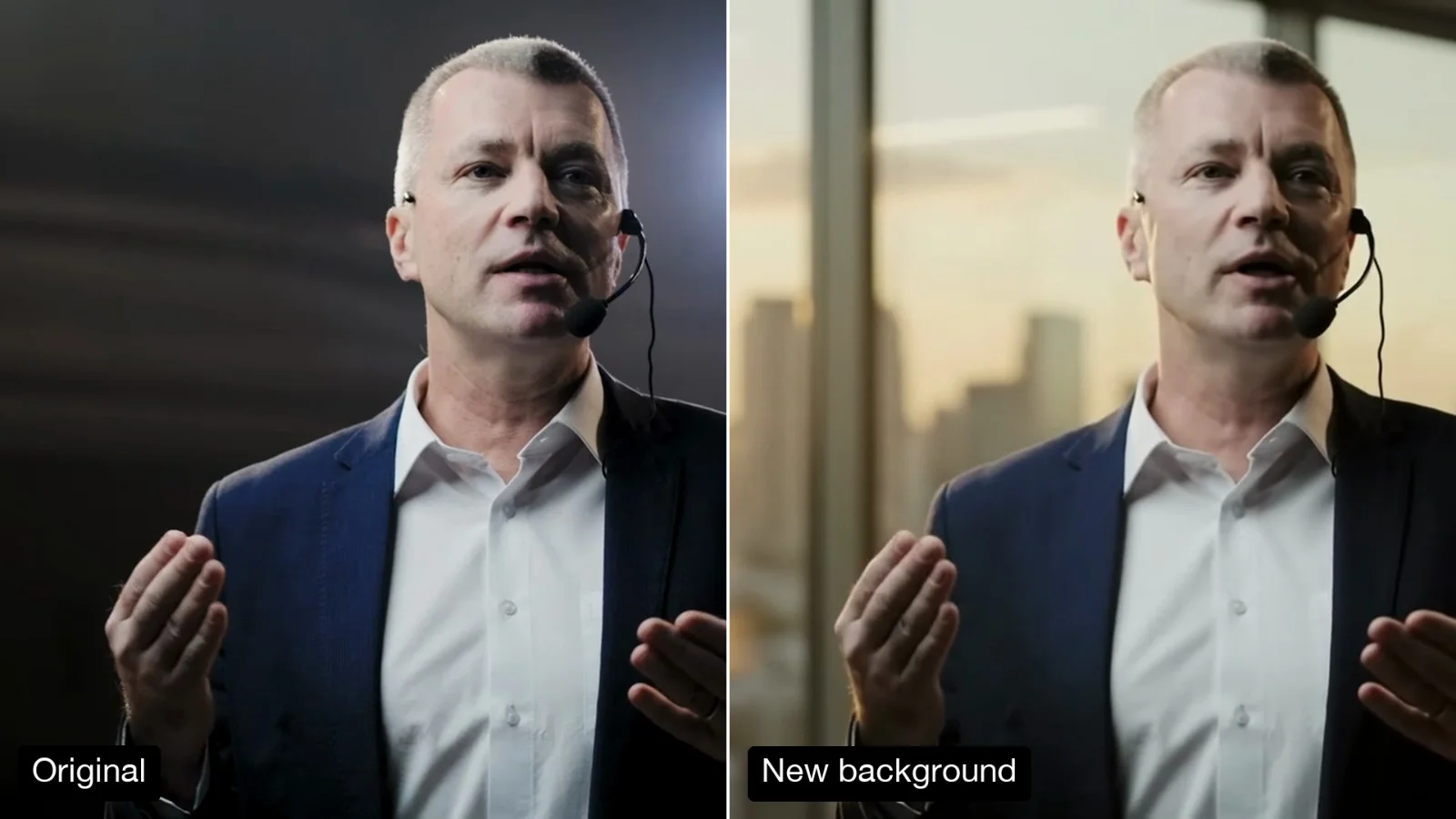 Change the Background of a Video
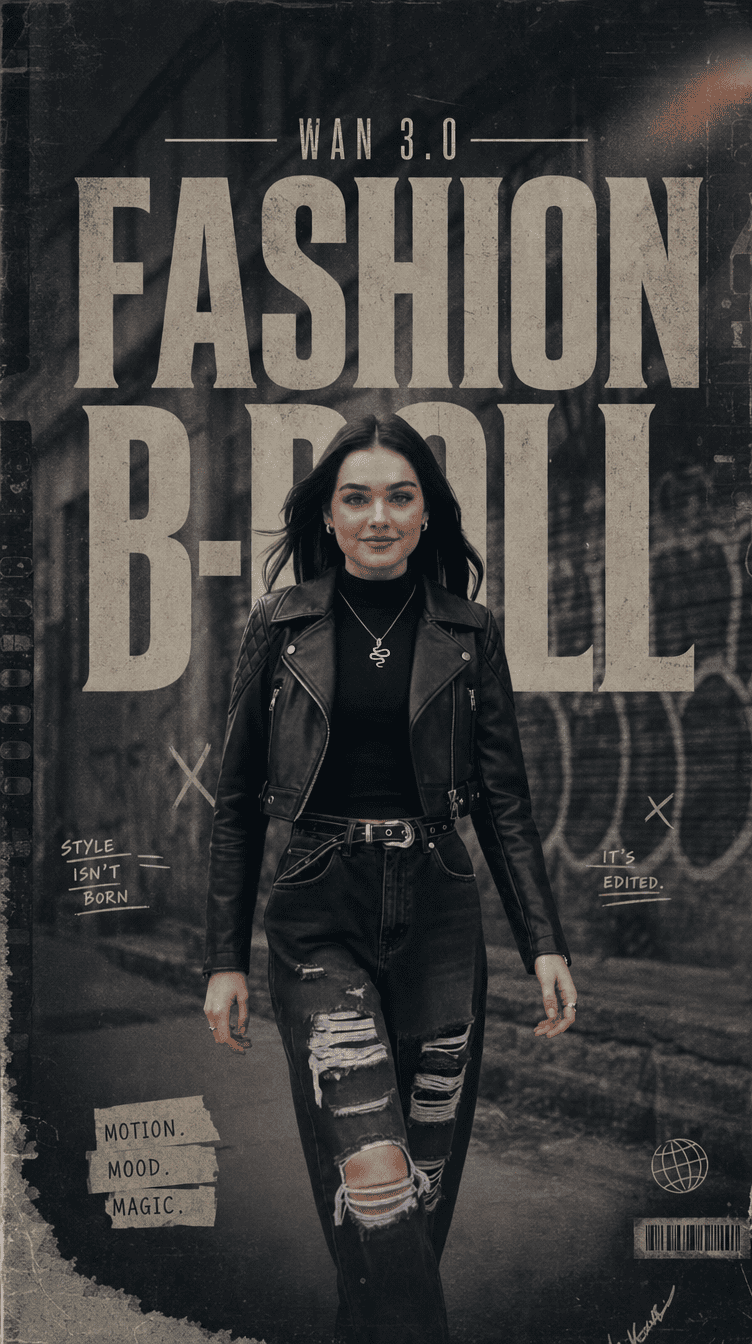 Fashion B-Roll - Wan 3.0
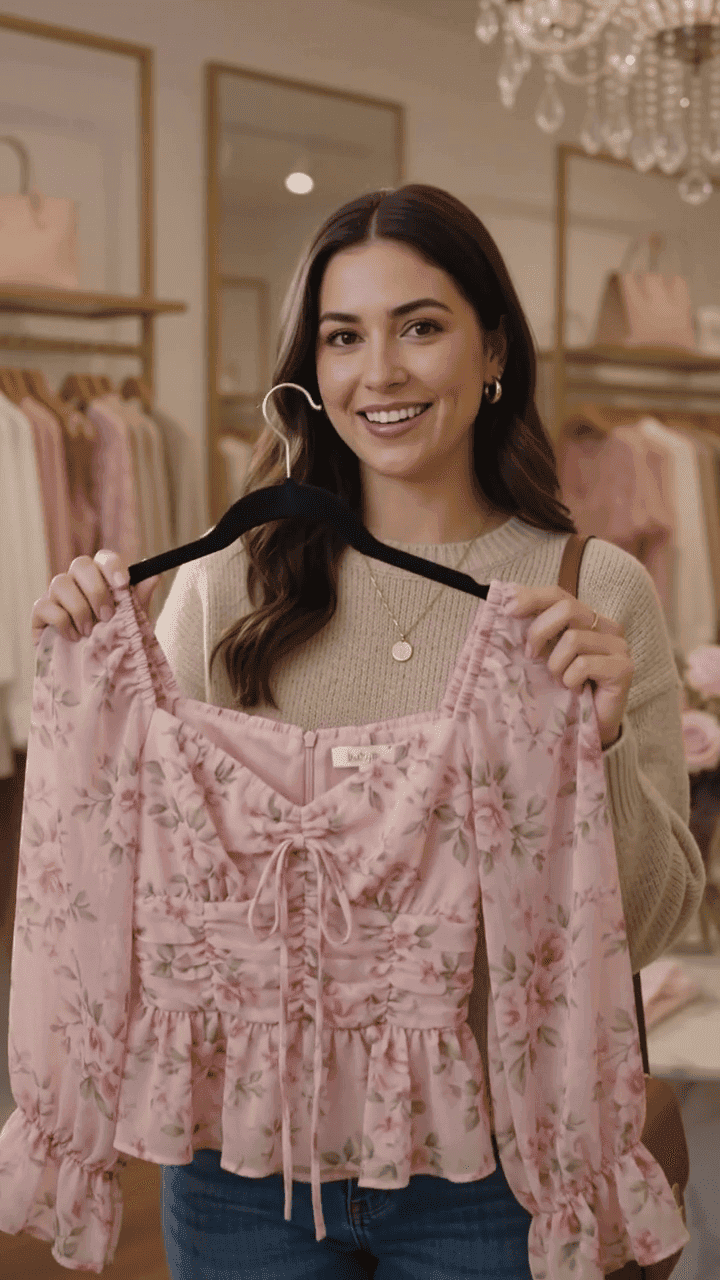 Fashion Fit Check Video Creation with Gemini Omni Flash
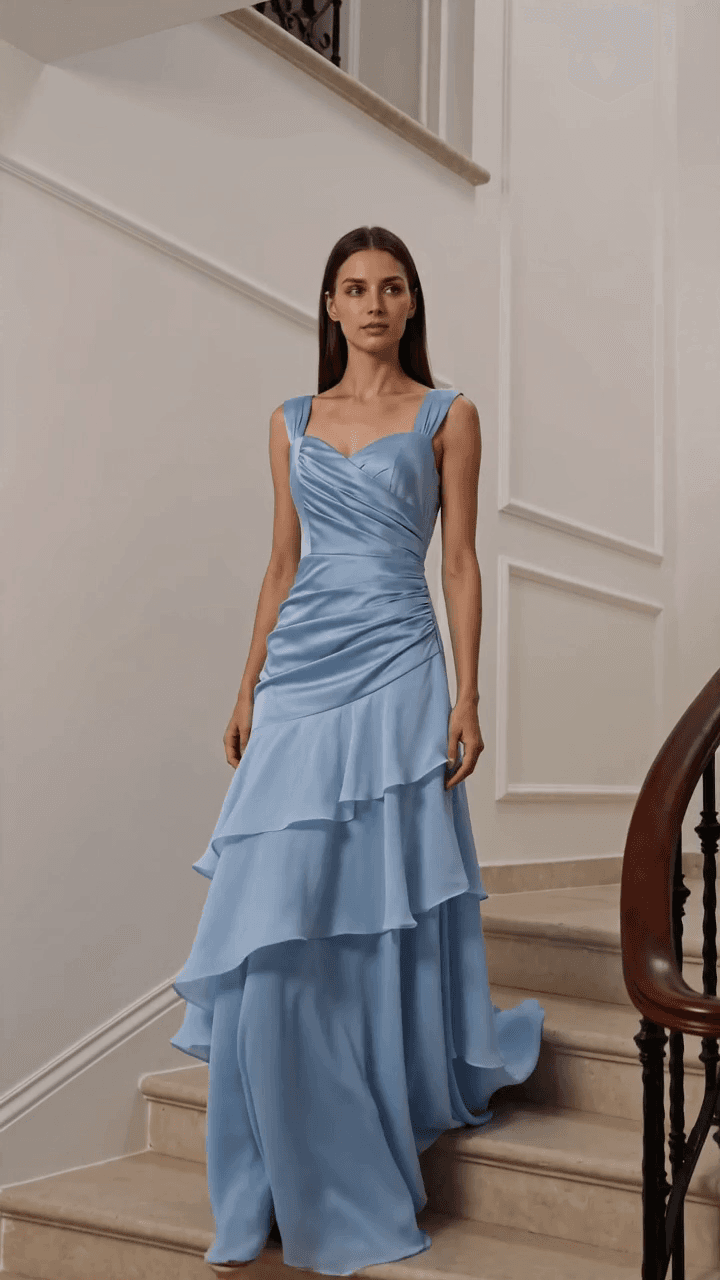 Lifestyle Product B-Roll Reel with Seedance 2.0 and Nano Banana 2
 Cinematic Fashion Video Generation with Nano Banana 2 and Seedance 2.0
Call it from your code with the same inputs you used here, or talk to us about running it at volume. Segmind is an authorised channel partner of ElevenLabs, Google, ByteDance, Alibaba, OpenAI, Kling and 40+ more AI providers.